
This item is no longer available.
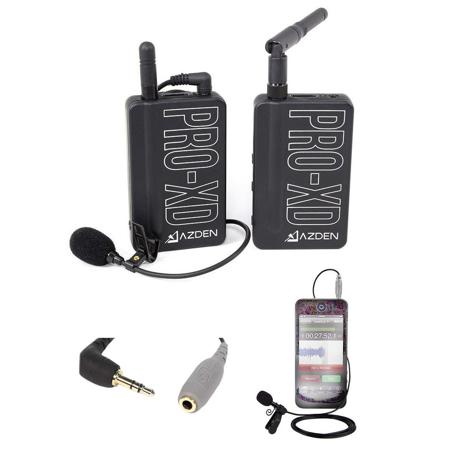
The PRO-XD is part of the Azden® i-Coustics™ sub-brand, which is a group of audio products that are compatible with smartphones and tablets. The PRO-XD system comes with an adapter cable (HX-i) that allows the audio output cable to plug into the headset input of a mobile device. The HX-i adapter is compatible with current iPhone and iPad models, Samsung Galaxy phones and tablets, as well as many other popular Android phones and tablets.
How to connect to a mobile device:
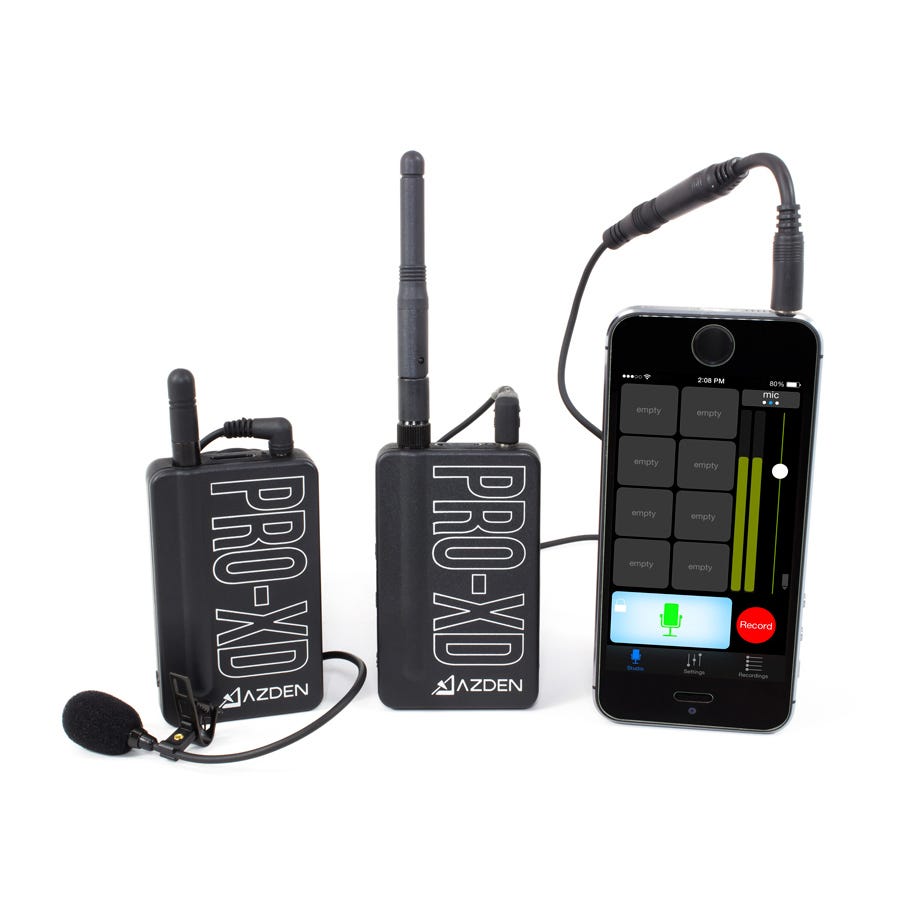
1. Plug the male end of the HX-i adapter cable into your mobile device. If your device is inside of a case, it may be necessary to remove it in order to make a full connection.
2. Plug one end of the included audio output cable into the female end of the HX-i cable.
3. Plug the other end of the audio output cable into the MIC OUT of the PRO-XDR receiver.
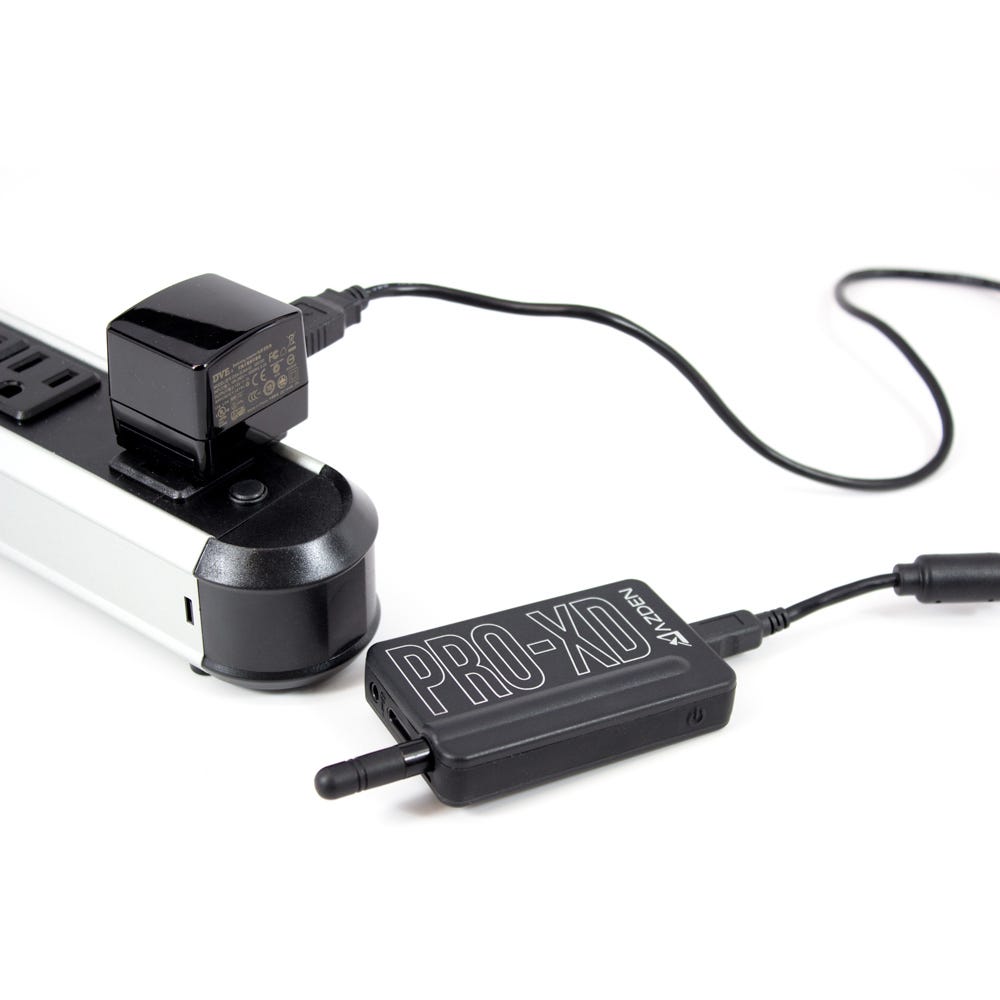
The PRO-XDT transmitter and PRO-XDR receiver both have an internal lithium-ion rechargeable battery inside. Both units charge via the USB mini port located at the bottom. You may use the included USB cable and AC adapter to charge the units. Charging may also be done with 3rd party cables and AC adapters, or by connecting the units to a standard computer USB port. The total full charge time for either unit is approximately 3 - 3.5 hours. The max run time from a full battery on the transmitter is approximately 11 hours while for the receiver it is approximately 16 hours. It is also possible to operate the receiver and transmitter while being charged.
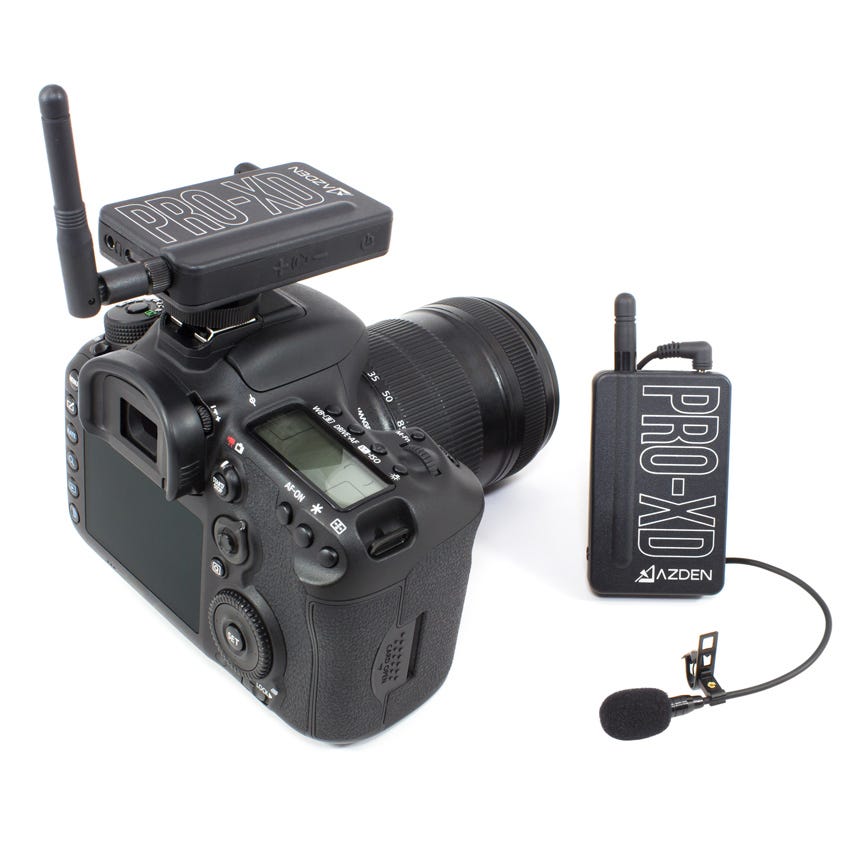
The PRO-XDR comes with a standard camera shoe mount attached for easy mounting to a DSLR Camera. To mount the receiver, slide the shoe mount into the camera’s shoe mount slot. Tighten the thumb screw to secure the receiver in the mount.
An audio output cable is included in this kit to connect the receiver’s microphone output to the 3.5mm microphone input of your camera (standard on most DSLR cameras). Once connected, most cameras will automatically sense that there is an external microphone being used. However, some cameras may require that you manually select the input audio source.
If you wish to plug the PRO-XDR microphone output into a 3-pin XLR microphone input, this can be done with an adapter (sold separately).