This item is no longer available.
Review Summary
2023-06-05T20:00:00
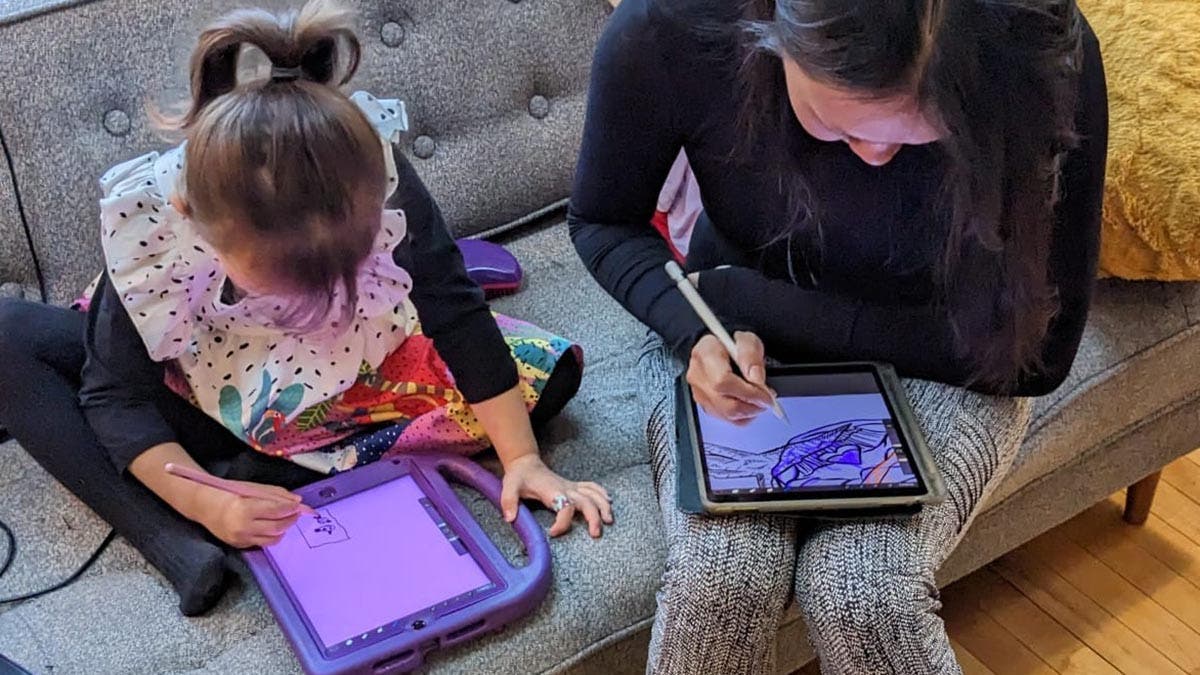
Great features for my needs in teaching mathematics, and my daughter's needs in artwork and designing. We love using the pen versus using the mouse. Lots of support applications.
Art O.

2023-02-27T19:00:00
Excellent starter. Brand new into pen displays and think the price point and quality with features is fantastic. Still playing around with all the software and features but very happy overall.
CK
2023-01-01T19:00:00
The kids love it
Ya
2022-12-25T19:00:00
The Best I Love it
Joey
2022-09-19T20:00:00
Works great
John B.
2021-12-22T09:11:40
I would highly recommend this display to anyone wishing to get started with digital art. It's one of Wacom's cheapest display tablets. Be sure to download the driver from the website before using it and make sure to pay close attention to the USB cables on the included connection cable. If you're a professional, you may want to take a look at Wacom's pricier offerings but the degree of sensitivity of this model should be good enough for most people.
ANTHONY M.
2021-12-22T09:06:37
Our daughter really loves the drawing tablet. It's essentially detected by Windows as a second monitor with touch-sensitive functions. The only thing to keep in mind it to pay special attention to the USB connectors on the included cable. One is specifically for the power block and the other plugs into the PC itself. Our daughter took it upon herself to connect the wires so I had no idea that the power block even had a USB interface on it. If the drawing tablet isn't responding, make sure that these connectors aren't swapped. If you are or know someone who is just starting to get into digital art, I would highly recommend starting with the Wacom One since it will provide more than enough sensitivity levels for your digital creations.
ANTHONY M.
2021-12-14T09:43:58
I ordered Wacom One tablet through Adorma and we received the package with in 5 days and the packing is so perfect even if it have fell from anyone during the transport, it can not be broken. Thanks for such a nice service
MANISH M.
2021-08-25T12:29:37
This is my first drawing tablet where you write on the screen. So far I've really enjoyed it. The setup was simple enough for me. It offers decent color, pressure, and pen accuracy. You can power it from a USB port on your laptop so you can draw in the park or anywhere you don't have wall power. Overall I think it was a good choice as my first on screen drawing tablet. In a few years as my skills improve I will probably upgrade to something bigger/better, so this is a great fit for a beginner/amateur artist. In case anyone was wondering I have this running to a very old surface pro using mini DisplayPort. I had to get an HDMI to mini DisplayPort cord as well as an HDMI coupler to connect this to my PC. I initially had problems when I bought an HDMI to mini display port adapter, but everything has worked flawlessly since I switched the adapter for an actual HDMI to DisplayPort cable.
cole c.
2021-08-20T08:31:30
Works pretty well, and great free software (e.g. OpenBoard) is available. I wish they could create a less messy cord system. Perhaps, for supporting computers, just USB-C/Thunderbolt would work? (Can?t test it because it?s set up so only their cord can be used.)
JOSHUA Z.
2021-04-14T09:36:48
I bought this Pen Tablet for my son that is an engineering student; he already has another Wacom Pen Display, but it is too big to carry around, so this smaller one works perfect for him. He really like it and he believe that makes his work easier and efficient.
RAYMOND C.
2021-04-14T09:34:15
I bought this Pen Tablet for my son that is an engineering student; he already has another Wacom Pen Display, but it is too big to carry around, so this smaller one works perfect for him. He really like it and he believe that makes his work easier and efficient.
RAYMOND C.
2021-02-13T19:00:00
I recommend this product to all
Sam
2020-12-24T19:00:00
Is good device for beginners drawing, the thing I don’t like is we have to pair it with the laptop when we travel
Akira
2020-12-02T19:00:00
Excellent digitizer for my laptop to work on art and priced right.
John M.
2020-07-25T20:00:00
It can be an outstanding tool for distance learning teaching. Use it to display your presentation. You can use this tool to model to your students as you underline, highlight, and write step by steps. I highly recommend you watch the YouTube video that show how to use Wacom and Peardeck to enhance learning and propel engagement in a distant learning model. Best choice and teacher friendly.
Dr P.
2020-07-22T20:00:00
I bought this for my son who wants to get into animation and game design. He has been practicing using it since he got it last week. He had used another tablet, which he found difficult to use. Mainly, it would mess up his drawing because he couldn't rest his hand on the tablet at all. With this one, he was able to turn off the pressure sensitivity. He found it way easier to work with. He has created some pieces, but knows he needs more practice with it.
SoCalGamer

Accidents happen where life happens. Protect your favorite Adorama products and purchase a protection plan to stay covered from accidental damage, mechanical or electrical failure, and more.

If we can’t fix it, we’ll replace it at no additional cost.

Protect your product from drops, spills, and more.

Enjoy your gear without fear. We have you covered!

When regular use of your product over time results in mechanical or electrical failure.

We will never charge you a deductible after the purchase of a plan.

Our claims process is simple & easy and our customer service team is happy to help.
Adorama Protect powered by Extend is available for purchase to customers in the United States. Not available for purchase Internationally or in U.S. Territories.
Browse our FAQ