Overview
Compare
Specs
Protection
Q&A

Questions & Answers

FAQ

What are the main features of Adobe Premiere Elements 2025?

Adobe Premiere Elements 2025 offers AI-powered automation for video editing, stylish text design, color correction, free Adobe Stock title templates, and the ability to create Highlight Reels, slideshows, and social media posts.

Can I use Adobe Premiere Elements 2025 on mobile devices?

Yes, Adobe Premiere Elements 2025 includes web and mobile companion apps (beta) that allow you to edit videos on the go.

How does Adobe Premiere Elements 2025 help with media organization?

Adobe Premiere Elements 2025 provides efficient media organization tools to streamline your creative workflow, making it easier to manage and locate your media files.

Does Adobe Premiere Elements 2025 include any templates?

Yes, it includes free Adobe Stock title templates to help you design stylish text and enhance your video projects.

Reviews about this item

Review Summary

Adobe Premiere Elements 2025 Specifications

  • Delivery Method

    Download

  • Duration

    3-Year

  • Supported Operating Systems

    PC/Mac

  • UPC Code

    883919304212

About Adobe Premiere Elements 2025

Create with AI

Photoshop Elements and Premiere Elements 2025 joins hands with AI to transform your editing. Remove unwanted objects, change colors, and combine multiple images/clips.

Cinematic feel

The software even helps you create cinematic depth in photos and bring motion to videos with one-click Quick Actions. Get pro-level results in just a few clicks.

Cinematic feel

Guided edits

With 59 Guided Edits in both Photoshop Elements 2025 and Premiere Elements 2025, even beginners can get smooth edits without feeling overwhelmed.

Guided edits

Web and mobile companion apps

Available with both Photoshop Elements 2025 and Premiere Elements 2025, these apps allow you to edit your projects from anywhere. Sync your files across devices!

Web and mobile companion apps

Seamless photo and video organization

Photoshop Elements and Premiere Elements 2025 have organization tools that allow you to group, sort, and tag your media easily.

Seamless photo and video organization

Adobe Photoshop Elements & Premiere Elements 2025 Features

  • Remove photo objects with AI power.
  • Create and control photo depth with AI.
  • Change the color of any object in your photo.
  • Seamlessly combine multiple pics.
  • Create dynamic video titles with text styling controls.
  • Access free Adobe Stock video title templates.
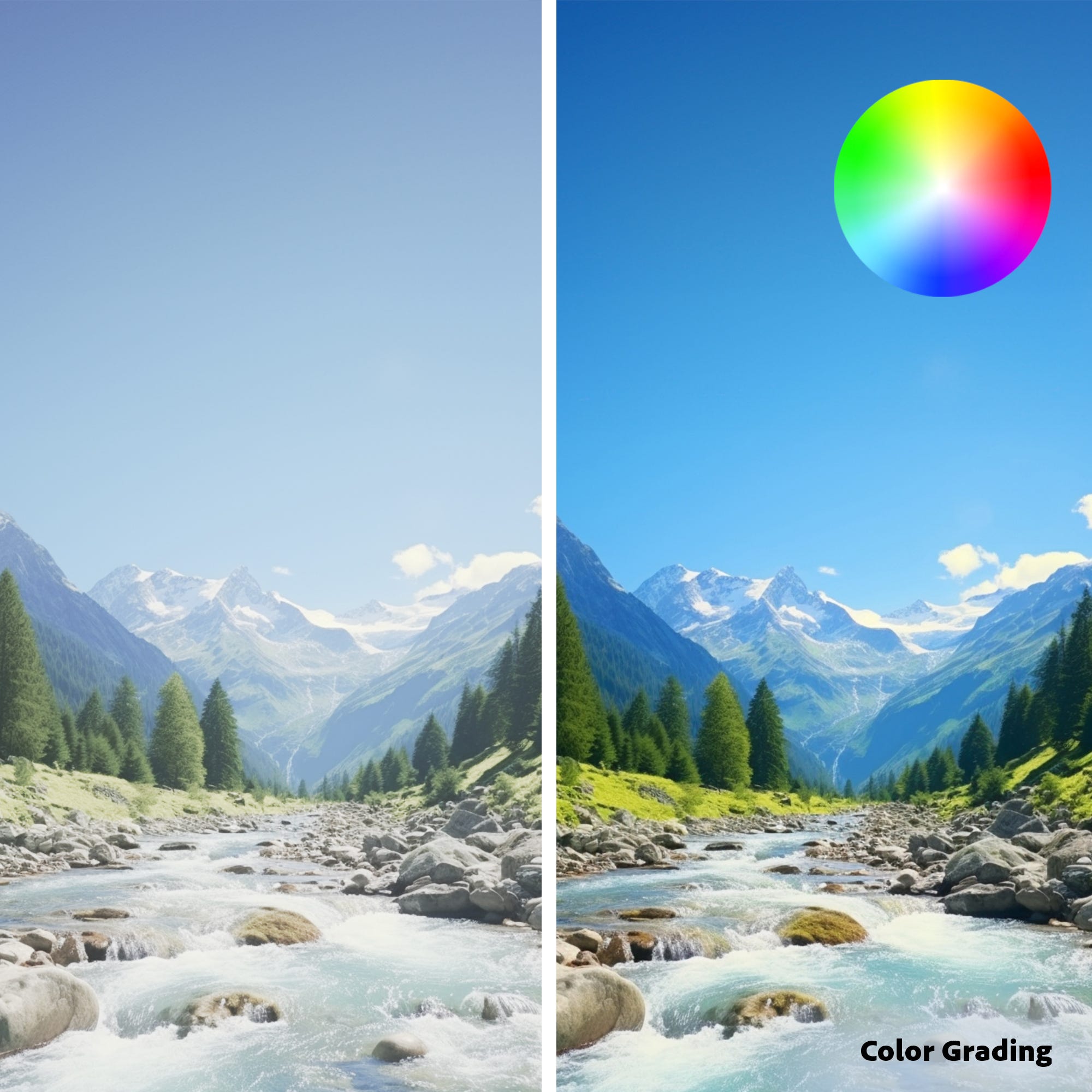
  • Enhance videos with color correction and color grading presets.
  • Edit video with the simplified timeline.
  • Be creative with photos using web and mobile beta apps.
  • 3-year term license for one low price — no recurring fees.
Features

Key Features

  • Edit videos like a pro with Adobe Premiere Elements 2025's user-friendly interface.
  • Enjoy fast performance when creating stunning movies with this powerful software.
  • Easily manage & share your video creations using Premiere Elements' feature set.
  • This 3-year license ensures long-term access to all the latest photo editing tools.
  • Create impressive videos on both PC & Mac with broad operating system compatibility.
  • Get expert-level results at a great price with Adobe Premiere Elements 2025 today!

What's in the box:

  • Adobe Premiere Elements 2025 3-Year License (Download)