
This item is no longer available.
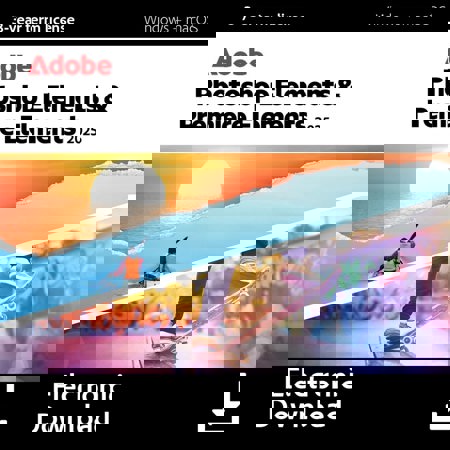
Because creativity knows no bounds, the Adobe Photoshop and Premiere Elements 2025 3-Year License offers an expansive suite of tools designed to elevate your photo and video editing experience. This comprehensive package, delivered in a convenient box with a license card, empowers you with cutting-edge features powered by AI technology, ensuring your projects are both stunning and effortless.
Explore the most popular features, starting with the AI-powered Remove tool and Object Removal Guided Edit, which allow you to seamlessly brush away unwanted objects from your images. Transform your photos by changing the color of any object with automatic selection tools, or blend multiple pictures to create unique compositions. Stylize your text with the Add Text Guided Edit, offering horizontal, vertical, or path-aligned text options, complete with gradients, textures, and patterns.
Bring cinematic motion to your photos by adding animated overlays or creating 3D camera motion, all powered by AI. With one-click subject selection, isolate and edit your photo's subject or background effortlessly. Enhance portraits with AI-driven tools that open closed eyes, adjust facial expressions, and smooth skin for the perfect shot every time.
Create beautiful photo collages using modern templates, and add fun filters and effects to transform your images with painterly looks, distortions, and more. With 59 Guided Edits, you can make simple adjustments or craft eye-catching effects with ease. Extend photo backgrounds using Content-Aware Fill technology, and move, scale, or duplicate objects to achieve your desired look.
For video enthusiasts, Adobe Premiere Elements offers a suite of tools to make your videos share-worthy. Auto-reframe your subject for social media, make precise selections with AI, and improve grainy videos shot in low light with the Reduce Noise effect. Smart Trim intelligently compiles the best scenes, while stop-motion video creation adds a dynamic touch to your projects.
Experience real-time effects with GPU-accelerated performance, and adjust shadows and highlights to reveal hidden details. Enhance your storytelling with fresh audio tracks and compress video files for easy sharing. AI and automation simplify editing, allowing you to add realistic depth of field, apply one-click Quick Actions, and access free Adobe Stock for creative inspiration.
Turn photos into art with Artistic Effects, and add motion to selected areas for a touch of movie magic. Layer animations, add camera motion, and warp photos to fit any shape. Automatic colorization breathes new life into black-and-white photos, while the new White Balance tool ensures perfect color accuracy.
With Adobe Photoshop and Premiere Elements 2025, you have the power to create, edit, and share your vision with the world. Whether you're a beginner or a seasoned pro, this software suite provides the tools you need to bring your creative ideas to life.