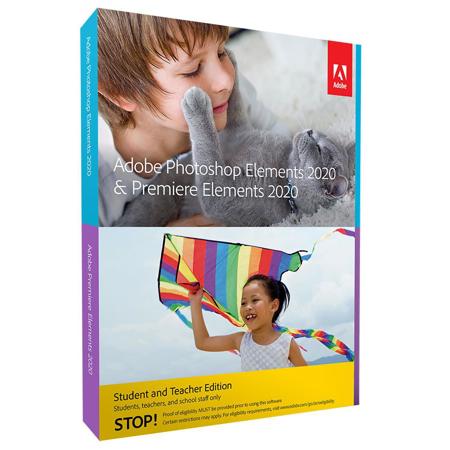

This item is no longer available.
Step-by-step Guided Edits show you how to do just about anything with your photos and videos. Easily remove unwanted objects or replace backgrounds in your photos, create time-lapse videos or bounce-back effects, and much more.

Whether you’re taking a quick selfie for social media, a team photo for the yearbook, or a series of shots for a class poster or presentation, Photoshop Elements offers simple editing options to make your photos look great.

Turn your raw footage into videos that get attention with Premiere Elements. Find clips of certain people or subjects fast thanks to auto-tagging. Easily improve grainy videos and automatically trim bad scenes. Make animated GIFs or full-length features with titles, effects, transitions, and music.

You take more photos and videos than ever—to capture your moods, relate your experiences, and express your point of view.

And since your life is wall-to-wall classes and clubs, studying and socializing, you need a better, faster way to manage and make the most of all those shots and clips sitting in your phone or camera.