2011-01-13T19:00:00
Rated 4 out of 5
Better than expected
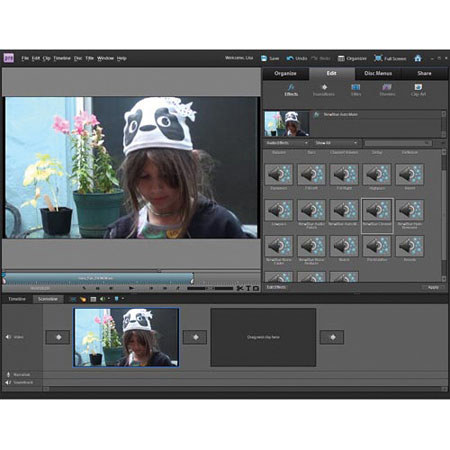
This software (the full version) came pre-installed on my ENVY 17 3D, and I use this for ALL of my video editing. I always used Windows Movie Maker, until I seen Premiere. I thought it was just a trial but opened it,and was surprised to see it was the full client! It is great for amateur users and even advanced users will find it an excellent tool. If your PC didn't come with this software, BUY IT! You will not regret it.
ChristianK93
Originally posted at

2010-11-21T19:00:00
Rated 5 out of 5
Not the Photo Editor version of Elements
I accidentally bought this thinking it was Photoshop Elements 9.0, and when I recieved Premier Elements for Video processing, I needed to return for the correct product, Photoshop Elements 9.0 for Mac.
As a user of Adobe Photoshop Lightroom, I am really pleased at the ability to take my post processing that one step beyond the tools in Lightroom. I can not really think of any reason a true photographer would require any more power than this Elements version provides. Versions of the newest tools from CS5,such as the content aware fill have been included along with a very clean interface. Elements and Lightroom really do the job and will satisfy all my needs.
BankerBob