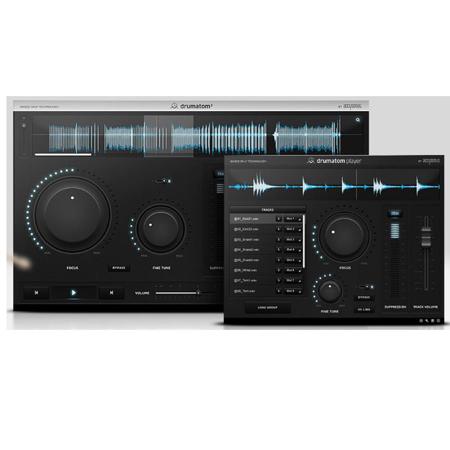
About Accusonus Drumatom2
Sophisticated Drum Mixing, Simply
Reduce or completely eliminate drum bleed. Not only during pauses, but on exact drum hits as well. Control Hi-Hat bleed on your Snare track, tighten up your close mics and free up headroom for the rest of your tracks. Fix poorly recorded drums and experiment with your mixing tools (EQs, Compressors, etc) without drum bleed. Drumatom2 is a standalone application. With every purchase, you get Drumatom2 Player, a companion Virtual Instrument Plug-In that allows playback and drum bleed adjustment of Drumatom2 processed groups (.dls) inside DAWs, for free.
Accusonus Drumatom2 Features
Fix poorly recorded drums
Create headroom for the rest of your mix
Preserve low-level signals, such as ghost notes in a Snare
Polish your sound with isolated drum processing
Achieve authentic mix results
Build your unique sound signature
Import drum recordings (WAV, AIFF, CAF)
Organize drum tracks into groups
Automatic name-identification of drum tracks
Drum group analysis using Machine Learning
Multiple groups batch analysis
Drum tracks waveform display and audio preview
Adjust drum bleed using the "Focus" knob
Make fine adjustments with the "Fine Tune" knob
Export processed tracks to WAV / AIFF files
Save / Open drumatom2 processed groups (.dls) files