
This item is no longer available.
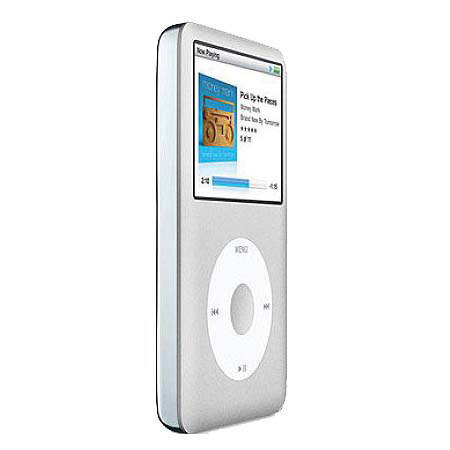
The Apple iPod Classic 160GB Digital Player offers the most storage of any iPod, the hard drive-based classic puts up to 40,000 songs, 200 hours of video, or 25,000 photos into your pocket. The classic features a bright 2.5" LCD screen, which displays album artwork and song information when playing music.
You'll be able to navigate through music using a standard playlist menu, or through the gorgeous Cover Flow system, which displays a virtual wall of your digital album covers on the iPod's color screen. Navigation is achieved using the venerable Click Wheel interface, which allows you to scroll through music and playlists by rotating your finger across its smooth surface.
Simply click one of the 5 controls -- the unlabeled center button, Play/Pause in the 6 o'clock position, Previous at 9 o'clock, Next at 3 o'clock and Menu at 12 o'clock -- to work your way through the intuitive menu system. To turn the device off, simply hold play for a few seconds. A physical "Hold" switch is located on the top of the device, allowing you to lock the controls to prevent an accidental song change or volume adjustment.