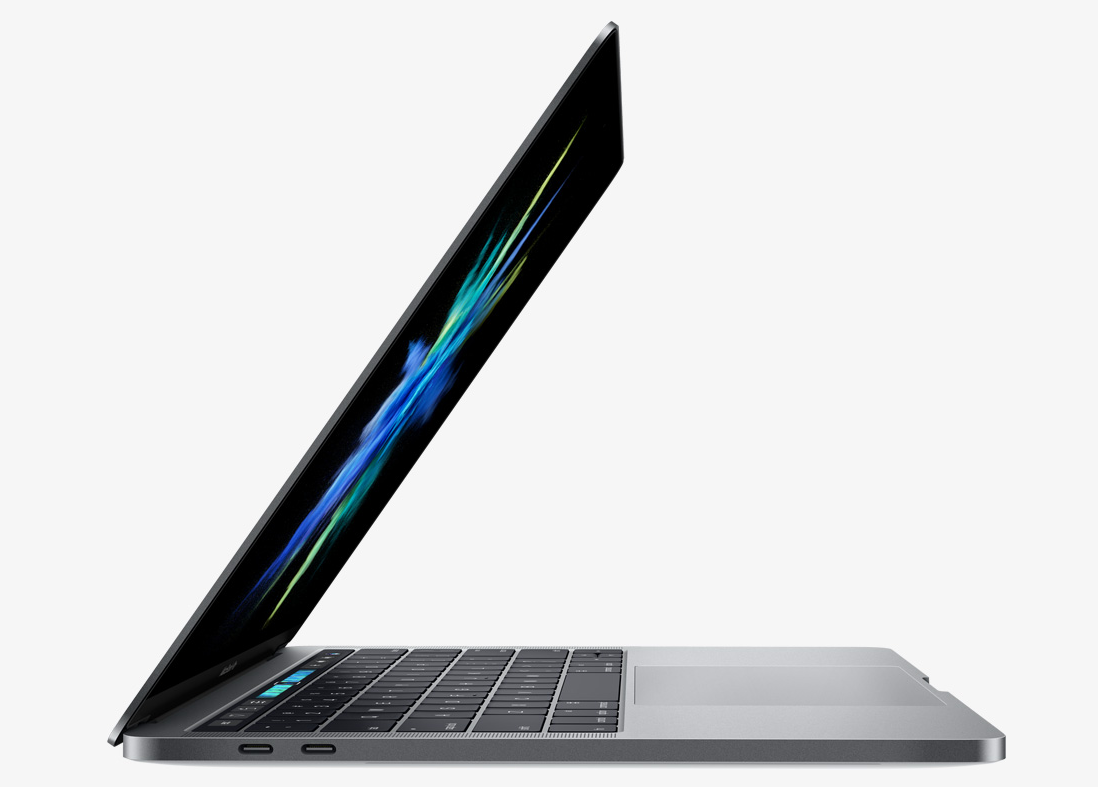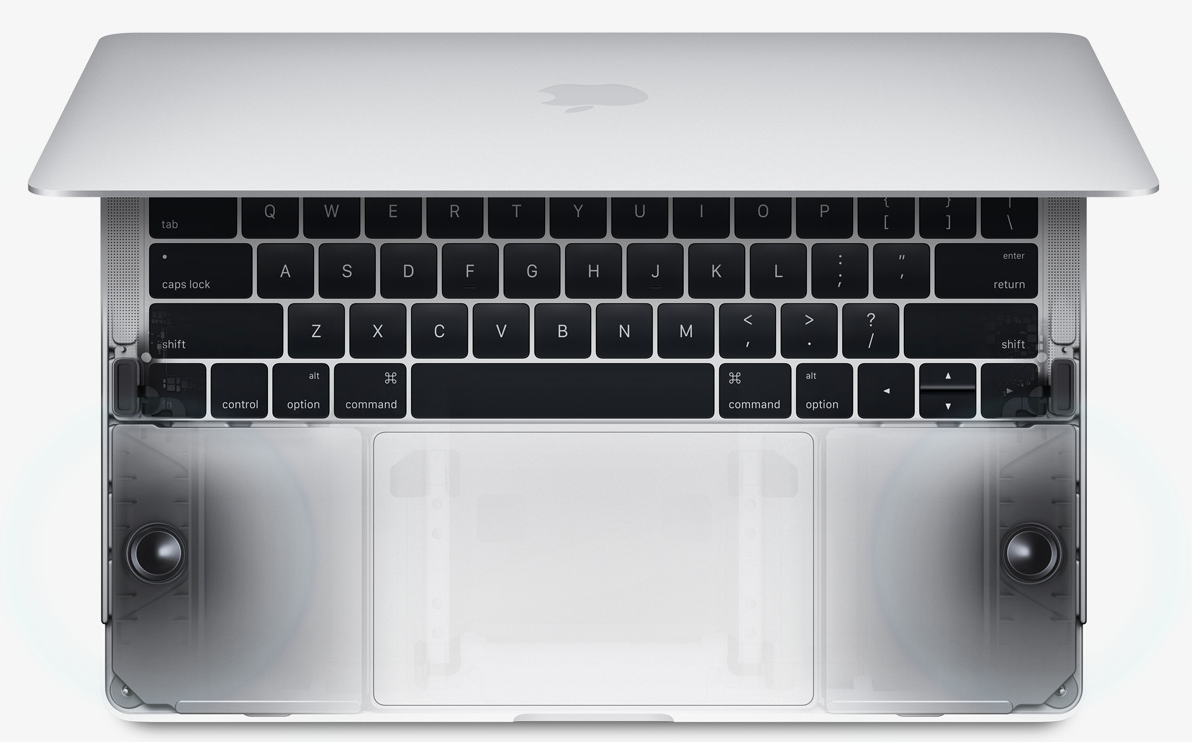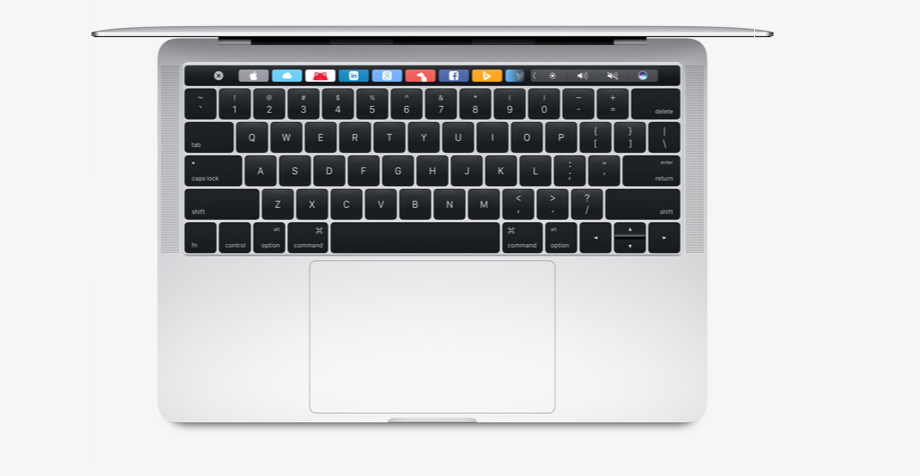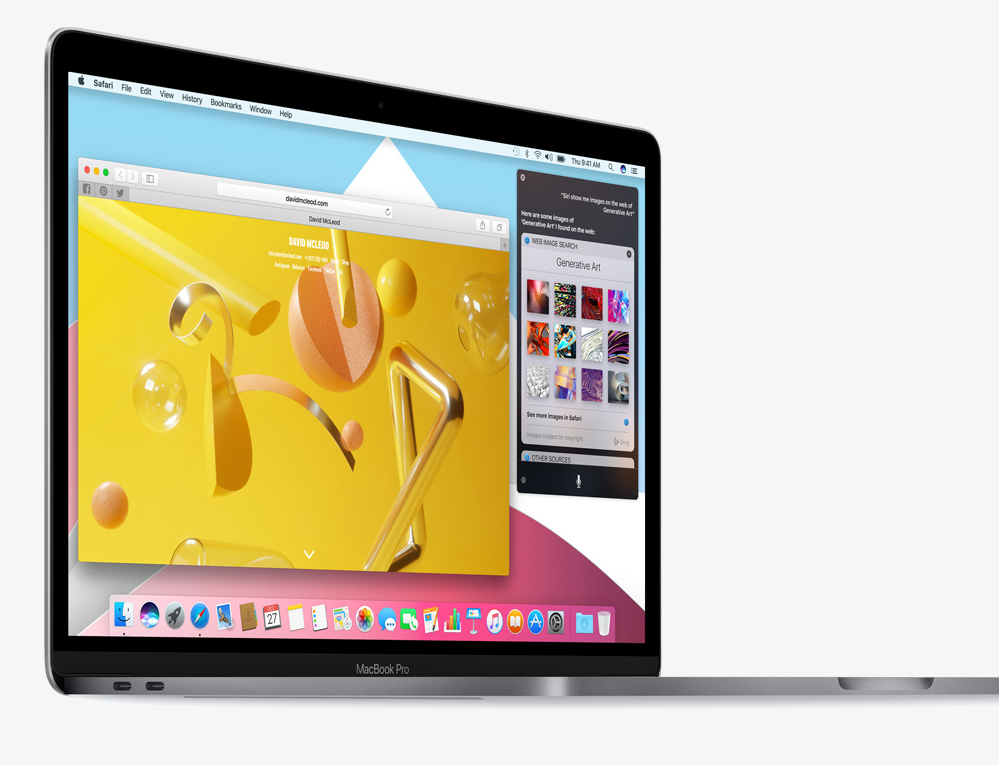
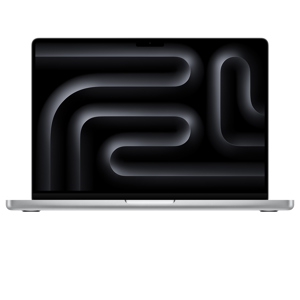
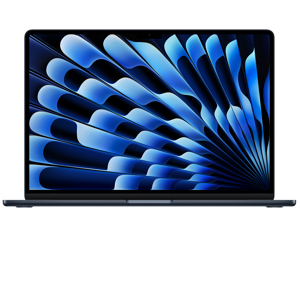
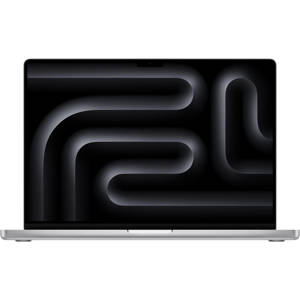
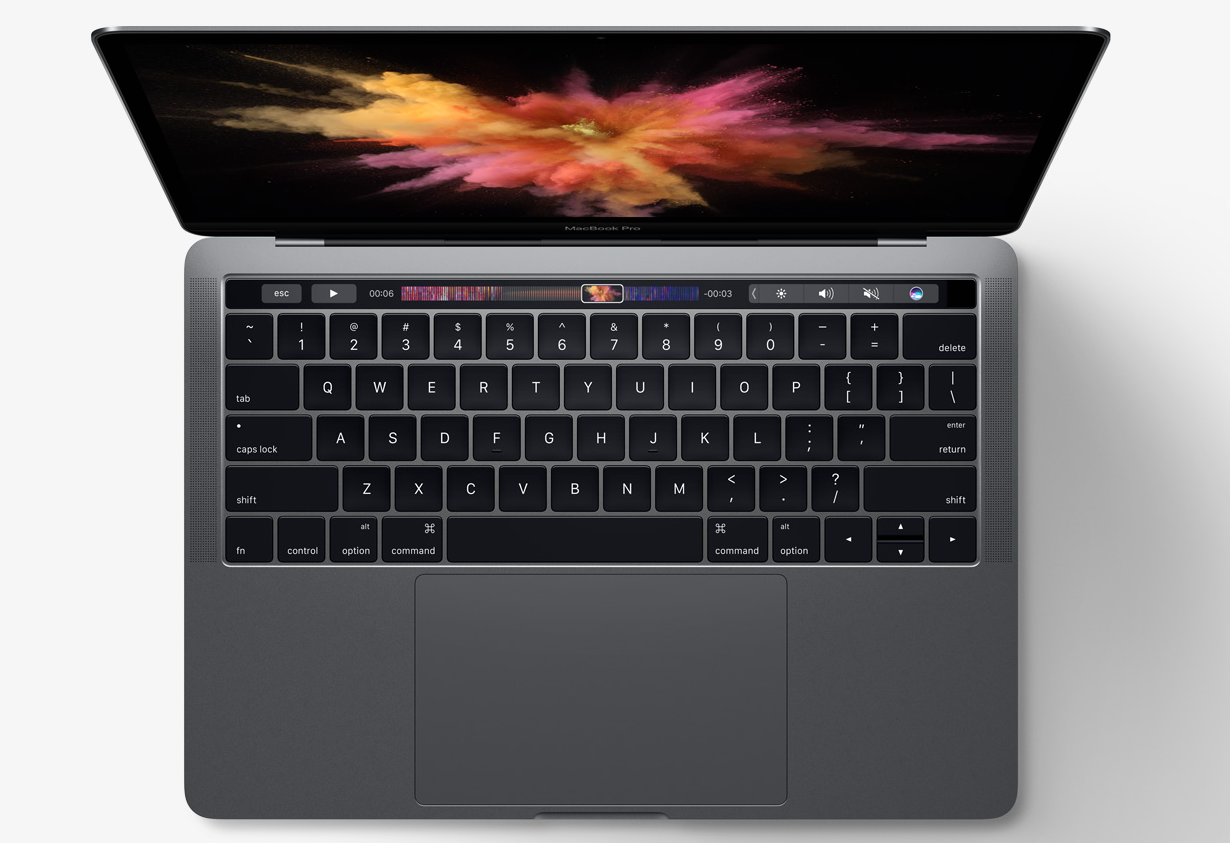
The Touch Bar replaces the function keys that have long occupied the top of your keyboard with something much more versatile and capable. It changes automatically based on what you’re doing to show you relevant tools you already know how to use — system controls like volume and brightness, interactive ways to adjust or browse through content, intelligent typing features like emoji and predictive text, and more. And for the first time, Touch ID is available on a Mac, enabling instant access to logins and fast, secure online purchases with Apple Pay.
Photos - Select a photo from your library, rotate images, and add a filter.
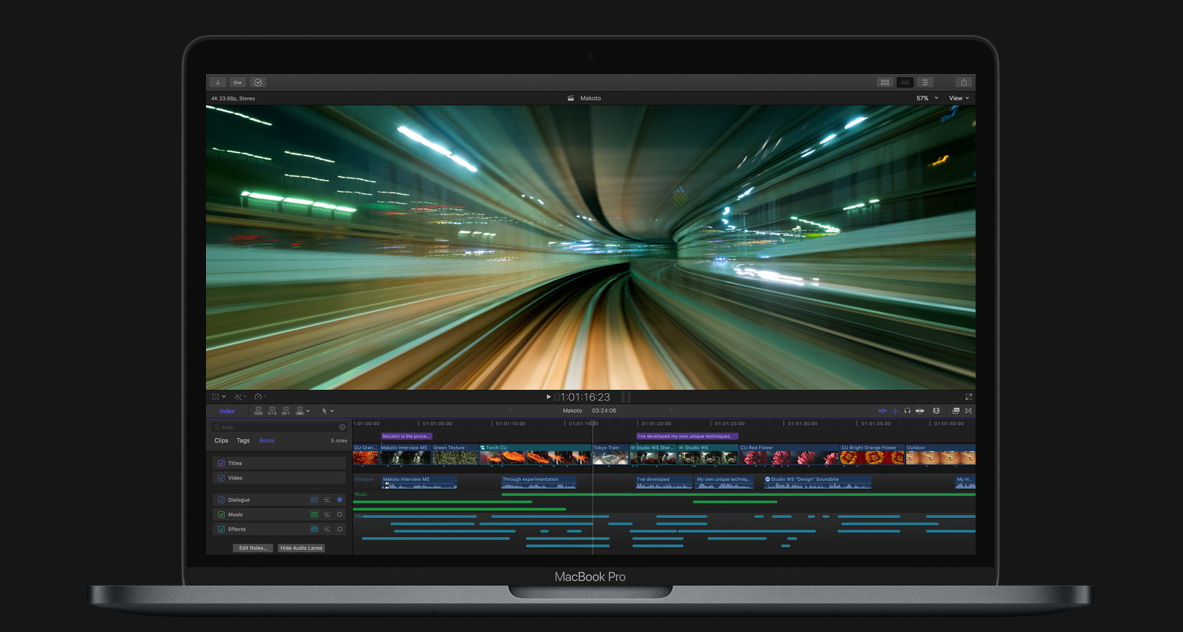
Final Cut Pro - Navigate through your project with an interactive display of your entire timeline.
Mail - Pick from your favorite emoji to add the perfect feeling to any email. Or type a message faster with predictive text.
Safari - Breeze through your open Safari tabs or touch a Favorite to view a saved site.
Keynote - Adjust the color of text and move through thumbnails in fullscreen.
Customization - In some apps, you can customize the Touch Bar with the commands that work best for you.