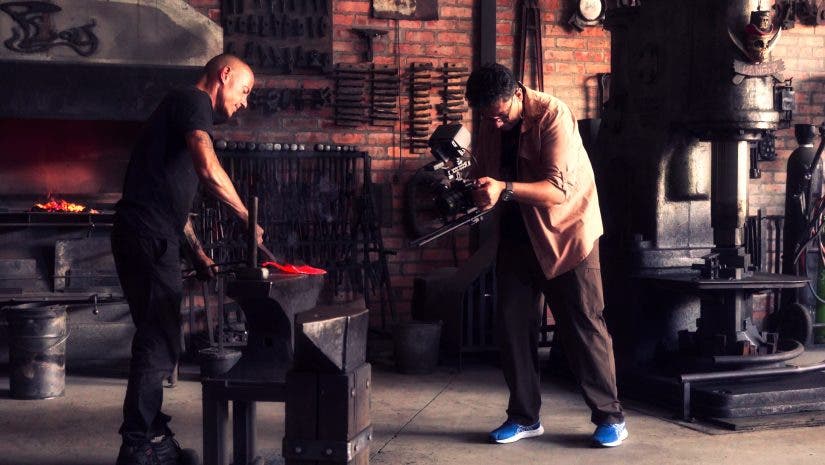
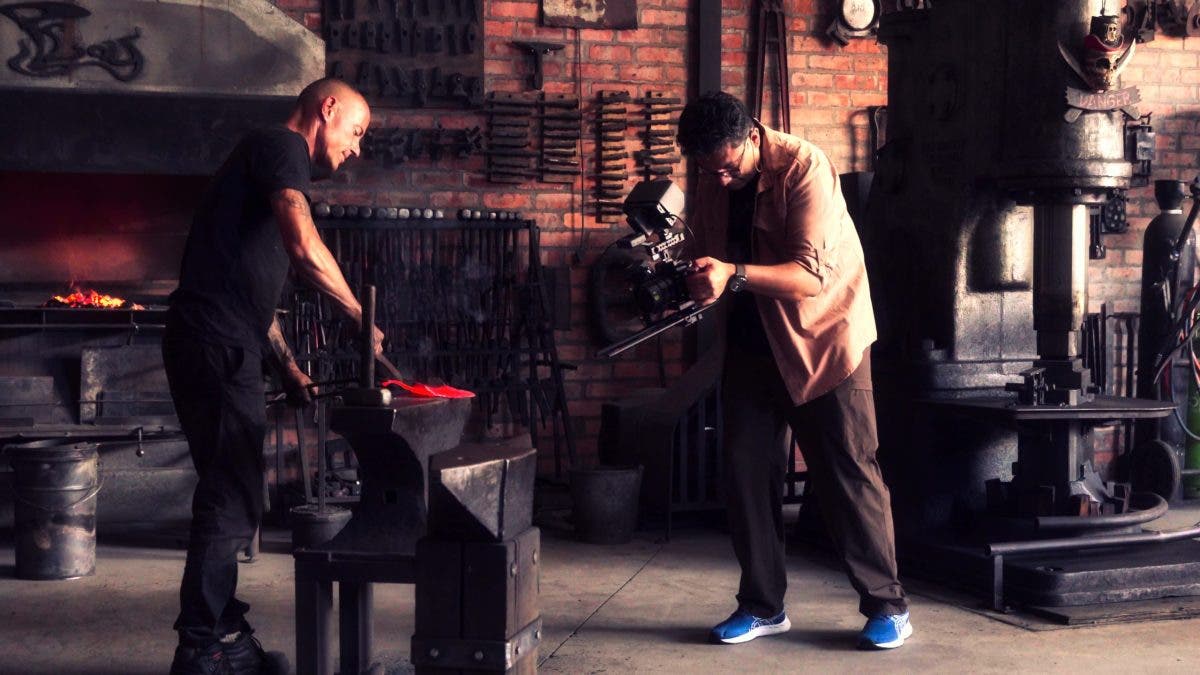
Handheld filming is an excellent way to create footage that feels alive. A stabilized gimbal or a drone offers smooth footage with a floating feeling. The natural texture of handheld filming, however, can truly immerse the viewer in a story. The handheld approach utilizes the sense of your physical presence as a cinematic storytelling tool by suggesting being right there.
Note that this article complements our two existing articles on cinematic moves and cinematic drone cinematography tips. Be sure to check them out, along with their footage, as you may want to amalgamate these techniques in your next film.
Prerequisite: Physical “Cine Mode”
Before we get to the handheld moves, let’s learn how to hold the camera to achieve the best cinematic storytelling results. To reduce responsiveness and prevent sudden starts or abrupt stops, a handheld cinematographer must establish a physical cine mode.
The physical cine mode can be achieved through what’s called The Ninja Walk. I like to think of it as the Sneaky Stroll. This includes keeping your knees slightly bent while doing a rolling heel-to-toe gait to dampen the vertical bounce in your footage. To further stabilize the frame, hold the camera in your hands and tuck your elbows firmly into your ribs, or brace the camera rig against your chest. This creates slow, gradual acceleration and braking with minimal shake for your shots, as demonstrated in the example below.
So let’s get to discussing my five top cinematic storytelling handheld moves and why they work.

1: The Subtle Push-In (The Emotional Build)

In this move, the camera slowly moves in toward the subject in a subtle motion. It is similar to a Dolly Push on a slider.
Why This Move Works: This push-in builds tension or connects the viewer to the situation or the subject by physically leaning the camera into the scene, creating a sense of anticipation.
Execution:
- Frame your shot and focus the camera on the subject.
- Shift your weight from your back foot to your front foot in one slow, continuous motion to execute this build; don’t walk, this is just one step. Move back and forth until you get it right. Don’t pay attention to anyone who finds your movement amusing!
Pro-Tips: For wide-angle scenes, this can be achieved by having something in the peripheral vision, such as a blurred foreground or an object on either side of the shot.
- Use a frame rate such as 50 or 60 fps, and slow the footage to 25 fps in your editing.
- Stabilize the footage in editing if needed. For example, in Adobe Premiere Pro, you can use the Warp Stabilizer tool to make the footage look more cinematic and smooth.
- For push-ins that extend beyond two feet, either do a ninja walk or use a slider or a gimbal.
2: The Shadow Follow (The Tag-Along)

By following a subject with a handheld camera, this move helps pull the audience to a new location or establish an eyewitness perspective. The non-handheld alternative to this technique is to use a gimbal to create a Stabilized Follow, a smoother mechanical follow shot.
Why This Move Works: It makes the viewer feel like a tagalong on the journey rather than a distant observer.
Execution:
- Use the Ninja Walk to stay at a consistent distance behind your subject.
- Maintain your body brace to avoid sudden starts and stops.
Pro Tips: The main aim is to create an unsteady handheld movement, not stability. Let your body do that naturally and not your hands. In our example above, the lady is walking into her studio. We want a gentle tag-along that suggests a person following, but if it were a policeman storming in to catch someone, we might have wanted a bit more shaky footage.
- Shoot at a frame rate such as 25 fps. We want the natural motion blur.
- For action shots, crank up the shutter speed and forget the 180-degree shutter rule. For example, for a 25 fps shot, the shutter speed ideally should be 1/50th of a second for natural motion blur, but when shooting an action scene, we might want a bit of choppy footage and less motion blur.
3: The Breathing Static (The Living Frame)

This is my absolute favorite handheld camera movement. It’s straightforward to execute and delivers the most authentic, lifelike impression of watching a movie. The core idea is to maintain a static composition while allowing the small, organic movements of your body to infuse the frame with a subtle, continuous sense of life.
Why This Move Works: A perfectly still tripod shot can sometimes feel dead or clinical; the subtle sway of a handheld static shot draws the viewer with the sense of standing right there with you.
Execution:
- Hold the camera as close to your body as possible; you don’t need to be a ninja, though, just a casual observer.
- Instead of trying to be perfectly still, focus on slow, deep breaths and let the camera move slightly with your natural rhythm. A slight movement to the left or right as you follow, for example, the hands of your subject, is also good and makes the shot more dynamic.
Pro Tips: Don’t be afraid to use it for documentary filmmaking and run-and-gun scenarios, but be aware that there is a place for gimbal and slider moves in short films, too.
- Use a frame rate such as 25fps for natural motion blur.
- For interviews, I sometimes use a handheld camera, especially in tight spaces and street scenes.
4: The Subtle Pull-Back (The Detachment)

This is the opposite of the push-in. The aim is to slowly move your camera back to reveal a situation or something much bigger. This move is somewhat similar to the Dronie, starting with intimacy before pulling back to reveal the scale of the environment.
Why This Move Works: This move is often used at the end of a scene to create a sense of abandonment, loneliness, or the conclusion of a thought.
In the examples below, the subject locks eyes with the camera for a few seconds as the camera pulls back in slow motion. Also, while the end scene of the artwork and the cupcake look smooth, it was stabilized in the edit, slowed down, and executed by walking backwards.
Execution:
- Begin with the camera close to the subject’s face or a central detail.
- For shorter moves, shift your weight from the front foot towards the back foot and repeat until you get the shot right.
- For longer pull-backs, slowly step backward, maintaining your body brace until the subject becomes smaller and the landscape takes over the frame.
Pro Tips: Pause for two seconds before starting the move to lock in the emotional connection with the subject first.
- Use a frame rate like 50 or 60 fps, and slow it down in the edit.
- Stabilize the footage during editing if needed.
- For pull-backs that extend beyond a few feet, consider non-handheld methods like using a slider or a gimbal.
- For safety, always know what is behind you and ask someone to keep a firm hand on your shoulder to guide you if your terrain is unsafe.
5: The Discovery Pan (The Horizon Sweep)

Similar to the subtle push-in and pull-back, with the Discovery Pan, you pan your camera left or right to achieve this move. This move is similar to the non-handheld Slider Reveal.
Why this move works: Panning your camera from one point to the left or right helps reveal a situation, a place, or your subject.
Execution:
In simple terms, it’s a side lunge stretch.
- Establish your “physical cine mode” by tucking your elbows firmly into your ribs or bracing the camera against your chest.
- Rather than moving your wrists or arms, you must plant your one foot toward where you want to start and the other towards where you want to end.
- Shift weight from the starting foot to the end foot, transferring your balance from one side to the other.
Pro Tips: For wider scenes, this can be achieved by including something in the peripheral vision, such as a blurred foreground or an object that hides the main subject, which then will be revealed as you pan.
- Pre-focus on the subject.
- Use a frame rate such as 50 or 60 fps, and slow the footage to 25 fps in your editing.
- Stabilize the footage during editing if needed.
6: Bonus Cinematic Storytelling Tips
- Break the recommendation to move slowly, and instead, embrace speed
- Experiment with rapid push-ins or push-outs
- Pan up or down
- Try handheld orbiting around your subject
- Deliberately avoiding stabilizing the footage
- Try combining these movements: for instance, execute a quick push-in and pull-out while your subject is in motion (many examples in the video at the end)
The key is to be creative and develop a unique, personalized style, as there are truly no set rules.
Your Assignment and Final Remarks
While numerous other handheld movements exist, not all require specific names or explanations. As a filmmaker, your role is to visualize and execute a camera movement as you intuitively feel is necessary for the scene.
Watch this film, which features a blend of shots, including gimbal, drone, and handheld footage, but mostly handheld. As you view it, try to identify the various techniques used. It’s important to understand that the art of filmmaking is an amalgamation of various shooting techniques, supported by lighting, impactful music tracks, and intricate sound design. Achieving an immersive experience for the viewer and effective cinematic storytelling requires time and the seamless integration of all these components.