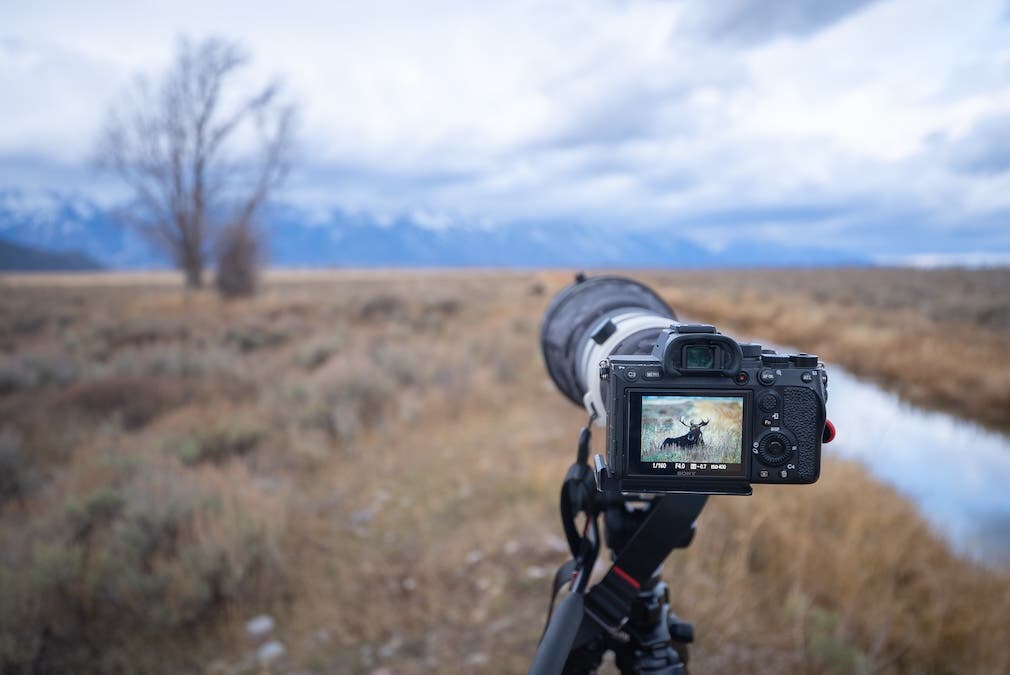
Auto Exposure Lock (AEL Lock) is one of the most underrated and unknown tools present on today’s modern cameras. Whether you shoot landscapes, portraits, sports, wildlife, or any other type of photography, AEL Lock can help you to maintain perfect exposure as you adjust the composition to accommodate fast-moving action. In this article, we’ll cover exactly what you need to know about AEL Lock and how to use it to create better images in the field.
What is AEL Lock?
AEL Lock stands for Auto Exposure Lock, otherwise known as a way to freeze your exposure settings, including shutter speed, aperture, and ISO. If you use any of the camera’s automatic shooting modes, the Auto Exposure Lock should be something you are familiar with. When using automatic mode, your camera typically continuously adjusts exposure as you change what’s in the frame, which can often lead to unwanted changes when recomposing an image. AEL Lock helps address this problem by allowing you to lock exposure settings while adjusting compositions.
Picture this: you’re out shooting any type of fast-moving action — a subject moving through a room, a bird perched on a tree ready to take flight, or even a soccer player running down the pitch. While your subject remains constant, their place in the frame may move around, and the background behind them certainly will too. Depending on the metering mode you use, the exposure value as you adjust composition can vary significantly, causing your shutter speed, ISO, or aperture to fluctuate. In many situations, this is not ideal as it can lead to motion blur or over/underexposure. That is where AEL Lock comes in.
AEL Lock lets you lock exposure settings: set the exposure automatically, press the lock button, and adjust the composition without changing any settings. This gives you greater control and can lead to better in-camera results.
How Do I Use AEL Lock?
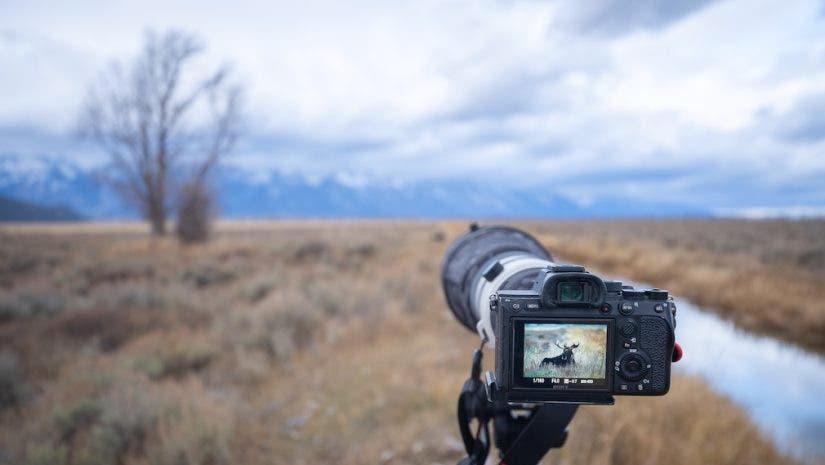
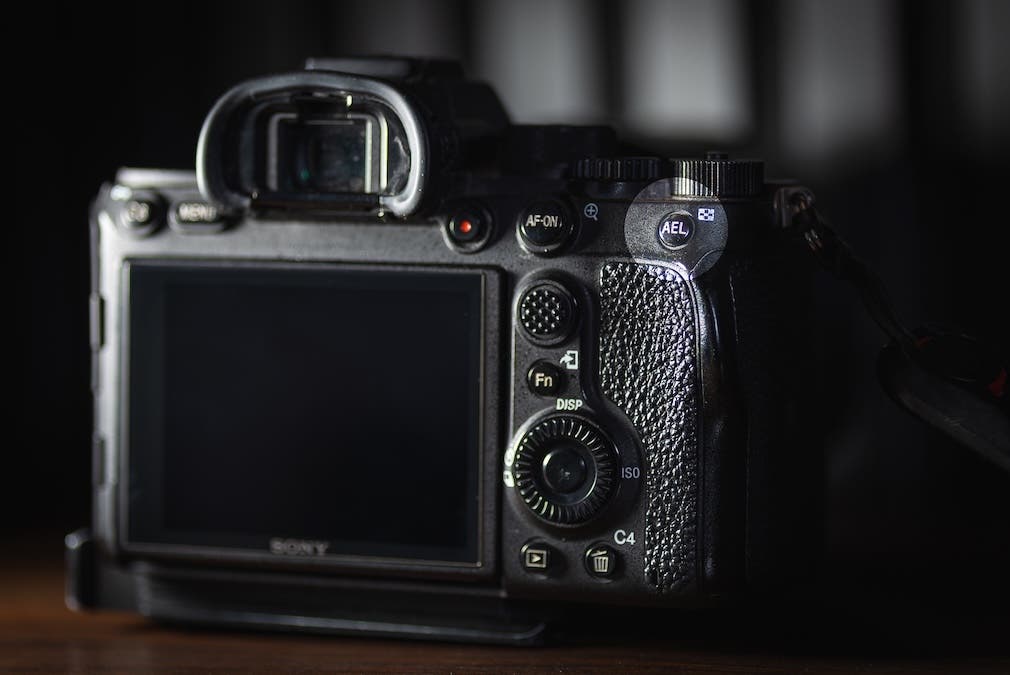
Most cameras have a custom button set to Auto Exposure Lock, usually indicated by the letters “AEL” or “AE-L,” or sometimes by an asterisk. To use AEL Lock, you’ll need to be using one of your camera’s automatic modes. Find your composition, adjust the exposure compensation as needed, then press the AEL Lock button to lock the shutter speed, ISO, and aperture.
The AEL Lock button typically remains active for 4-6 seconds on most cameras, or until a photo is taken. You can hold the button down to keep it locked, or many cameras offer a “Toggle” mode, which keeps AEL Lock on until you press the button again.
Using the Auto Exposure Lock not only helps you to nail the proper exposure in each image, but it also improves your understanding of exposure. Using AEL requires you to think critically about the exposure value in your scene, helping you to better learn the camera settings and when you may want to prevent the camera from continually adjusting exposure. The bottom line is simple: anyone who uses automatic modes to capture images should certainly have the Auto Exposure Lock Button in their back pocket.