


This item is no longer available.
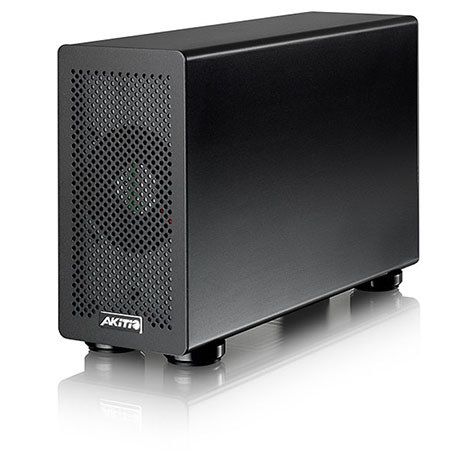
The AKiTiO Portable Thunderbolt 2 PCIe Expansion Box provides an additional PCIe slot for systems that do not support or have enough available space for expansion cards. The external Thunderbolt 2 connection allows you to daisy-chain up to 5 additional Thunderbolt devices, making this the ideal plug and play companion especially when you have to take your system with you. Replacing the card is a simple matter of removing three hand tightening screws, so no tools are required.
4K Workflow with Thunderbolt 2 Technology
Thunderbolt 2 technology incorporates DisplayPort 1.2 support, which allows for video streaming to a single 4K video monitor. If you are a video editor, you can now use a single port to connect your external Thunderbolt devices and a 4K display.
4 Lane PCI Express 2.0 Compliant Interface
The PCIe (x16) slot accepts half-length, full-height, double-width cards and provides a maximum of 25W. Replacing the card can be done without tools, simply by removing two hand tightening screws for the chassis and one for the card.