
This item is no longer available.
Easy out-of-the-box setup, integrated virus and malware protection and feature-enhancing updates, ASUS Chromebox starts up in seconds to get you to your favorite websites and apps instantly.
It houses a processor powerful enough for ultrafast multitasking performance and the connectivity options to choose your own screen size, connecting to multiple displays at once and even attach to any VESA-mountable monitor or HD TV.
ASUS Chromebox is the always-new computer that just makes sense.
ASUS Chromebox boots up in a flash and synchronizes instantly with your existing Chrome services to get you closer to the internet than ever before. With 100GB of free Google Drive space for two years, access all your data and files in the cloud simply by logging into your Google account wherever you are.
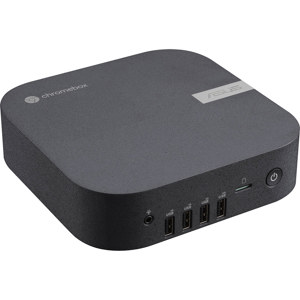
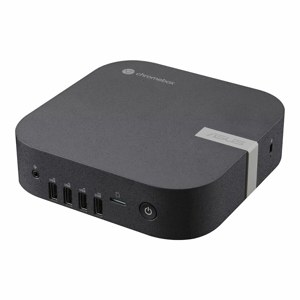
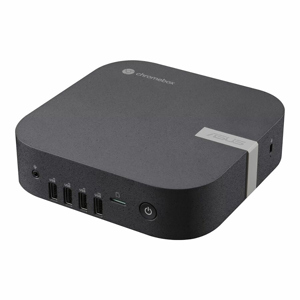
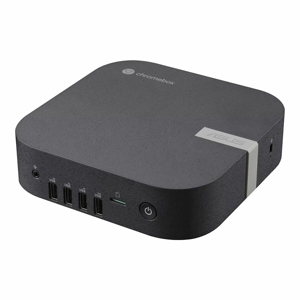
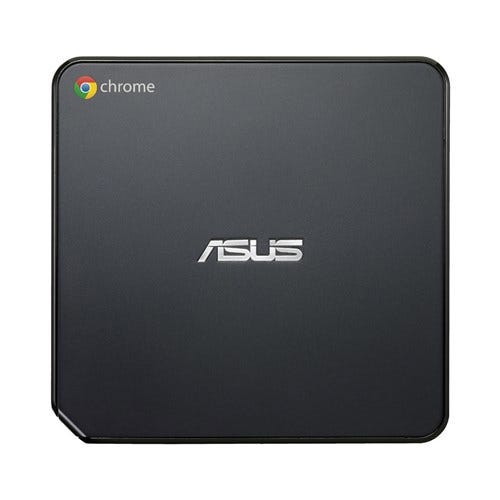
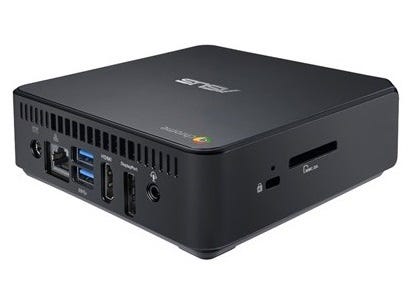
ASUS Chromebox is the world’s smallest Chrome computer, measuring under 5 inches around. With its slim, VESA-mountable design, fit it virtually anywhere in your home or office.
Kick back and relax with ASUS Chromebox while browsing the web, viewing photos from your SD card and watching videos with up to 4K UHD playback*
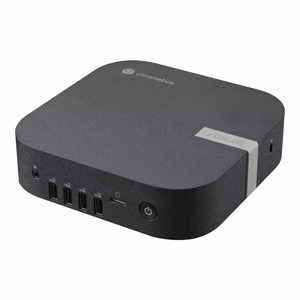
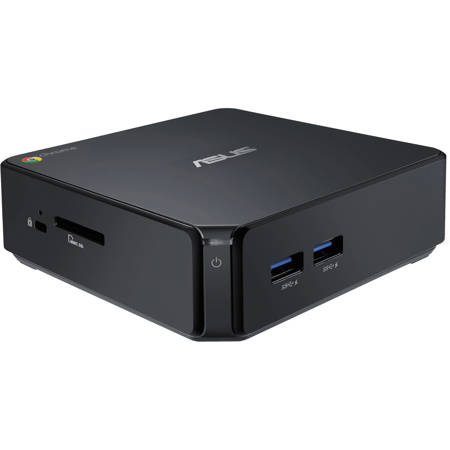
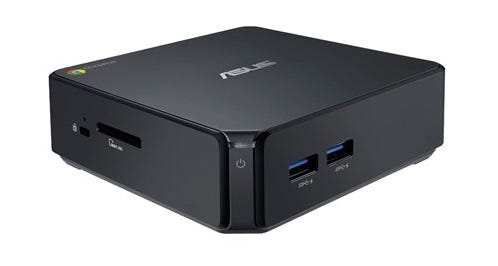
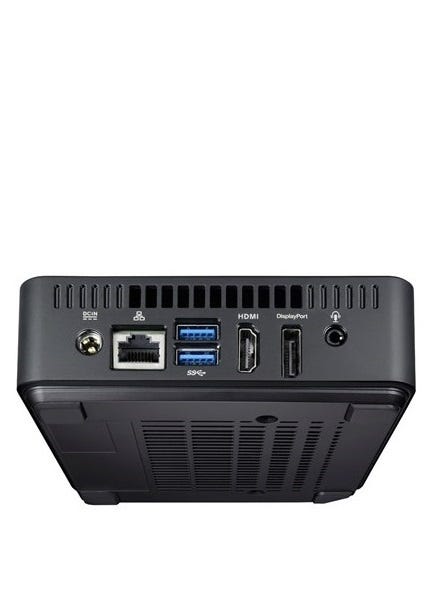
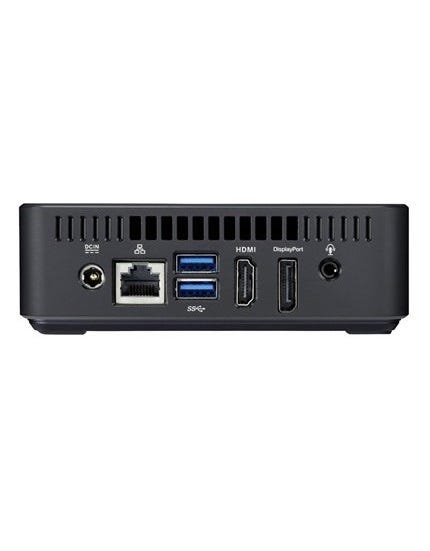
ASUS Chromebox features 802.11 n dual-band Wi-Fi for super-fast web browsing and other online activities. Four USB 3.0 ports, Bluetooth 4.0 and an SD card reader are included making everyday tasks such as transferring files, photos and other media easy. The HDMI and DisplayPort outputs mean you can connect dual monitors, giving you even more space to work or play.
Personalized data access makes ASUS Chromebox the ideal family device. Easily switch between accounts while ensuring each person’s data is kept private and secure; while parental controls ensure safe, family-friendly web surfing.
ASUS Chromebox takes the hassle out of home computing to allow family members young and old to easily use the program they want to use - simply boot up and go.
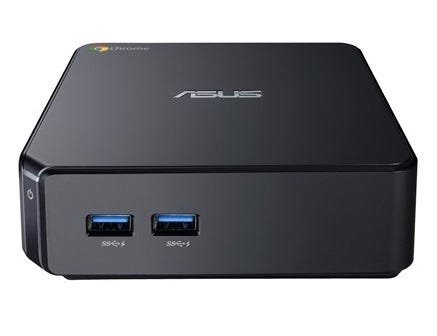
Easily backup your photos with ASUS Chromebox. Simply plug in an SD card to the built-in SD card reader and thanks to Google+ your photos are automatically loaded and backed up.
The intuitive Chrome OS interface gives you access to tens of thousands of Chrome apps available for download from the Chrome Web Store.
With a wide assortment of offline apps, ASUS Chromebox lets you edit documents, play games and use other popular apps without an internet connection!
ASUS Chromebox is compatible with a wide range of USB devices including external storage, keyboards, mice, webcams and USB hubs. This means it is easy to expand and connect when you need to.
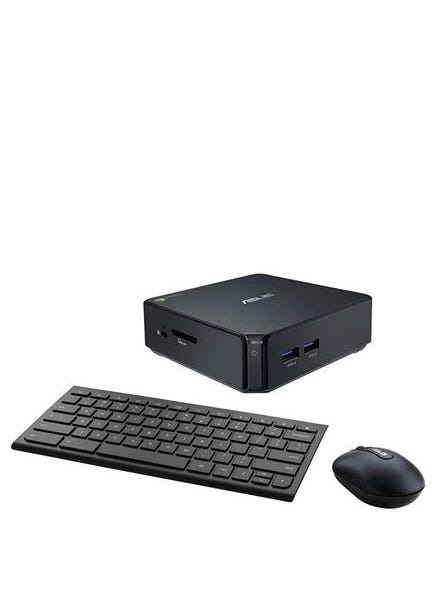
Asus ChromeBox Desktop Computer
The Asus ChromeBox Desktop Computer provides an easy out-of-the-box setup, starting up in seconds, allowing you to get you to your favorite websites and apps instantly. This desktop houses an Intel Celeron 2955U 1.4GHz processor, which is powerful enough for ultrafast multitasking performance in Google Chrome OS. Chrome OS is a Linux-based operating system, designed by Google it works exclusively with web applications. The ChromeBox also features 2GB RAM, and a 16GB SSD to store all your important documents, movies, photos, and more. Offering connectivity options to choose your own screen size, connect to multiple displays at once, and even attach to any VESA-mountable monitor or HD TV. With power and performance this ASUS Chromebox is simply a smart choice.
Product Highlights
From the Manufacturer
With easy out-of-the-box setup, integrated virus and malware protection and feature-enhancing updates, ASUS Chromebox starts up in seconds to get you to your favorite websites and apps instantly. And why a box? Because with a box it houses a processor powerful enough for ultrafast multitasking performance in Chrome OS and the connectivity options to choose your own screen size, connect to multiple displays at once and even attach to any VESA-mountable monitor or HD TV. ASUS Chromebox is the always-new computer that just makes sense.
A Simpler and Smarter Digital Life
ASUS Chromebox boots up in a flash and synchronizes instantly with your existing Chrome services to get you closer to the internet than ever before. With 100GB of free Google Drive space, access all your data and files in the cloud simply by logging into your Google account wherever you are.
Small in Size, Big on Features
It may be the world's smallest Chrome computer, but ASUS Chromebox is big on connectivity. It comes with high performance 802.11 a/b/g/n dual-band wireless, four USB 3.0 ports for fast data transfer, HDMI and DisplayPort for connecting to the latest displays and HDTVs, including support for dual displays and an SD card reader for easily accessing stored photos and documents.
A More Beautiful Web Experience
ASUS Chromebox supports up to 4K UHD playback, letting you enjoy the best quality content from the web. Kick back and relax as you browse the web, watch movies and shows on Netflix, or view photos from your SD card. And with a wide assortment of offline apps, ASUS Chromebox lets you edit documents, play games and use other popular apps without an internet connection.
Getting Started
When booting Chromebox up, browsing the web or performing your essential tasks, it's all about speed when it comes to Chrome OS. It gets you closer to what you want to do, simply boot up Chromebox and go.
Personalized Access with Parental Controls
Personalized data access makes ASUS Chromebox the ideal family device. Easily switch between accounts while ensuring each person's data is kept private and secure; while parental controls ensure safe, family-friendly web surfing.
ASUS desktops leading in satisfaction with reliability
ASUS computers reflect a tradition of the finest quality, innovation and longevity. Based on the PCWorld USA 2015 reader survey of tech satisfaction, reliability, and service, users rank ASUS as a leading choice for desktop PCs, citing high satisfaction with their value, connectivity, ease of use and reliability. The survey also found ASUS desktop PCs were one of the most likely to be recommended to others. Additionally, PC Mag has recognized ASUS as the leading brand of choice with their Reader's Choice award.