
This item is no longer available.
Review Summary
2016-12-05T02:57:30
This monitor was a replacement for my 6.5 years old Dell U2209WA aimed mainly for photo-editing. Although a nice device in general, there are several noticeable caveats such as (1) uneven brightness and color from dark/yellowish on the left to bright/white on the right; (2) somewhat dull colors compared to my old Dell U2209WA; (3) I was not able to calibrate it evenly across the spectrum of the darkness; (4) flickering which does not bother me but may be a problem for some users; (5) very limited options in the OSD menu which do not allow much flexibility in manual calibration. The bottom line: Pros: - Large size; - Resolution; - Sharpness; - 100% sRGB. Cons: - Uneven brightness, colors and gamma; - Dull colors; - Reduced options in OSD menu.
Ivan K.
2014-03-08T19:00:00
I use this as an external monitor to my 2008 Macbook Pro. Using the displayport I can max out the resolution at 2560x1440. The colors are vibrant and streaming videos on it is great! There are a few inputs on this monitor, which is great as I'll probably hook up a PS4 to it. Also, the monitor has a built in speaker, which I didn't even realize till I was installing the monitor. It's not very powerful, but it helps me since my laptop speakers are blown.
RON D.
Excellent monitor w/ a lot of inputs
By RON D.
I use this as an external monitor to my 2008 Macbook Pro. Using the displayport I can max out the resolution at 2560x1440. The colors are vibrant and streaming videos on it is great! There are a few inputs on this monitor, which is great as I'll probably hook up a PS4 to it. Also, the monitor has a built in speaker, which I didn't even realize till I was installing the monitor. It's not very powerful, but it helps me since my laptop speakers are blown.
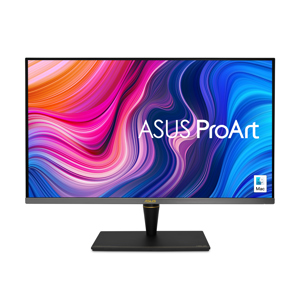
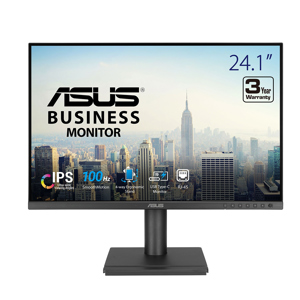
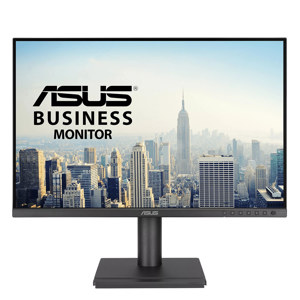
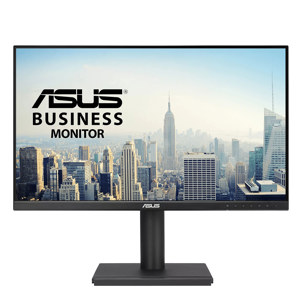
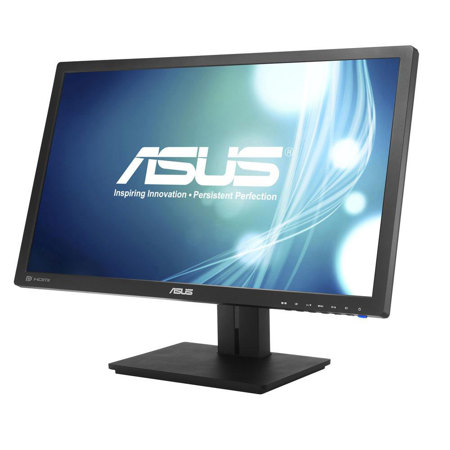
The ASUS PB278Q 27" Widescreen LED Backlit LCD Monitor is a professional grade high definition monitor with a 2560 x 1440 resolution on a 16:9 display. This WQHD (Wide Quad High Definition) display gives you 77% more desktop space than a full HD screen allowing you to spread out your work. You have the ability to utilize the QuickFit Virtual Scale to preview photos and videos on the screen in their actual size ensuring you can keep your photos true to life on this large display. With a sharper image and 5ms response time you get clearer, smoother picture quality.
Connect your PB278Q to a variety of devices with a variety of ports including a DisplayPort, D-Sub port, Dual-Link DVI port and an HDMI port. You can also take advantage of the built-in 3W speakers for audio enjoyment while playing games or watching movies. Viewing this monitor is made easier with 178deg. horizontal and vertical viewing angles, as well as tilt, swivel, pivot and height adjustments for increased comfort.