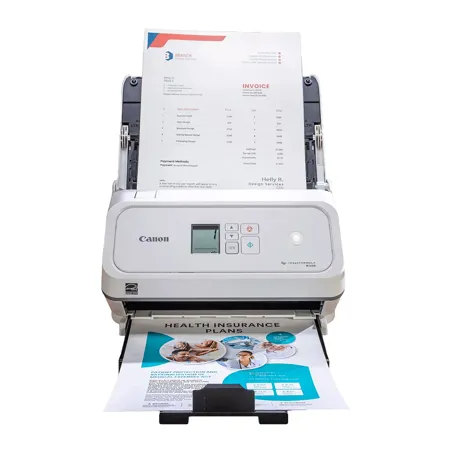
About Canon imageFORMULA R40II
The Canon imageFORMULA R40II Receipt Edition Office Document Scanner is designed to simplify receipt management by making it easy to scan mixed batches of receipts, invoices, and documents. The included software automatically captures key details such as payee, amount, and date, and can help export data directly to Intuit QuickBooks Online. With simple USB setup, you can quickly begin scanning documents and receipts while streamlining your workflow.
Canon imageFORMULA R40II Features
Reliably handles many different document types: Receipts, invoices, reports, contracts, business cards and more
Designed exclusively for the included Canon CaptureOnTouch software; TWAIN and ISIS drivers are not supported
Fast and efficient: Scans both sides of a document at the same time, in color, at up to 45 pages per minute, with a 60 sheet automatic feeder
Easy Setup: Simply connect to your computer using the supplied USB-C cable
Bundled software: Includes easy-to-use CaptureOnTouch Scan to Quickbooks Online Plugin
Backed by a one-year warranty and U.S.-based technical support