2020-02-13T19:00:00
Rated 5 out of 5
Extra RAM
Came really quickly, Easy to install and works perfectly
GMKing
Originally posted at

2020-02-04T19:00:00
Rated 3 out of 5
RAM replacement
Computer runs slightly faster, I have the same amount of RAM as I did before
Phillip
Originally posted at
2019-12-22T19:00:00
Worked great - Had some issues with deciding what to order, it was unclear what the max upgrade on my machine was. I took a chance
Shorty
Originally posted at
2019-12-03T19:00:00
Rated 5 out of 5
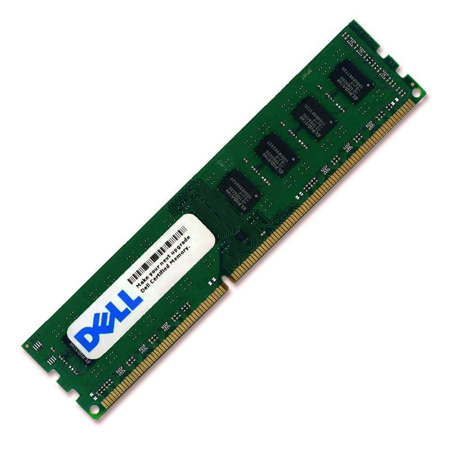
Dell Memory Upgrade - 8GB - 2Rx8 DDR3 UDIMM 1600MH
Great product. Just Plug and play. No issues upon boot up, memory immediately showed 16GB.
wooky143
Originally posted at
2019-11-21T19:00:00
Rated 1 out of 5
Could not get to work
I could not get the computer to recognize the new RAM. I followed the instructions but either I am doing it incorrectly or it is defective. I need Technical Service to contact me.
Robert
Originally posted at
2019-11-20T19:00:00
Rated 4 out of 5
Not Displeased
It didn't fix all my loading and response problems...the processor is still slowing things down. However, it did add a little more quickness to some functions. Not displeased.
Marty
Originally posted at
2019-03-26T20:00:00
Rated 1 out of 5
Didn't do much
Purchased Dell Memory Upgrade 2Rxr and received a different memory upgrade after DELL told me the one I purchased was the correct one. WRONG. Had to return and wait again for the right one to arrive. Didn't make much of a difference in speed or memory.
Billy53
Originally posted at
2014-01-07T19:00:00
Rated 5 out of 5
Install in Pairs
It takes a bit of force to fully seat memory module. Be careful and apply even pressure. I suggest plugging the computer into a grounded switched power strip. Turn the switch on power strip OFF. Open computer and touch the metal box before you open the memory. The memory is very sensitive to static electricity. Keep touching the metal case to drain any static from your body. taking care will insure you have working memory as it is pretested.
Spiffy
Originally posted at
2014-01-01T19:00:00
Rated 5 out of 5
Expand your installed memory easily and quickly
I added an 8 GB memory module to a new 8700 - doubling the memory in the unit. It gave even faster wings to the unit when you hit those memory intensive operations. Installation was easy following the directions that came with the module. Upon restart of the computer after installation the module was picked up and was active. I am using Windows 7 Pro and it performed flawlessly. Be sure to eliminate all stactic sources prior to handling the memory module and be sure to unplug the computer and then hit the "start" button to ensure the unit is electrically ready for the installation of the additional memory.
jjm53
Originally posted at