+27
more
more

See Options
Need help? Ask our experts.
Specially designed for 360° capture, the all-new square HDR image sensor maintains the same 360° image field as a traditional 1-inch sensor , while increasing sensor utilization by 25%. This results in outstanding image quality and lower power consumption, all in an ultra-compact, lightweight camera body.
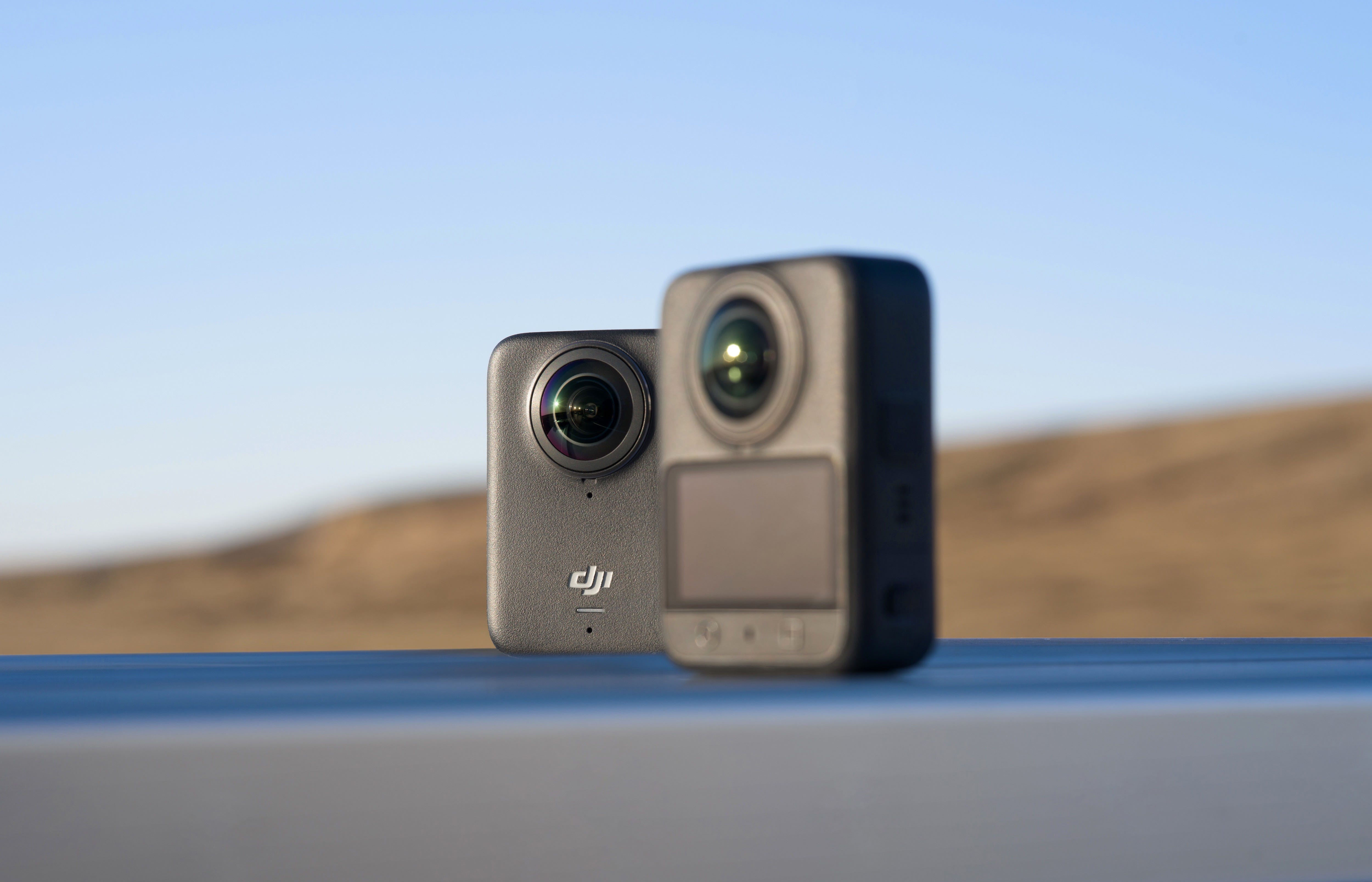
The Osmo 360 shoots sharp 8K/30fps 360° video using dual square sensors with large 2.4μm pixels. It captures detail in both bright and dark scenes with 13.5 stops of dynamic range.
If you want to take it a step higher, record at 8K/50fps for smoother and high-performance footage.
Shoot 4K 360° video at 100fps for fluid motion and up to 4x slow-motion playback. This quality helps emphasize fast-moving subjects or dynamic scenes.

All video formats support 10-bit color depth for over a billion color variations. D-Log M mode increases dynamic range and provides more flexibility for post-production color grading.
With the DJI Osmo 360, you can capture still images up to 120 megapixels with sharp detail and a full 360° field of view.
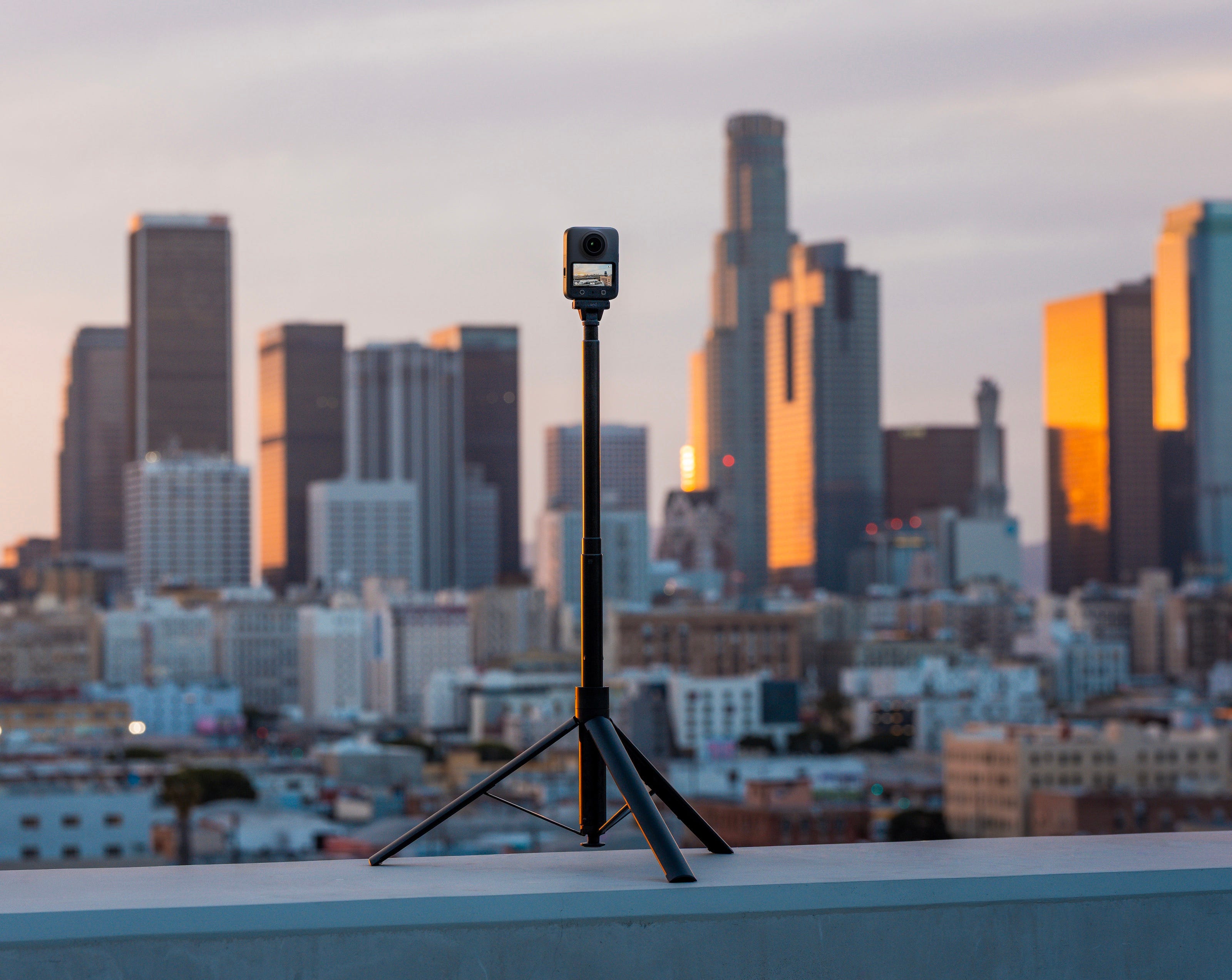
With an f/1.9 aperture and dual 1-inch imaging fields, the camera collects more light than traditional 360° sensors.
Activate SuperNight mode to improve clarity and detail in dark environments.
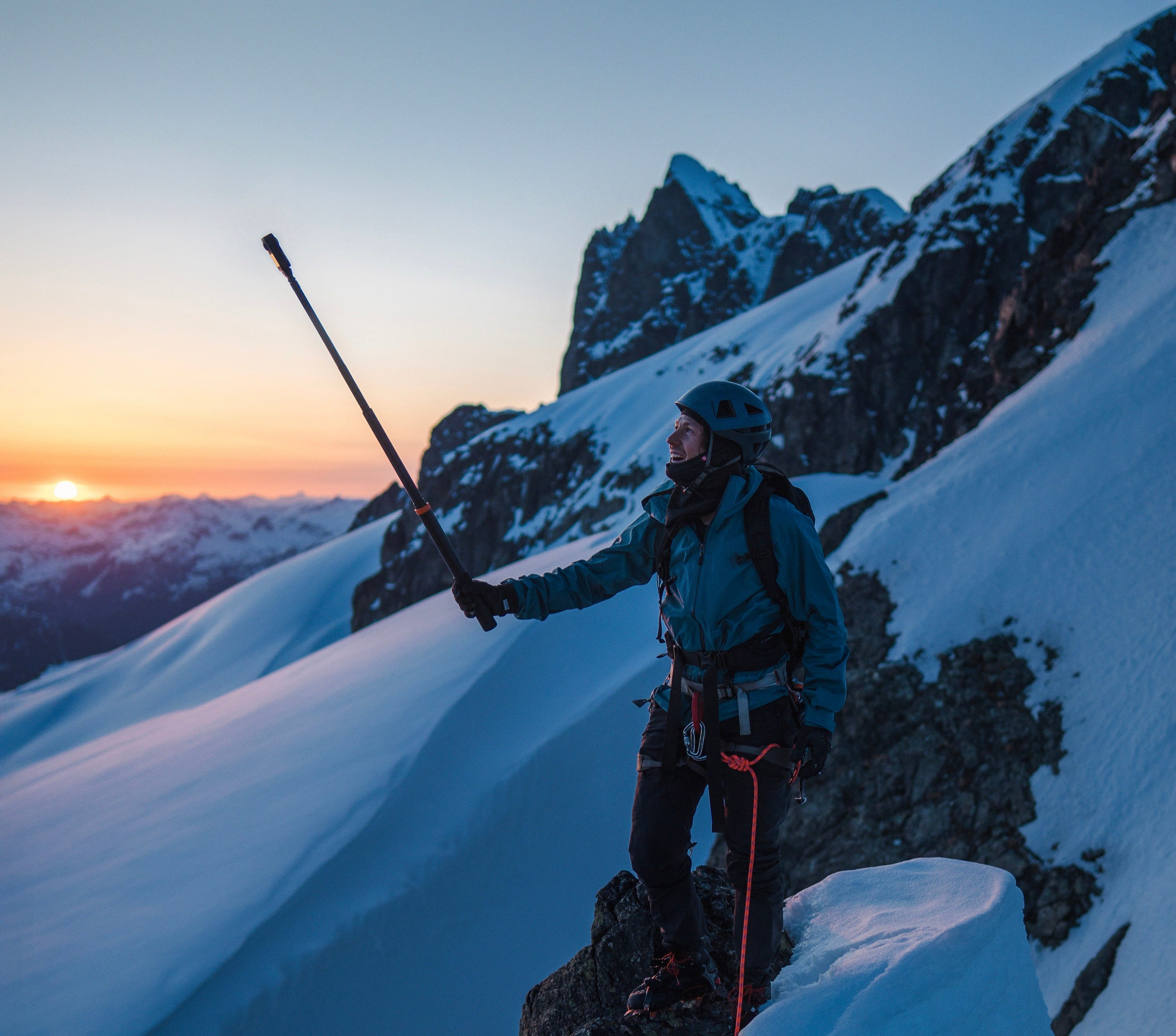
Export wide-angle videos with frame rates up to 240fps and an automatic invisible selfie stick effect. This creates a third-person perspective without post-processing.
Use full the action camera’s full 360° mode for immersive video or switch to single-lens mode to capture first-person perspectives.
Additionally, you can record flat video at 5K/60fps with a 155° field of view or use Boost mode to expand to 170° with 4K/120fps.
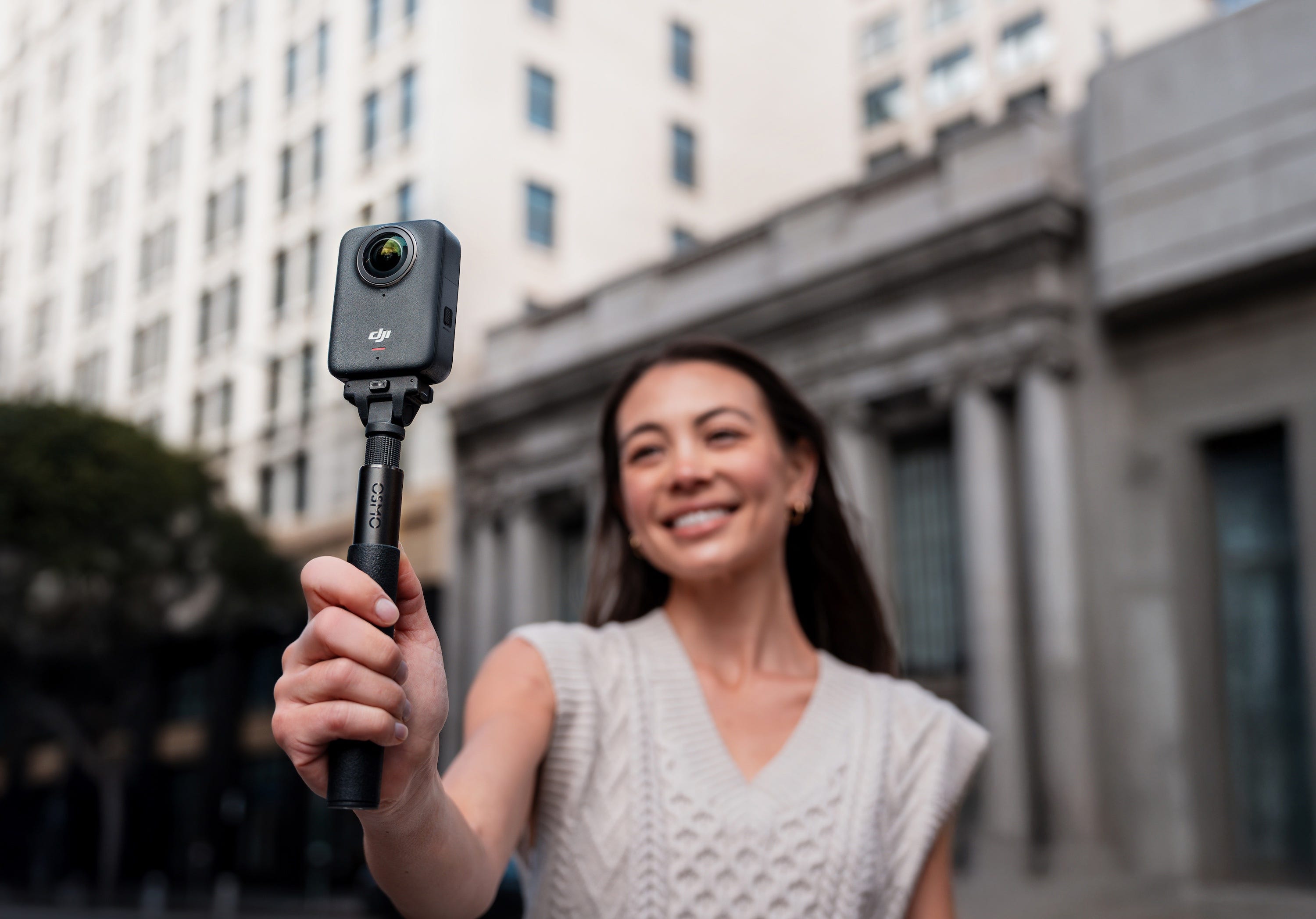
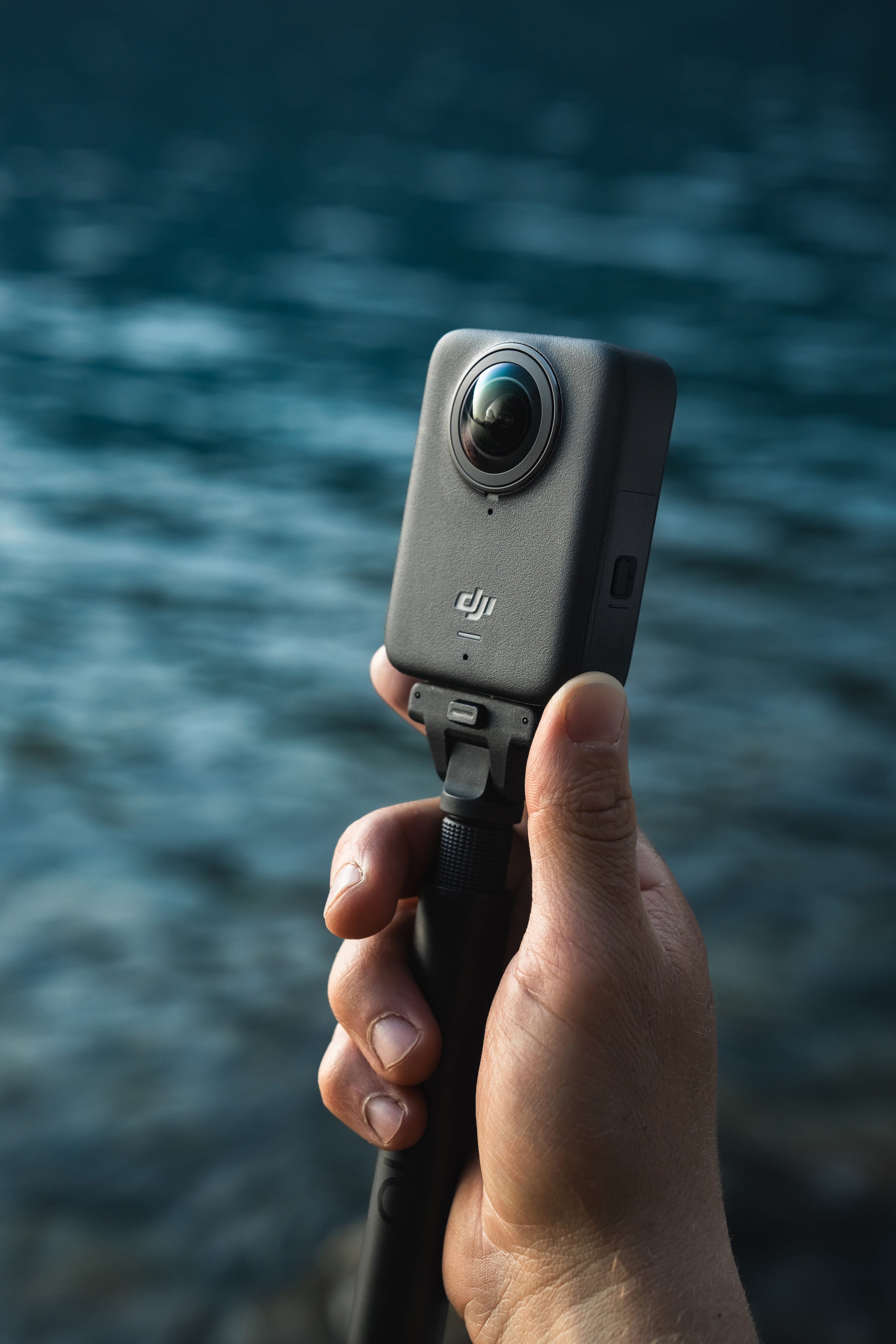
The camera weighs just 183g, making it easy to carry and mount on gear.
Record continuously for 100 minutes at 8K/30fps. When shooting 6K video, extend recording time up to 190 minutes.
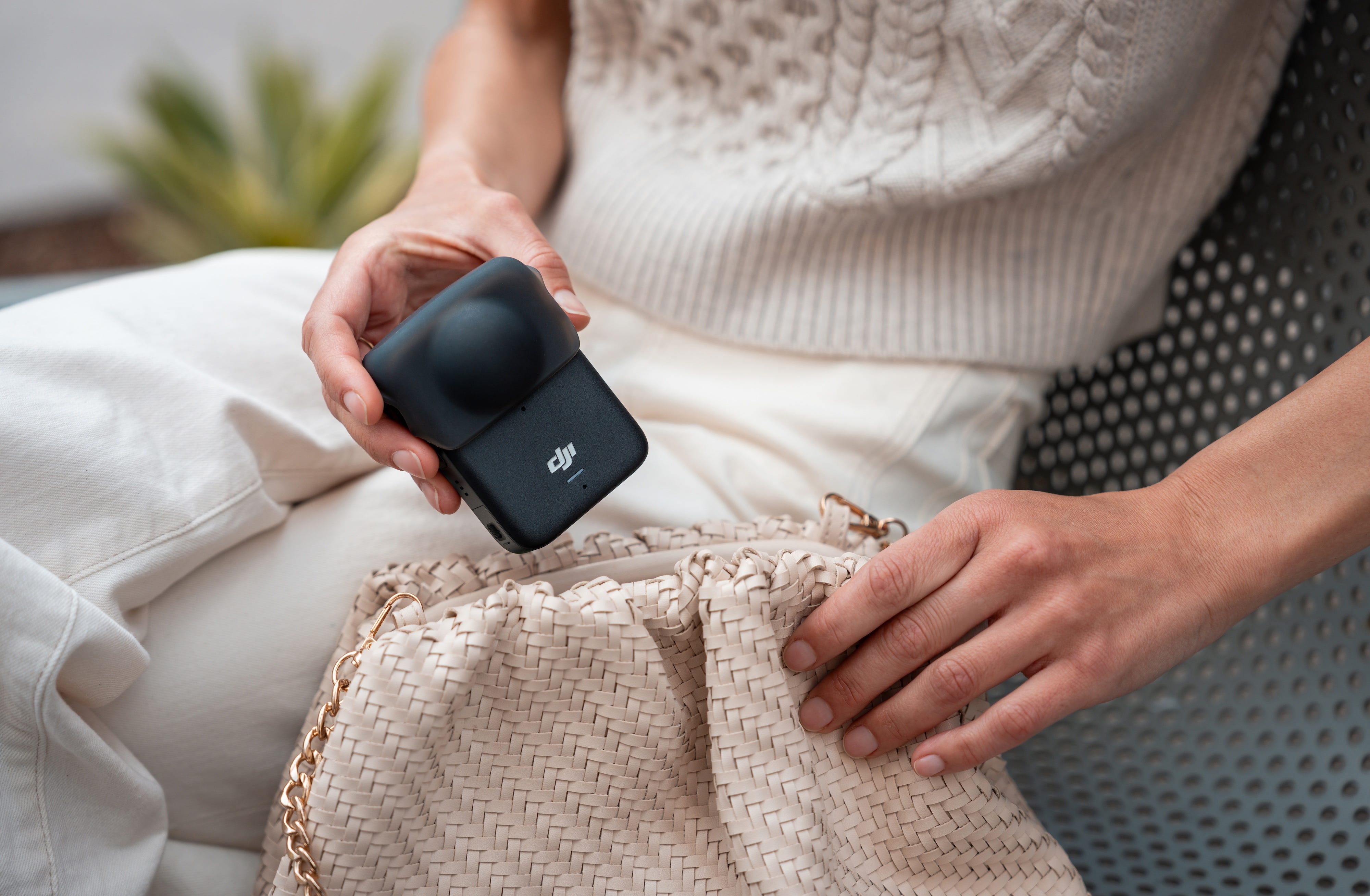
You can easily shoot without a microSD card.
Wi-Fi 6 and USB 3.1 enable wireless transfer speeds up to 90 MB/s and wired speeds up to 600 MB/s using compatible hardware.

In 360° mode, HorizonSteady corrects shake and horizontal tilt across all directions. In single-lens mode, RockSteady 3.0 reduces shake for smoother motion capture.
Osmo 360 operates in temperatures as low as -20°C and is IP68-rated waterproof to a depth of 10 meters without a case.
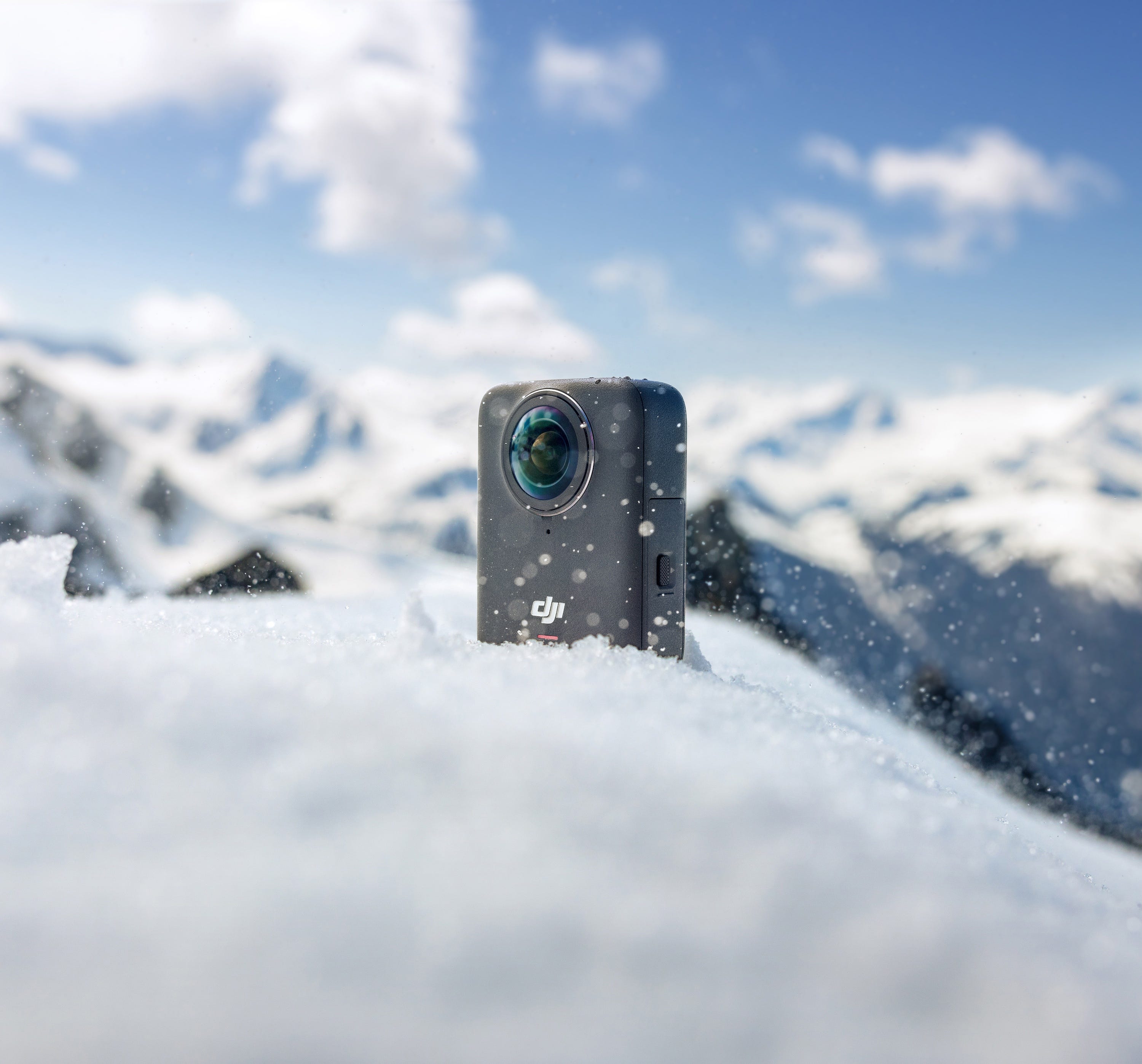
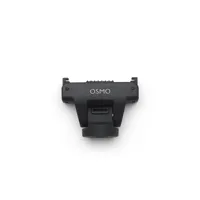
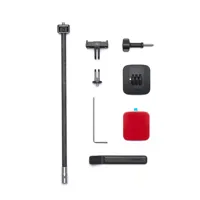
Use the Osmo Magnetic Quick-Release system with DJI Action accessories or standard 1/4" gear. Quickly switch between mounts and shooting setups.
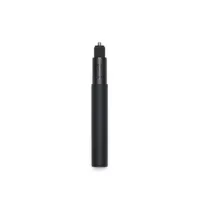
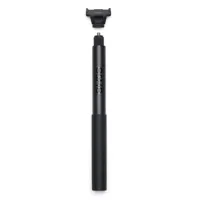
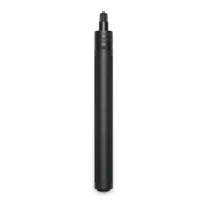
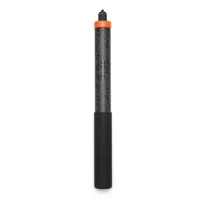
Add up to 180 minutes of extra 8K recording time. The rod includes built-in controls for power, sleep, and recording.
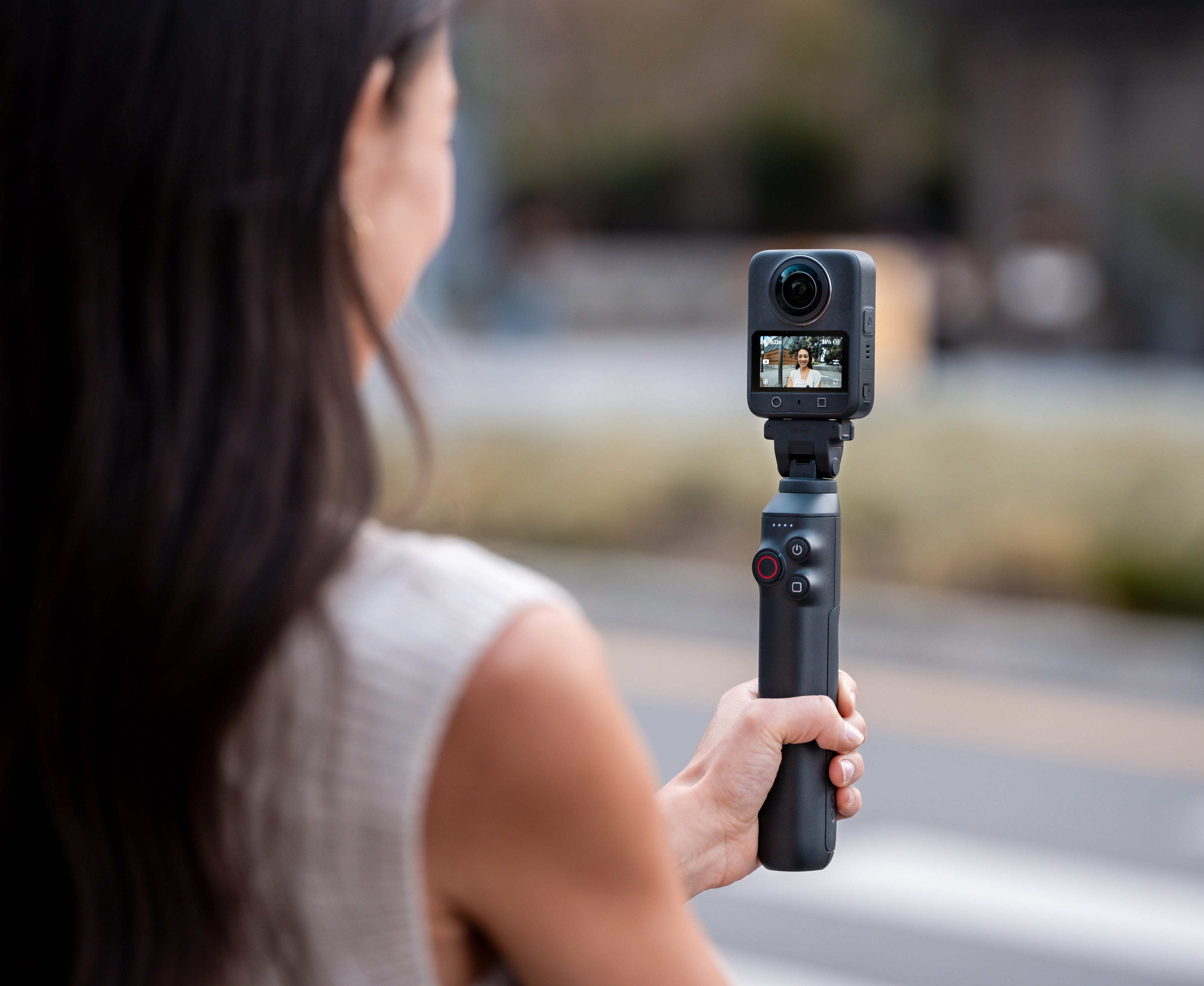
Connect two DJI Mic transmitters directly without a receiver. Record high-quality voice audio and ambient sound simultaneously with built-in mic backup.
NOTE: Direct connection to the first-generation DJI Mic is not supported.
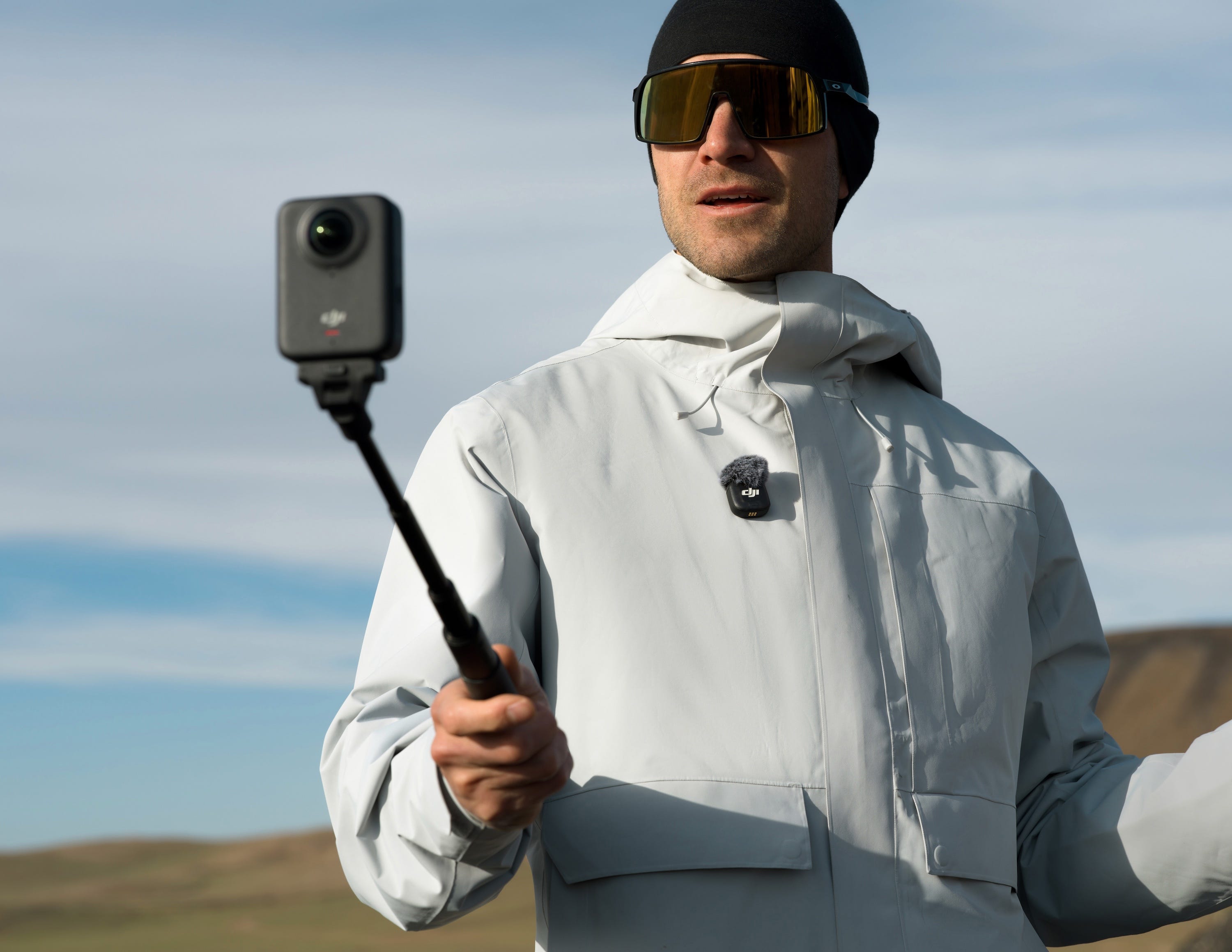
Start or stop recording with a hand gesture or voice command. The system also allows gesture-only recording to prevent accidental activation.
Press a single button to start recording instantly. Switch between 360° and flat video modes on demand.
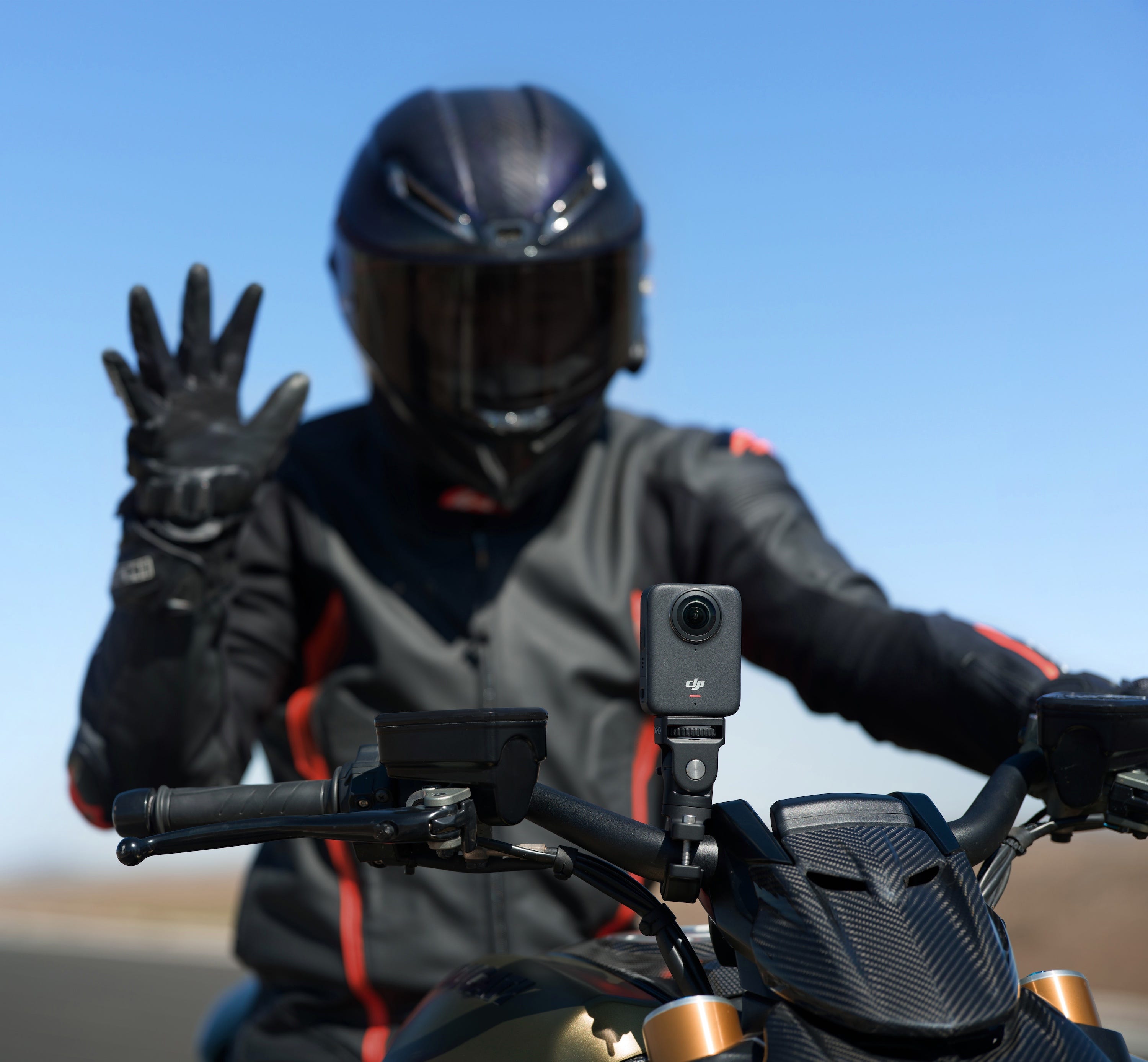
Use compatible Bluetooth headsets like SENA, VIMOTO, AirPods, and others for wireless audio capture and hands-free control.
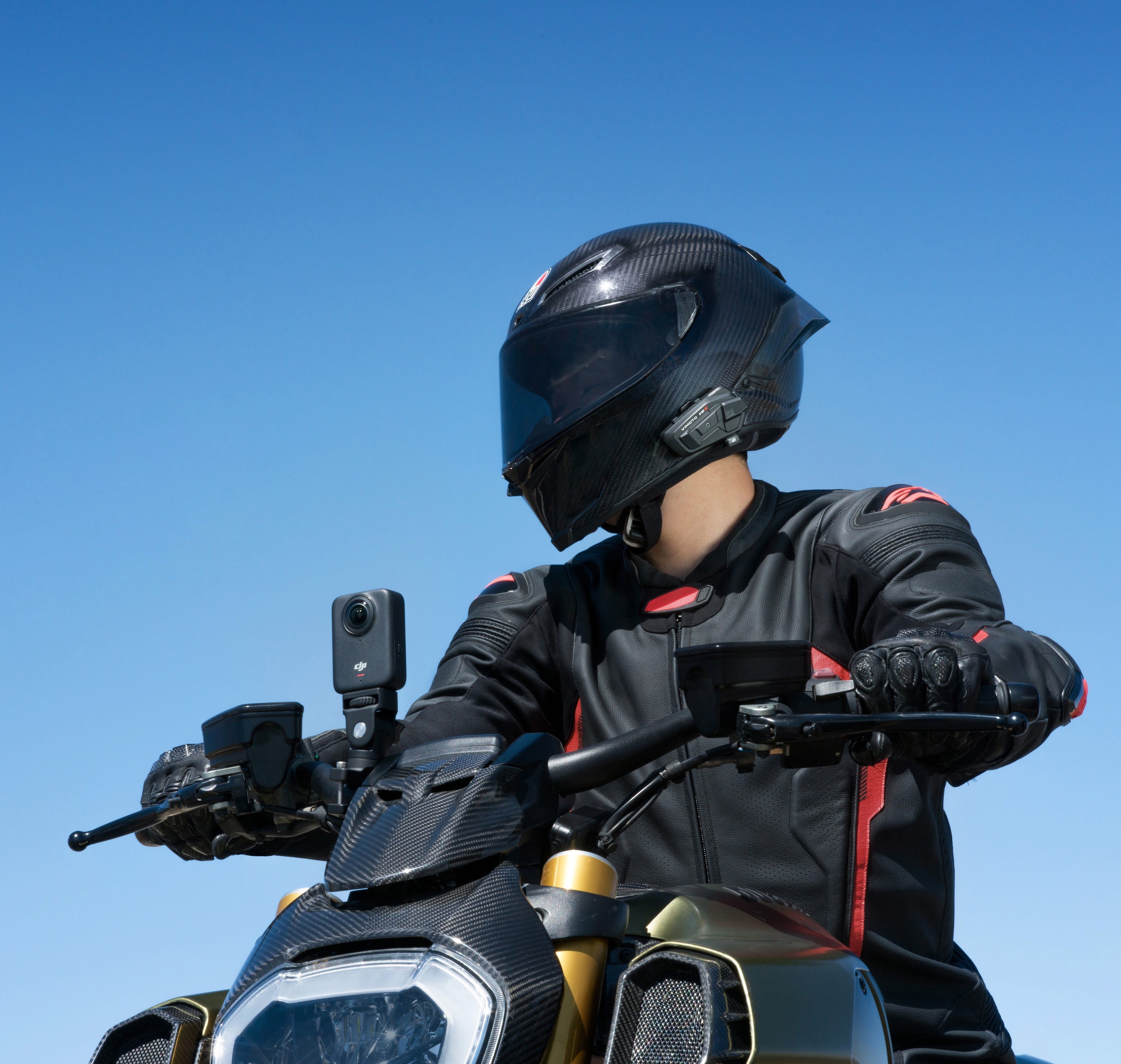
DJI Studio automatically stitches 360° video, refining complex textures for seamless output.
Track people, vehicles, and pets using DJI Mimo or DJI Studio for smooth subject-following in 360° video.
Adjust your video framing by moving your phone. Export the desired view with a single tap.
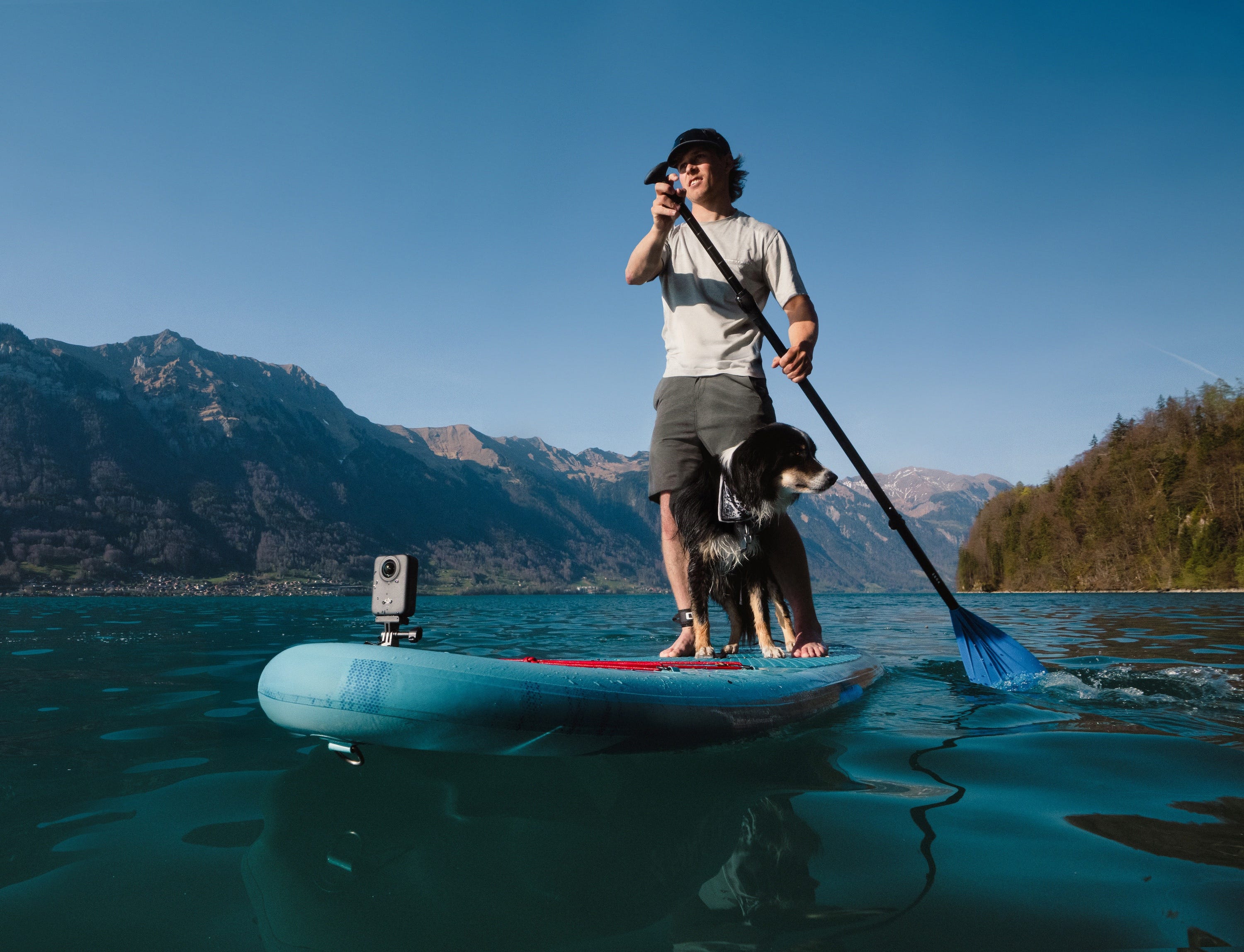
The Editing Assistant auto-detects your camera orientation and helps you transition to selfie view during editing.
Edit 360° content in DJI Mimo, DJI Studio, or Adobe Premiere using the dedicated plugin. DJI Studio includes built-in export tools.
https://www.dji.com/service/policy
818-235-0789