
This item is no longer available.
Beginner Piano Lessons for Kids - Music Games, Easy Piano Songs and eMedia Interactive Feedback Make Learning Fun!
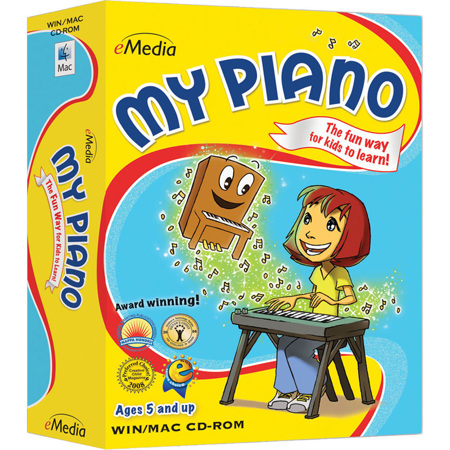
The award-winning My Piano software was designed as a complete, engaging course of over 100 piano lessons for kids. Irma Irene Justicia, M.A., who has taught at the renowned Juilliard School of Music and animated character Pam the Piano, teach music basics including rhythm, how to read piano sheet music and play popular, easy piano songs. Learning how to play piano helps encourage a child's self-discipline, confidence and creativity. In fact, research proves that children who play music make friends more easily and excel at their schoolwork.
Kids learn piano faster and easier with eMedia piano lesson software as they follow along with on-screen notation and the Animated Keyboard. Interactive Feedback technology points out any playing mistakes, shows what should have been played and provides an overall score (MIDI keyboard required). In addition, the included music games for kids keeps them having fun as they learn.
The Fun Way to Learn
Now it's easy for kids ages 5 and up to learn how to play piano! An animated character named Pam the Piano guides kids through over 100 lessons by former Juilliard School of Music instructor Irma Irene Justicia, M.A. Games make learning fun and kids will learn songs that they can share with their friends!
Animated Keyboard
The Animated Keyboard shows color-coded fingerings as the music plays so kids can easily follow along. Double-clicking on any chord or note will also show them where to put their fingers.
Interactive Feedback
When used with a MIDI keyboard, kids get feedback on notes and rhythms they played wrong and find out what they should have played instead. There's also an overall score to show them how well they did on the song.
Full-Motion Videos
The lessons are easy to follow with eMedia's large-format videos, featuring split-screens and close-ups that guide kids through songs and playing techniques.
Interactive Games
Games help children learn chords and songs by reviewing what they learned in the lessons. By interacting with the playful characters and scenes, kids will have fun while learning music!
Audio and MIDI Tracks
Audio playback for selected lessons include piano only, voice only and full audio including both piano and voice. Play along with tracks that you can speed up or slow down including colorful MIDI accompaniments, metronome tick, left-hand part, right-hand part or the two-handed performance.
Metronome
Kids can set their own tempo and get audio and/or visual cues for staying on beat so they can play in time with the music.
Digital Recorder
The digital recorder allows kids to play into the computer's built-in microphone (or an external one), record their performance and save it to the computer. This handy tool lets them listen to what they played and share it with their family and friends.