This item is no longer available.
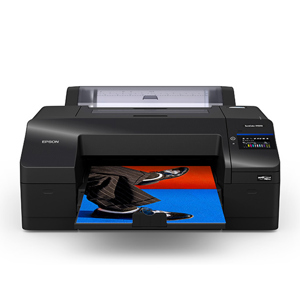
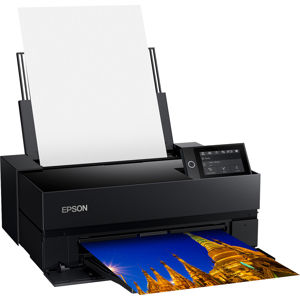
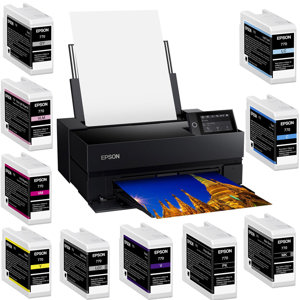
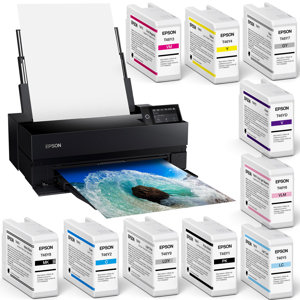
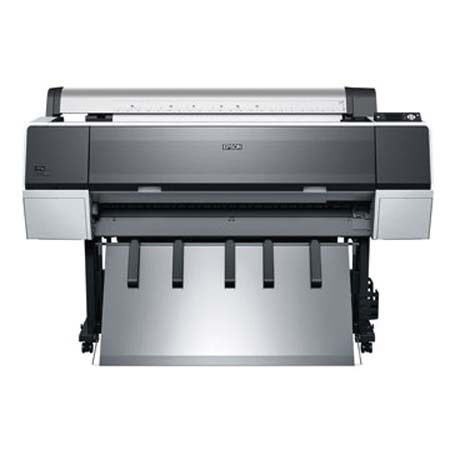
The Epson Stylus Pro 9900 incorporates the latest achievements in photographic inkjet technology. It combines the precision of MicroPiezo TFP print head with the extraordinary performance of Epson UltraChrome HDR inks. In order to ensure consistent printing between multiple Stylus Pro printers of the same model, Epson has refined the manufacturing process to include colorimetric calibration.
Eliminating the need for internal calibration devices, this system evaluates and adjusts each printer's performance at the manufacturing stage, ensuring consistent color output from printer to printer and print to print. With both Photo and Matte Black ink cartridges installed simultaneously, the Epson Stylus Pro 900 series printers automatically utilize the optimal black ink mode, delivering maximum black density for the chosen media.
Taking advantage of the Epson MicroPiezo TFP auto-sharing black ink channel ensures a fast and efficient switch. And to further reduce switching errors, the user confirms the switching process from the front control panel. The standard Photo Black ink mode can be used for any media type with professional results. However, for certain Epson media types such as Velvet Fine Art, Enhanced Matte, and UltraSmooth Fine Art, using the optional Matte Black ink mode instead, will dramatically increase your black optical density for even better print quality.