Overview
Compare
Accessories
Specs
Protection
Q&A

Questions & Answers

Shopper : How do you load paper?
Shopper : Is this product compatible with Windows 10?RICHARD B : Yes it is. Basically it's plug and play, just connect a printer/USB 2.0 cable it windows recognizes it. Same thing for wireless just follow the setup instructions. I really like the plotter.
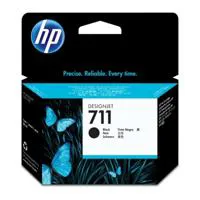
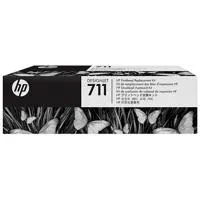
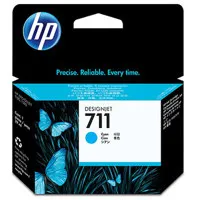
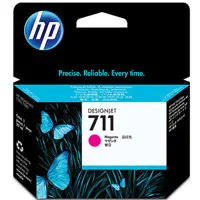
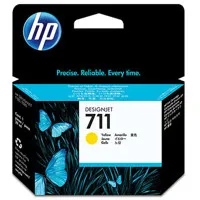
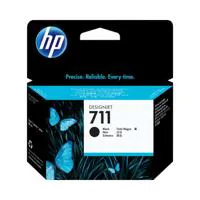
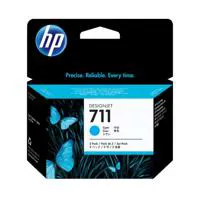
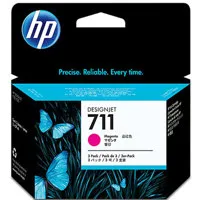
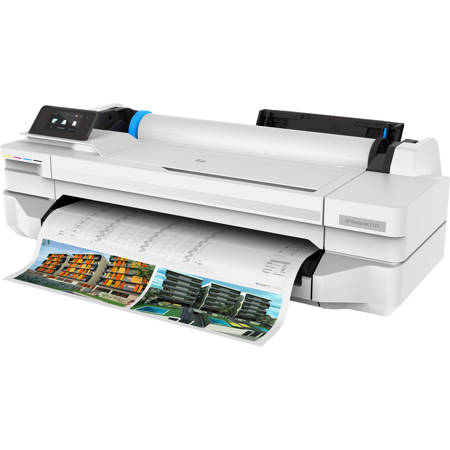
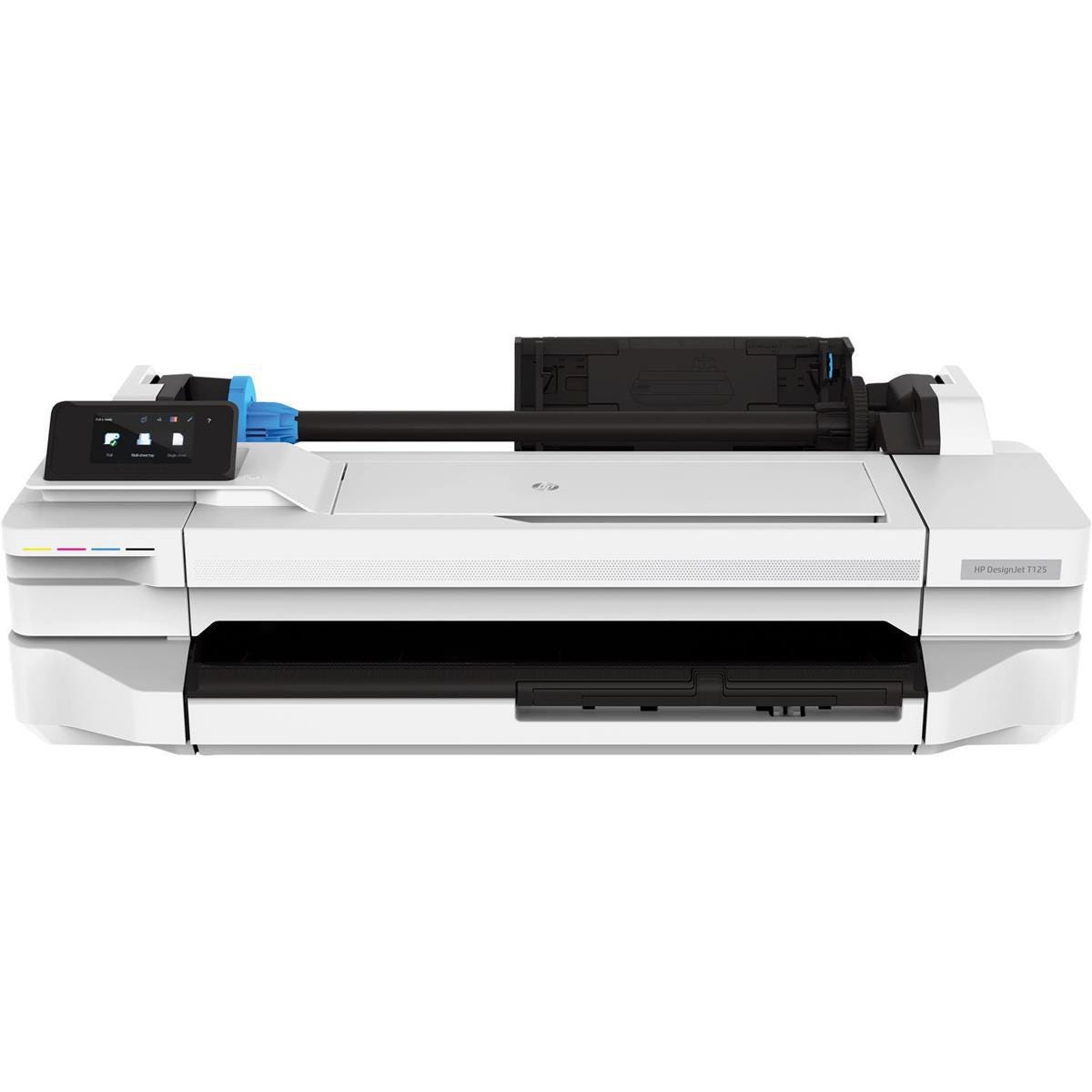
Shopper : what is in the box?ANDREW R : What's in the box: DesignJet T125 24" Wireless Large-Format Inkjet Printer Introductory 711 Black Ink Cartridge Introductory 711 Cyan Ink Cartridge Introductory 711 Magenta Ink Cartridge Introductory 711 Yellow Ink Cartridge C1Q10A DesignJet Printhead Power Cord Setup Poster Startup Software Quick Reference Guide HP 1 Year Limited Warranty

Reviews about this item

Review Summary

2020-09-30T20:00:00

Rated 4 out of 5

Good value for large format printing

This is the second large format Design Jet I have owned. So far so good.

FBArch

2020-05-26T20:00:00

Rated 3 out of 5

Good plotter, unnecessary interface

I really like this plotter as you get a good bang for your buck. So far everything is working well, prints are very clean and it prints very quickly when printing my architectural plans. The reasons I don't give it 5 stars is because you are forced to use 'HP Click' interface with my Mac computers, while the HP does offer print utility for PC's. This really sucks because I have to save my plans as PDF's, then open the application & drop the files in there to print. Now imagine how tedious this is when I have to plot 20+ CAD files? The same with any other application such photoshop, etc. I'm disappointed with HP because the sales person who assisted with this order did not disclose that this was not necessarily Mac-compatible. At least not compatible in the sense that I can print directly from what ever application I'm using. I've had higher-end HP plotters in previous jobs where we could print directly from any application on our Mac, sadly, not with this plotter. Does HP have plans for developing the print utility for Mac? I also noticed that even though I only print with black ink, the color ink levels are getting lower...why? Please help!

DugE

2020-02-28T19:00:00

Rated 1 out of 5

HP should test the machine before selling it

Paper mismatch no matter what I do. I thought I am buying plug and play. Whoever wrote the driver to run the plotter never test it on the plotter. Basically HP has a BAD QA QC. If HP were to perform any QA on this plotter they would not have shipped it to me…..shame on you HP

Samboston

2020-01-03T06:47:48

Rated 5 out of 5

Designjet T-125 24" roll feed printer

I really like this printer. It is more compact than my old Designjet 110 plus. I do miss the "c" size sheet feed. The roll paper works just fine, only complaint is that I don't have a print bin. I have my printer setup on a desk top and the prints just fall to the floor. I will be adding an extendable tray shortly to catch the prints. Overall it is just what I need for my small office. I print about 8-12 sheets a day mostly check prints (c-size). The roll 24 inch x 150 ft rolls gives me about 90 prints 18" tall x 24" wide. If there is a software problem it will most likely be in the windows 10 default wifi setup. HP and windows have made the setup more complicated than it needs to be but once set up it has been trouble free.

RICHARD B.

Select a plan in the Add Protection section above and purchase with this product by clicking “Add to Cart”.

image-protection

TRUSTED PROTECTION PLANS, EXCEPTIONAL SERVICE.

Invest In Your Gear and Peace Of Mind!

Accidents happen where life happens. Protect your favorite Adorama products and purchase a protection plan to stay covered from accidental damage, mechanical or electrical failure, and more.

Repair or Replacement

Repair or Replacement

If we can’t fix it, we’ll replace it at no additional cost.

Accidental Damage

Accidental Damage

Protect your product from drops, spills, and more.

Peace of Mind

Peace of Mind

Enjoy your gear without fear. We have you covered!

Malfunction Protection

Malfunction Protection

When regular use of your product over time results in mechanical or electrical failure.

Zero Deductible

Zero Deductible

We will never charge you a deductible after the purchase of a plan.

Customer-Focused Support

Customer-Focused Support

Our claims process is simple & easy and our customer service team is happy to help.

Adorama Protect powered by Extend is available for purchase to customers in the United States. Not available for purchase Internationally or in U.S. Territories.

HP DesignJet T125 Specifications

Print
  • Print speed

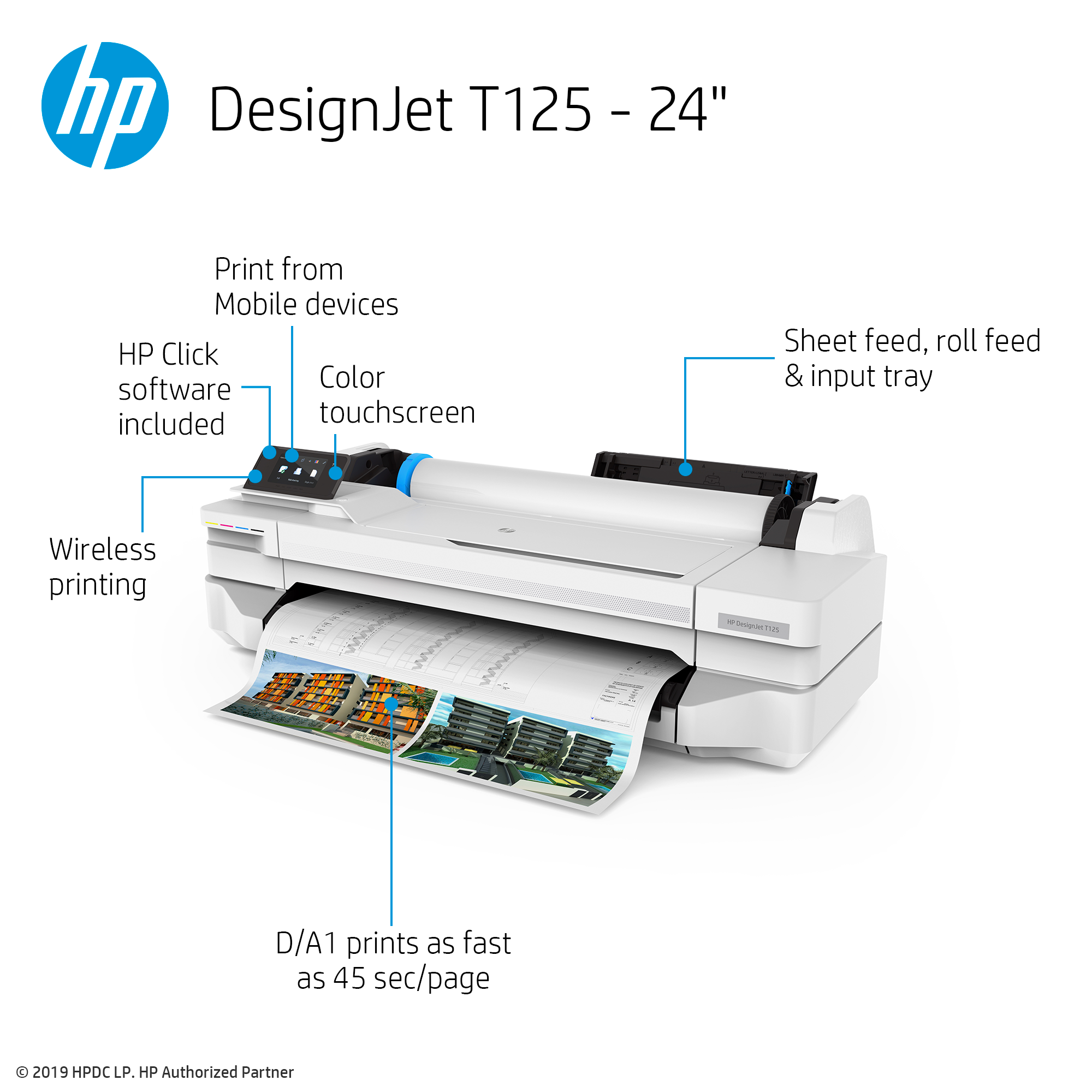
    45 sec/page on A1
    60 A1 prints per hour

  • Print resolution

    Up to 1200 x 1200 optimized dpi

  • Technology

    HP Thermal Inkjet

  • Margins

    Roll: 0.2 x 0.2 x 0.2 x 0.2 (5 x 5 x 5 x 5mm)
    Sheet: 0.2 x 0.2 x 0.2 x 0.2" (5 x 5 x 5 x 5mm)

  • Ink types

    Dye-based (C, M, Y); pigment-based (K)

  • Ink cartridges

    4 (C, M, Y, K)

  • Ink drop

    5.5 pl (C, M, Y); 12 pl (K)

  • Printheads

    1 (cyan, magenta, yellow, black)

  • Line accuracy

    +/-0.1%

  • Minimum line width

    0.0016" (0.04mm) (HP-GL/2 addressable)

  • Handling

    Sheet feed, roll feed, input tray, automatic horizontal cutter

  • Sheet Size

    Input Tray: 8.3 x 11 to 13 x 19" (210 x 279 to 330 x 482mm)
    Manual Feed: 13 x 19 to 24 x 74.7" (330 x 482 to 610 x 1897mm)

  • Roll size

    11 to 24" (279 to 610mm) rolls (2" core)

  • Grammage

    60 to 280 g/sq. m (roll/manual feed)
    60 to 220 g/sq. m (input tray)

  • Thickness

    Up to 0.3mm (11.8 mil)

  • Memory

    256 MB

Connectivity

Jump to...
  • Interfaces

    Fast Ethernet (100Base-T), Hi-Speed USB 2.0, Wi-Fi

  • Print languages (standard)

    JPEG

  • Mobile printing features

    Direct print from mobile apps on Android and Chrome OS; HP Smart app for iOS and Android

  • Drivers

    Raster driver for Windows

Software

Jump to...
  • Software Available

    HP Click, HP DesignJet Utility for Windows, HP Smart app, HP Poster Web app

Environmental Ranges

Jump to...
  • Operating Temperature

    41 Degree to 104 Degree F (5 Degree C to 40 Degree C)

  • Operating Humidity

    20 to 80% RH

Acoustics

Jump to...
  • Sound Pressure

    Operating: 45 dB(A)
    Idle: < 16 dB(A)

  • Sound Power

    Operating: 6.2 B(A)
    idle: < 3.4 B(A)

  • Consumption

    Printing: < 35 W
    Ready: < 6 W
    Sleep: < 4.5 W
    Standby: < 0.3 W

  • Requirements

    Input voltage (auto ranging): 100-240 V ( +/-10%), 50/60 Hz ( +/-3 Hz), 1200 mA max

Certification

Jump to...
  • Safety

    USA and Canada (CSA certified)

  • Electromagnetic

    Compliant with Class B requirements, including: USA (FCC rules), Canada (ICES)

  • Environmental

    ENERGY STAR; WEEE; EU RoHS; REACH; EuP; EPEAT

Physical

Jump to...
  • Dimensions (W x D x H)

    38.9 x 20.9 x 11.2" (987 x 530 x 285mm)

  • Weight

    56.2 lb (25.5kg)

  • UPC Code

    193808354526

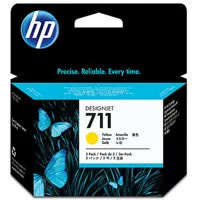
19 Accessories for HP DesignJet T125 Large Format Compact Wireless Plotter Printer - 24", with Mobile Printing (5ZY57A)

  • All Accessories (19)
  • Ink & Toner (8)
  • Printheads (1)
  • Installation Service (1)
  • Extended Warranty (1)
  • Printer Paper (8)

About HP DesignJet T125

FEATURED REVIEWS

Designjet T-125 24" roll feed printer

By RICHARD B.

I really like this printer. It is more compact than my old Designjet 110 plus. I do miss the "c" size sheet feed. The roll paper works just fine, only complaint is that I don't have a print bin. I have my printer setup on a desk top and the prints just fall to the floor. I will be adding an extendable tray shortly to catch the prints. Overall it is just what I need for my small office. I print about 8-12 sheets a day mostly check prints (c-size). The roll 24 inch x 150 ft rolls gives m...

View full Review

DesignJet T125

User Friendly Setup & The HP Poster Web App.

• Impress your clients with beautifully designed posters using the free and intuitive HP Poster Web app
• Easily access your files from cloud folders and print them using your smartphone with the HP Smart app
• Save money by printing in-house with HP's most affordable plotters
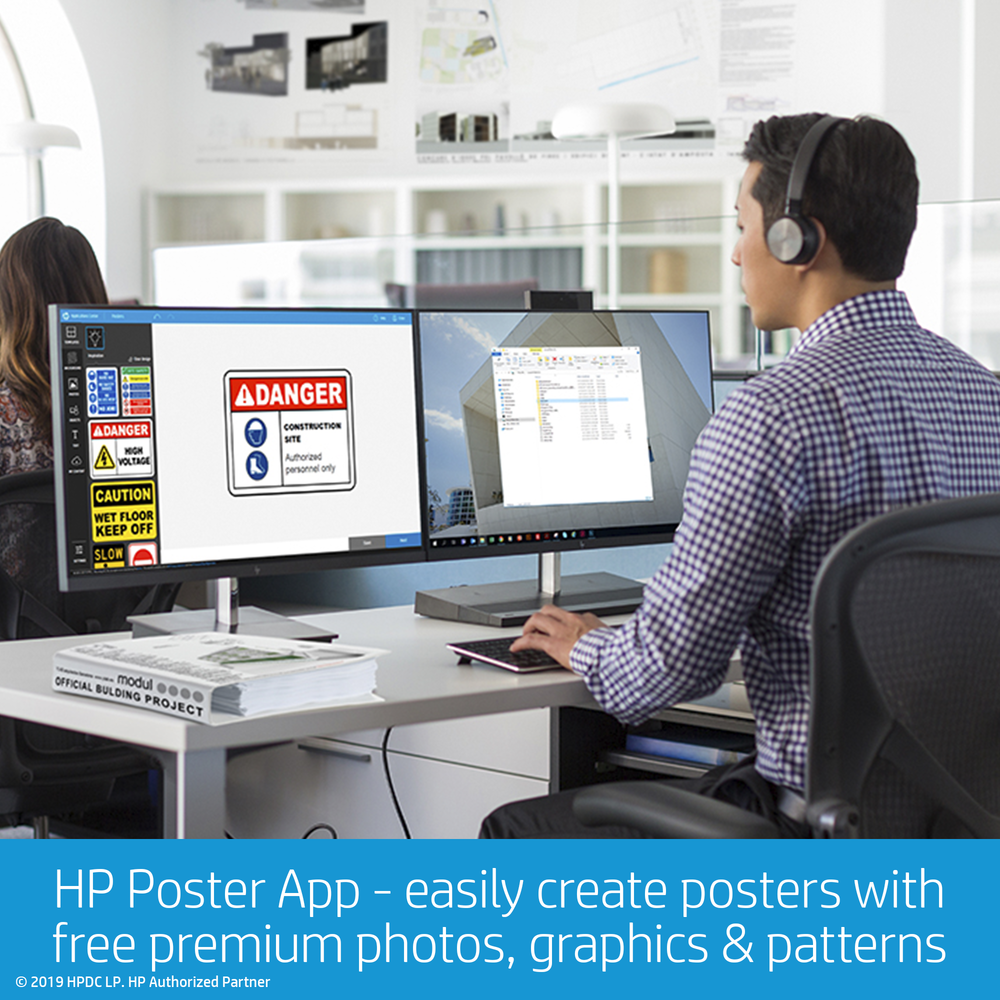
User Friendly Setup & The HP Poster Web App.

Office & Budget Perfection With Free HP Click Software.

• Speed up your PDF printing process with free HP Click software
• Save space by placing the world's smallest plotters wherever they fit best in your office
• Save time by connecting and printing right away with built-in Wi-Fi
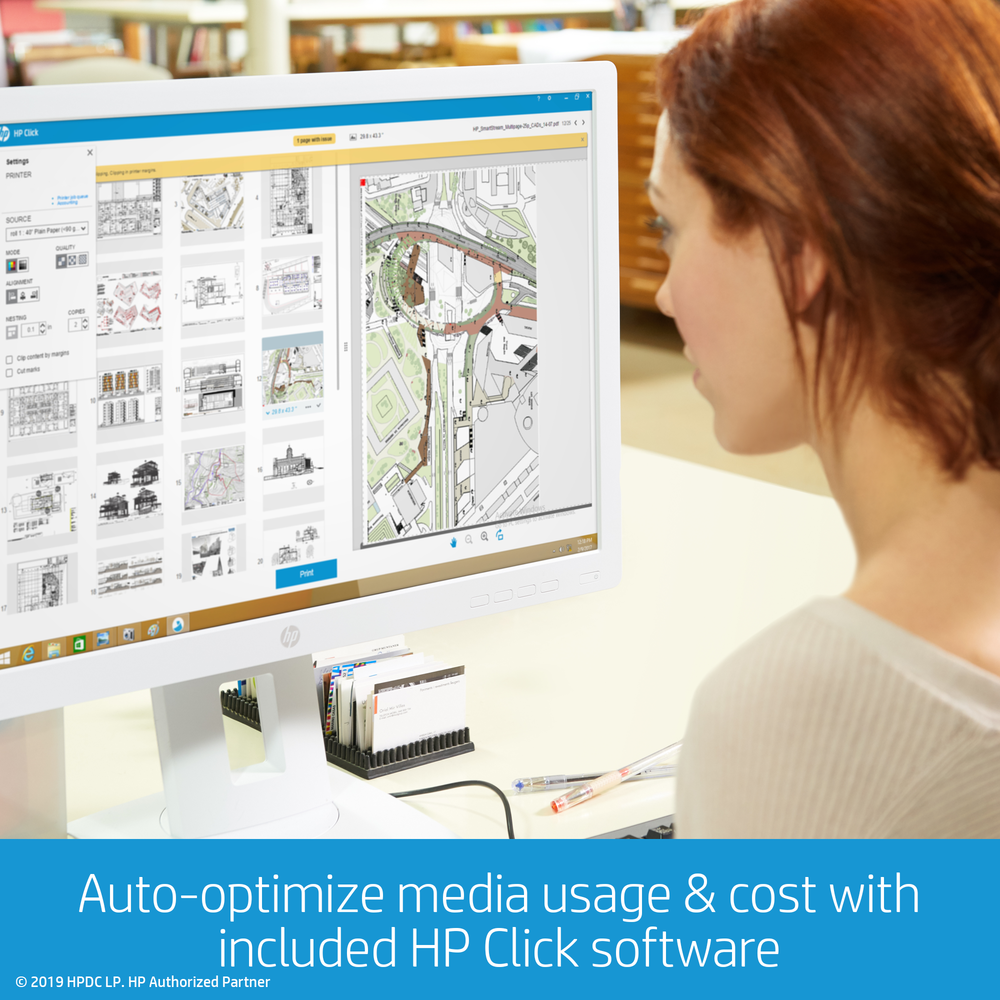
Office & Budget Perfection With Free HP Click Software.
19938ihpdjt125_4_46403.jpg

High Speed Printing.

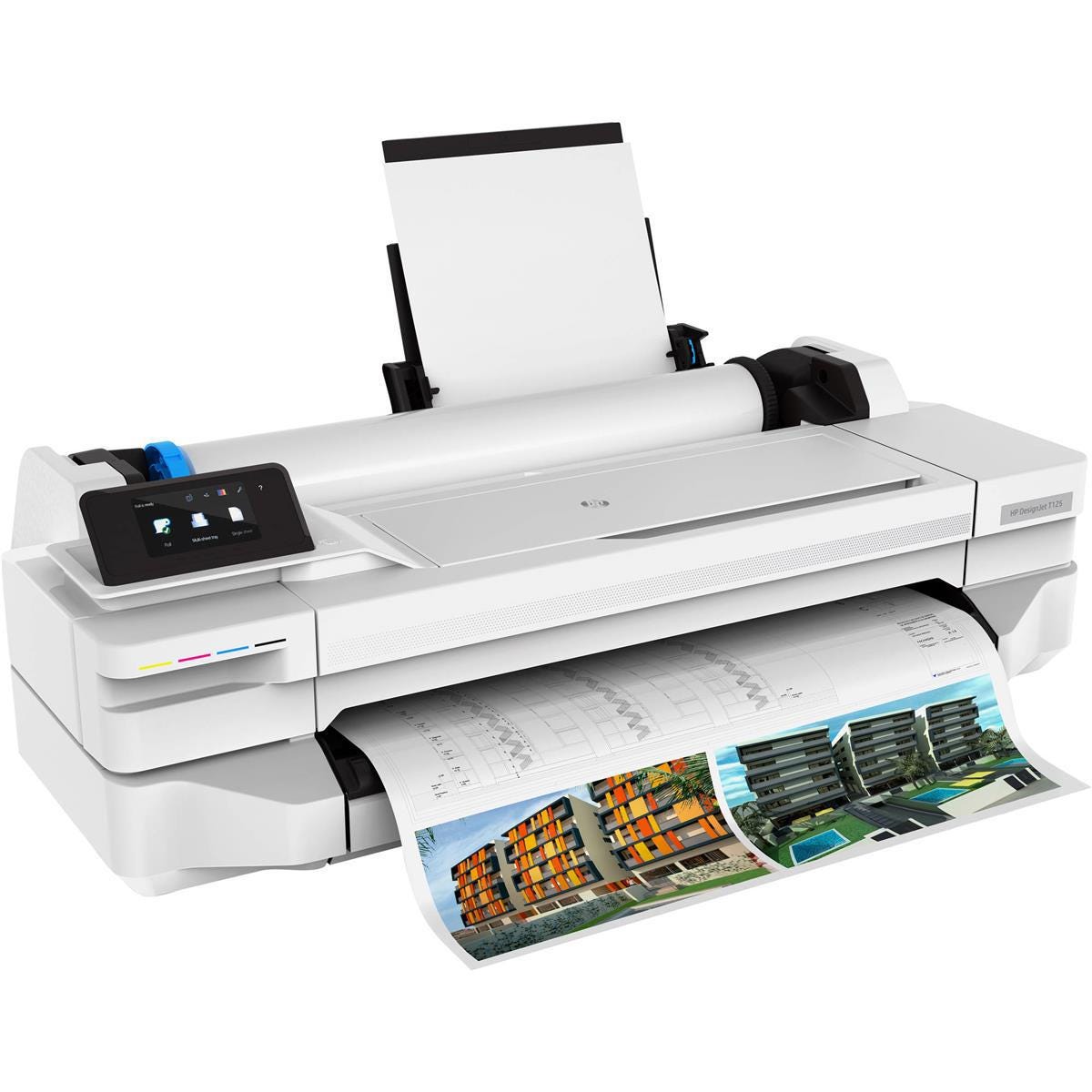
• Meet client expectations with high-quality, highspeed A1/D-size printing.
• Get perfectly matched color on both small- and large-format prints thanks to the built-in A3/A4 tray
19938ihpdjt125_1_51664.jpg

HP DesignJet Quality.

  • Convey your ideas with bold images, sharp lines on plain paper for any application with HP Bright Office Inks
  • The world's smallest plotters - making it easy to print big

Save space, time, and money with a compact plotter with built-in Wi-Fi that lets you print right away. Speed up the PDF printing process. Print from your smartphone with the HP Smart app. Get high quality and high speed.

Ideal for
Architect, engineering, and construction professionals working in home or small offices who need a compact, easy to use, affordable plotter in-house.

Media Sizes
8.3 to 24-in wide sheets; 11 to 24-in rolls

Media Handling
Sheet feed; roll feed; input tray; automatic cutter

Security Features
Print in-house with the world's smallest large-format plotters that are the perfect fit for your office, and your budget. You can count on radically simple printing and HP DesignJet quality.

Connectivity/Mobile Printing
• Connectivity: Fast Ethernet (100Base-T); Hi-Speed USB 2.0; Wi-Fi.
• Mobile Printing: Direct print from mobile apps on Android and Chrome OS; HP Smart app for iOS and Android

Print Speeds
Up to 45 sec/page on A1/D

Software Included
HP Smart app; Easily print project sets and PDF documents with HP Click printing software; Create posters using free premium photos, graphics & patterns with HP Poster App; HP DesignJet Utility for Mac and Windows.

Why to Buy
Discover savings, from your office space to your budget, with the world's smallest plotters. With built-in Wi-Fi, you can also save time by connecting and printing right away. Save money by printing in-house with HP's most affordable plotters.
HP DesignJet T125 Features

  • High-speed printing
  • Wi-Fi connectivity
  • Fast Ethernet (100Base-T)
  • Hi-Speed USB 2.0
  • A3/A4 tray
  • HP DesignJet quality

Key Features

  • High-speed printing
  • Wi-Fi connectivity
  • Fast Ethernet (100Base-T)
  • Hi-Speed USB 2.0
  • A3/A4 tray
  • HP DesignJet quality

What's in the box:

  • DesignJet T125 Large Format Compact Wireless Plotter Printer (24")
  • Printhead
  • Introductory Ink Cartridges
  • Quick Reference Guide
  • Setup Poster
  • Startup Software
  • Power Cord
  • HP 1 Year Limited Hardware Warranty