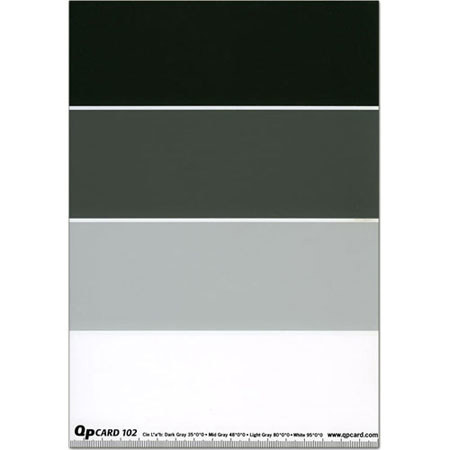
QPcard 102, 4-Step Grey Scale Card, 9.6x6.7"
SKU: IMQPC4
This item is no longer available.
Share:
Overview
Compare
Specs
Protection







About QPcard Adorama QpCard 102
The QPcard 4-Step Grey Scale has been developed with the help of experienced users of the original QPcard 101. The QPcard 4-Step Grey Scale is much bigger, 9.6" x 6.7", than the original QPcard and made of thick cardboard. It has four fields, for better distribution along the grey scale. Furthermore it has replaced the black with a dark grey field.
Black is difficult to adjust anyway, so four fields not to close to the end points of the tonal scale are much more effective. These four fields work exceptionally well with Adobe Photoshop's ability to correct the balance using four points under Curves.
All fields are perfectly neutral, measuring L*a*b values 35*0*0, 48*0*0, 80*0*0 and 95*0*0. The spectral response is almost flat, making the card perfect in all light conditions without causing any metameric problems. There are no fluorescent whitening agents involved, making the card perfect for Custom White Balance Setting in anylight.
Using the QP102 4-Step Grey Scale Card is a simple four-step process:
• Position QP102 next to the subject and shoot a reference image.
• Remove QP102 and shoot all the images in the same lighting conditions.
• Open reference image in your image software and balance against the QP102.
• Save the settings and apply to the rest of the images taken in the same light.
