


+2
more
more
This item is no longer available.
Changing the Way We Connect to Wi-Fi
KISS proximity technology enables devices to connect to Wi-Fi by coming in close contact with a kisslink router. Wi-Fi Passwords are not required so no more compromises between passwords that are too difficult to remember or too easy to exploit. This patent-pending authentication process assures that only you and your house guests can easily and securely connect to your network.
Plug and Play Setup
Our kisslink routers are the first of their kind to be truly plug and play. They do not require a configuration process to install. Simply connect them to a power outlet and an Internet source. If kisslink is deployed as a range extender, an automatic prompt will appear requesting access to the existing network the first time you connect. We've simplified the process so anyone can set up kisslink routers in minutes.
The Best Guest Network
There's no need to give out your Wi-Fi password, because your network won't even require one with KISS enabled. kisslink will not only impress your house guests , but also ensures that outsiders cannot get your network without a physical presence.
Reliable Signal
A Qualcomm chipset and business grade software allow kisslink routers to deliver strong , stable and fast Wi-Fi connections. Our custom OS , built on more than one decade of enterprise networking expertise , is optimized to deliver a reliable connection at all times.
Mesh Network
For larger homes and spaces , we recommend installing multiple kisslink routers. Adding more kisslink routers to an existing kisslink network is a 1-step process. Just plug the additional kisslink router(s) into a power outlet in an area with overlapping Wi-Fi coverage and authenticate a connected device via KISS. The new kisslink routers will then automatically connect to the existing network.
LED Indicator and Zen Button
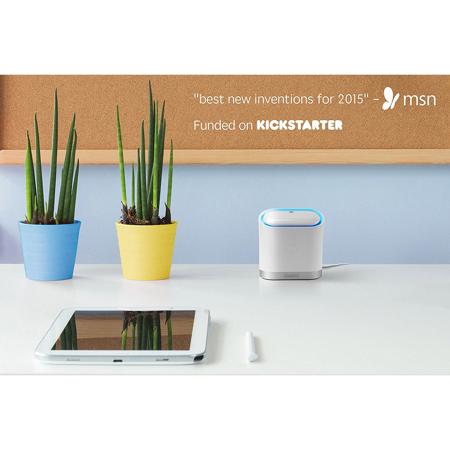
The LED ring around the syncing panel is designed as a helpful status report of your kisslink such as when it pulses whenever a device is near and KISS authentication is active. No tiny reset pinholes. No extra buttons for confusion. The Zen Button is front and center anytime you need to optimize or debug your network.