


Picture does not represent the actual item
Picture does not represent the actual item
Need help? Ask our experts.
Bring unparalleled efficiency and style to your mobile computing experience with the Signature Keyboard with Slim Pen 2, designed exclusively for the Microsoft Surface Pro 8, 9, and X models, including the sophisticated Sapphire edition. This durable and high-quality accessory set is the epitome of next-level versatility, offering a seamless blend of form and function.
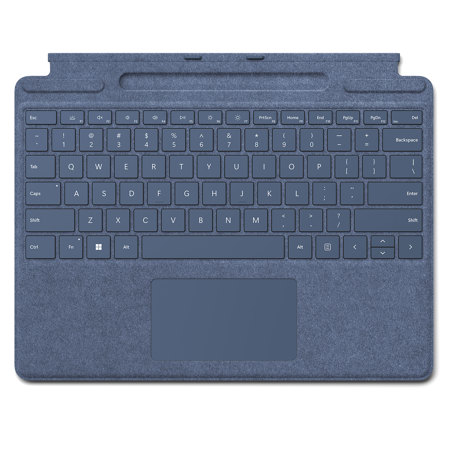
Crafted with a luxurious Alcantara material covering, the keyboard provides a comfortable, tactile typing experience that rivals traditional full-size keyboards. The large glass touchpad enhances precision and ease of navigation, ensuring that every movement is smooth and responsive.
The innovative design of the Signature Keyboard includes a dedicated storage tray for the Slim Pen 2, ensuring that your pen is always charged, secure, and within reach. This feature not only adds convenience but also maintains the sleek and portable profile of your Surface Pro device.
The Slim Pen 2 itself is a game-changer for those who sketch, write, or annotate on their Surface Pro. It offers our most natural on-screen writing experience yet, with precise control and sensitivity that creative professionals and productivity enthusiasts will appreciate.
Optimized for compatibility, the Signature Keyboard with Slim Pen 2 effortlessly pairs with your Surface Pro 8, 9, or X, transforming it into a full laptop setup that's ready for anything from intensive work sessions to creative endeavors. Whether you're in the office, at a caf©, or on the go, this stylish keyboard and pen combo is the ultimate tool for those who demand both functionality and elegance in their tech accessories.
Choose the Signature Keyboard with Slim Pen 2 for your Surface Pro 8, 9, or X and experience the perfect pairing of sophisticated design and peak performance.
