Autodesk Laptops
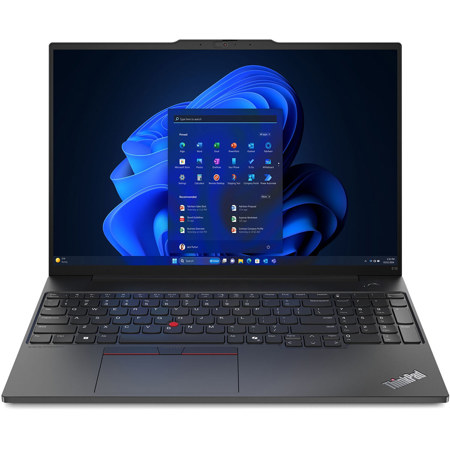
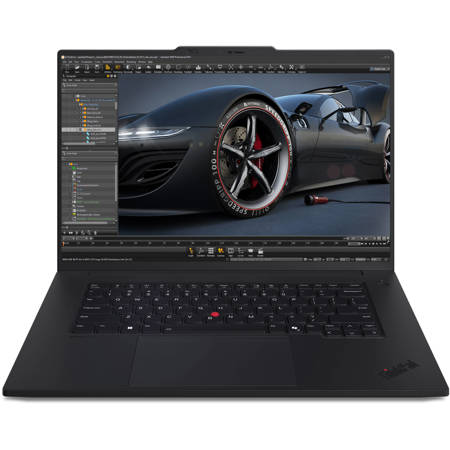
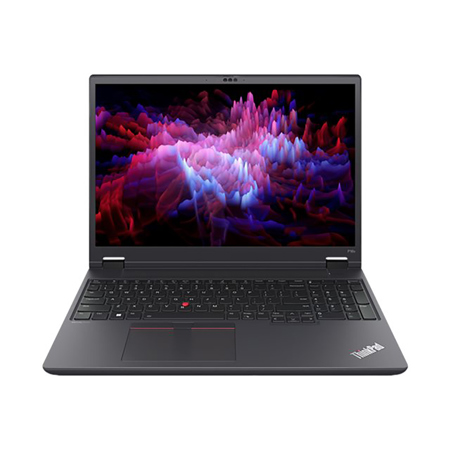
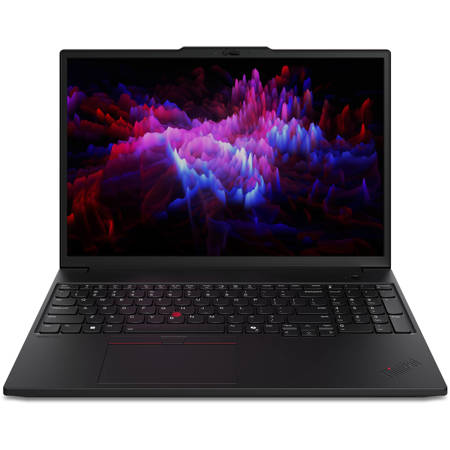
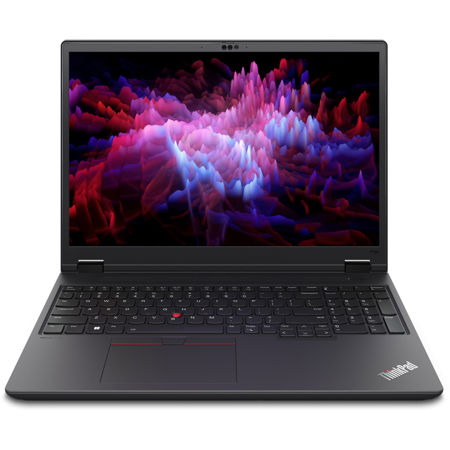
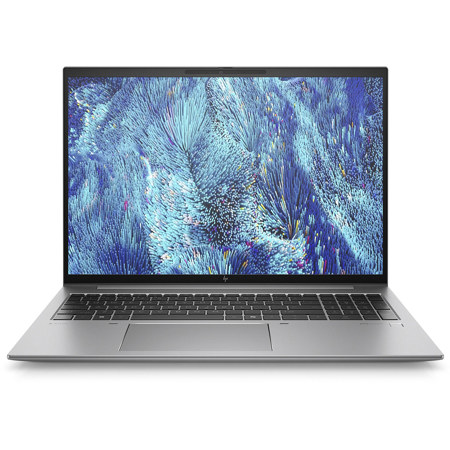
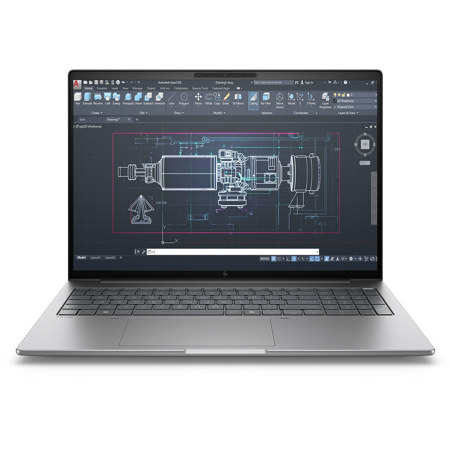
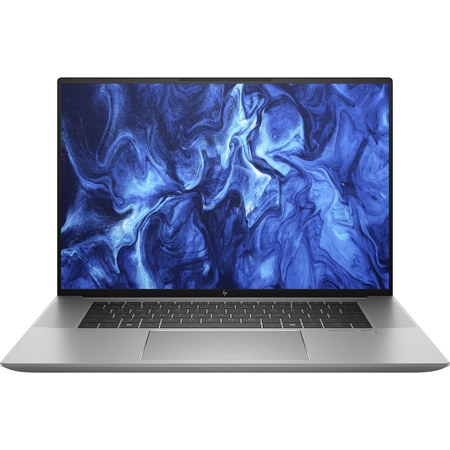
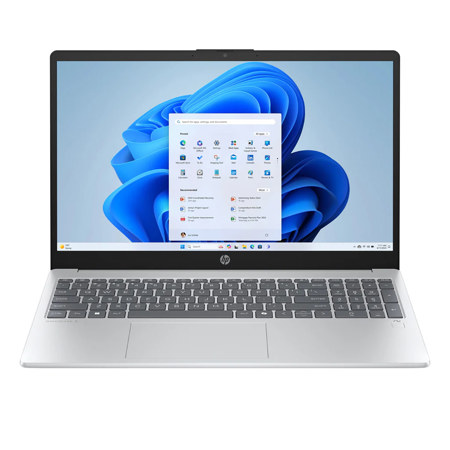
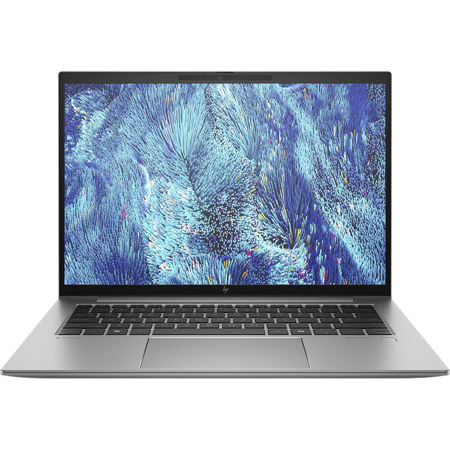
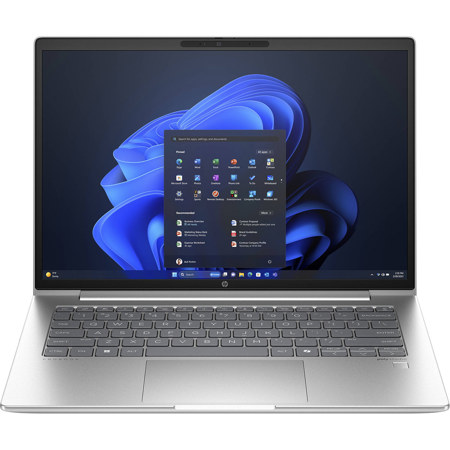
When choosing a laptop for Autodesk software, the right hardware makes all the difference in transforming creative vision into reality, whether you’re drafting architectural plans, modeling intricate engineering components, or animating lifelike characters. Autodesk applications like AutoCAD, Revit, and Maya are resource-intensive, demanding a mobile workstation that balances raw power with reliability and portability. For professionals, students, and hobbyists alike, investing in a laptop with a high-performance processor is essential—look for modern Intel Core i7, i9, or AMD Ryzen chips with high clock speeds, as Autodesk programs often rely on single-core performance for smooth operation. Memory is another critical factor; while 16GB of RAM can handle basic 2D drafting and light modeling, complex 3D projects and multitasking with multiple applications open benefit greatly from 32GB or more, ensuring seamless workflow even as project files grow in size and complexity.
A dedicated, professional-grade graphics card is indispensable for anyone working with 3D modeling, rendering, or visualization. Autodesk certified laptops with NVIDIA or AMD workstation GPUs offer the stability and performance needed for long hours of creative work, reducing the risk of crashes or slowdowns during demanding rendering tasks. These certified models are tested for compatibility and reliability with Autodesk’s software suite, making them a smart choice for studios, freelancers, and students preparing for professional careers. Fast SSD storage is also a game-changer, dramatically reducing load times for large project files and accelerating software launches, while a bright, color-accurate display with high resolution enables precise design work and accurate client presentations. For those who frequently collaborate or present work on the go, a laptop that combines robust hardware with a lightweight, portable chassis is especially valuable during the winter season—whether you’re commuting to a client meeting in the city or working from a cozy coffee shop as snow falls outside.
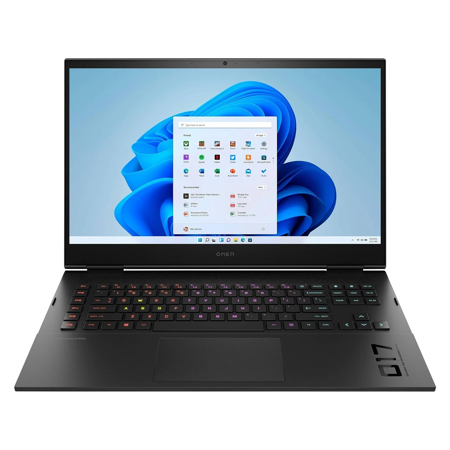
Autodesk laptops aren’t just for architects and engineers; they’re also ideal for graphic designers, animators, and digital artists who require dependable performance and vivid displays. These laptops make thoughtful gifts for students entering design programs, recent graduates starting their first job in the industry, or creative professionals upgrading their workspace for the new year. As technology continues to evolve, many users find that gaming laptops—thanks to their powerful processors and high-end graphics cards—can double as effective workstations for CAD and 3D modeling, provided the GPU supports DirectX and meets Autodesk’s certification requirements. For those whose work extends beyond Autodesk’s suite into animation or visual effects, exploring options like 3 D Animation Laptops can further expand creative potential. Ultimately, choosing the right Autodesk laptop is about matching your workflow and ambitions with hardware that enables you to work faster, smarter, and with greater confidence, no matter where your projects take you this season.
A dedicated, professional-grade graphics card is indispensable for anyone working with 3D modeling, rendering, or visualization. Autodesk certified laptops with NVIDIA or AMD workstation GPUs offer the stability and performance needed for long hours of creative work, reducing the risk of crashes or slowdowns during demanding rendering tasks. These certified models are tested for compatibility and reliability with Autodesk’s software suite, making them a smart choice for studios, freelancers, and students preparing for professional careers. Fast SSD storage is also a game-changer, dramatically reducing load times for large project files and accelerating software launches, while a bright, color-accurate display with high resolution enables precise design work and accurate client presentations. For those who frequently collaborate or present work on the go, a laptop that combines robust hardware with a lightweight, portable chassis is especially valuable during the winter season—whether you’re commuting to a client meeting in the city or working from a cozy coffee shop as snow falls outside.
Autodesk laptops aren’t just for architects and engineers; they’re also ideal for graphic designers, animators, and digital artists who require dependable performance and vivid displays. These laptops make thoughtful gifts for students entering design programs, recent graduates starting their first job in the industry, or creative professionals upgrading their workspace for the new year. As technology continues to evolve, many users find that gaming laptops—thanks to their powerful processors and high-end graphics cards—can double as effective workstations for CAD and 3D modeling, provided the GPU supports DirectX and meets Autodesk’s certification requirements. For those whose work extends beyond Autodesk’s suite into animation or visual effects, exploring options like 3 D Animation Laptops can further expand creative potential. Ultimately, choosing the right Autodesk laptop is about matching your workflow and ambitions with hardware that enables you to work faster, smarter, and with greater confidence, no matter where your projects take you this season.