Laptops for Animation Students
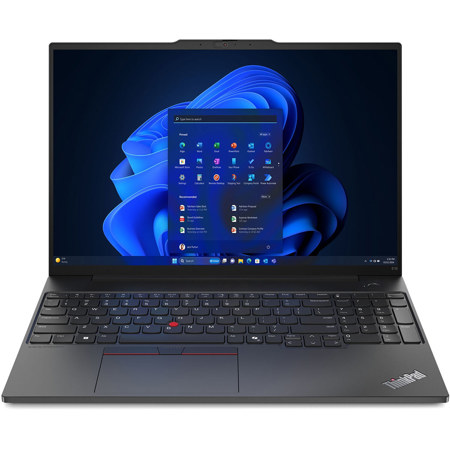
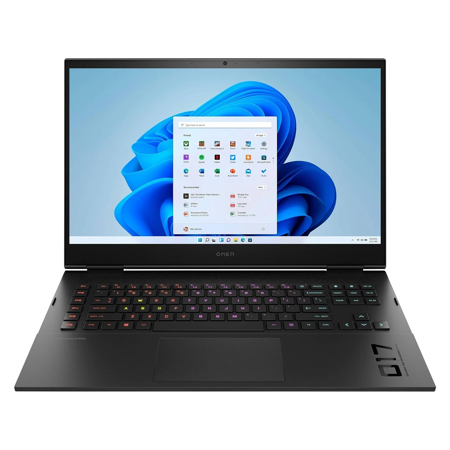
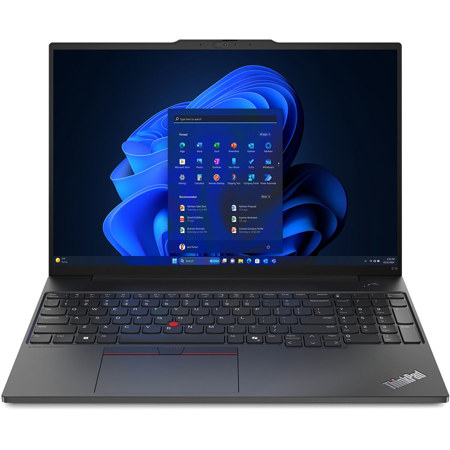
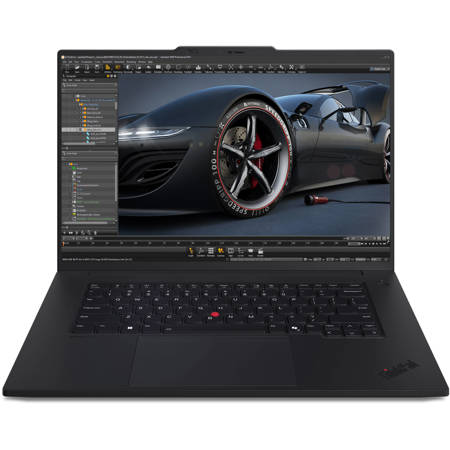
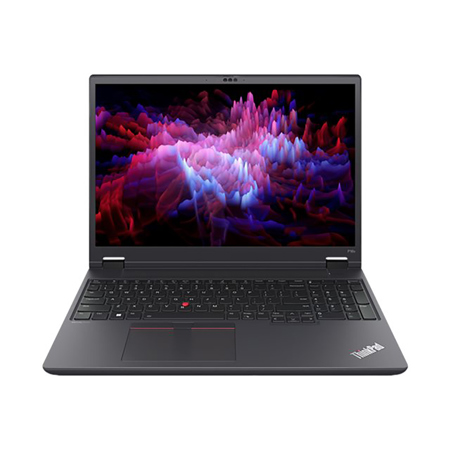
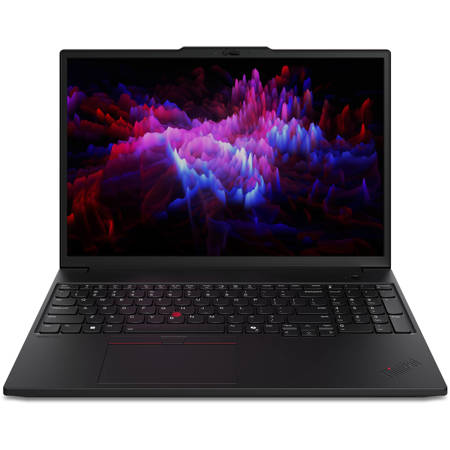
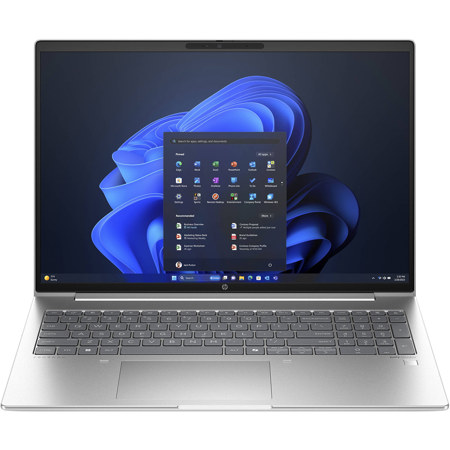
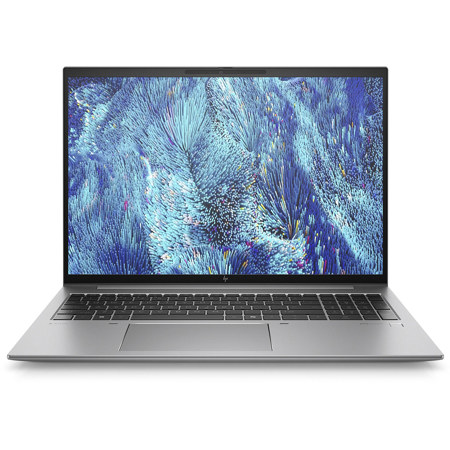
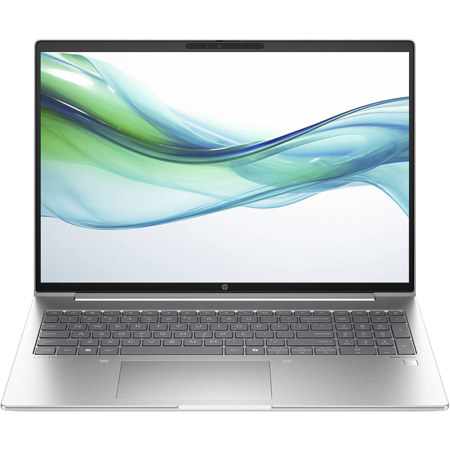
Finding the right laptop for animation students is a crucial step in setting up for creative success, whether you’re diving into 2D character design, 3D modeling, or intricate visual effects. Animation coursework and personal projects often demand a blend of high-performance hardware and reliable portability, especially as the spring semester kicks off and campus studios fill with the hum of digital creativity. The best computers for animation students are designed to handle intensive applications like Blender, Maya, or Adobe After Effects, which means they need a powerful CPU—think recent generation Intel Core i7/i9 or AMD Ryzen 7/9 processors—to keep up with rendering and multitasking. Animation programs also benefit from generous RAM; while 16GB is a solid starting point for most 2D work, 32GB is often preferred for complex 3D scenes and simulation-heavy projects. A dedicated NVIDIA RTX graphics card is essential for real-time previews and GPU-accelerated rendering, and a fast SSD (at least 512GB, though 1TB is ideal) ensures quick load times and ample storage for large project files.
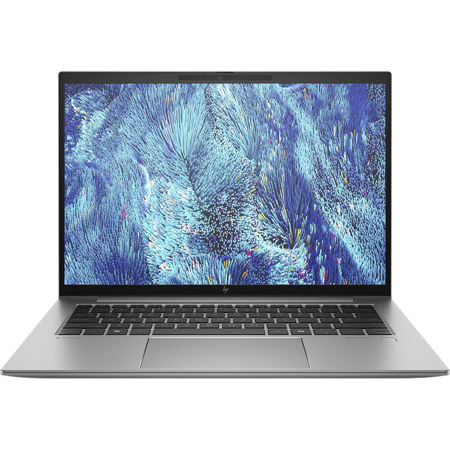
Display quality is another key consideration for animation students, who rely on accurate color reproduction and sharp detail when fine-tuning their frames. Many of the best laptops for students now feature high-resolution screens—QHD, 4K, or the increasingly popular 14 WUXGA panels—offering both clarity and wide color gamuts that help bring digital artwork to life. Portability matters too, especially for those shuttling between classes, group projects, and late-night sessions at the campus coffee shop. Lightweight designs, robust battery life, and solid build quality make a tangible difference in daily use. As winter transitions to spring, laptops also become popular gifts for aspiring animators preparing for internships or graduation, making them a thoughtful investment for parents or relatives supporting a student’s creative journey. With the right laptop, animation students can explore everything from frame-by-frame illustration to full 3D environments, collaborating with classmates, building their portfolios, and pushing the boundaries of their imagination.
For those comparing options across creative disciplines, it’s worth noting that many of the requirements for animation overlap with other fields like film production, graphic design, and game development. If your interests span multiple areas, or if you’re shopping for a laptop that can handle both animation and video editing, you might also find inspiration on our Laptops For Film Students page. Ultimately, choosing a laptop for animation is about balancing power, portability, and visual fidelity. Whether you’re sketching storyboards with a stylus, compositing scenes in a bustling dorm room, or rendering your capstone project as the first flowers of spring appear outside your window, the right device becomes an extension of your creative process. Investing in one of the best laptops for animation students is more than a technical decision—it’s the foundation for telling stories, building worlds, and sharing your vision with the world.
Display quality is another key consideration for animation students, who rely on accurate color reproduction and sharp detail when fine-tuning their frames. Many of the best laptops for students now feature high-resolution screens—QHD, 4K, or the increasingly popular 14 WUXGA panels—offering both clarity and wide color gamuts that help bring digital artwork to life. Portability matters too, especially for those shuttling between classes, group projects, and late-night sessions at the campus coffee shop. Lightweight designs, robust battery life, and solid build quality make a tangible difference in daily use. As winter transitions to spring, laptops also become popular gifts for aspiring animators preparing for internships or graduation, making them a thoughtful investment for parents or relatives supporting a student’s creative journey. With the right laptop, animation students can explore everything from frame-by-frame illustration to full 3D environments, collaborating with classmates, building their portfolios, and pushing the boundaries of their imagination.
For those comparing options across creative disciplines, it’s worth noting that many of the requirements for animation overlap with other fields like film production, graphic design, and game development. If your interests span multiple areas, or if you’re shopping for a laptop that can handle both animation and video editing, you might also find inspiration on our Laptops For Film Students page. Ultimately, choosing a laptop for animation is about balancing power, portability, and visual fidelity. Whether you’re sketching storyboards with a stylus, compositing scenes in a bustling dorm room, or rendering your capstone project as the first flowers of spring appear outside your window, the right device becomes an extension of your creative process. Investing in one of the best laptops for animation students is more than a technical decision—it’s the foundation for telling stories, building worlds, and sharing your vision with the world.