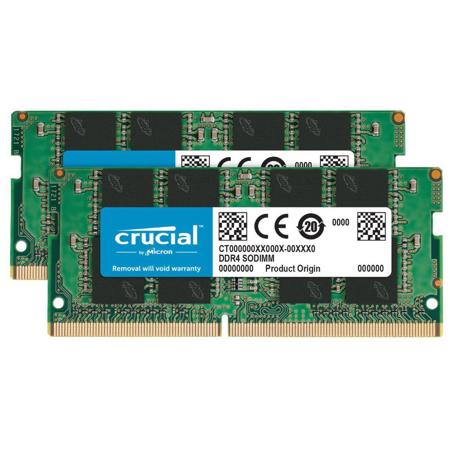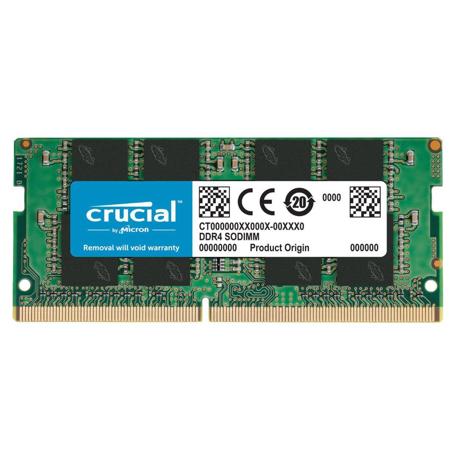
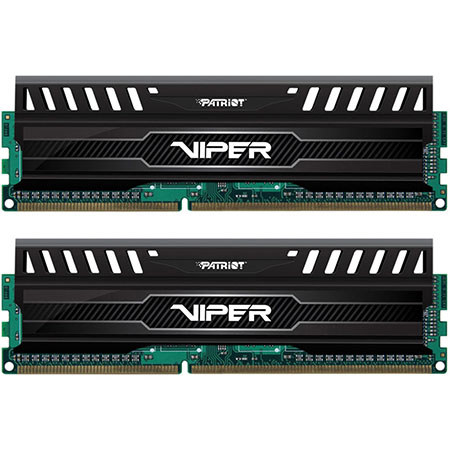
DDR3 Laptop Memory
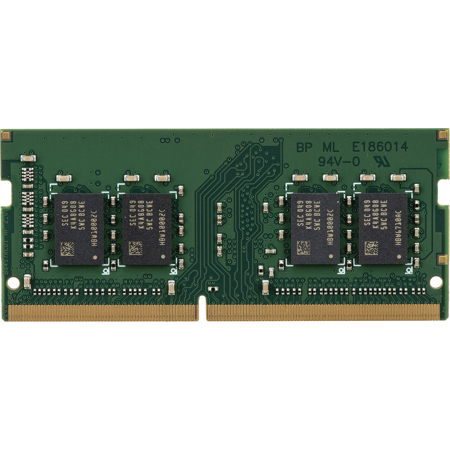
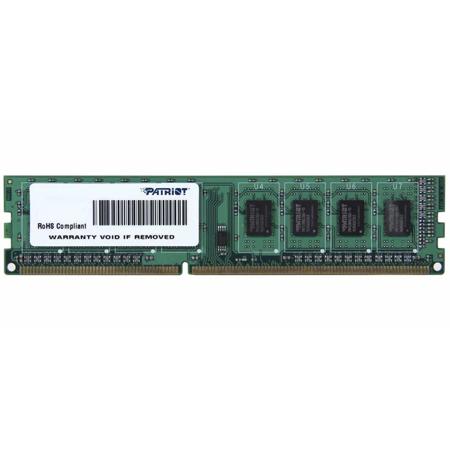
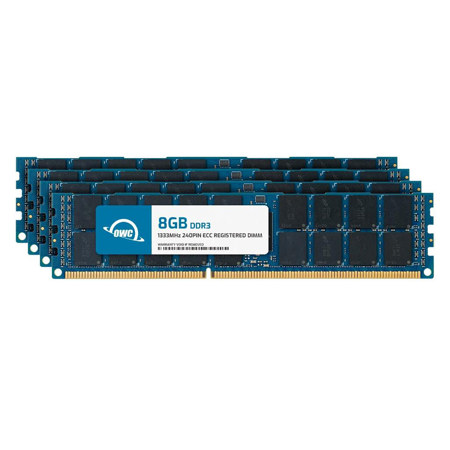
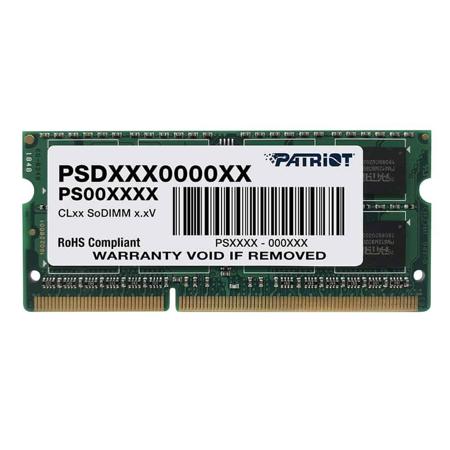
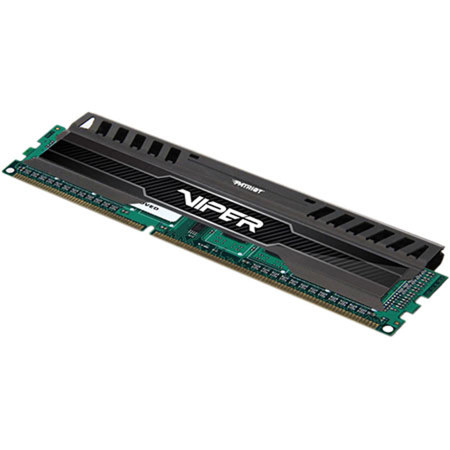
Upgrading your laptop’s memory is one of the most effective ways to breathe new life into your device, especially if you’re working with an older system that relies on DDR3 laptop memory. Whether you’re a student balancing coursework and creative projects, a professional editing photos on the go, or simply someone who enjoys streaming, browsing, and multitasking, the right DDR3 RAM laptop upgrade can make all the difference. The winter months often bring about a desire to refresh our tech setups—perhaps you’re looking to boost performance for the new year, or you’re considering a thoughtful gift for a friend or family member who could use a little extra speed in their daily routine. DDR3 laptop memory remains a practical and accessible upgrade for many popular notebook models still in use today, offering improved multitasking capabilities and smoother performance for everyday applications.
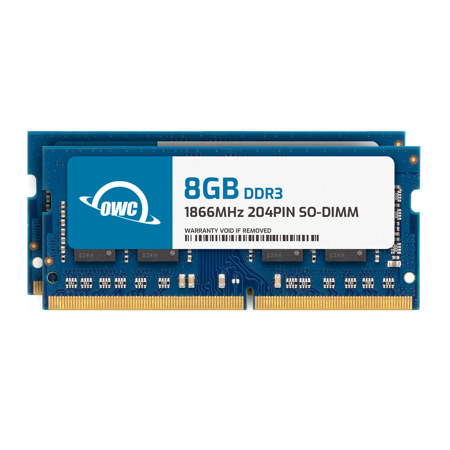
When considering a memory upgrade, it’s important to take stock of your laptop’s current specs and your own usage habits. For light users who primarily browse the web, work on documents, and stream media, a modest increase—such as moving to 8GB DDR3 RAM—can provide a noticeable improvement in responsiveness without breaking the bank. Keeping an eye on the 8 GB DDR3 RAM price can help you find the sweet spot between cost and performance, especially during seasonal sales or holiday promotions. Power users, content creators, and those who frequently run multiple demanding programs may benefit from stepping up to 16 GB DDR3, ensuring that their workflow remains uninterrupted even with several applications open at once. Installation is typically straightforward, making this a rewarding DIY project; there’s a certain satisfaction in hearing your laptop whir back to life, running more efficiently and handling tasks that previously slowed it down. For those gifting an upgrade, DDR3 laptop memory is a thoughtful choice—compact, practical, and instantly impactful, it’s the kind of present that keeps giving long after the wrapping paper is cleared away.
As technology continues to evolve, it’s worth noting that DDR3 RAM is best suited for laptops manufactured within the last decade that do not support newer memory standards. Before purchasing, always check your laptop’s compatibility to ensure you’re selecting the right type and capacity. If your system supports it, you might want to explore next-generation options like DDR 4 SO-DIMM Memory for even greater performance gains. However, for those with systems built for DDR3, upgrading your memory is a cost-effective way to extend the life of your device, reduce lag during intensive tasks, and make everyday computing more enjoyable. Whether you’re editing high-resolution photos, managing large spreadsheets, or simply seeking a more responsive experience, investing in quality DDR3 laptop memory can transform your workflow and help you get the most out of your laptop this season and beyond.
When considering a memory upgrade, it’s important to take stock of your laptop’s current specs and your own usage habits. For light users who primarily browse the web, work on documents, and stream media, a modest increase—such as moving to 8GB DDR3 RAM—can provide a noticeable improvement in responsiveness without breaking the bank. Keeping an eye on the 8 GB DDR3 RAM price can help you find the sweet spot between cost and performance, especially during seasonal sales or holiday promotions. Power users, content creators, and those who frequently run multiple demanding programs may benefit from stepping up to 16 GB DDR3, ensuring that their workflow remains uninterrupted even with several applications open at once. Installation is typically straightforward, making this a rewarding DIY project; there’s a certain satisfaction in hearing your laptop whir back to life, running more efficiently and handling tasks that previously slowed it down. For those gifting an upgrade, DDR3 laptop memory is a thoughtful choice—compact, practical, and instantly impactful, it’s the kind of present that keeps giving long after the wrapping paper is cleared away.
As technology continues to evolve, it’s worth noting that DDR3 RAM is best suited for laptops manufactured within the last decade that do not support newer memory standards. Before purchasing, always check your laptop’s compatibility to ensure you’re selecting the right type and capacity. If your system supports it, you might want to explore next-generation options like DDR 4 SO-DIMM Memory for even greater performance gains. However, for those with systems built for DDR3, upgrading your memory is a cost-effective way to extend the life of your device, reduce lag during intensive tasks, and make everyday computing more enjoyable. Whether you’re editing high-resolution photos, managing large spreadsheets, or simply seeking a more responsive experience, investing in quality DDR3 laptop memory can transform your workflow and help you get the most out of your laptop this season and beyond.