



Sodimm Laptop Memory
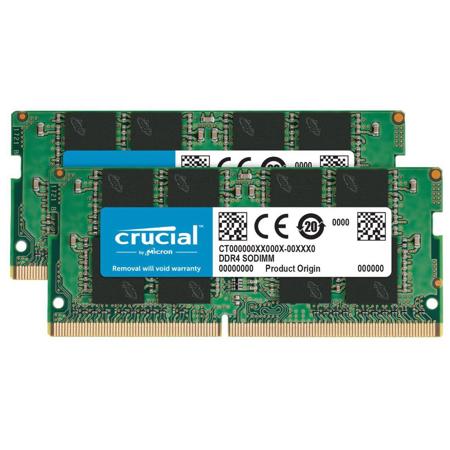
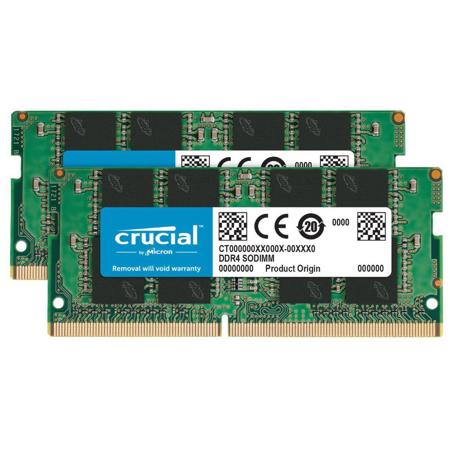
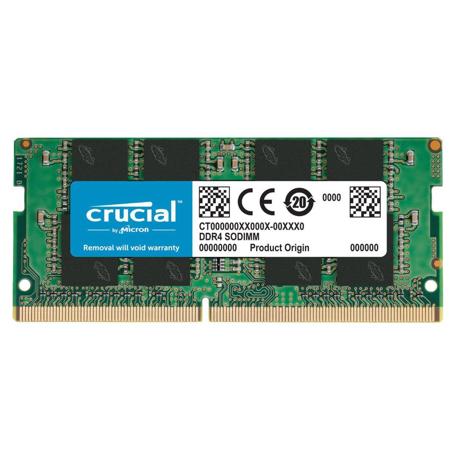
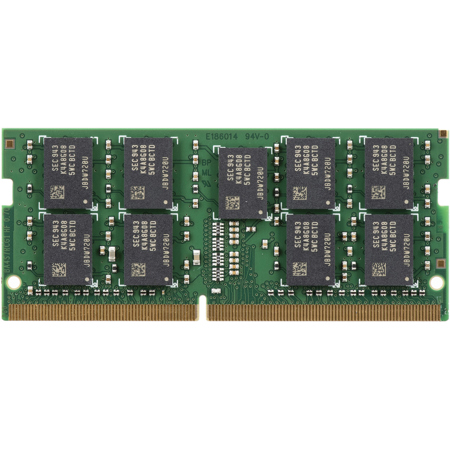
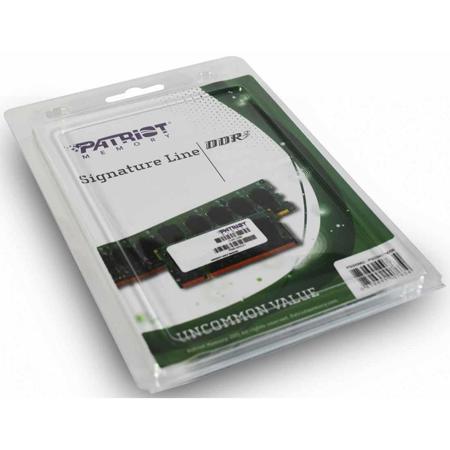
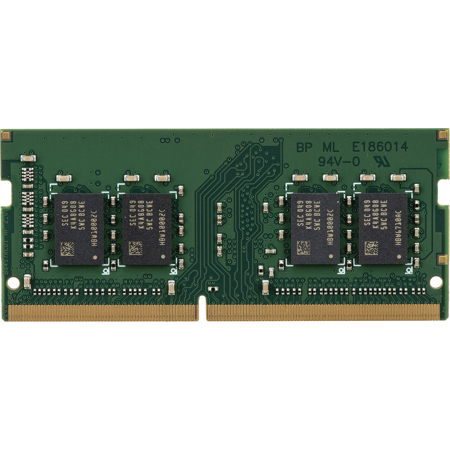
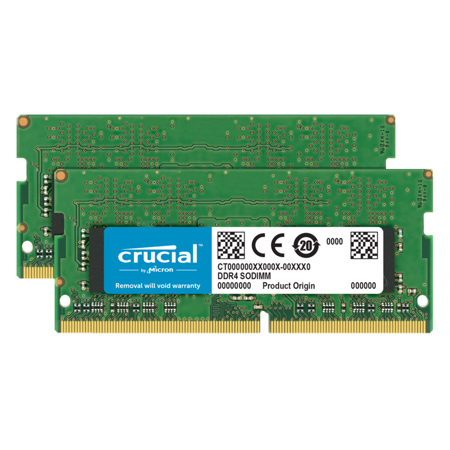
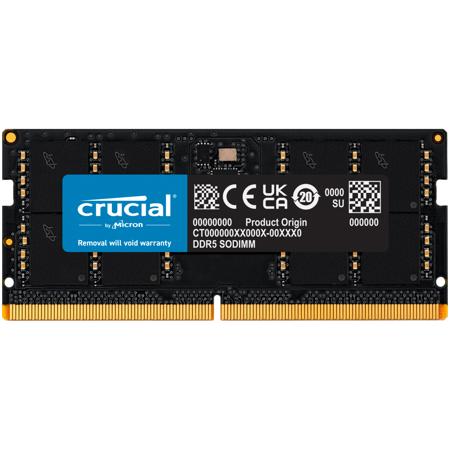
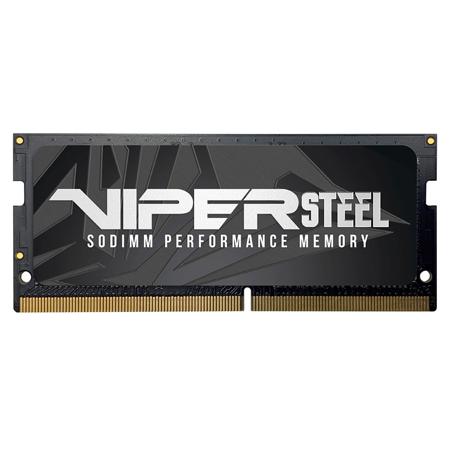
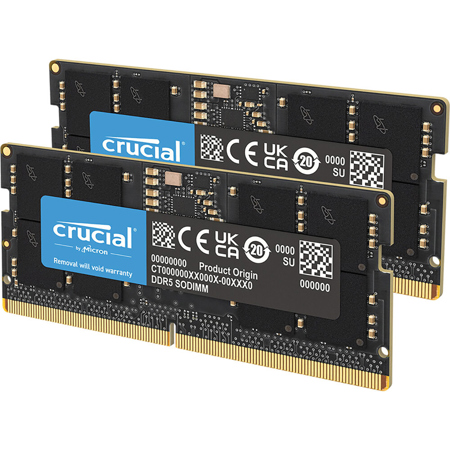
When it comes to maximizing laptop performance, few upgrades offer as immediate and noticeable an impact as increasing your system’s memory with quality SODIMM laptop memory. SODIMM (Small Outline Dual Inline Memory Module) RAM is specifically designed for laptops and compact PCs, making it a vital component for anyone seeking to breathe new life into a portable computer. Whether you’re a student balancing coursework and creative projects, a professional editing high-resolution photos and videos on the go, or a gamer looking to squeeze extra frames out of your system during long summer evenings, SODIMM RAM provides the essential bandwidth and multitasking capability modern applications demand. As the weather warms and travel picks up, many people find themselves working from new places—coffee shops, libraries, or even outdoors—and a laptop with ample memory ensures seamless productivity wherever you set up shop.
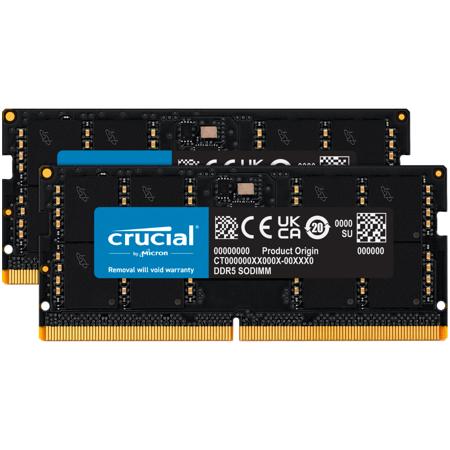
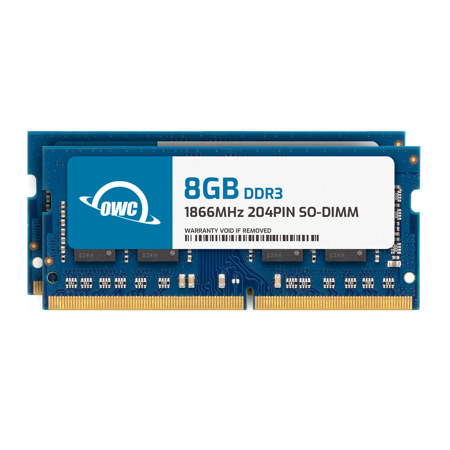
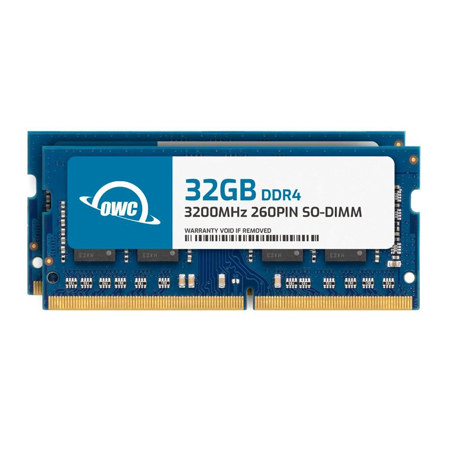
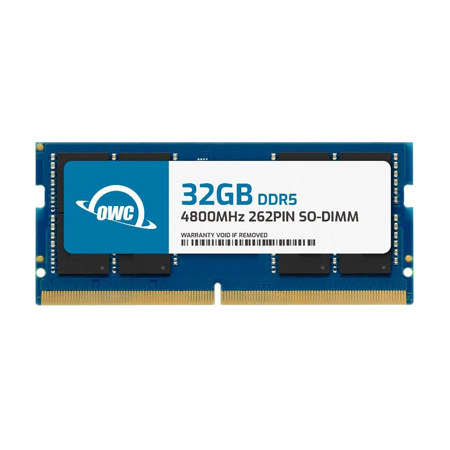
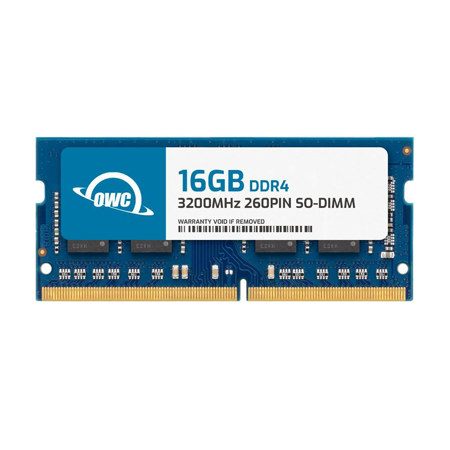
Choosing the right SODIMM laptop memory involves a few key considerations. First, it’s important to match the memory generation—DDR3, DDR4, or the latest DDR5—to your laptop’s motherboard, as these types are not interchangeable. Each generation brings improvements: DDR3 and DDR3L are typically found in older laptops and are perfect for extending the life of a trusted secondary device; DDR4 is the mainstay for most modern systems, balancing speed and efficiency; while DDR5 delivers cutting-edge performance and power savings for the latest models. Pin counts and speeds vary, so always double-check your laptop’s specifications or use a system scanner tool to ensure compatibility. Capacity is another factor: doubling your RAM from 8GB to 16GB can make a world of difference for heavy multitaskers, while creative professionals and gamers may benefit from 32GB or more. If you’re considering a thoughtful gift for a recent graduate, a frequent traveler, or someone heading off to college in the fall, a SODIMM RAM upgrade is both practical and impactful—transforming an everyday laptop into a powerhouse ready for whatever the season brings.
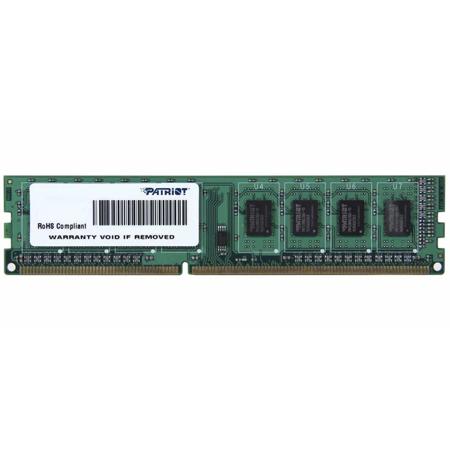
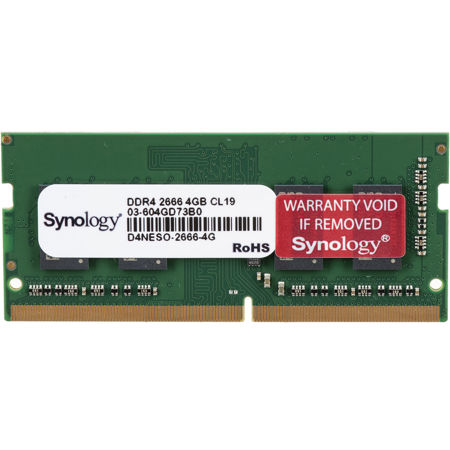
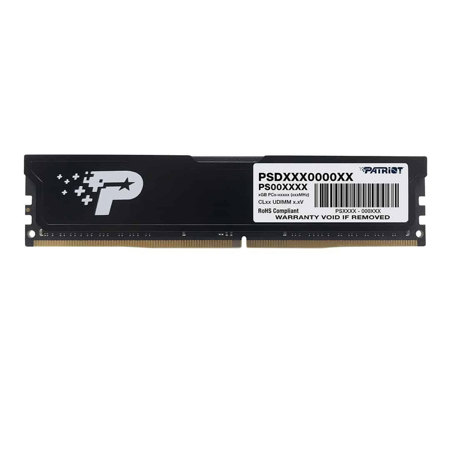
Installation of SODIMM RAM is straightforward for most users, and upgrading your memory can extend the useful life of your laptop well into the cooler months ahead. Many find that a quick memory upgrade is all that’s needed to support the latest software updates, creative suites, or demanding browser sessions filled with research tabs and streaming content. For those with slightly older systems, DDR4 SODIMM modules remain a popular and cost-effective choice, and you can explore a curated selection on our DDR 4 SO-DIMM Memory page. Remember to always match speeds when mixing modules, as your system will default to the slower stick, and ensure you’re purchasing the correct SODIMM form factor—standard DIMMs will not fit in most laptops. Whether you’re upgrading for smoother remote work, faster creative workflows, or just to keep up with the demands of new operating systems, the right SODIMM laptop memory can make every day more productive and enjoyable, wherever your summer and fall adventures take you.
Choosing the right SODIMM laptop memory involves a few key considerations. First, it’s important to match the memory generation—DDR3, DDR4, or the latest DDR5—to your laptop’s motherboard, as these types are not interchangeable. Each generation brings improvements: DDR3 and DDR3L are typically found in older laptops and are perfect for extending the life of a trusted secondary device; DDR4 is the mainstay for most modern systems, balancing speed and efficiency; while DDR5 delivers cutting-edge performance and power savings for the latest models. Pin counts and speeds vary, so always double-check your laptop’s specifications or use a system scanner tool to ensure compatibility. Capacity is another factor: doubling your RAM from 8GB to 16GB can make a world of difference for heavy multitaskers, while creative professionals and gamers may benefit from 32GB or more. If you’re considering a thoughtful gift for a recent graduate, a frequent traveler, or someone heading off to college in the fall, a SODIMM RAM upgrade is both practical and impactful—transforming an everyday laptop into a powerhouse ready for whatever the season brings.
Installation of SODIMM RAM is straightforward for most users, and upgrading your memory can extend the useful life of your laptop well into the cooler months ahead. Many find that a quick memory upgrade is all that’s needed to support the latest software updates, creative suites, or demanding browser sessions filled with research tabs and streaming content. For those with slightly older systems, DDR4 SODIMM modules remain a popular and cost-effective choice, and you can explore a curated selection on our DDR 4 SO-DIMM Memory page. Remember to always match speeds when mixing modules, as your system will default to the slower stick, and ensure you’re purchasing the correct SODIMM form factor—standard DIMMs will not fit in most laptops. Whether you’re upgrading for smoother remote work, faster creative workflows, or just to keep up with the demands of new operating systems, the right SODIMM laptop memory can make every day more productive and enjoyable, wherever your summer and fall adventures take you.