

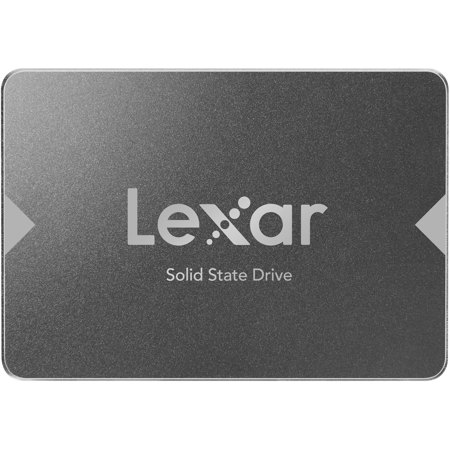
Desktop SSDs
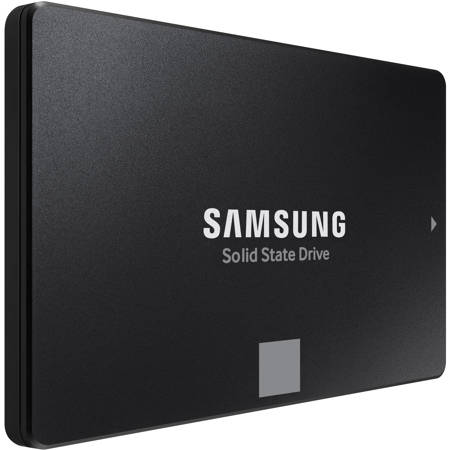
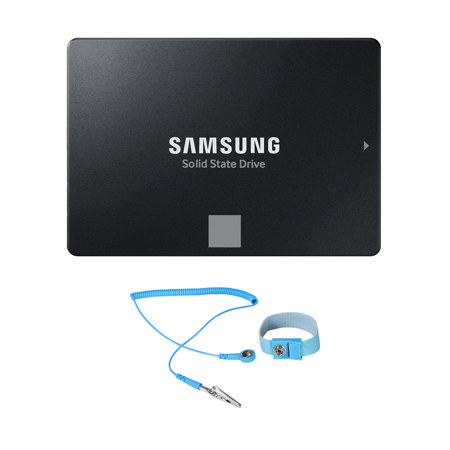
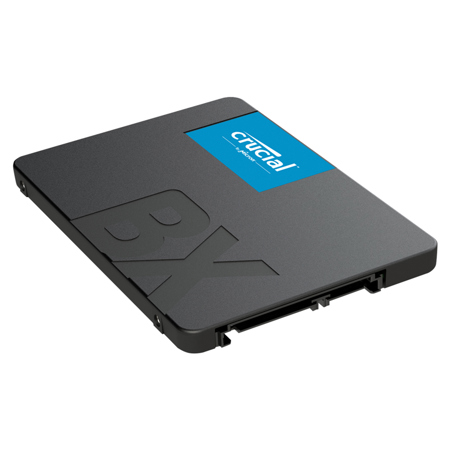
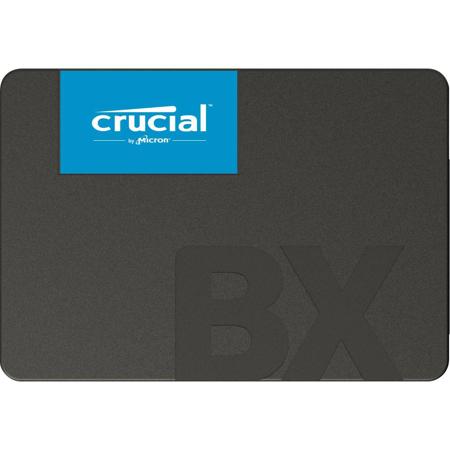
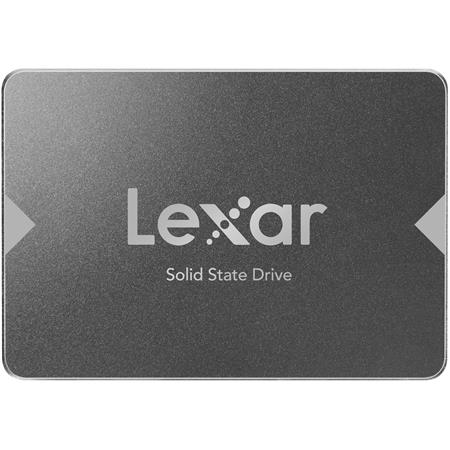
As desktop computing continues to evolve, desktop SSDs have become indispensable for anyone seeking faster performance, reliable storage, and a seamless workflow. Whether you’re a creative professional managing large video files, a gamer looking to minimize load times, or a business user seeking efficient multitasking, upgrading to a solid-state drive can dramatically transform your computing experience. Unlike traditional hard drives, SSDs utilize flash memory, resulting in near-instant access to data, silent operation, and greater durability—qualities that are especially valuable as projects grow in size and complexity. During the warmer months, when photography and videography projects often ramp up, or as the cooler season invites more time spent indoors on creative pursuits, a desktop SSD ensures that your system keeps pace with your ambitions. From editing high-resolution images and 4K video to running demanding software suites, the right SSD can mean the difference between waiting for files to transfer and diving straight into your next project.
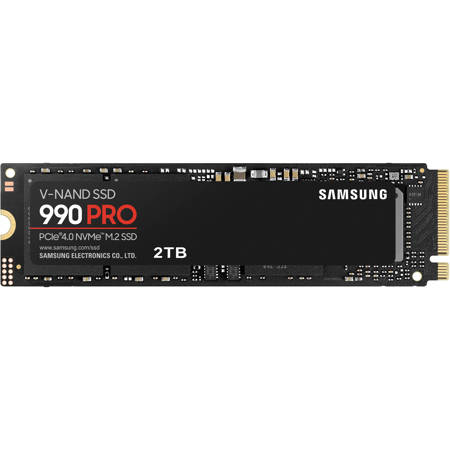
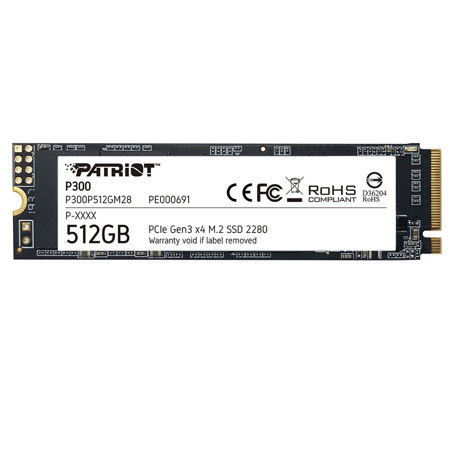
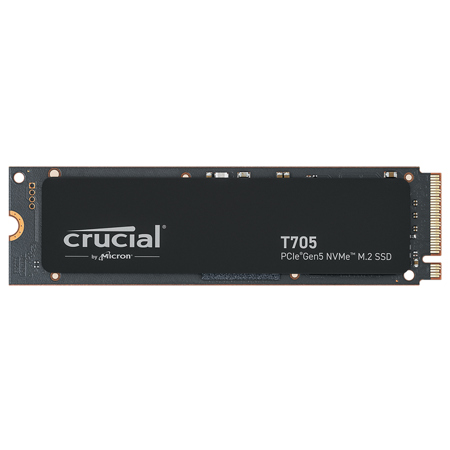
Selecting the right desktop SSD involves considering several important factors beyond just capacity. Performance is often measured by read and write speeds, with newer PCIe Gen 4 and Gen 5 NVMe drives delivering impressive throughput that caters to heavy gaming, 3D modeling, and advanced editing tasks. For those with modern motherboards, these drives offer future-proofing and the kind of responsiveness that can redefine your daily workflow. Storage needs vary, but professionals working with raw video footage or extensive photo libraries will appreciate larger capacities, while casual users may find mid-range options more than sufficient. Reliability and endurance ratings are also critical, especially if your work involves frequent file transfers or long-term archiving. Many users find that investing in a quality SSD pays dividends in both peace of mind and productivity, reducing the risk of data loss and system slowdowns. For those considering a thoughtful gift, a desktop SSD can be a practical and meaningful upgrade for students heading into a new school year, remote workers setting up a home office, or tech enthusiasts eager to boost their system’s performance.
When integrating a desktop SSD into your setup, compatibility with your existing hardware is key—double-checking interface types and available slots helps ensure a smooth installation. If you’re ready to take your entire system to the next level, you might also explore our curated selection of Desktop Computers With SSD, offering powerful, ready-to-use solutions for every need. As digital workloads expand and expectations for speed and reliability grow, desktop SSDs stand out as a cornerstone of any modern computing environment. Whether you’re building a high-performance workstation, enhancing a family computer for everyday use, or gifting a boost in speed to someone special, the right SSD can unlock new levels of efficiency and enjoyment, making every season a great time to invest in better technology.
Selecting the right desktop SSD involves considering several important factors beyond just capacity. Performance is often measured by read and write speeds, with newer PCIe Gen 4 and Gen 5 NVMe drives delivering impressive throughput that caters to heavy gaming, 3D modeling, and advanced editing tasks. For those with modern motherboards, these drives offer future-proofing and the kind of responsiveness that can redefine your daily workflow. Storage needs vary, but professionals working with raw video footage or extensive photo libraries will appreciate larger capacities, while casual users may find mid-range options more than sufficient. Reliability and endurance ratings are also critical, especially if your work involves frequent file transfers or long-term archiving. Many users find that investing in a quality SSD pays dividends in both peace of mind and productivity, reducing the risk of data loss and system slowdowns. For those considering a thoughtful gift, a desktop SSD can be a practical and meaningful upgrade for students heading into a new school year, remote workers setting up a home office, or tech enthusiasts eager to boost their system’s performance.
When integrating a desktop SSD into your setup, compatibility with your existing hardware is key—double-checking interface types and available slots helps ensure a smooth installation. If you’re ready to take your entire system to the next level, you might also explore our curated selection of Desktop Computers With SSD, offering powerful, ready-to-use solutions for every need. As digital workloads expand and expectations for speed and reliability grow, desktop SSDs stand out as a cornerstone of any modern computing environment. Whether you’re building a high-performance workstation, enhancing a family computer for everyday use, or gifting a boost in speed to someone special, the right SSD can unlock new levels of efficiency and enjoyment, making every season a great time to invest in better technology.