



NVMe SSDs for Desktops
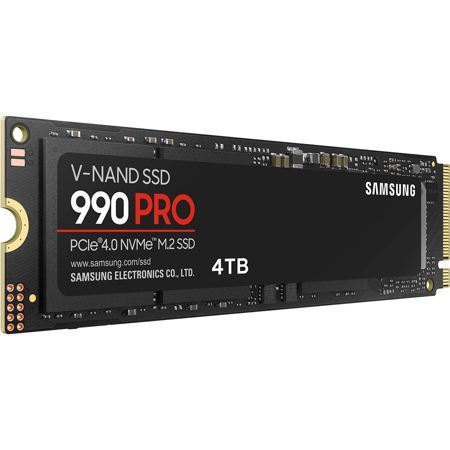
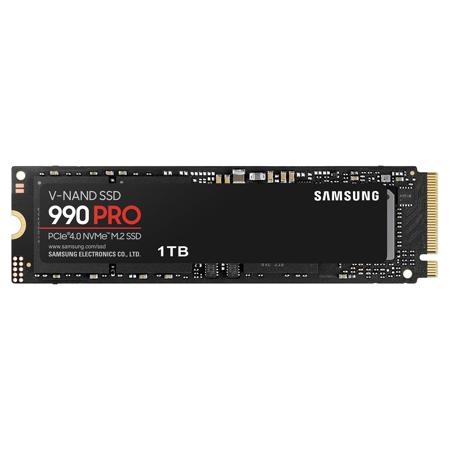
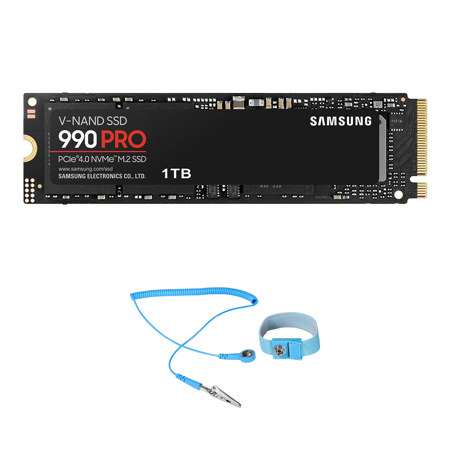
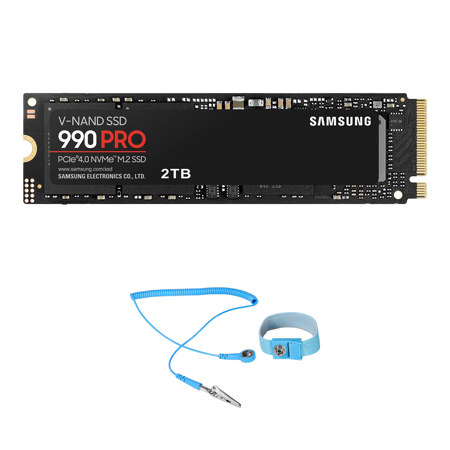
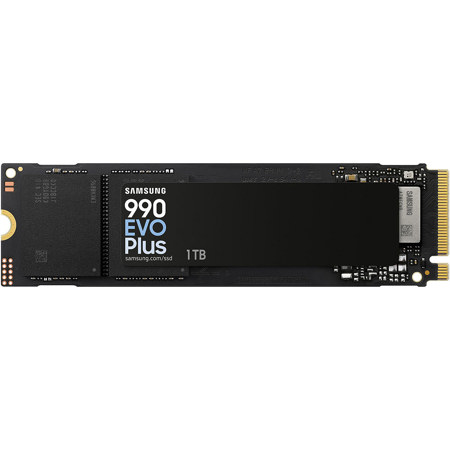
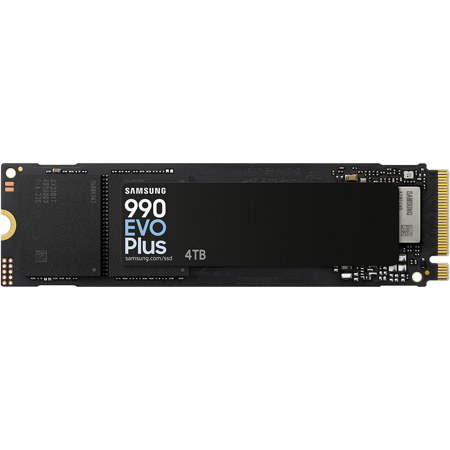
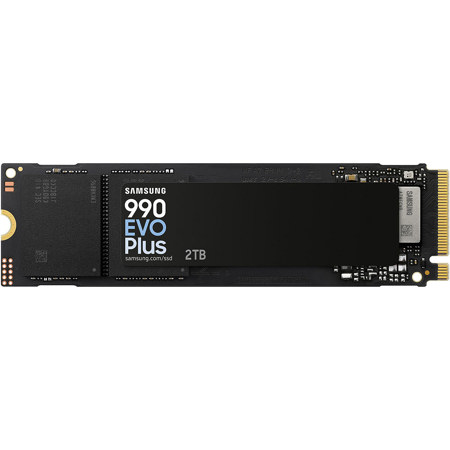
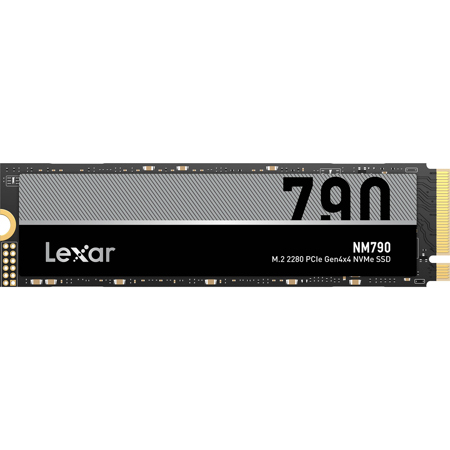
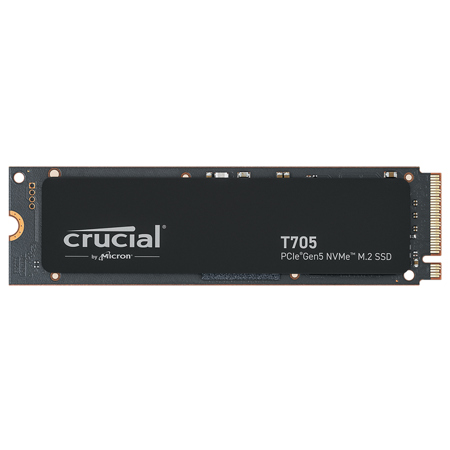
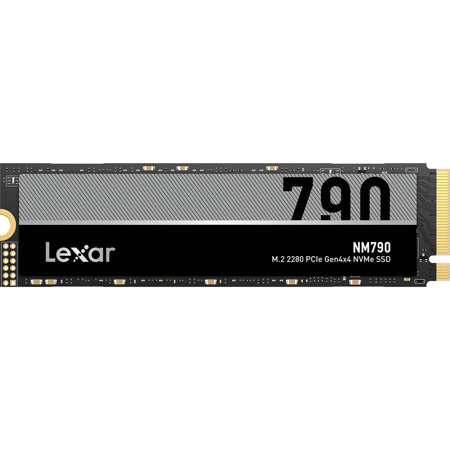
As technology continues to advance at a breathtaking pace, NVMe SSDs have become the gold standard for desktop storage, offering performance that is leagues ahead of traditional SATA drives. These drives harness the power of PCIe lanes, delivering blazing fast speeds that can completely transform the desktop experience—whether you’re a creative professional editing high-resolution video, a gamer seeking lightning-quick load times, or a data scientist working with massive datasets. The compact M.2 form factor means NVMe SSDs fit seamlessly into modern desktops, reducing cable clutter and maximizing airflow, while their energy efficiency keeps power consumption in check. Spring is the perfect season to refresh your workspace or surprise a tech enthusiast with a thoughtful upgrade; an NVMe SSD is an ideal gift for anyone looking to boost boot times, accelerate application launches, or streamline multitasking. Before making a purchase, it’s essential to verify which workstations support NVMe SSD, as compatibility depends on your motherboard’s M.2 slots and the specific PCIe generation it supports—Gen 4 offers excellent speed, while Gen 5 is designed for those who demand ultimate performance.
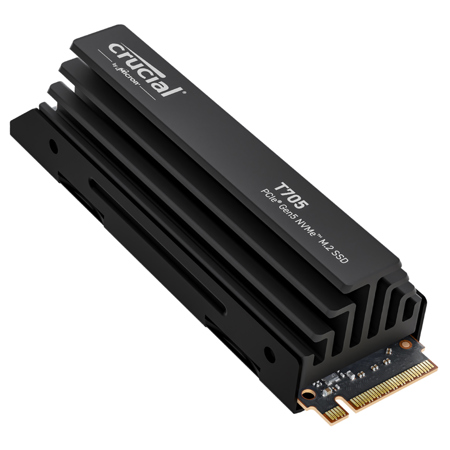
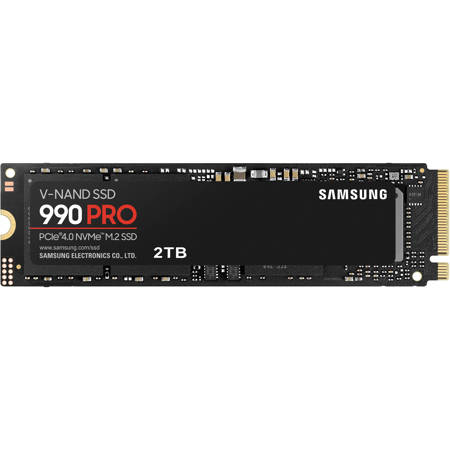
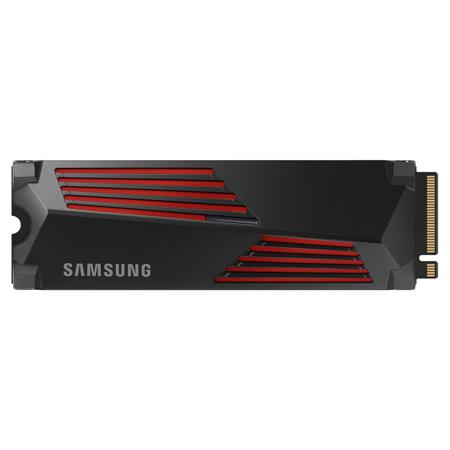
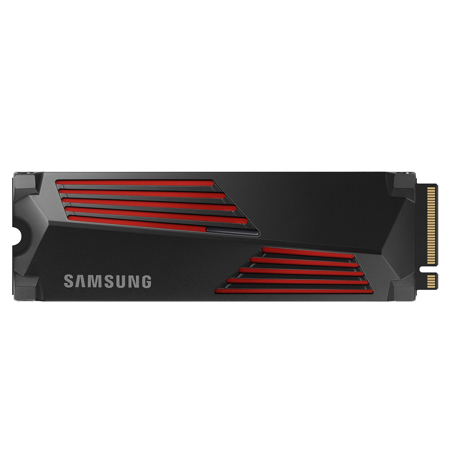
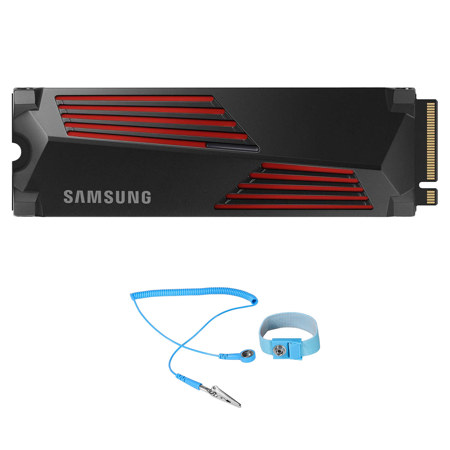
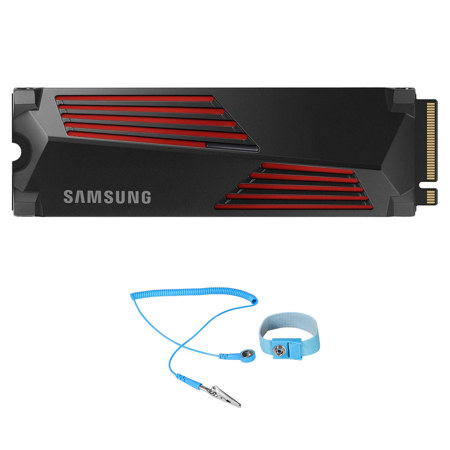
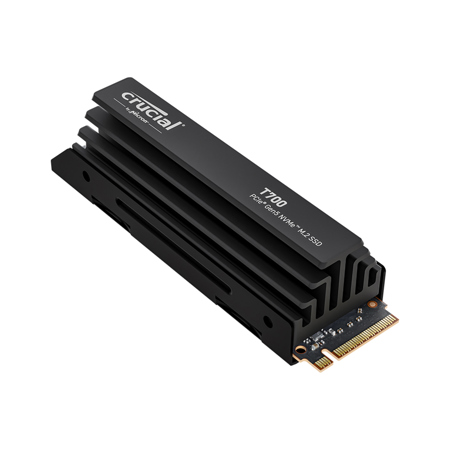
When choosing an NVMe SSD, consider not only the raw speed but also the capacity and thermal management features. High-speed drives can generate significant heat, so some models include built-in heatsinks or benefit from additional cooling solutions to maintain optimal performance during intensive tasks. Most desktops utilize the 2280 M.2 size (22mm x 80mm), but it’s always wise to check your system’s specifications before purchasing. Upgrading to an NVMe SSD can breathe new life into an aging desktop, making everyday computing feel brand new, and is especially valuable for professionals working with large files, gamers seeking seamless experiences, or students preparing for demanding projects as the school year intensifies. For those building a custom workstation or considering a future-proof upgrade, understanding your motherboard’s PCIe generation compatibility—Gen 3, 4, or 5—ensures you’ll unlock the full potential of your new drive. To explore a curated selection of high-performance options suited to any desktop, visit our comprehensive list of Desktop SSDs and discover how the right NVMe SSD can redefine your computing experience this season.
When choosing an NVMe SSD, consider not only the raw speed but also the capacity and thermal management features. High-speed drives can generate significant heat, so some models include built-in heatsinks or benefit from additional cooling solutions to maintain optimal performance during intensive tasks. Most desktops utilize the 2280 M.2 size (22mm x 80mm), but it’s always wise to check your system’s specifications before purchasing. Upgrading to an NVMe SSD can breathe new life into an aging desktop, making everyday computing feel brand new, and is especially valuable for professionals working with large files, gamers seeking seamless experiences, or students preparing for demanding projects as the school year intensifies. For those building a custom workstation or considering a future-proof upgrade, understanding your motherboard’s PCIe generation compatibility—Gen 3, 4, or 5—ensures you’ll unlock the full potential of your new drive. To explore a curated selection of high-performance options suited to any desktop, visit our comprehensive list of Desktop SSDs and discover how the right NVMe SSD can redefine your computing experience this season.