


NVMe SSDs for Laptops
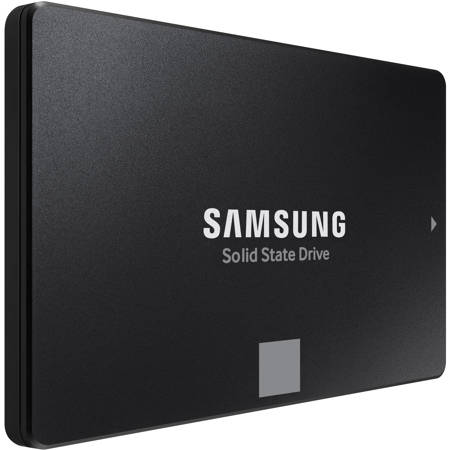
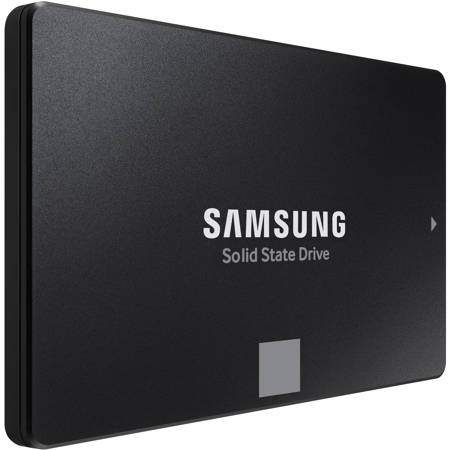
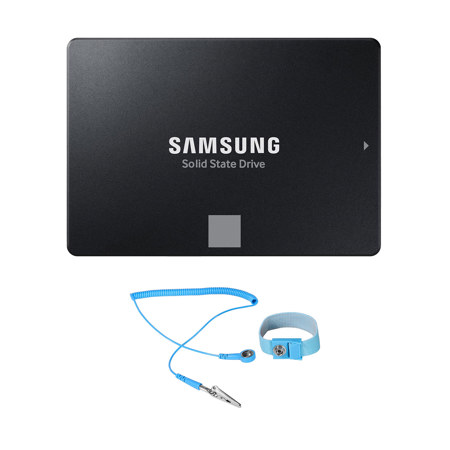
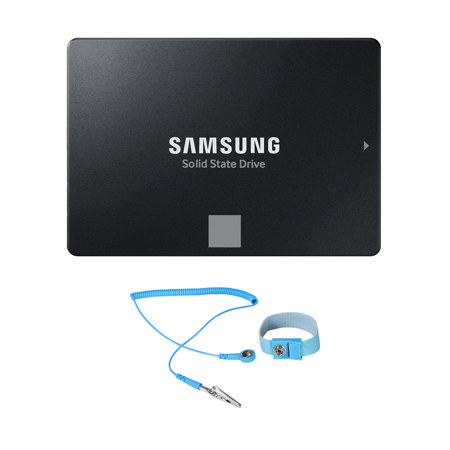
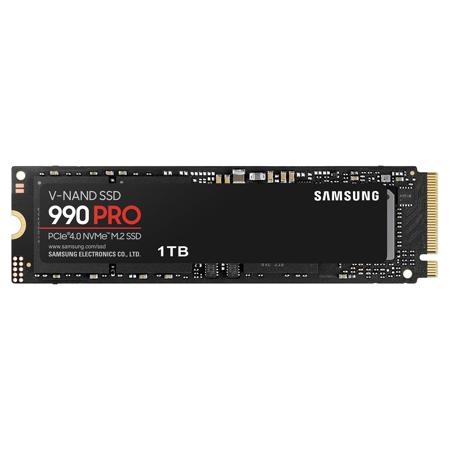
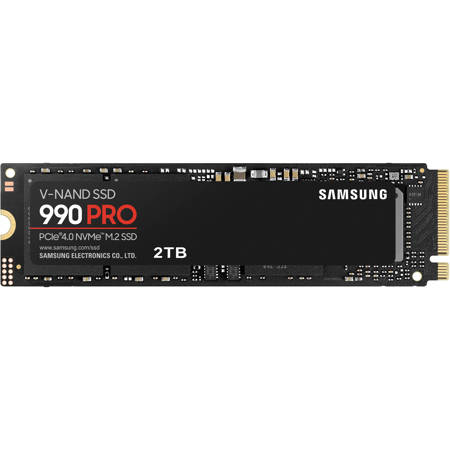
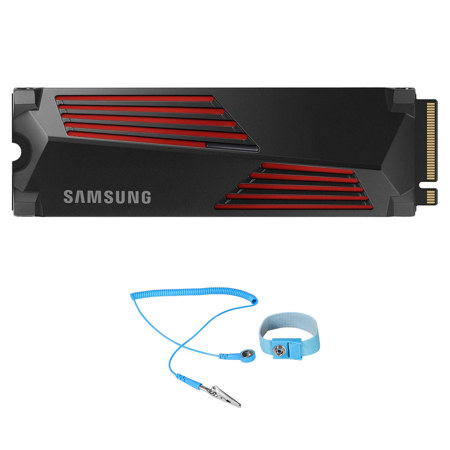
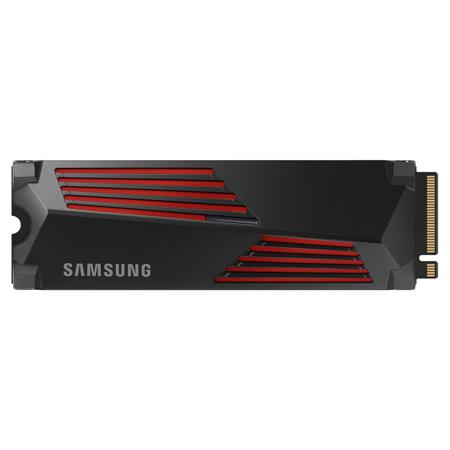
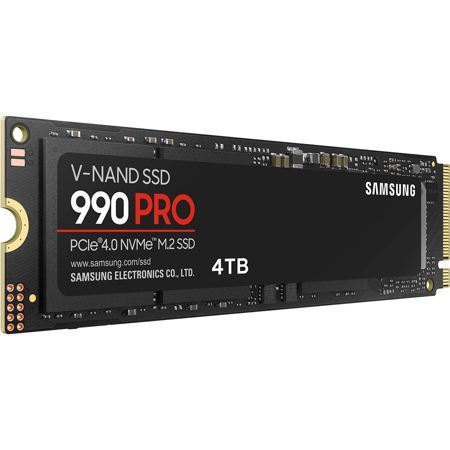
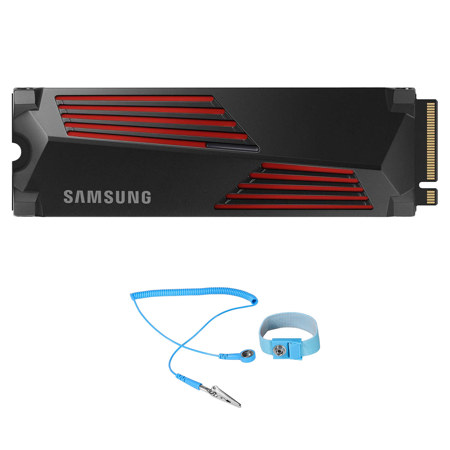
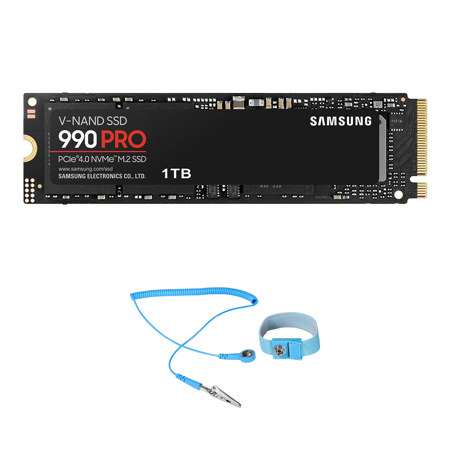
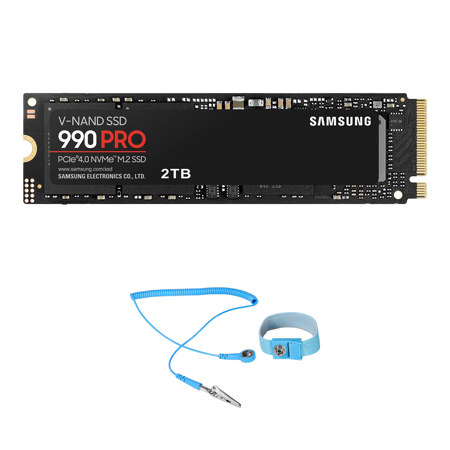
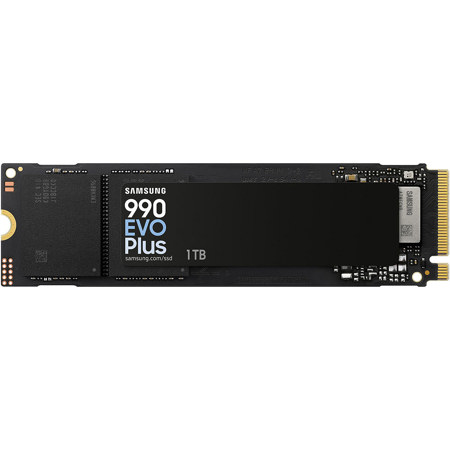
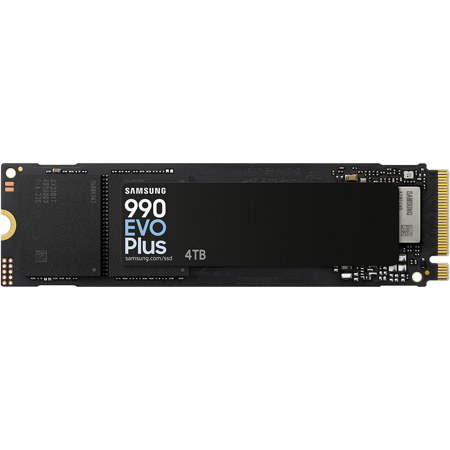
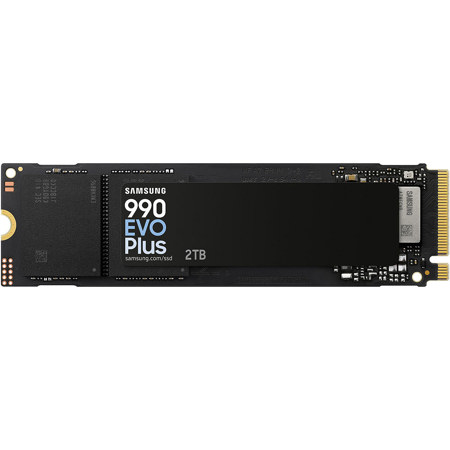
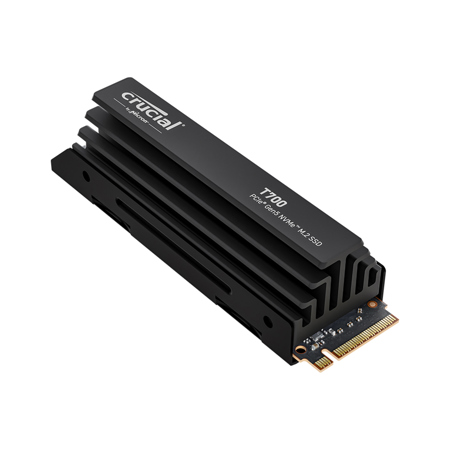
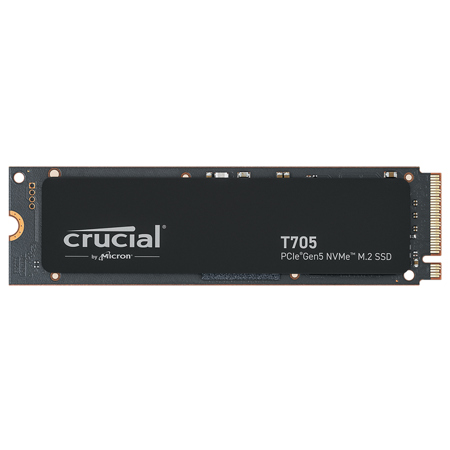
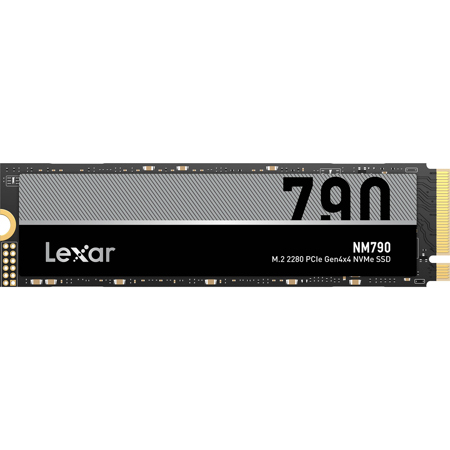
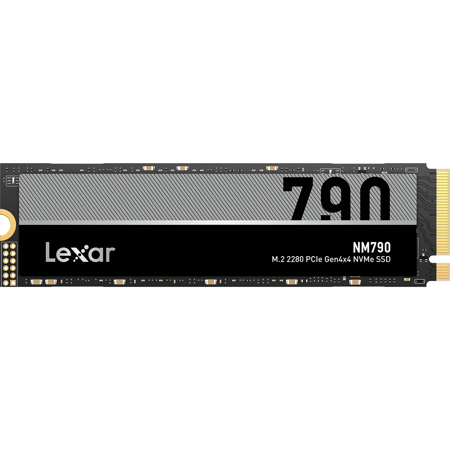
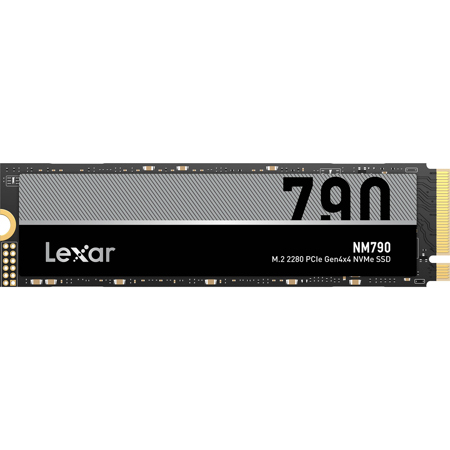
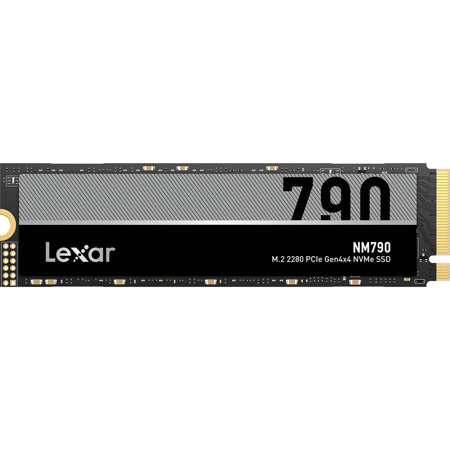
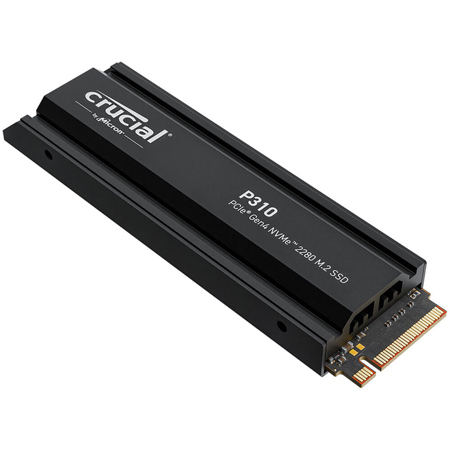
When upgrading or outfitting a laptop for speed, reliability, and efficiency, NVMe SSDs have become the gold standard—offering a transformative leap over traditional hard drives and even older SATA SSDs. As the weather warms and routines shift from spring into early fall, many find themselves on the move—whether that's students preparing for a new semester, remote professionals seeking performance on the go, or creatives editing photos and videos during summer travels. NVMe SSDs for laptops are designed to meet these evolving needs, delivering rapid boot times, nearly instant file transfers, and seamless multitasking that make a tangible difference in daily workflows. These drives use the PCIe interface, with most modern laptops supporting PCIe Gen 4 for a balance of speed and power efficiency. Some newer models even support PCIe Gen 5, but it's important to note that these can run hotter and may impact battery life more noticeably—something to consider if you’re often away from a power outlet. Most laptops require the M.2 2280 form factor, ensuring compatibility with slim chassis designs, while many ultrabooks and lightweight models need single-sided SSDs due to space constraints. Before purchasing, it’s wise to check your laptop's specifications for supported generations and form factors, as well as whether a single- or double-sided drive is required.
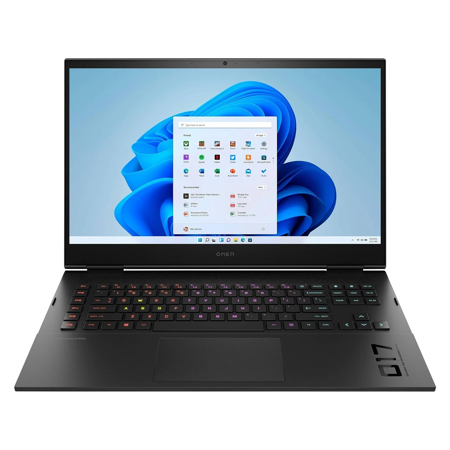
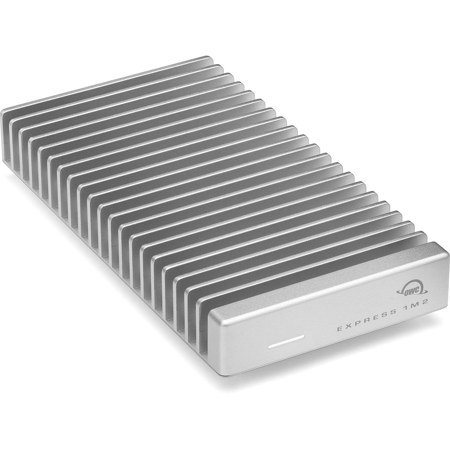
NVMe SSDs are an excellent choice for a wide range of users and make thoughtful gifts, especially as graduation season approaches or as students head off to college. For gamers, content creators, and professionals working with large files—such as photographers, videographers, and audio engineers—the blazing-fast read and write speeds of NVMe SSDs can dramatically reduce loading times and improve overall productivity. If you’re considering an upgrade, the process is straightforward: most laptops allow users to swap out the existing drive by removing the back cover. Cloning your current drive to the new NVMe SSD is recommended for a seamless transition; this can be accomplished using a USB-to-M.2 NVMe enclosure and free cloning software, ensuring all your files and applications are preserved. Beyond the technical benefits, there’s a real-world impact—imagine editing high-resolution images on a sunlit patio, launching resource-intensive applications in seconds, or gaming with friends during a long weekend without lag or overheating. NVMe SSDs also contribute to quieter, cooler laptop operation, making them ideal for use in shared spaces, libraries, or coffee shops. For those seeking a laptop that comes ready with high-performance storage, explore our curated selection of SSD Gaming Laptops, designed to deliver exceptional performance straight out of the box.
Selecting the right NVMe SSD involves balancing speed, capacity, and battery efficiency. Power users and gamers often gravitate toward high-capacity, high-speed drives to maximize performance, while students and business travelers may prioritize power efficiency and reliability for all-day productivity. As you consider your options, remember that the right NVMe SSD can breathe new life into an older laptop or ensure that a brand-new device is ready for whatever the season brings—be it travel, study, or creative projects. With the right drive, your laptop becomes a faster, more responsive companion, ready to handle the demands of both work and play as the days grow longer and your schedule fills with new adventures.
NVMe SSDs are an excellent choice for a wide range of users and make thoughtful gifts, especially as graduation season approaches or as students head off to college. For gamers, content creators, and professionals working with large files—such as photographers, videographers, and audio engineers—the blazing-fast read and write speeds of NVMe SSDs can dramatically reduce loading times and improve overall productivity. If you’re considering an upgrade, the process is straightforward: most laptops allow users to swap out the existing drive by removing the back cover. Cloning your current drive to the new NVMe SSD is recommended for a seamless transition; this can be accomplished using a USB-to-M.2 NVMe enclosure and free cloning software, ensuring all your files and applications are preserved. Beyond the technical benefits, there’s a real-world impact—imagine editing high-resolution images on a sunlit patio, launching resource-intensive applications in seconds, or gaming with friends during a long weekend without lag or overheating. NVMe SSDs also contribute to quieter, cooler laptop operation, making them ideal for use in shared spaces, libraries, or coffee shops. For those seeking a laptop that comes ready with high-performance storage, explore our curated selection of SSD Gaming Laptops, designed to deliver exceptional performance straight out of the box.
Selecting the right NVMe SSD involves balancing speed, capacity, and battery efficiency. Power users and gamers often gravitate toward high-capacity, high-speed drives to maximize performance, while students and business travelers may prioritize power efficiency and reliability for all-day productivity. As you consider your options, remember that the right NVMe SSD can breathe new life into an older laptop or ensure that a brand-new device is ready for whatever the season brings—be it travel, study, or creative projects. With the right drive, your laptop becomes a faster, more responsive companion, ready to handle the demands of both work and play as the days grow longer and your schedule fills with new adventures.