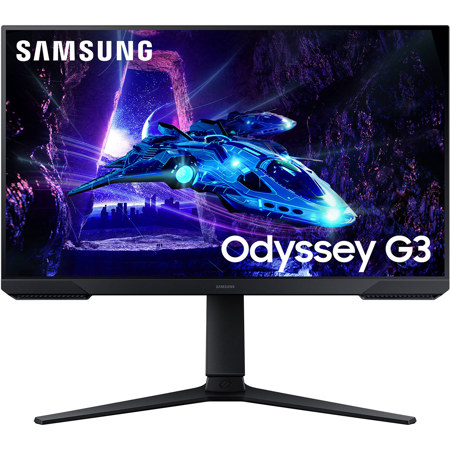
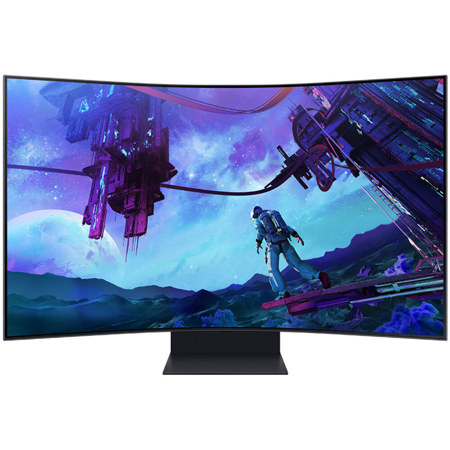
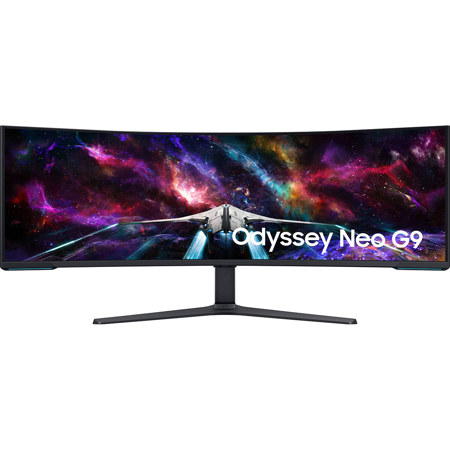
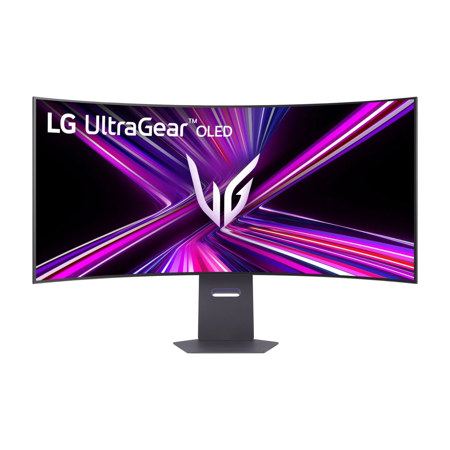
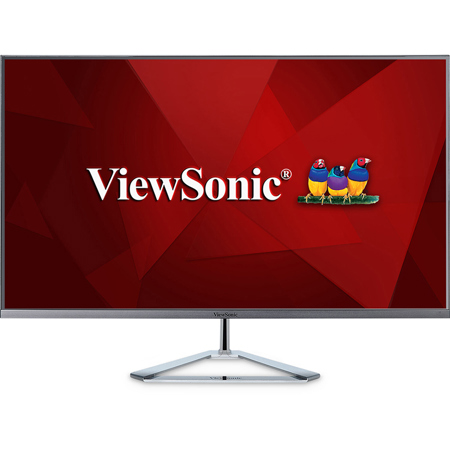
Gaming Setup Monitors
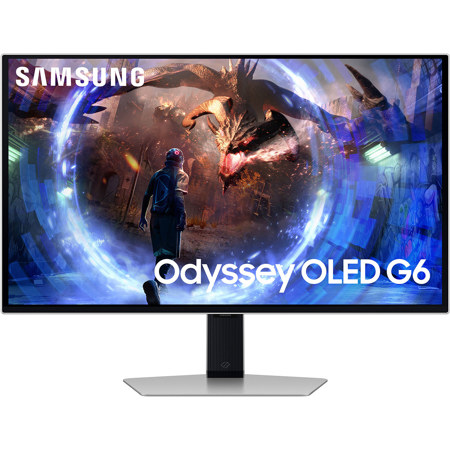
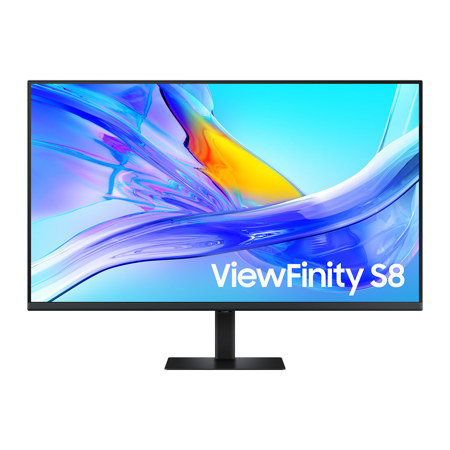
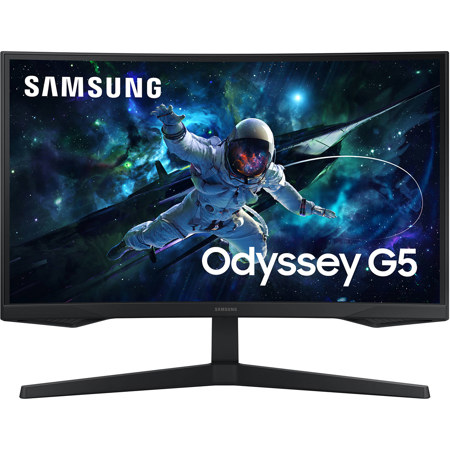
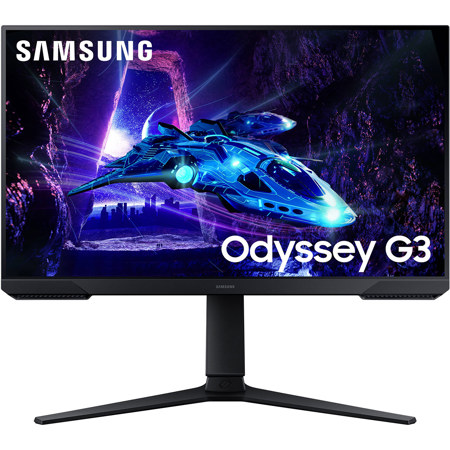
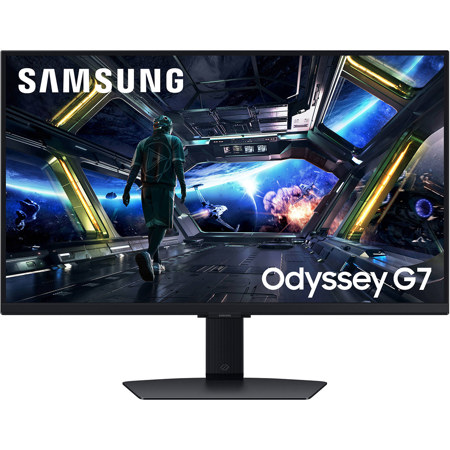
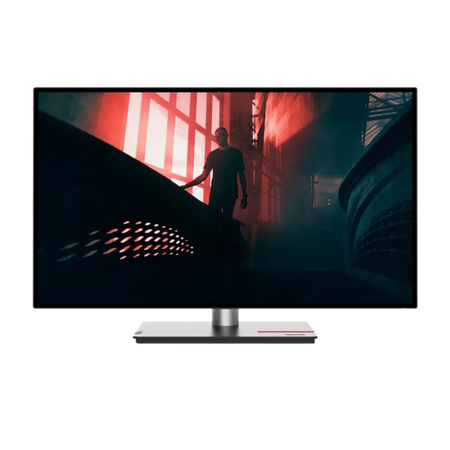
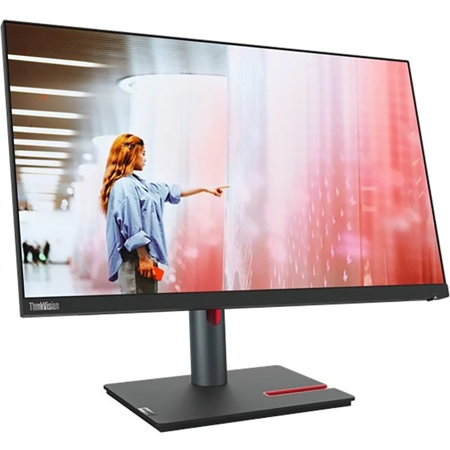
Creating the ideal gaming setup monitor arrangement involves much more than simply choosing a display and plugging it in. For gamers, streamers, and content creators alike, the right monitor can make a world of difference in both performance and comfort. As the weather warms and schedules shift, many people find themselves spending more time indoors, perfecting their gaming rigs or refreshing their home office spaces. Whether you’re a competitive esports enthusiast, a casual player, or shopping for a thoughtful gift for a tech-savvy friend or family member, there are several key factors to consider when selecting a monitor for a gaming setup. Screen size and resolution are often the first aspects that come to mind, but refresh rate, response time, and adaptive sync technology are just as critical for smooth, immersive gameplay. High refresh rates—such as 120Hz, 144Hz, or even higher—help reduce motion blur and offer a tangible edge in fast-paced titles. Meanwhile, technologies like G-Sync or FreeSync minimize screen tearing and stutter, ensuring that every frame is rendered as the game developers intended.
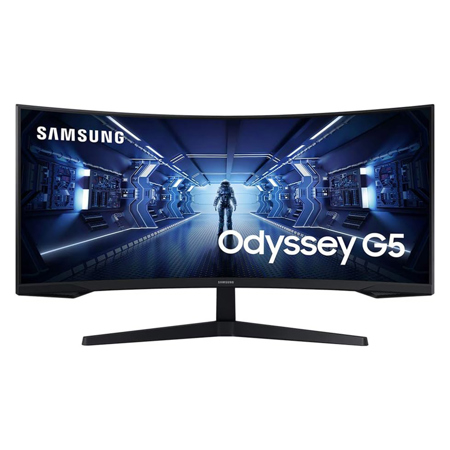
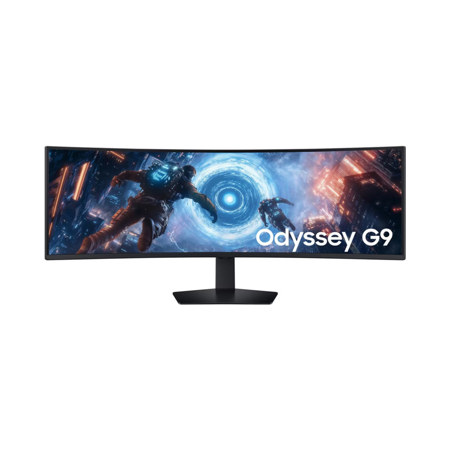
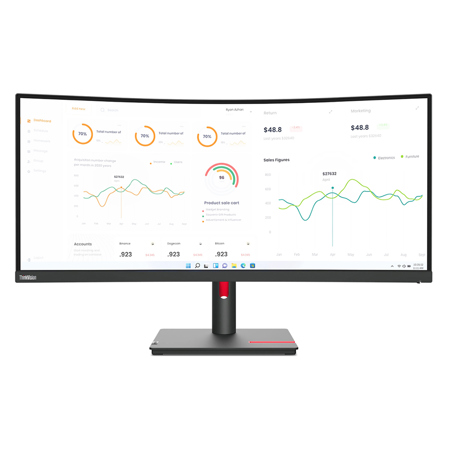
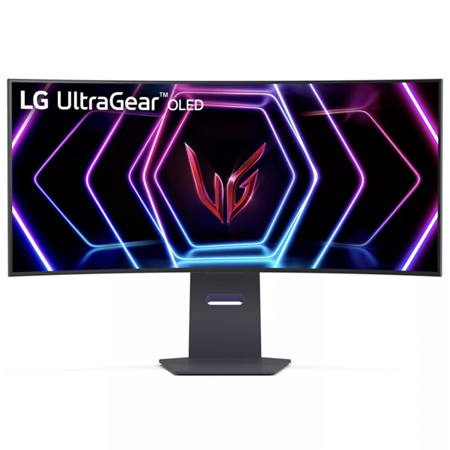
Ergonomics and desk organization play a huge role in creating a comfortable and efficient gaming environment. Positioning your monitor so that the top third sits at or just below eye level can help prevent neck strain during marathon sessions. An arm’s length distance from the screen is generally recommended, with adjustments based on the monitor’s diagonal size. For those building a multi-monitor battlestation, placing the primary display head-on and angling secondary screens inward can enhance both immersion and productivity—especially for streamers who need to keep an eye on chat, OBS, or other tools. Many gamers opt for ultrawide monitors, which offer a broader field of view and can replace dual-monitor setups for racing sims, open-world adventures, or productivity workflows. If you’re wondering which ultrawide monitors come with VESA mount compatibility for gaming setups, most modern models support this feature, allowing for flexible mounting on sturdy arms or wall brackets. This not only saves valuable desk space but also enables precise height, tilt, and swivel adjustments. Cable management is another detail that shouldn’t be overlooked; routing cables along monitor arms with zip ties or built-in clips keeps your desktop tidy and distraction-free.
Connectivity and display settings are essential to unlocking your monitor’s full potential. For PC gaming, using a DisplayPort connection is recommended to access the highest refresh rates and ensure seamless adaptive sync support. Console gamers can rely on HDMI for optimal compatibility. It’s important to connect your monitor directly to the graphics card, bypassing the motherboard to avoid performance bottlenecks. Once set up, visiting your operating system’s display settings to confirm that your monitor is running at its advertised resolution and refresh rate is a simple step that can prevent missed performance. Fine-tuning the monitor’s on-screen display (OSD) settings—such as enabling overdrive or adjusting response time—can further reduce ghosting or input lag. Gifting a gaming monitor is a thoughtful gesture for students heading into summer break, recent graduates gearing up for college, or anyone looking to upgrade their digital playground. For those interested in building a complete battlestation or exploring the latest in gaming desk essentials, you’ll find plenty of inspiration and expert tips in our dedicated PC Gaming Setups collection. Whether you’re aiming for a minimalist look or a full RGB-lit command center, choosing the right monitor is a crucial step toward elevating your gaming experience all year round.
Ergonomics and desk organization play a huge role in creating a comfortable and efficient gaming environment. Positioning your monitor so that the top third sits at or just below eye level can help prevent neck strain during marathon sessions. An arm’s length distance from the screen is generally recommended, with adjustments based on the monitor’s diagonal size. For those building a multi-monitor battlestation, placing the primary display head-on and angling secondary screens inward can enhance both immersion and productivity—especially for streamers who need to keep an eye on chat, OBS, or other tools. Many gamers opt for ultrawide monitors, which offer a broader field of view and can replace dual-monitor setups for racing sims, open-world adventures, or productivity workflows. If you’re wondering which ultrawide monitors come with VESA mount compatibility for gaming setups, most modern models support this feature, allowing for flexible mounting on sturdy arms or wall brackets. This not only saves valuable desk space but also enables precise height, tilt, and swivel adjustments. Cable management is another detail that shouldn’t be overlooked; routing cables along monitor arms with zip ties or built-in clips keeps your desktop tidy and distraction-free.
Connectivity and display settings are essential to unlocking your monitor’s full potential. For PC gaming, using a DisplayPort connection is recommended to access the highest refresh rates and ensure seamless adaptive sync support. Console gamers can rely on HDMI for optimal compatibility. It’s important to connect your monitor directly to the graphics card, bypassing the motherboard to avoid performance bottlenecks. Once set up, visiting your operating system’s display settings to confirm that your monitor is running at its advertised resolution and refresh rate is a simple step that can prevent missed performance. Fine-tuning the monitor’s on-screen display (OSD) settings—such as enabling overdrive or adjusting response time—can further reduce ghosting or input lag. Gifting a gaming monitor is a thoughtful gesture for students heading into summer break, recent graduates gearing up for college, or anyone looking to upgrade their digital playground. For those interested in building a complete battlestation or exploring the latest in gaming desk essentials, you’ll find plenty of inspiration and expert tips in our dedicated PC Gaming Setups collection. Whether you’re aiming for a minimalist look or a full RGB-lit command center, choosing the right monitor is a crucial step toward elevating your gaming experience all year round.