
Hard Drive Upgrades
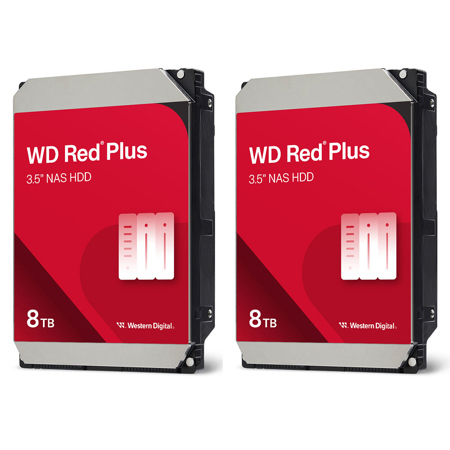
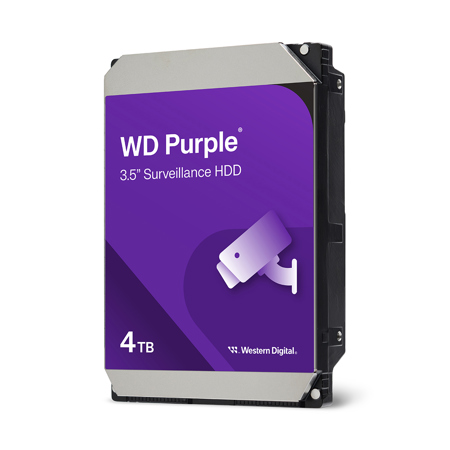
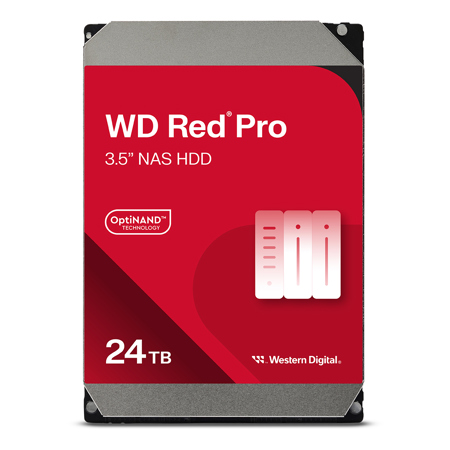
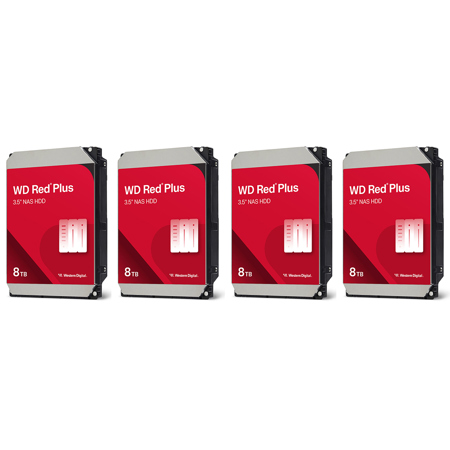
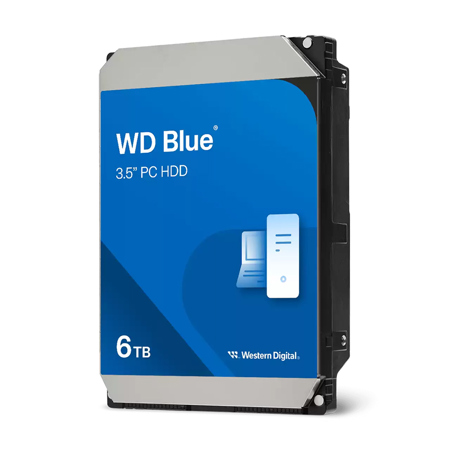
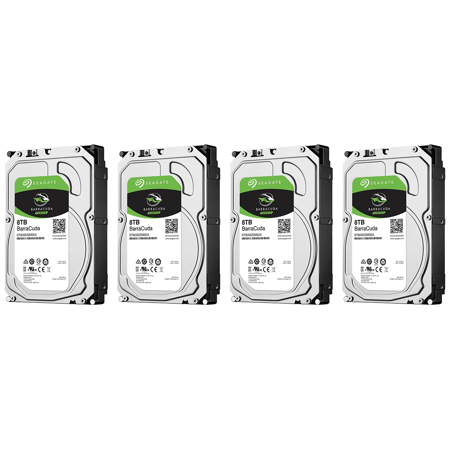
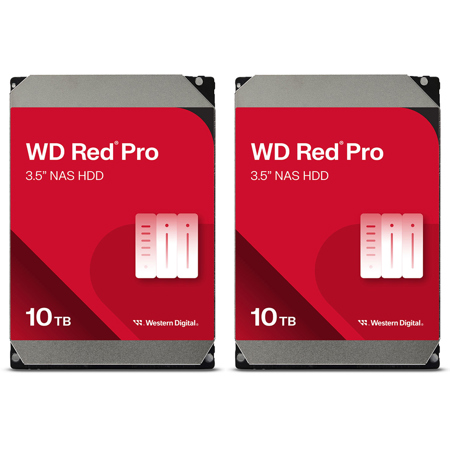
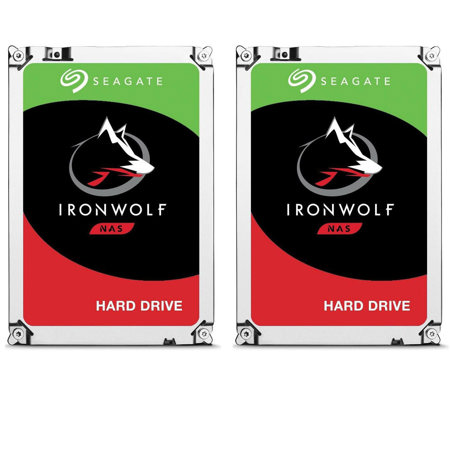
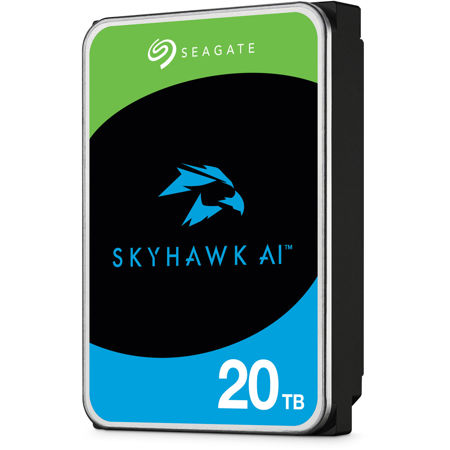
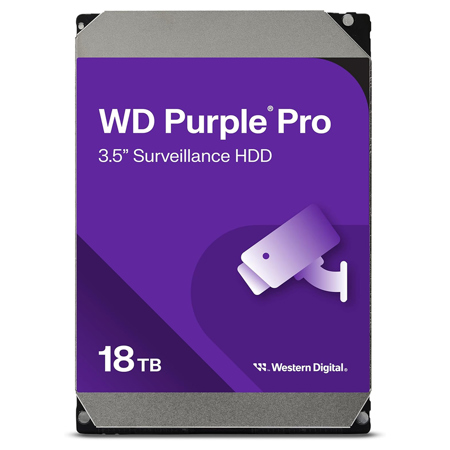
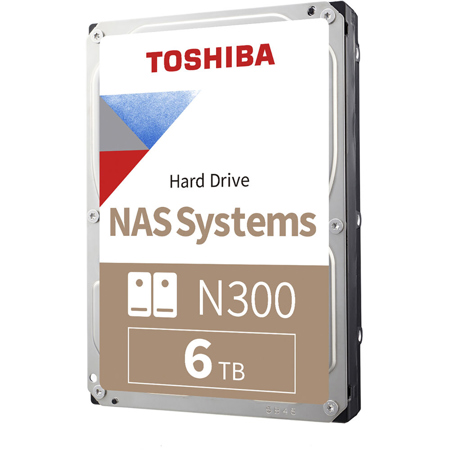
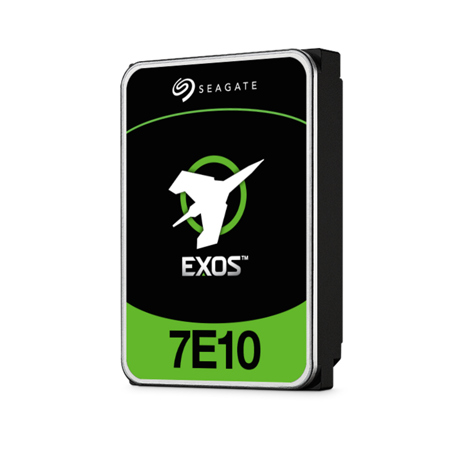
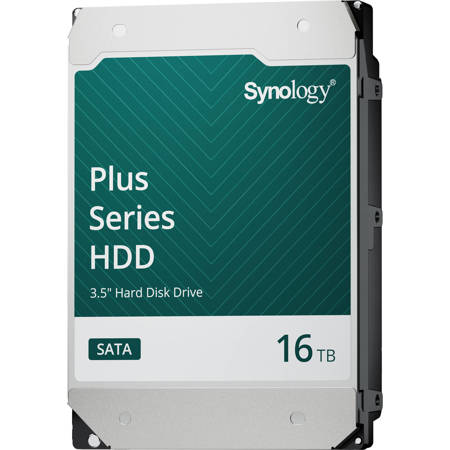
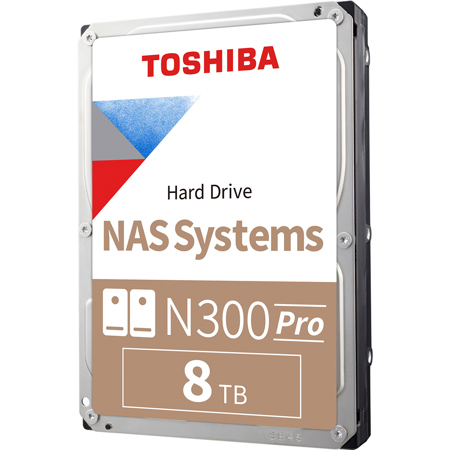
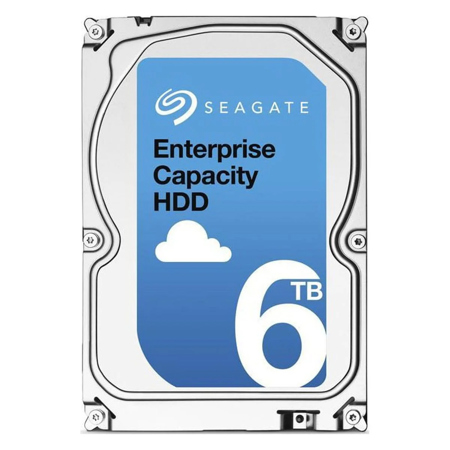
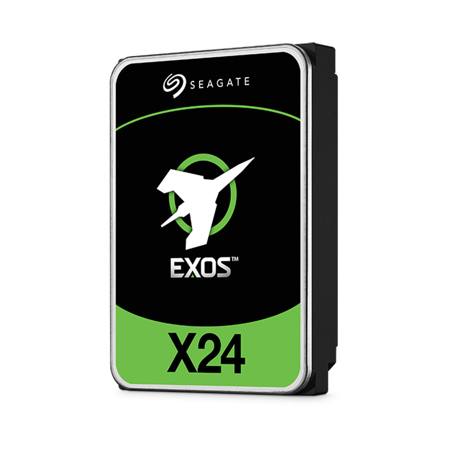
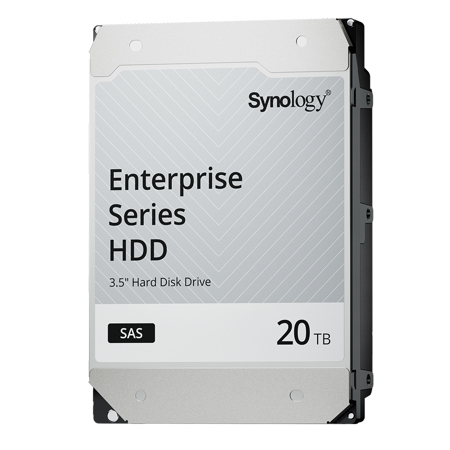
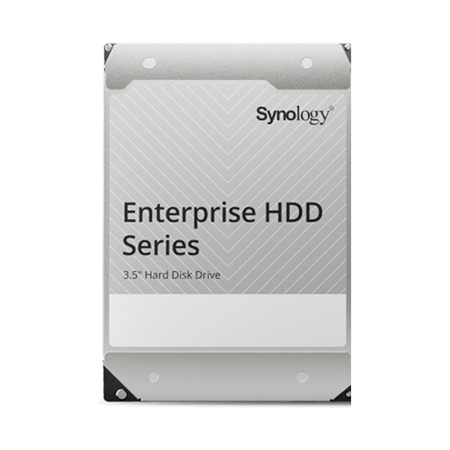
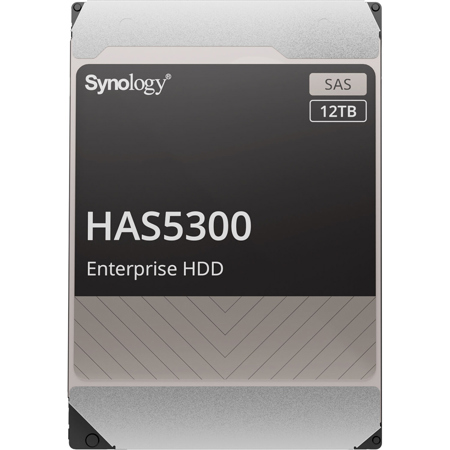
Upgrading your hard drive is a transformative step for anyone looking to boost their computer’s speed, expand storage capacity, or simply breathe new life into an older system. Whether you’re a creative professional working with massive photo and video files, a small business owner managing important documents, or a student storing years of coursework and projects, the right hard drive upgrade can make all the difference. For photographers and videographers, high-capacity drives—like a 12tb NAS drive or a 20tb hard drive—are essential for archiving RAW files, 4K footage, and extensive libraries without worrying about running out of space. These robust storage solutions are also ideal for families who want to back up precious memories, or anyone seeking a reliable way to safeguard data against hardware failure or accidental deletion. Even during the quieter winter months, when projects may slow down, it’s the perfect season to organize, back up, and upgrade your digital workspace in preparation for the busy months ahead.
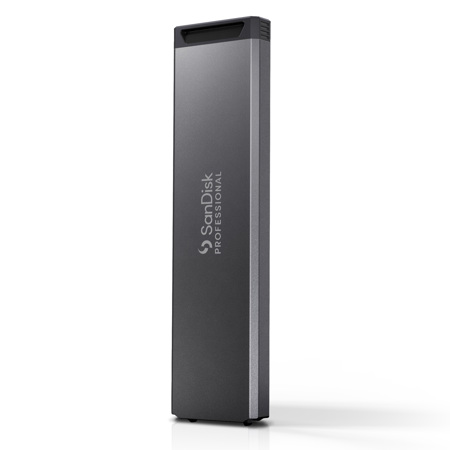
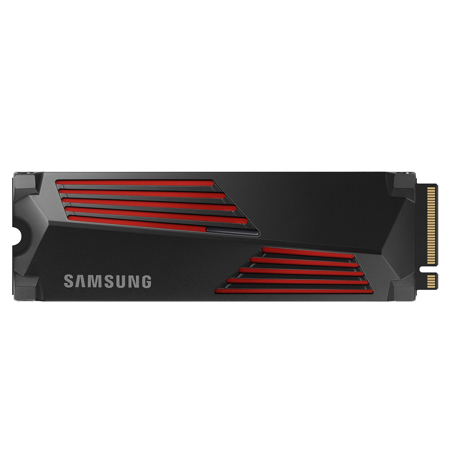
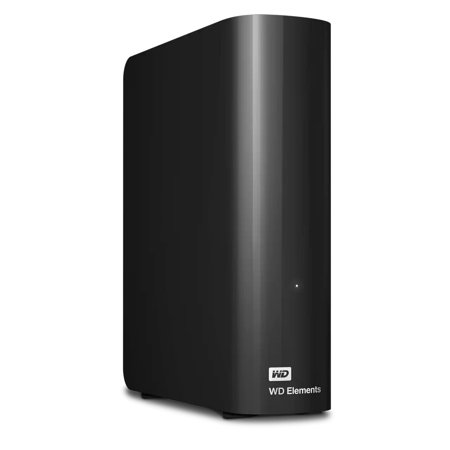
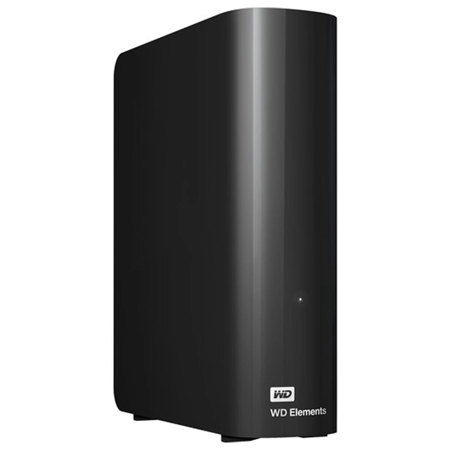
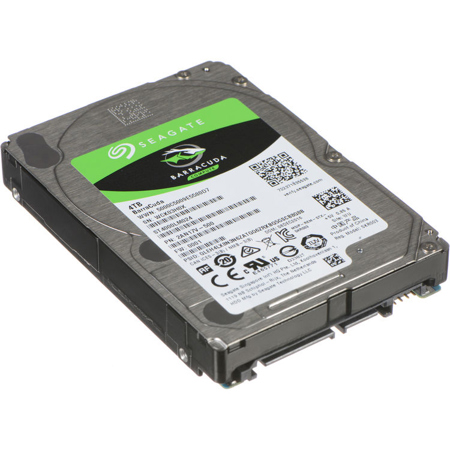
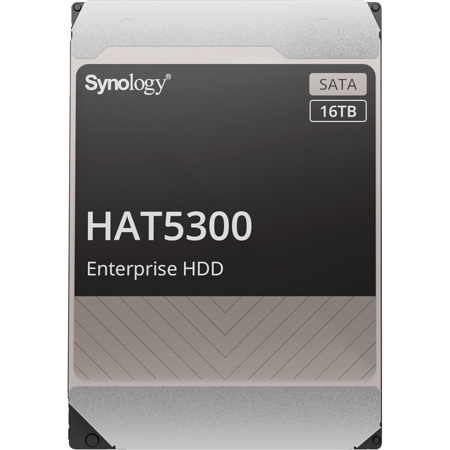
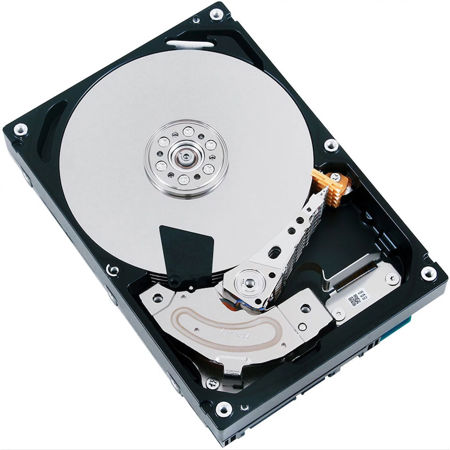
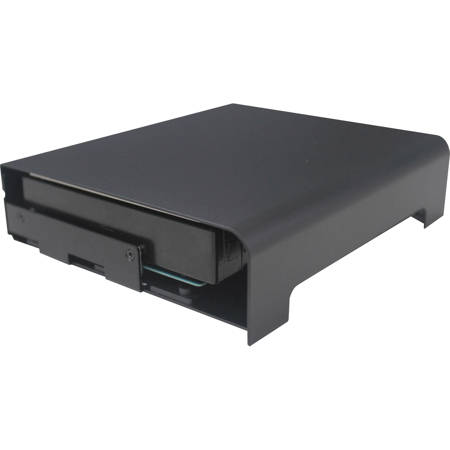
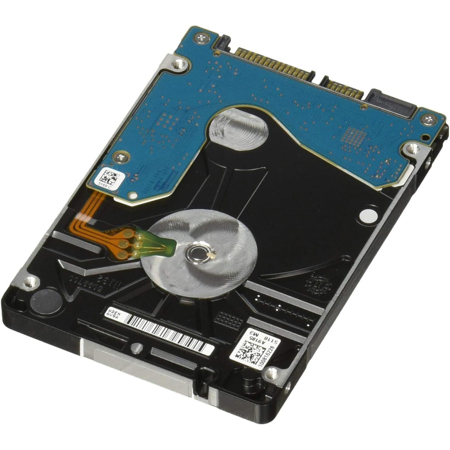
When considering a hard drive upgrade, it’s important to match your choice to your unique workflow and device requirements. For those seeking lightning-fast performance and quicker boot times, swapping an older HDD for a modern SSD can deliver a noticeable speed boost—making everyday tasks smoother and more efficient. If you’re upgrading a laptop, a compact 2.5" hdd 1tb is a popular choice, offering a balance of portability and storage, while desktop users or creative studios might opt for a 12tb hard drive or even a 20 tb drive to accommodate demanding projects. Network-attached storage (NAS) solutions are a smart investment for collaborative teams or households, providing centralized access to files from multiple devices. For those who prefer a simpler upgrade path, adding an external drive allows for easy expansion without opening up your computer, perfect for users who want additional space for backups, media libraries, or game collections. Hard drive upgrades also make thoughtful gifts for tech enthusiasts, students heading off to college, or anyone whose digital life is outgrowing their current setup.
Before diving into a hard drive upgrade, remember to back up your data and consult your device’s manual for compatibility and installation steps. For internal upgrades, you’ll need basic tools, cloning software if you wish to migrate your existing data, and possibly a USB drive for reinstalling your operating system. Many users find that a fresh install of their OS brings a sense of renewal, like a digital spring cleaning, while others prefer the familiarity of cloning their old drive onto the new one. If you’re specifically interested in enhancing your laptop’s performance, you can explore dedicated options and expert advice on our Laptop SSD Upgrades page. No matter your needs, investing in a hard drive upgrade is a practical way to ensure your system keeps pace with your ambitions, offering peace of mind and the freedom to create, store, and share without limits.
When considering a hard drive upgrade, it’s important to match your choice to your unique workflow and device requirements. For those seeking lightning-fast performance and quicker boot times, swapping an older HDD for a modern SSD can deliver a noticeable speed boost—making everyday tasks smoother and more efficient. If you’re upgrading a laptop, a compact 2.5" hdd 1tb is a popular choice, offering a balance of portability and storage, while desktop users or creative studios might opt for a 12tb hard drive or even a 20 tb drive to accommodate demanding projects. Network-attached storage (NAS) solutions are a smart investment for collaborative teams or households, providing centralized access to files from multiple devices. For those who prefer a simpler upgrade path, adding an external drive allows for easy expansion without opening up your computer, perfect for users who want additional space for backups, media libraries, or game collections. Hard drive upgrades also make thoughtful gifts for tech enthusiasts, students heading off to college, or anyone whose digital life is outgrowing their current setup.
Before diving into a hard drive upgrade, remember to back up your data and consult your device’s manual for compatibility and installation steps. For internal upgrades, you’ll need basic tools, cloning software if you wish to migrate your existing data, and possibly a USB drive for reinstalling your operating system. Many users find that a fresh install of their OS brings a sense of renewal, like a digital spring cleaning, while others prefer the familiarity of cloning their old drive onto the new one. If you’re specifically interested in enhancing your laptop’s performance, you can explore dedicated options and expert advice on our Laptop SSD Upgrades page. No matter your needs, investing in a hard drive upgrade is a practical way to ensure your system keeps pace with your ambitions, offering peace of mind and the freedom to create, store, and share without limits.