

Ssd Upgrades
Upgrading to a solid state drive (SSD) is one of the most effective ways to breathe new life into your computer, whether you’re a creative professional, a student gearing up for a busy semester, or someone who simply wants a faster, more responsive experience. As the weather warms and routines shift, many take the opportunity to refresh their tech setups—making SSD upgrades a timely consideration. The leap in speed is dramatic: SSDs can drastically reduce boot times, accelerate the launch of heavy software, and cut down waiting when loading large files or games. For photographers and videographers working with high-resolution files, or audio producers juggling massive project folders, the difference is especially noticeable. Tasks that once took minutes—transferring gigabytes of RAW images, rendering video edits, or loading sample libraries—can be completed in a fraction of the time, freeing up valuable creative energy. Even for everyday users, the shift from an older hard drive to a modern SSD means fewer slowdowns, less frustration, and a smoother experience when multitasking or streaming.
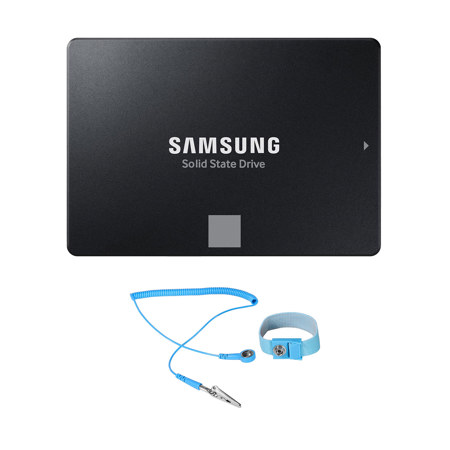
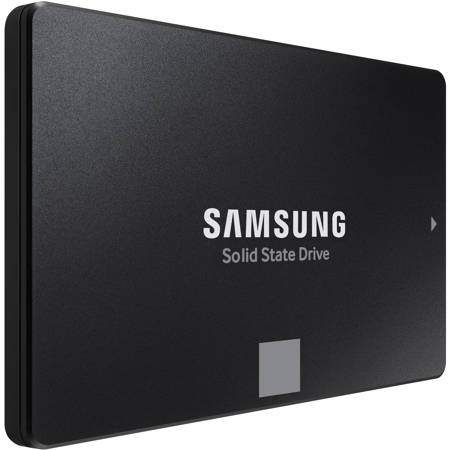
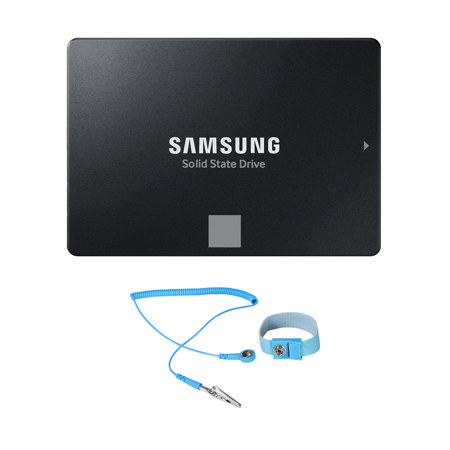
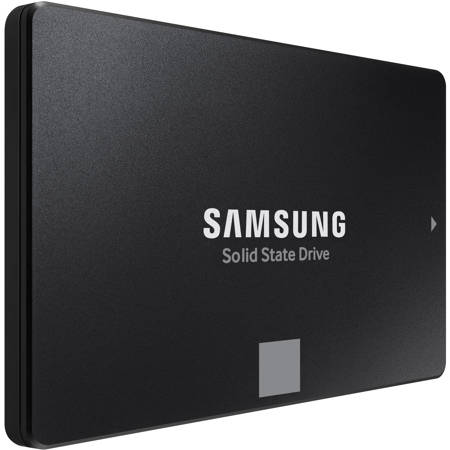
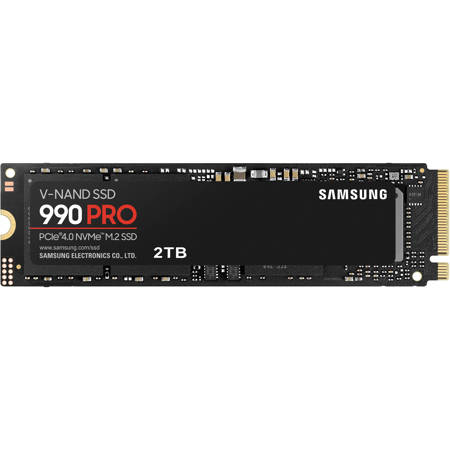
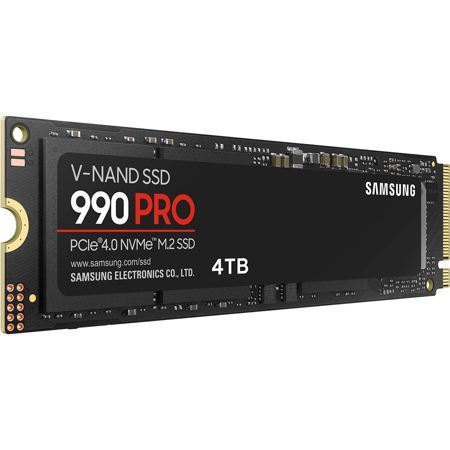
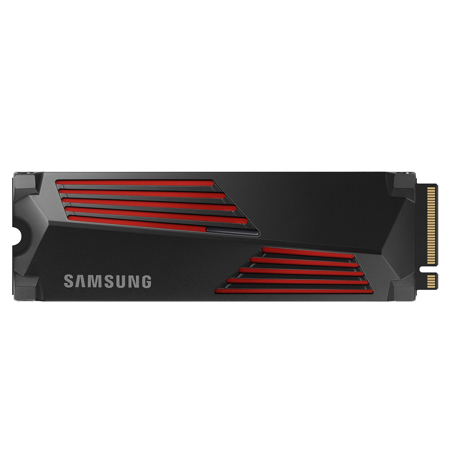
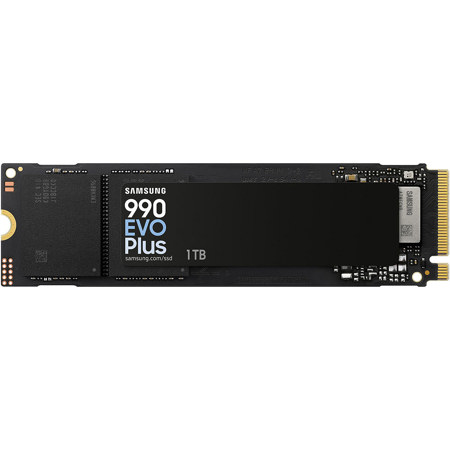
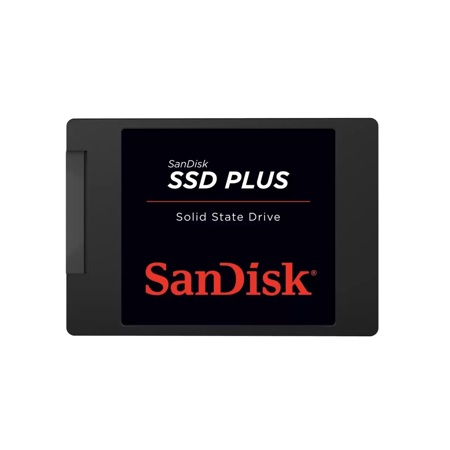
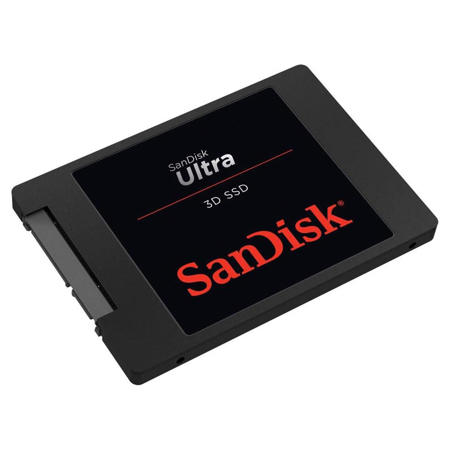
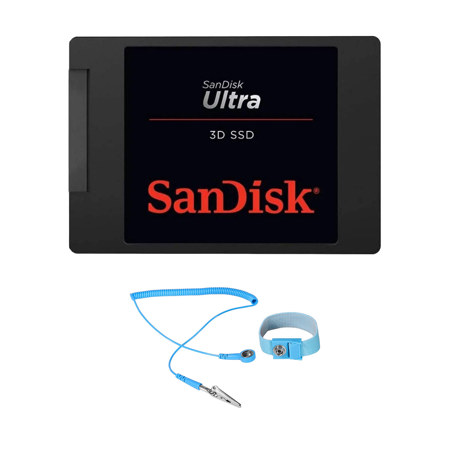
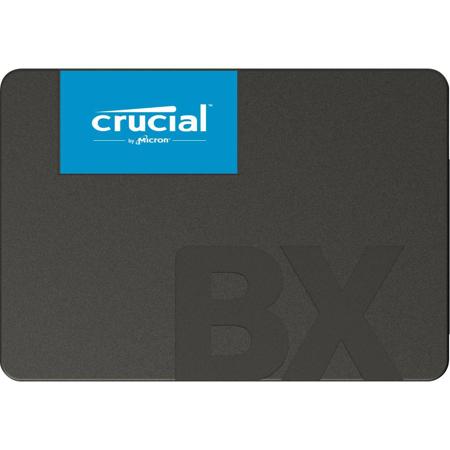
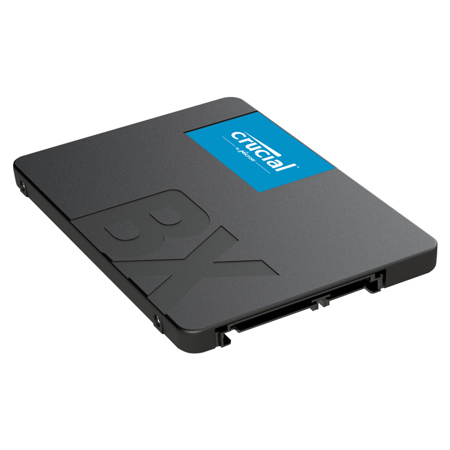
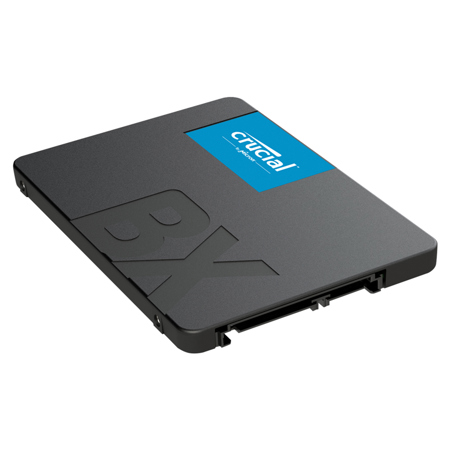
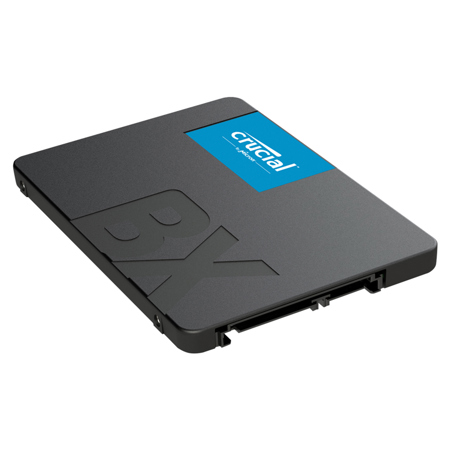
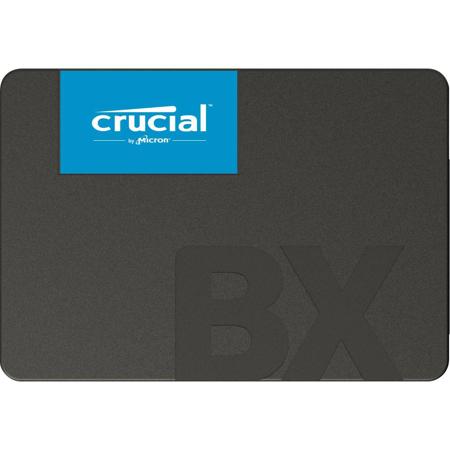
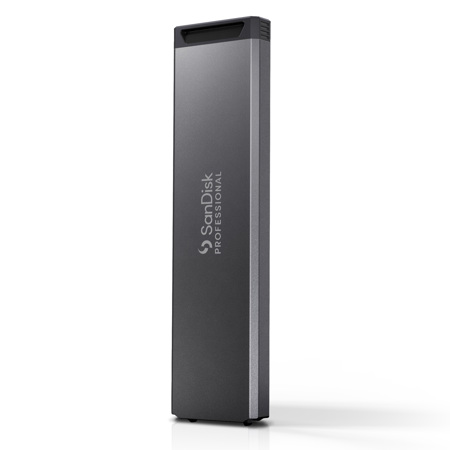
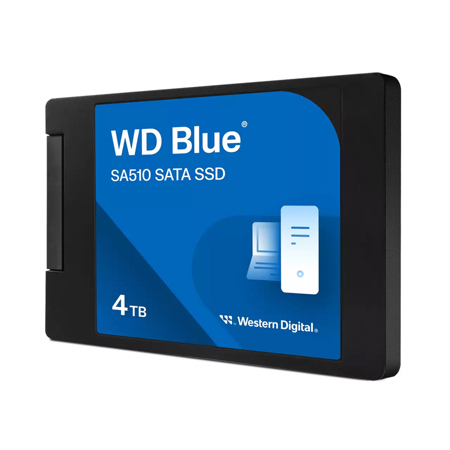
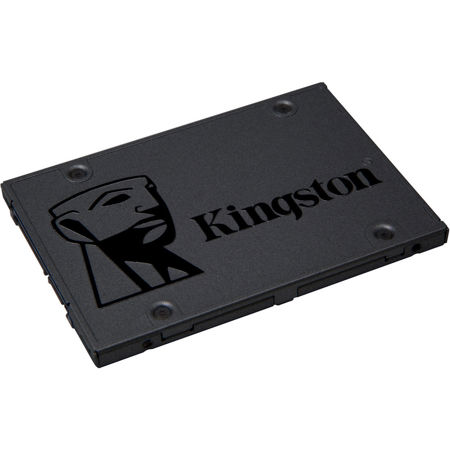
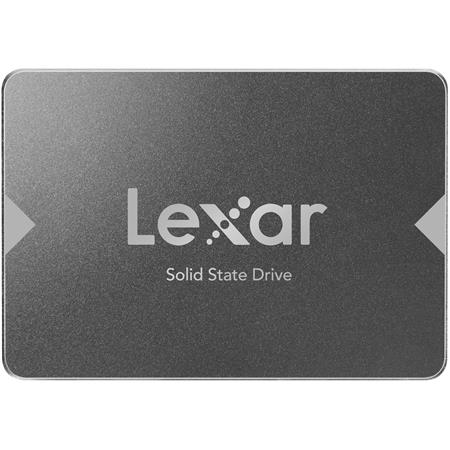
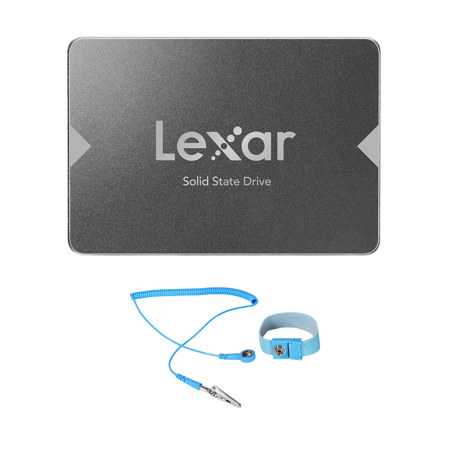
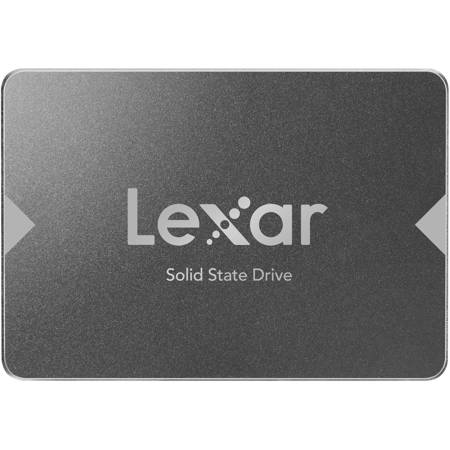
When shopping for an SSD upgrade, it’s important to consider your system’s compatibility and your specific needs. Modern desktops and laptops often support M.2 NVMe drives, which resemble slim sticks of gum and plug directly into your motherboard for lightning-fast speeds—ideal for those who demand peak performance, like gamers or professionals running demanding applications. Older systems, on the other hand, may require a SATA 2.5-inch SSD, which, while not as fast as NVMe, still offers a substantial improvement over traditional spinning hard drives. Checking your device’s specifications or consulting your motherboard manual will help you determine whether you need a PCIe Gen 3, Gen 4, or Gen 5 M.2 slot, or if SATA is the way to go. For those looking to upgrade without losing files or reinstalling everything, cloning your current drive to the new SSD is a straightforward option, often requiring an external enclosure and specialized software. If you’re ready for a clean slate, a fresh install of your operating system on the new SSD can deliver a perfectly optimized system, free from digital clutter. As students prepare for the academic year or families consider tech gifts for graduates, SSDs make a thoughtful and practical present—offering a noticeable boost in productivity and enjoyment that lasts well beyond the unboxing.
Whether you’re enhancing your own workstation or searching for the perfect gift for a tech-savvy friend, SSD upgrades are a smart investment that pay off every day. They pair well with other performance improvements, such as increasing your system’s RAM—explore more ways to maximize your computer’s potential with our selection of Computer Memory Upgrades. From streamlining creative workflows to making everyday computing more enjoyable, an SSD upgrade is a simple yet transformative step for anyone looking to get the most from their technology as seasons change and new projects begin.
When shopping for an SSD upgrade, it’s important to consider your system’s compatibility and your specific needs. Modern desktops and laptops often support M.2 NVMe drives, which resemble slim sticks of gum and plug directly into your motherboard for lightning-fast speeds—ideal for those who demand peak performance, like gamers or professionals running demanding applications. Older systems, on the other hand, may require a SATA 2.5-inch SSD, which, while not as fast as NVMe, still offers a substantial improvement over traditional spinning hard drives. Checking your device’s specifications or consulting your motherboard manual will help you determine whether you need a PCIe Gen 3, Gen 4, or Gen 5 M.2 slot, or if SATA is the way to go. For those looking to upgrade without losing files or reinstalling everything, cloning your current drive to the new SSD is a straightforward option, often requiring an external enclosure and specialized software. If you’re ready for a clean slate, a fresh install of your operating system on the new SSD can deliver a perfectly optimized system, free from digital clutter. As students prepare for the academic year or families consider tech gifts for graduates, SSDs make a thoughtful and practical present—offering a noticeable boost in productivity and enjoyment that lasts well beyond the unboxing.
Whether you’re enhancing your own workstation or searching for the perfect gift for a tech-savvy friend, SSD upgrades are a smart investment that pay off every day. They pair well with other performance improvements, such as increasing your system’s RAM—explore more ways to maximize your computer’s potential with our selection of Computer Memory Upgrades. From streamlining creative workflows to making everyday computing more enjoyable, an SSD upgrade is a simple yet transformative step for anyone looking to get the most from their technology as seasons change and new projects begin.