


Computer Memory Upgrades
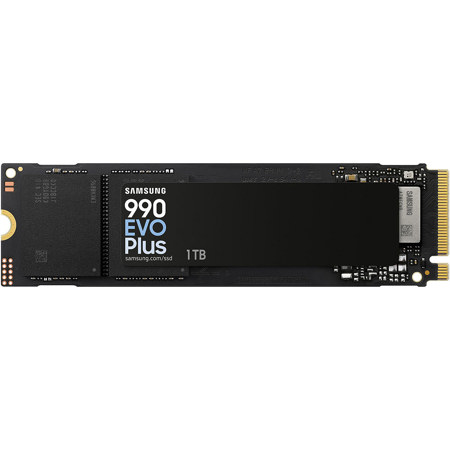
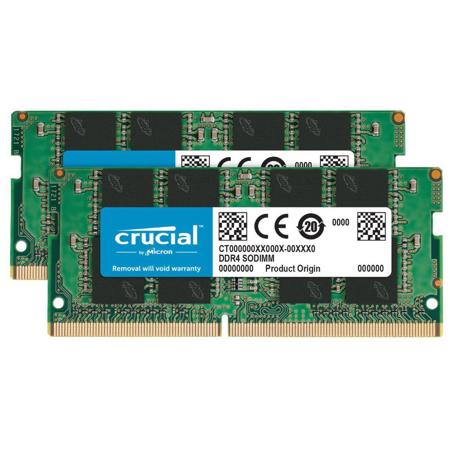
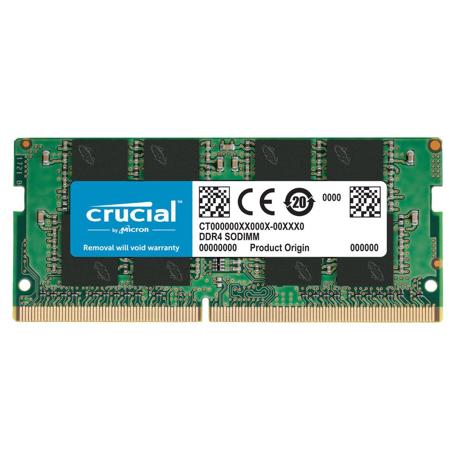
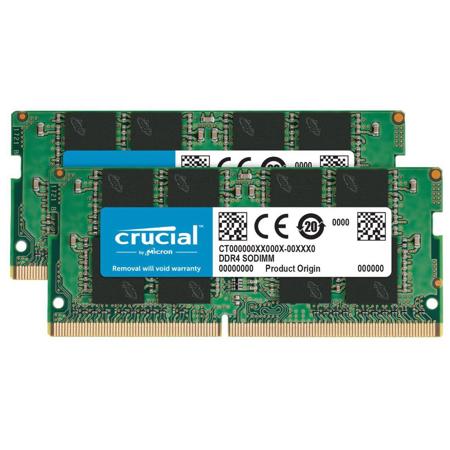
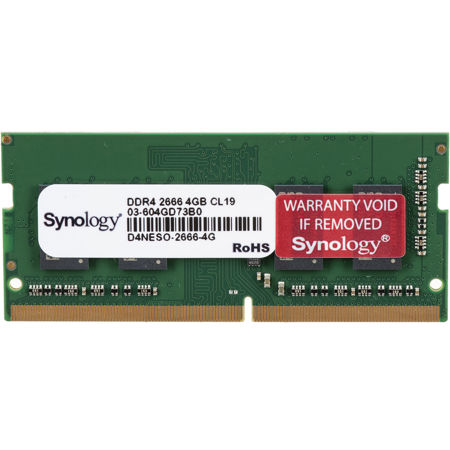
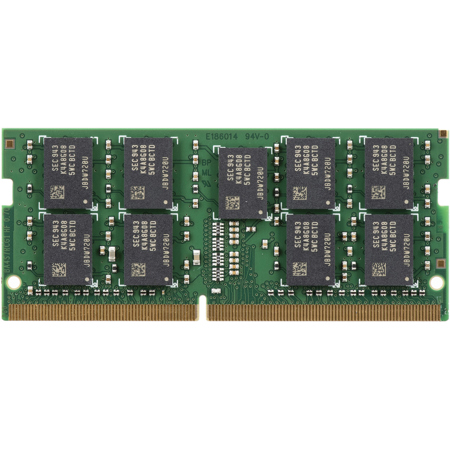
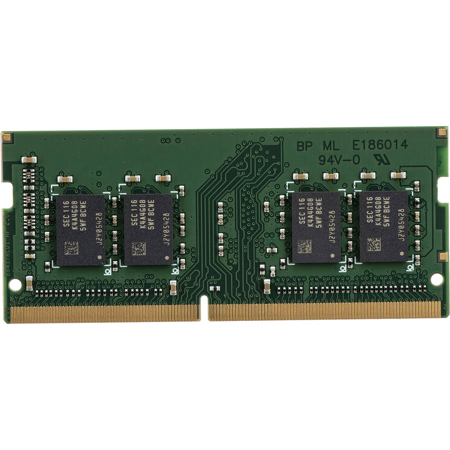
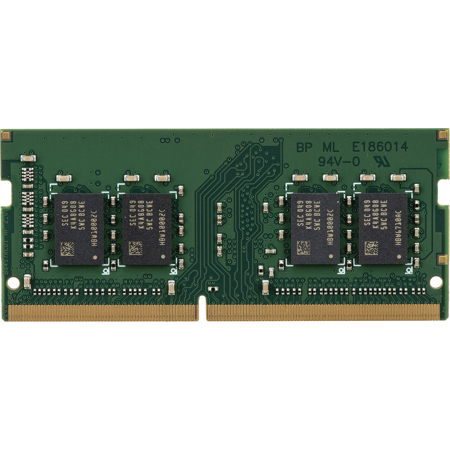
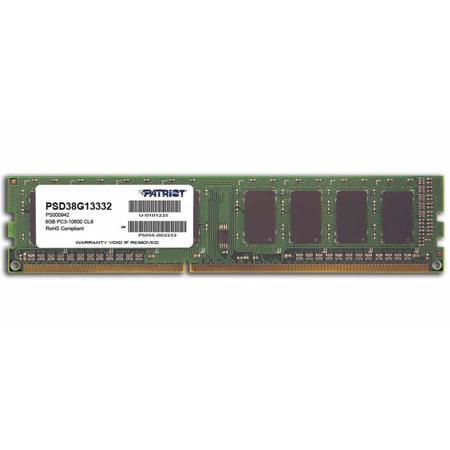
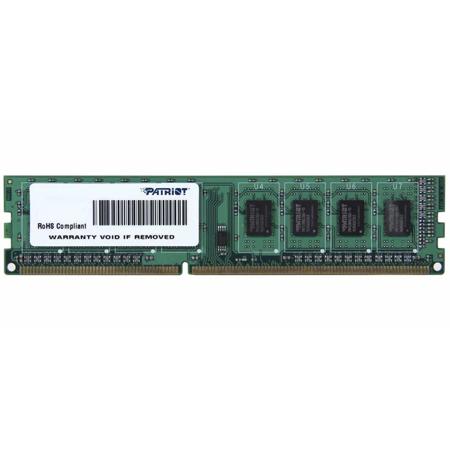
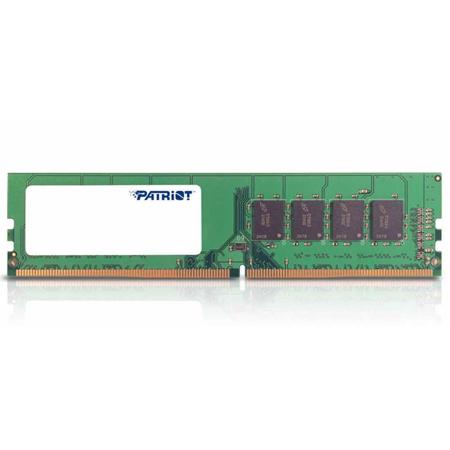
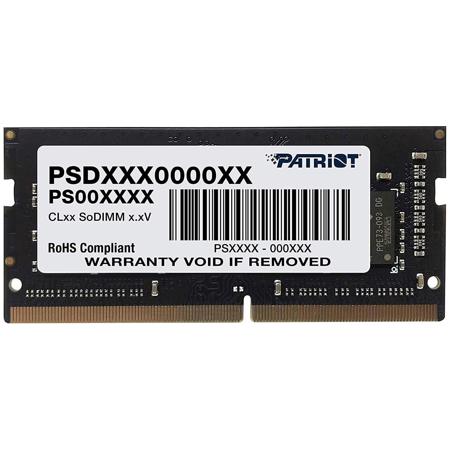
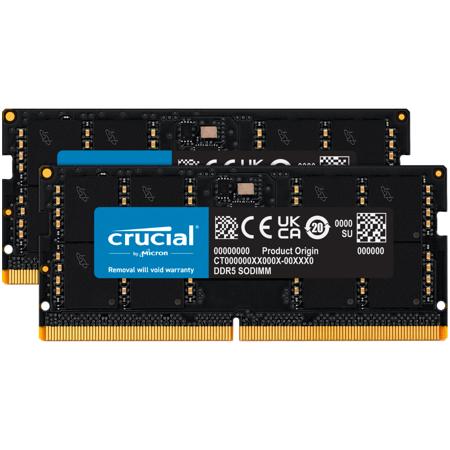
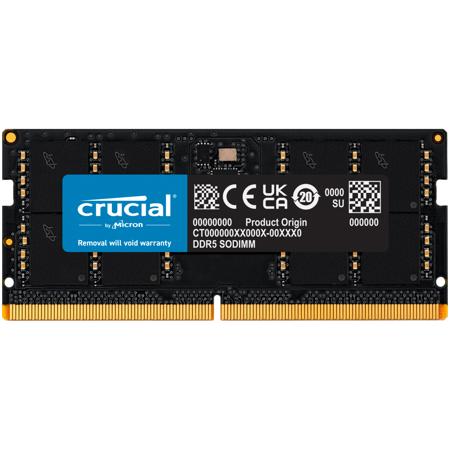
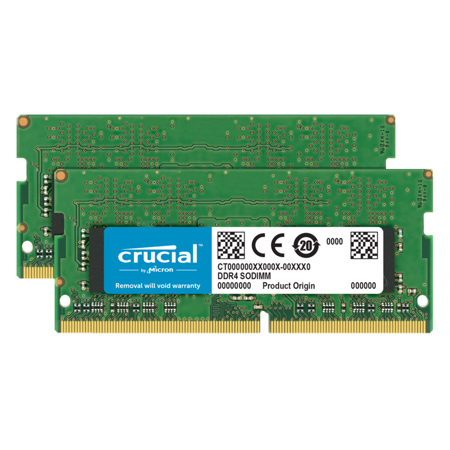
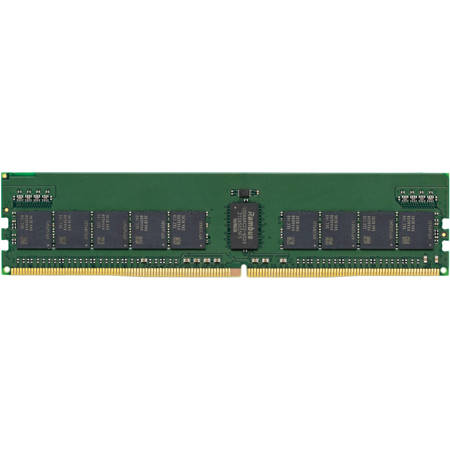
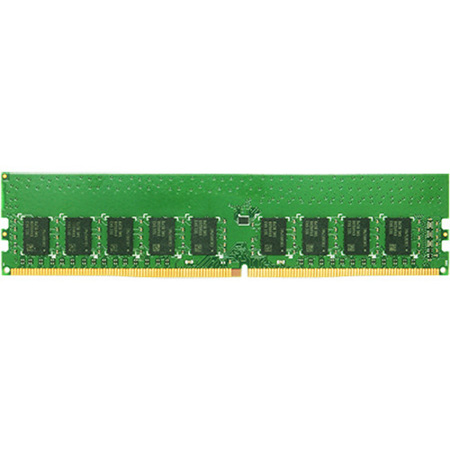
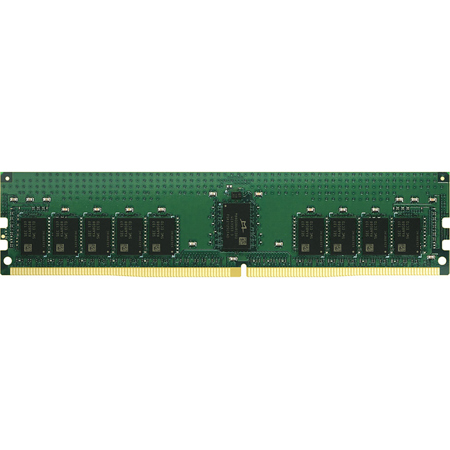
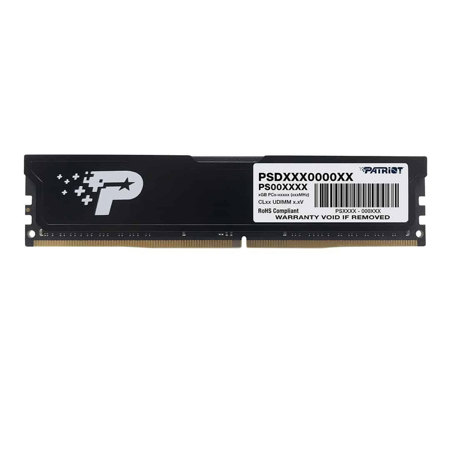
As technology continues to evolve and digital workflows become increasingly demanding, memory upgrades for computers have become one of the most practical and impactful ways to breathe new life into your system. Whether you’re a creative professional editing high-resolution video, a gamer seeking seamless frame rates, or someone who simply wants smoother multitasking for everyday tasks, increasing your RAM capacity can make a world of difference. The benefits are immediately noticeable: faster load times, reduced lag when switching between applications, and the ability to handle more intensive tasks without slowdowns. As the weather warms and many people find themselves tackling new projects or preparing for the school year ahead, upgrading your computer’s memory can be a timely investment—one that supports everything from remote work to summer gaming marathons or prepping for fall coursework. Choosing the right memory upgrade involves a few key considerations. First, it’s essential to check your system’s compatibility—motherboards and laptops support specific generations (such as DDR3, DDR4, or DDR5) and form factors (DIMM for desktops, SODIMM for laptops). Most modern office and general-use computers benefit greatly from 16GB of RAM, while gamers and multitaskers often find 32GB to be the sweet spot for keeping demanding games and background apps running smoothly. For content creators, video editors, and those working with large datasets or 3D rendering, 64GB or more may be necessary to ensure peak performance. Always consult your device manual or manufacturer’s website to confirm the maximum supported capacity and the number of available slots before purchasing.
Memory upgrades are not only a smart choice for personal use, but they also make thoughtful and practical gifts for students heading off to college, professionals working from home, or anyone whose computer could use a performance boost. As families gather for summer holidays or prepare for the back-to-school season, a memory upgrade can be a meaningful way to help loved ones stay productive and entertained. The installation process is typically straightforward—most desktop and laptop models allow for easy access to memory slots, and with a careful touch, adding new modules can be done in minutes. After installation, your system may prompt you to confirm the memory change on the first boot; following these prompts ensures your new RAM is recognized and running at optimal speed. It’s worth noting that mixing different speeds or generations of RAM will cause your system to default to the slowest module, so matching specifications is key for best results. For Mac users, specialized memory modules are often required, and our dedicated Memory Upgrades For Mac page provides tailored solutions for Apple desktops and laptops. Whether you’re upgrading an older device to extend its lifespan or outfitting a new system for maximum efficiency, the right memory upgrade can transform your computing experience—making everyday tasks faster, smoother, and more enjoyable throughout the changing seasons.
Memory upgrades are not only a smart choice for personal use, but they also make thoughtful and practical gifts for students heading off to college, professionals working from home, or anyone whose computer could use a performance boost. As families gather for summer holidays or prepare for the back-to-school season, a memory upgrade can be a meaningful way to help loved ones stay productive and entertained. The installation process is typically straightforward—most desktop and laptop models allow for easy access to memory slots, and with a careful touch, adding new modules can be done in minutes. After installation, your system may prompt you to confirm the memory change on the first boot; following these prompts ensures your new RAM is recognized and running at optimal speed. It’s worth noting that mixing different speeds or generations of RAM will cause your system to default to the slowest module, so matching specifications is key for best results. For Mac users, specialized memory modules are often required, and our dedicated Memory Upgrades For Mac page provides tailored solutions for Apple desktops and laptops. Whether you’re upgrading an older device to extend its lifespan or outfitting a new system for maximum efficiency, the right memory upgrade can transform your computing experience—making everyday tasks faster, smoother, and more enjoyable throughout the changing seasons.