Kvm Monitors
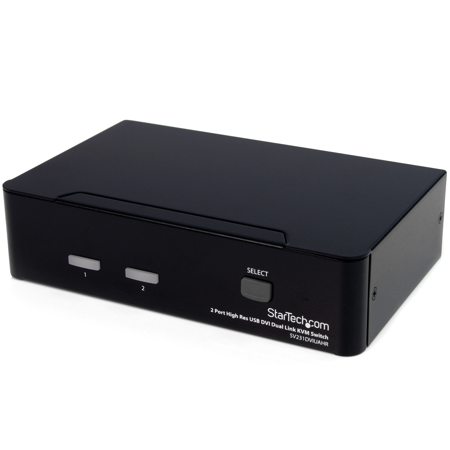
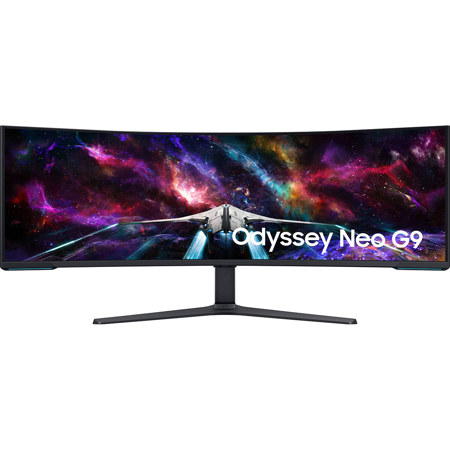
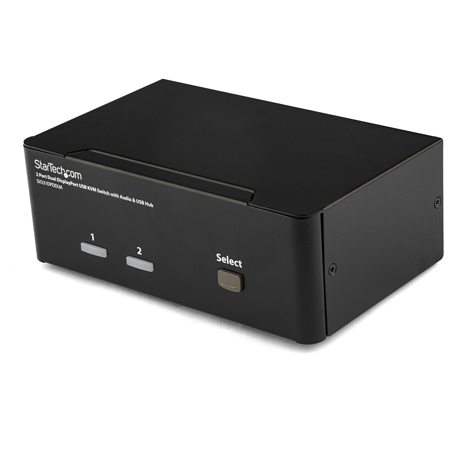
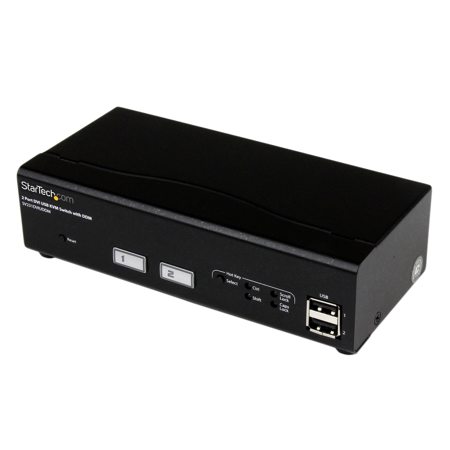
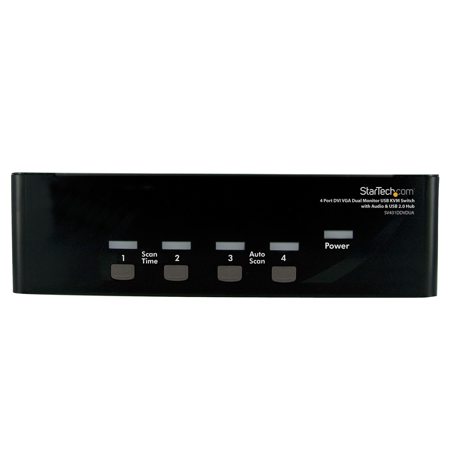
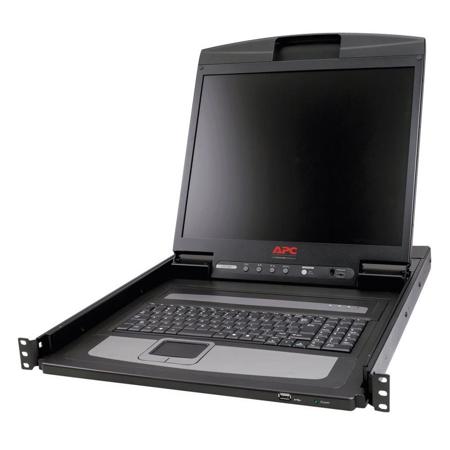
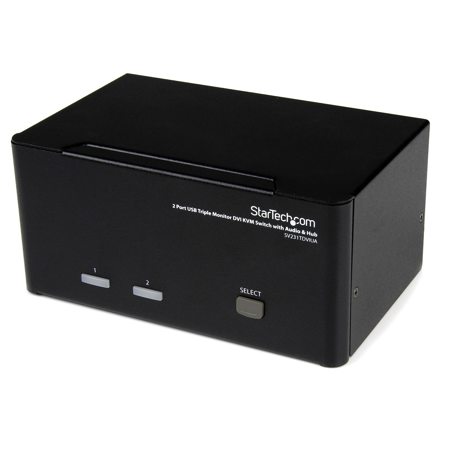
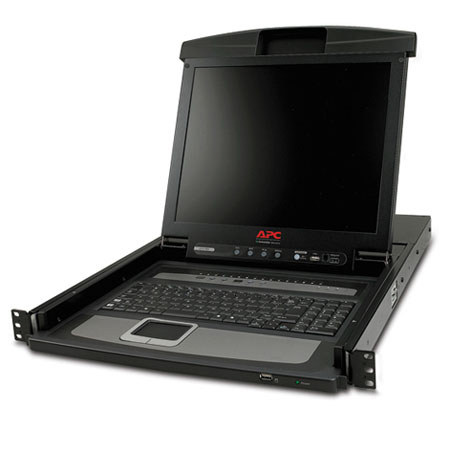
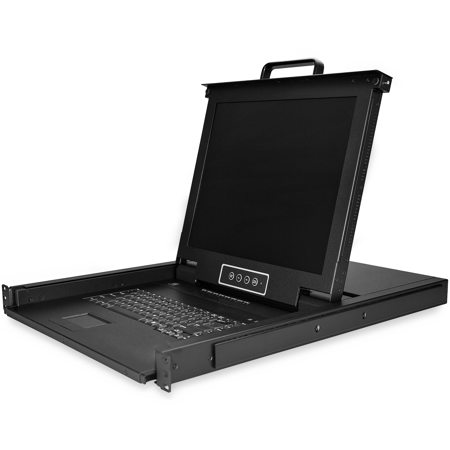
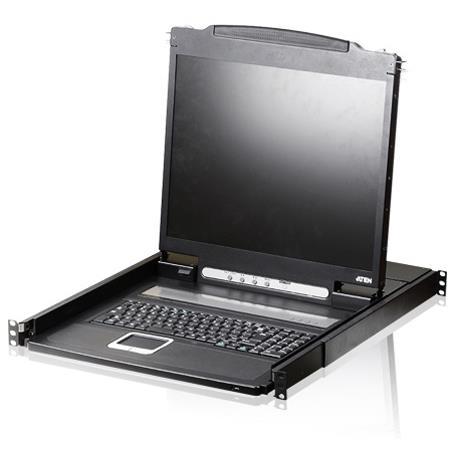
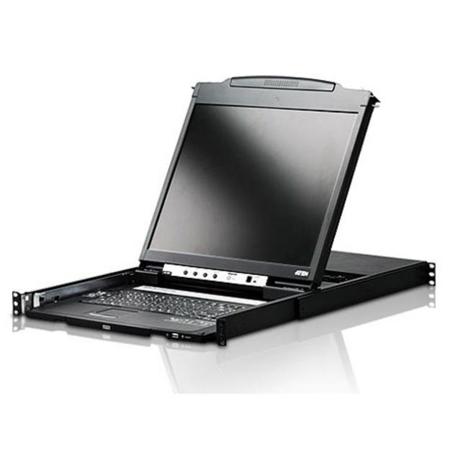
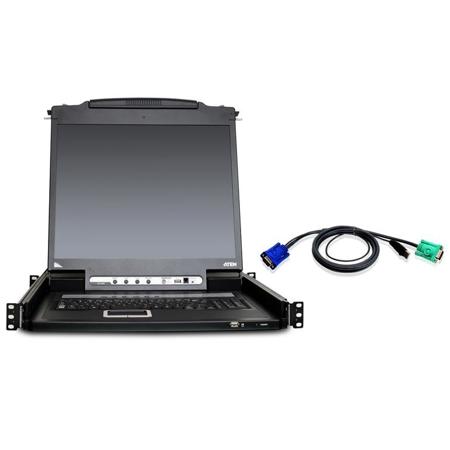
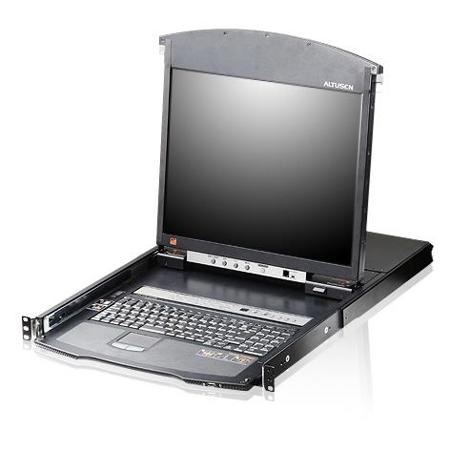
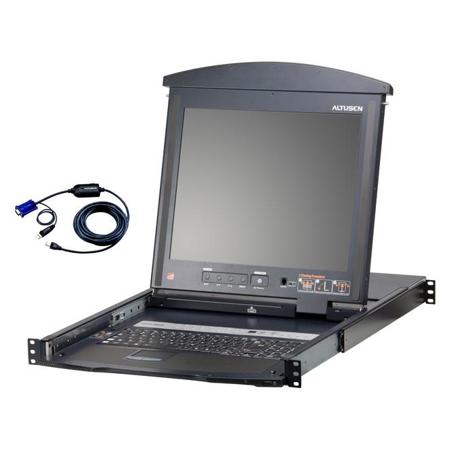
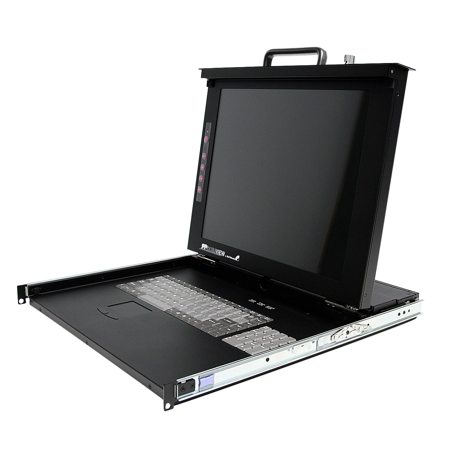
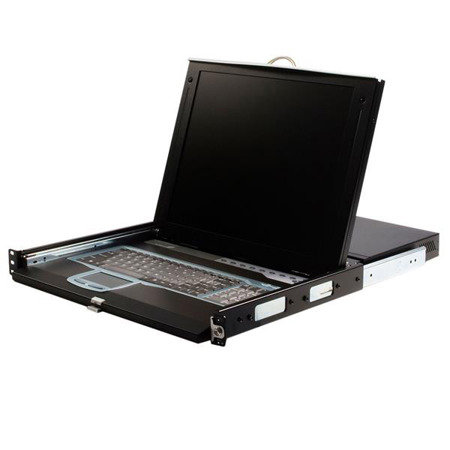
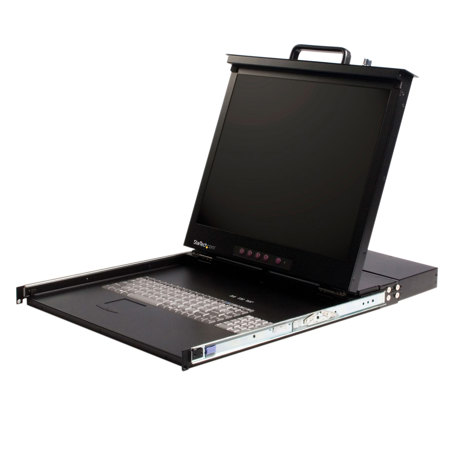
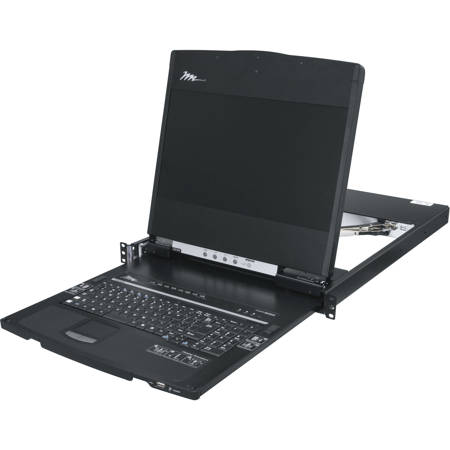
When it comes to streamlining your workspace and maximizing productivity, a kvm monitor offers a seamless solution for anyone who regularly manages multiple computers or devices. Whether you’re a creative professional editing high-resolution video, a software developer running code across different systems, or an IT specialist overseeing a network of machines, the convenience of a monitor with an integrated kvm switch can transform your workflow. These monitors allow you to control several computers from a single set of peripherals—keyboard, video display, and mouse—eliminating the clutter of multiple monitors and cables. As the weather warms and projects ramp up, many find themselves seeking ways to declutter their desks and make the most of their home offices or studio setups. Monitors with kvm switches are especially valuable in shared workspaces, where quick transitions between workstations are essential, or in home environments where a single desk must serve multiple purposes throughout the day.
Selecting the right kvm monitor involves considering factors like screen size, resolution, refresh rate, and the number of devices you need to connect. For those working with graphic design, photography, or video editing, color accuracy and panel quality are crucial, while gamers and engineers might prioritize low input lag and high refresh rates. Integrated kvm features are particularly helpful during busy seasons, such as when students are preparing for exams or professionals are juggling multiple projects, since they enable effortless switching between a work laptop and a personal desktop without the need to physically swap cables. These monitors also make thoughtful gifts for tech enthusiasts, remote workers, or anyone setting up a new home office, offering a practical upgrade that can be appreciated day in and day out. As families and friends gather more frequently during the longer days, a kvm monitor can help keep shared spaces organized, allowing everyone to connect their devices and collaborate with ease.
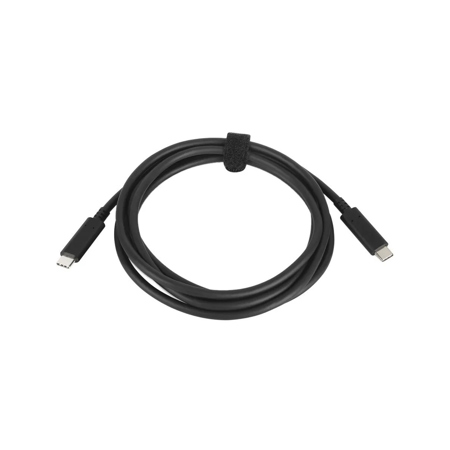
To ensure optimal performance, it’s important to pair your kvm monitor with the right accessories. Investing in quality KVM Cables will help maintain signal integrity and simplify setup, especially when connecting devices with different ports or video standards. As you configure your workspace for the demands of the season—whether you’re preparing for a summer of creative projects, gearing up for fall classes, or simply looking to make everyday computing more efficient—monitors with kvm switches offer a versatile and future-proof solution. From reducing cable clutter to enabling rapid device switching, these monitors are designed to support both solo users and collaborative teams, making them an essential addition to any modern workspace.
Selecting the right kvm monitor involves considering factors like screen size, resolution, refresh rate, and the number of devices you need to connect. For those working with graphic design, photography, or video editing, color accuracy and panel quality are crucial, while gamers and engineers might prioritize low input lag and high refresh rates. Integrated kvm features are particularly helpful during busy seasons, such as when students are preparing for exams or professionals are juggling multiple projects, since they enable effortless switching between a work laptop and a personal desktop without the need to physically swap cables. These monitors also make thoughtful gifts for tech enthusiasts, remote workers, or anyone setting up a new home office, offering a practical upgrade that can be appreciated day in and day out. As families and friends gather more frequently during the longer days, a kvm monitor can help keep shared spaces organized, allowing everyone to connect their devices and collaborate with ease.
To ensure optimal performance, it’s important to pair your kvm monitor with the right accessories. Investing in quality KVM Cables will help maintain signal integrity and simplify setup, especially when connecting devices with different ports or video standards. As you configure your workspace for the demands of the season—whether you’re preparing for a summer of creative projects, gearing up for fall classes, or simply looking to make everyday computing more efficient—monitors with kvm switches offer a versatile and future-proof solution. From reducing cable clutter to enabling rapid device switching, these monitors are designed to support both solo users and collaborative teams, making them an essential addition to any modern workspace.