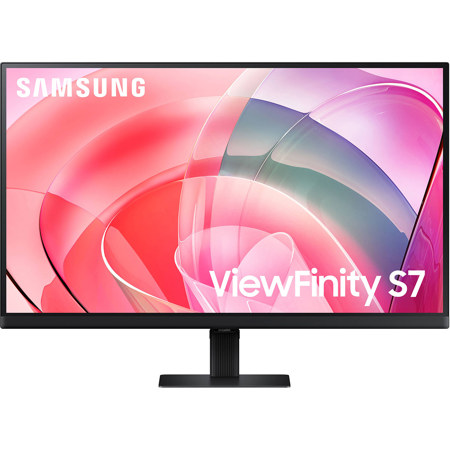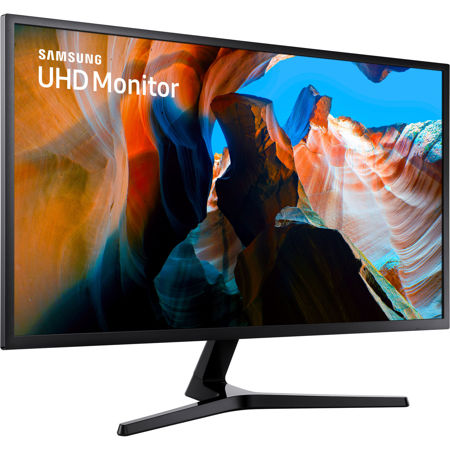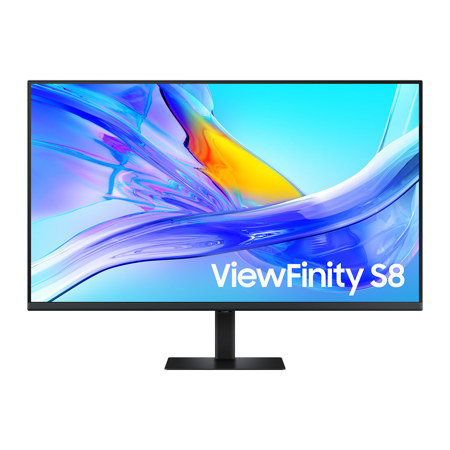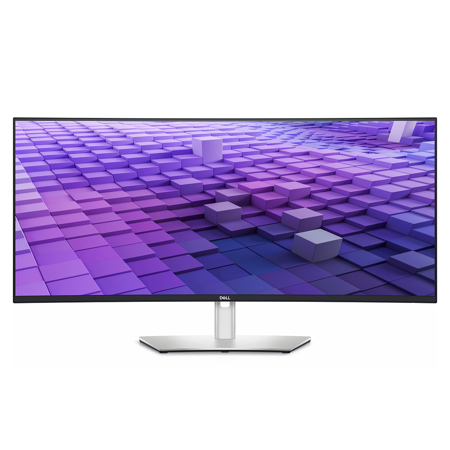
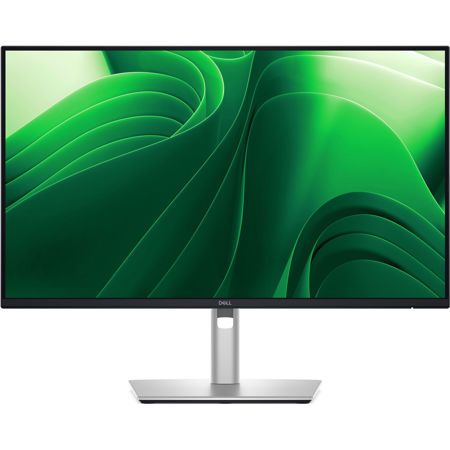
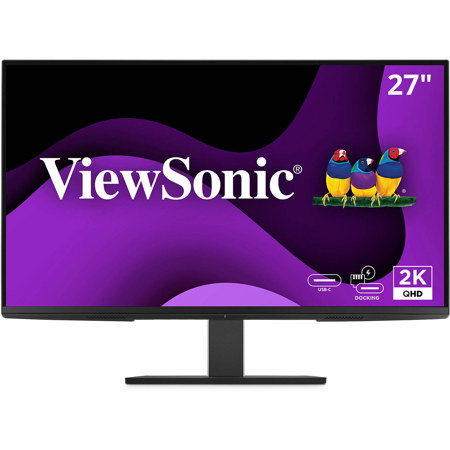
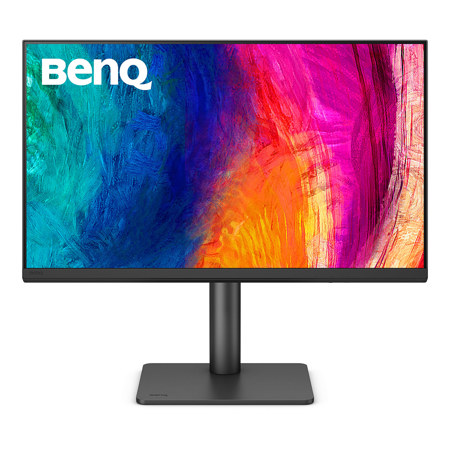
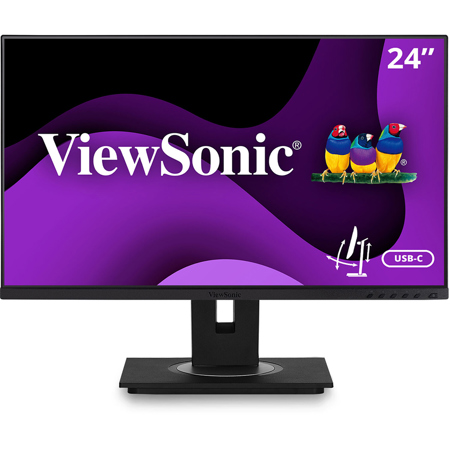
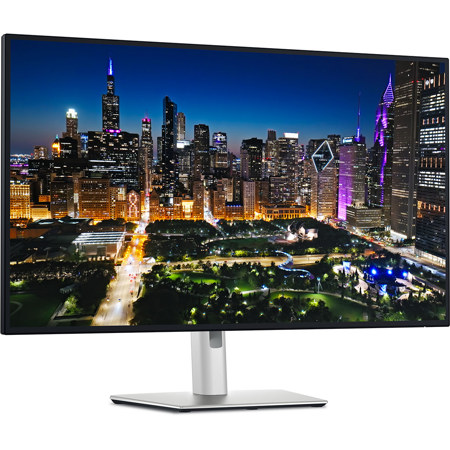
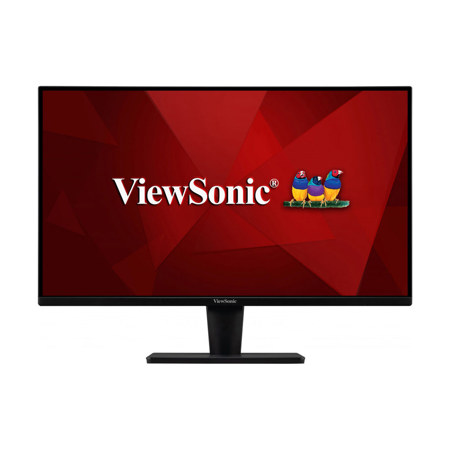
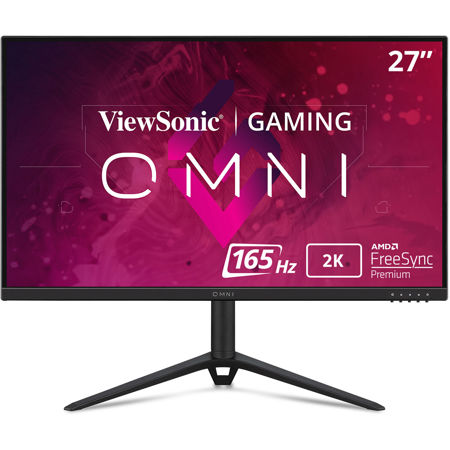
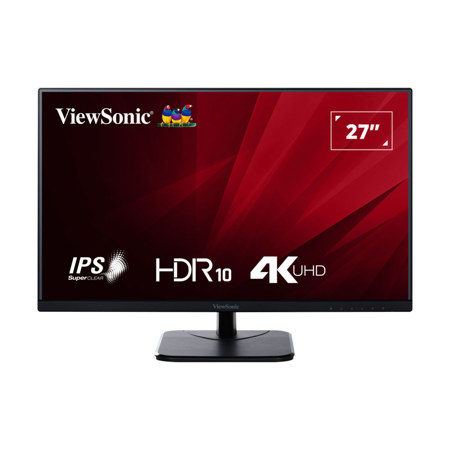
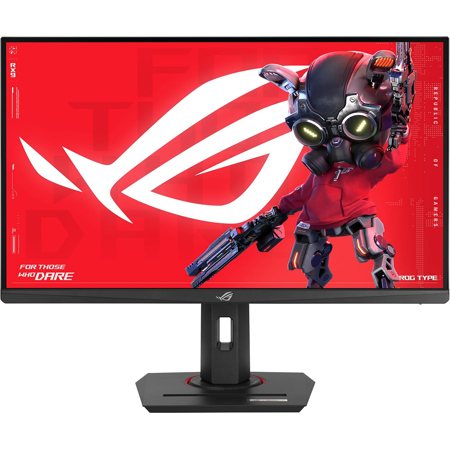
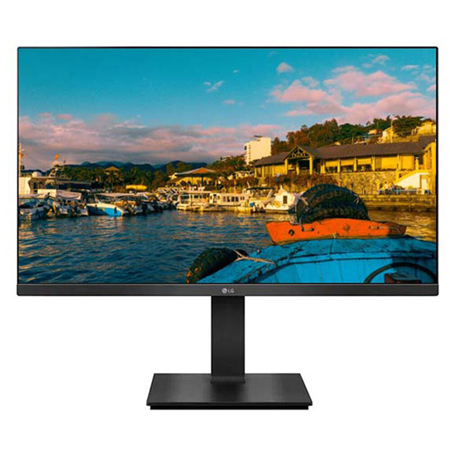
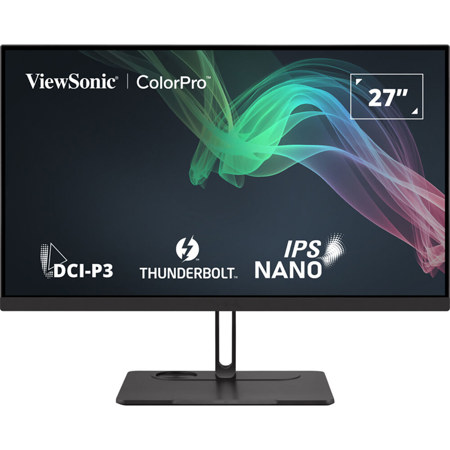
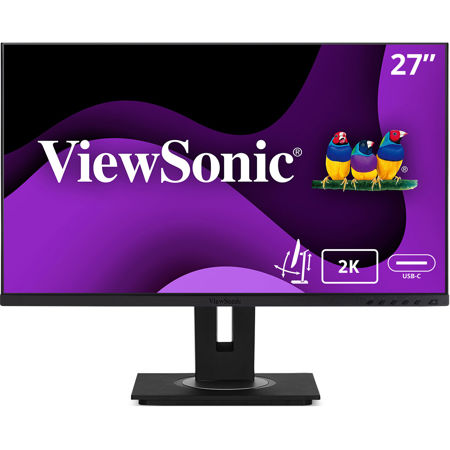
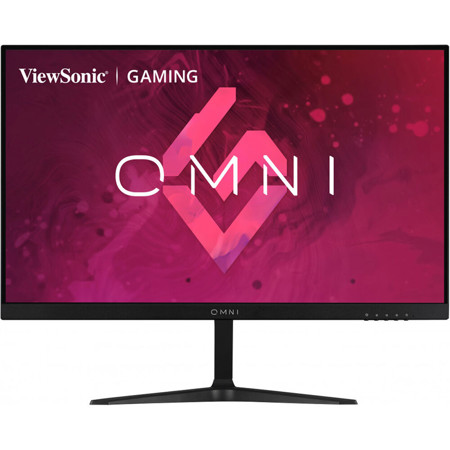
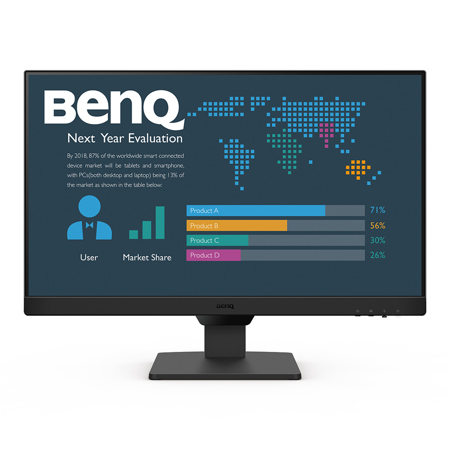
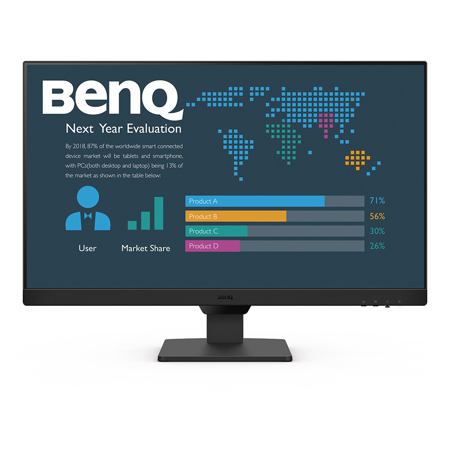
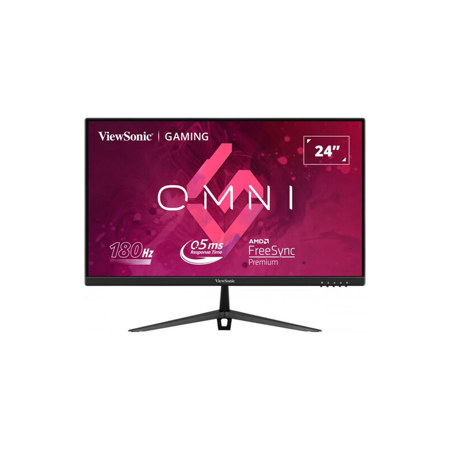
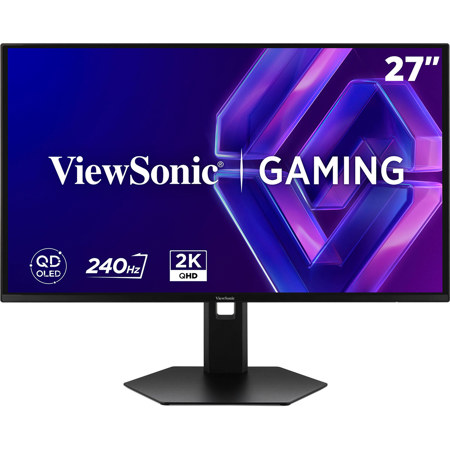

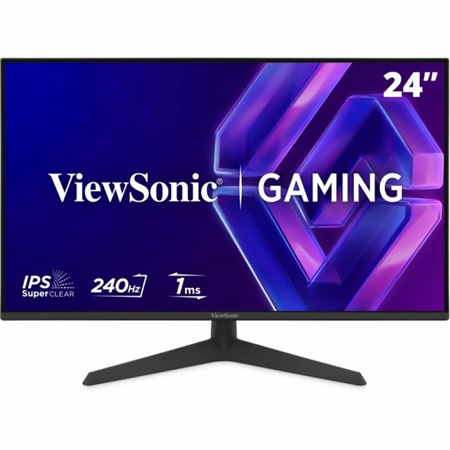
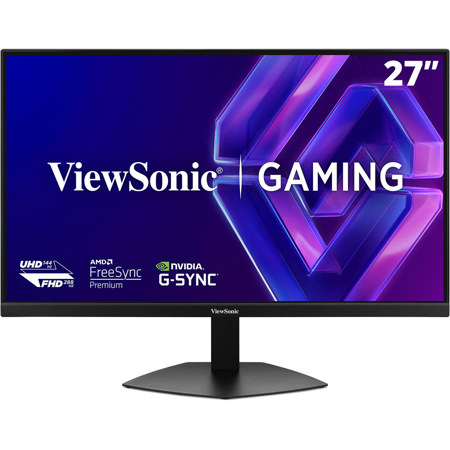
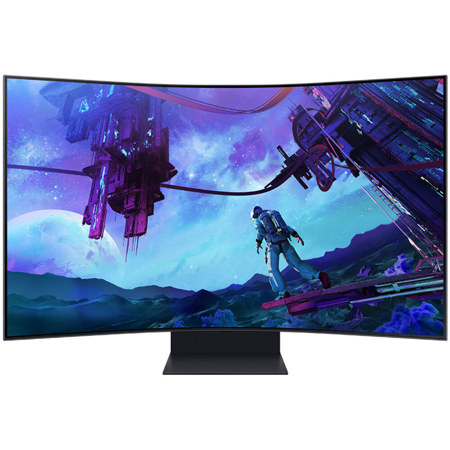
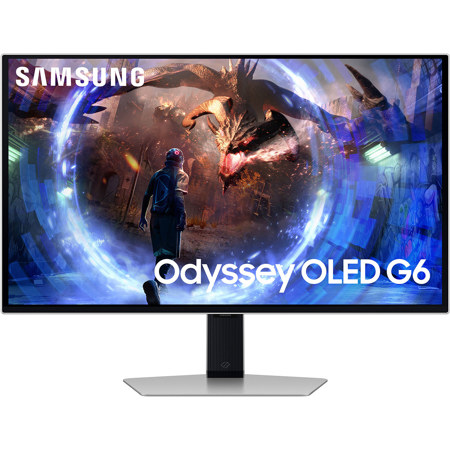
When searching for monitors with DisplayPort Out, you’re looking at a specialized category designed for those who value streamlined setups, advanced connectivity, and efficient multi-monitor workflows. DisplayPort Out, often enabled by Multi-Stream Transport (MST), allows for daisy-chaining multiple monitors through a single cable path, minimizing desk clutter and simplifying cable management. This feature is especially beneficial for creative professionals, data analysts, software developers, and anyone who needs to expand their digital workspace without the tangle of multiple cords running to their computer. Whether you’re editing high-resolution photos, comparing large spreadsheets side-by-side, or monitoring real-time data across several screens, the ability to connect monitors in series can transform your daily routine. As the weather shifts from the warmth of summer into the cooler, reflective days of fall, many find themselves reorganizing home offices or upgrading workstations in preparation for new projects, making this an ideal time to consider the practical advantages of DisplayPort Out monitors.
These monitors are not just for professionals, though. Students setting up study spaces for the academic year, gamers seeking immersive multi-monitor experiences, and home office users looking to boost productivity all benefit from the flexibility that DisplayPort Out provides. If you’re gifting technology to a recent graduate, a remote worker, or a creative friend, a monitor with DisplayPort Out can be a thoughtful and forward-thinking choice, ensuring their setup is both future-ready and easy to expand. When selecting a monitor, it’s important to check that both your computer’s graphics card and the monitors themselves support MST for daisy-chaining, and to use certified DisplayPort cables to guarantee reliable signal transmission. Pay attention to panel quality, refresh rates, color accuracy, and ergonomic features like adjustable stands—these details make a significant difference during long hours at the desk, whether you’re working on a detailed design project or enjoying cinematic gaming sessions on a crisp autumn evening. For those who want to explore a broader range of options or learn more about the benefits of this technology, our curated selection of Displayport Monitors offers detailed information and recommendations to help you find the perfect fit for your workspace.
These monitors are not just for professionals, though. Students setting up study spaces for the academic year, gamers seeking immersive multi-monitor experiences, and home office users looking to boost productivity all benefit from the flexibility that DisplayPort Out provides. If you’re gifting technology to a recent graduate, a remote worker, or a creative friend, a monitor with DisplayPort Out can be a thoughtful and forward-thinking choice, ensuring their setup is both future-ready and easy to expand. When selecting a monitor, it’s important to check that both your computer’s graphics card and the monitors themselves support MST for daisy-chaining, and to use certified DisplayPort cables to guarantee reliable signal transmission. Pay attention to panel quality, refresh rates, color accuracy, and ergonomic features like adjustable stands—these details make a significant difference during long hours at the desk, whether you’re working on a detailed design project or enjoying cinematic gaming sessions on a crisp autumn evening. For those who want to explore a broader range of options or learn more about the benefits of this technology, our curated selection of Displayport Monitors offers detailed information and recommendations to help you find the perfect fit for your workspace.