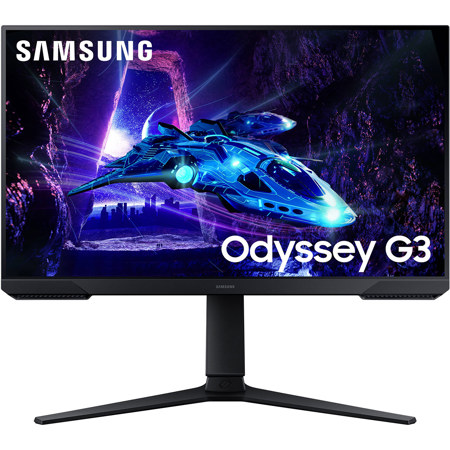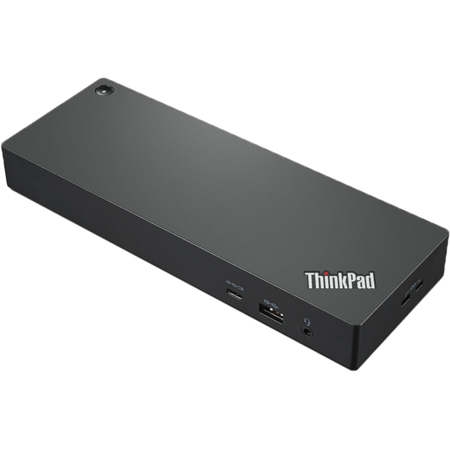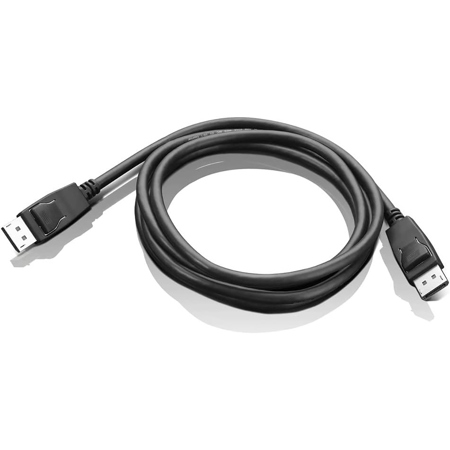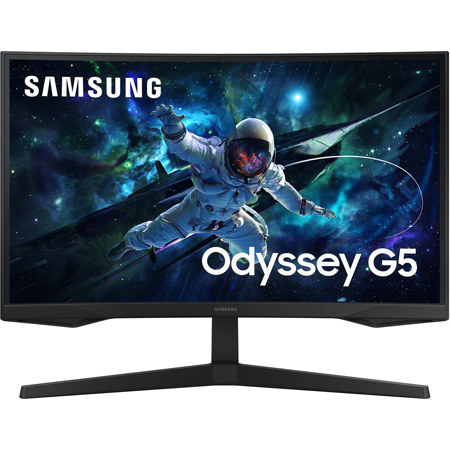
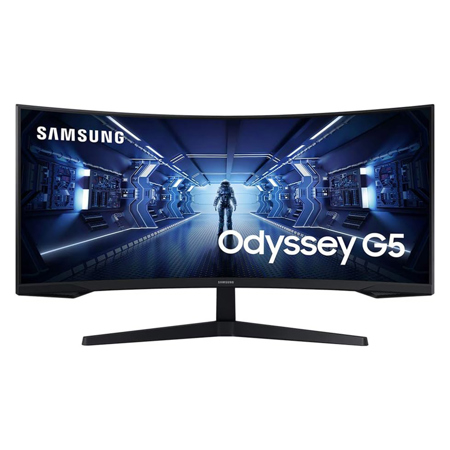
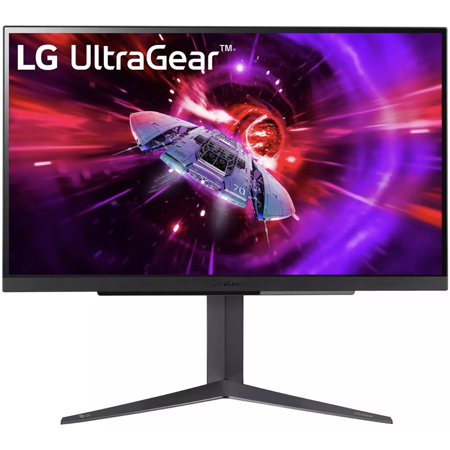
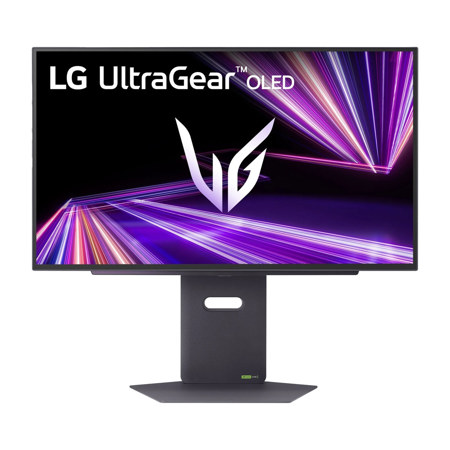
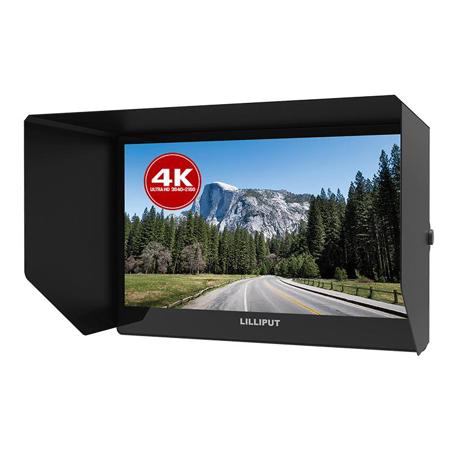
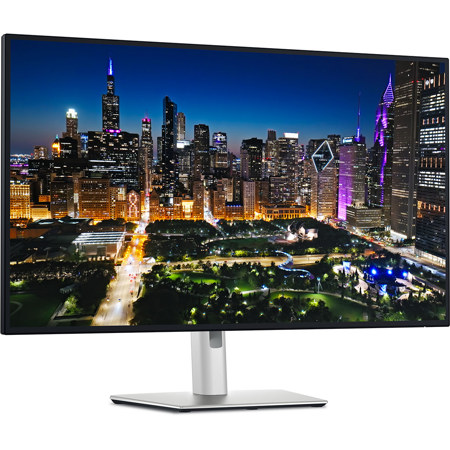
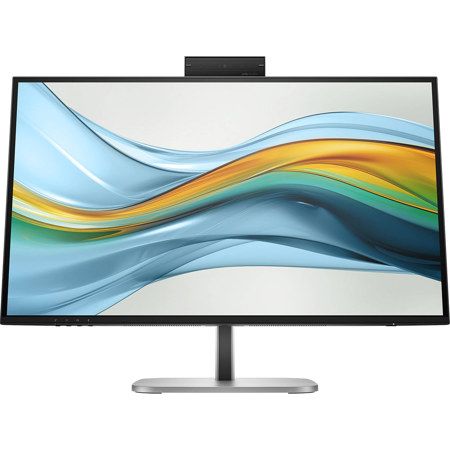

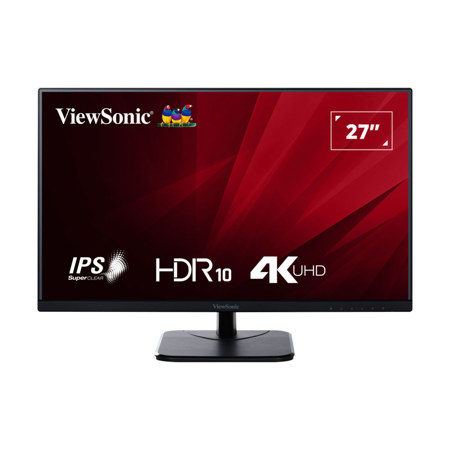
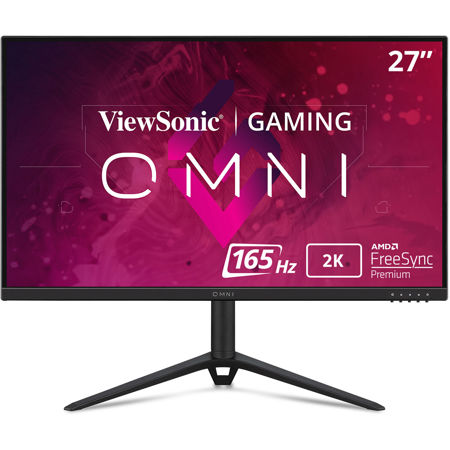
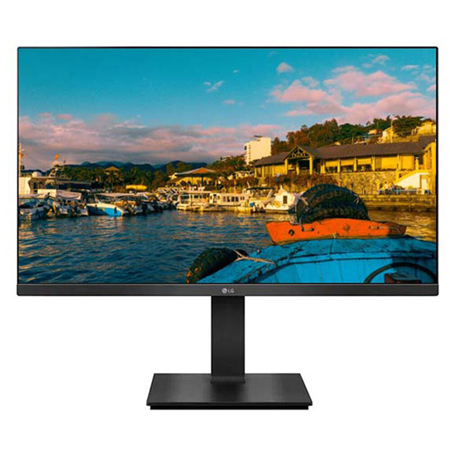
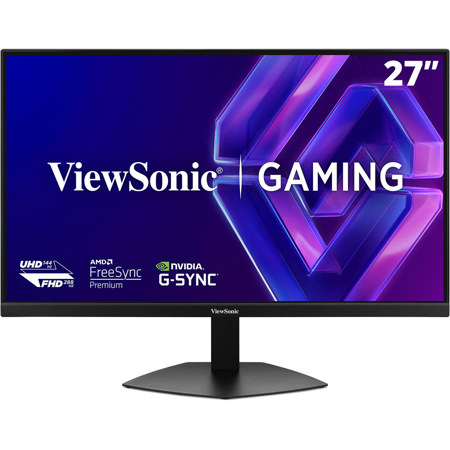
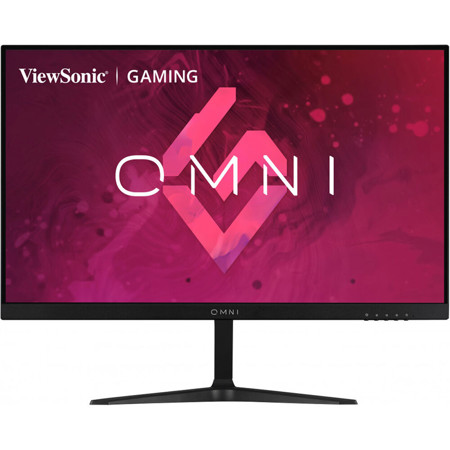
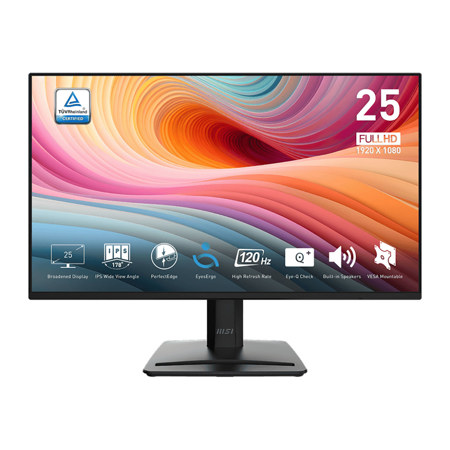
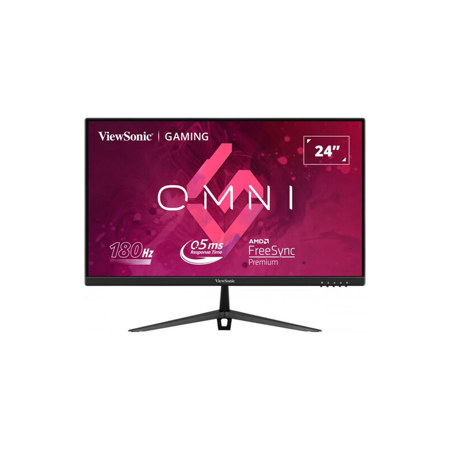
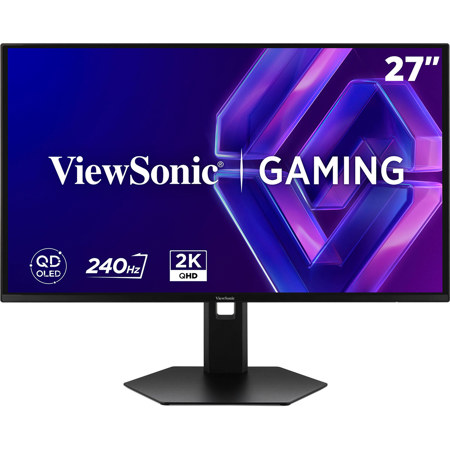
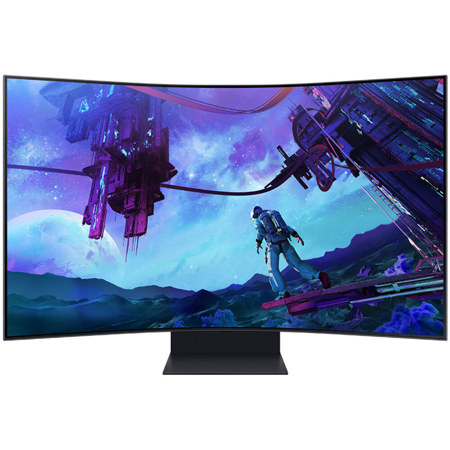
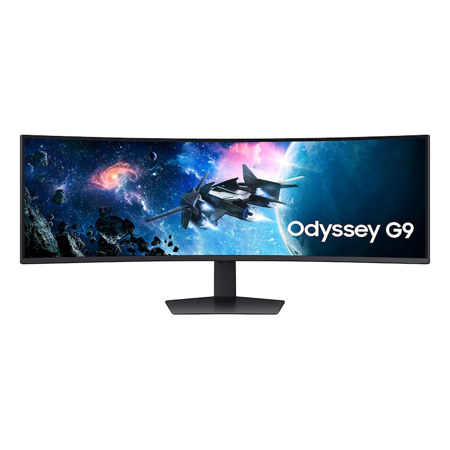
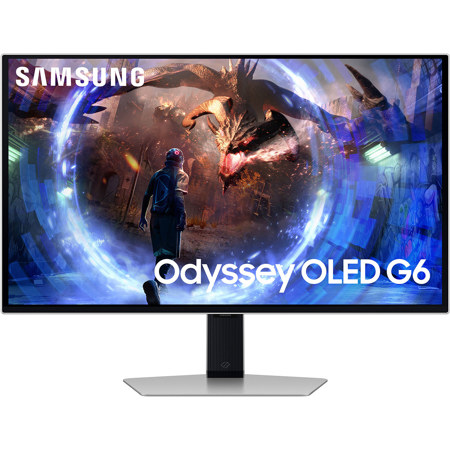
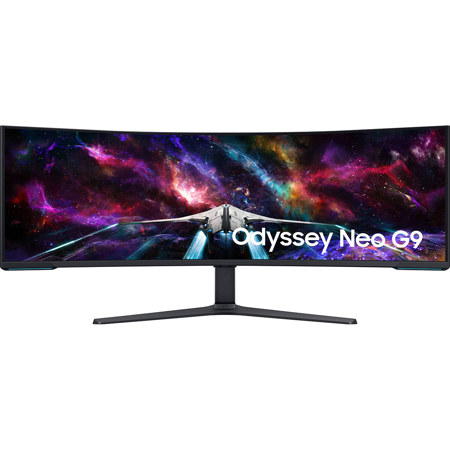

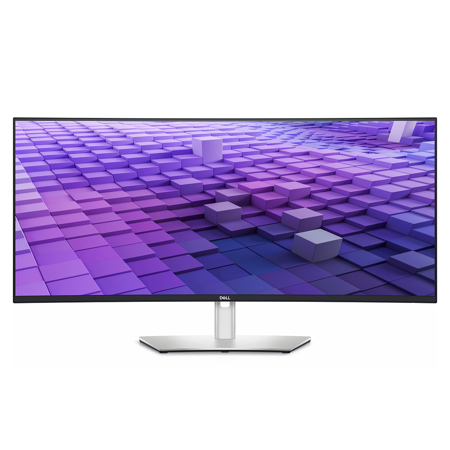
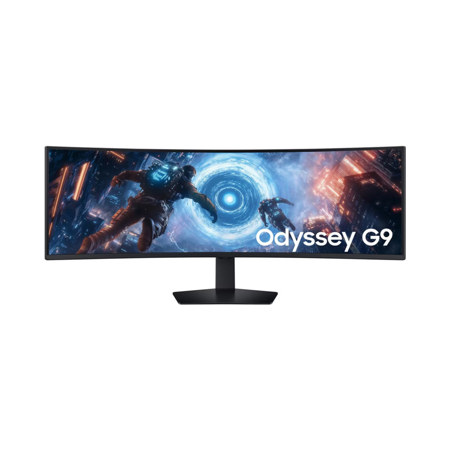
For professionals and enthusiasts who demand seamless multi-monitor setups, monitors equipped with both DisplayPort In and Out ports offer a versatile and efficient solution. These displays are engineered with productivity and flexibility in mind, enabling users to daisy-chain multiple monitors through DisplayPort’s Multi-Stream Transport (MST) technology. This feature allows a single cable from your computer to the first monitor, then a second cable from the first monitor’s DisplayPort Out to the next display, dramatically reducing cable clutter and simplifying desk organization. As the weather warms and offices, studios, and home workspaces get busier with new projects, these monitors become especially valuable for anyone looking to expand their digital workspace without the hassle of complex wiring or additional docking stations. Whether you’re editing high-resolution photos, managing expansive spreadsheets, coding across several windows, or immersing yourself in detailed design work, having a streamlined multi-monitor array can transform your workflow. The clarity and color accuracy found in these monitors also cater to creative professionals—photographers, video editors, and graphic designers—who rely on consistent, vibrant visuals across multiple screens.
When considering a monitor with DisplayPort In and Out, it’s important to think about compatibility with your existing hardware and the total bandwidth your graphics card can support. DisplayPort 1.2, for example, typically allows for dual 1080p monitors at 60Hz, while DisplayPort 1.4 opens the door for higher resolutions, such as dual 1440p displays or a mix of 4K and 1080p screens. This makes these monitors not just a practical choice for productivity, but also an excellent fit for gaming setups, live streaming, or collaborative conference rooms where multiple screens are essential. As students prepare for new semesters or professionals upgrade their home offices during the cooler months, monitors with daisy-chaining capabilities make thoughtful gifts for remote workers, tech enthusiasts, or anyone seeking to elevate their digital environment. The ability to create a clean, efficient multi-display setup with fewer cables appeals to anyone who values both performance and aesthetics in their workspace. For those looking to explore more options or dive deeper into the advantages of DisplayPort connectivity, our curated selection of Displayport Monitors provides a comprehensive starting point to find the perfect match for your needs.
When considering a monitor with DisplayPort In and Out, it’s important to think about compatibility with your existing hardware and the total bandwidth your graphics card can support. DisplayPort 1.2, for example, typically allows for dual 1080p monitors at 60Hz, while DisplayPort 1.4 opens the door for higher resolutions, such as dual 1440p displays or a mix of 4K and 1080p screens. This makes these monitors not just a practical choice for productivity, but also an excellent fit for gaming setups, live streaming, or collaborative conference rooms where multiple screens are essential. As students prepare for new semesters or professionals upgrade their home offices during the cooler months, monitors with daisy-chaining capabilities make thoughtful gifts for remote workers, tech enthusiasts, or anyone seeking to elevate their digital environment. The ability to create a clean, efficient multi-display setup with fewer cables appeals to anyone who values both performance and aesthetics in their workspace. For those looking to explore more options or dive deeper into the advantages of DisplayPort connectivity, our curated selection of Displayport Monitors provides a comprehensive starting point to find the perfect match for your needs.