
Monitors With Usb Ports
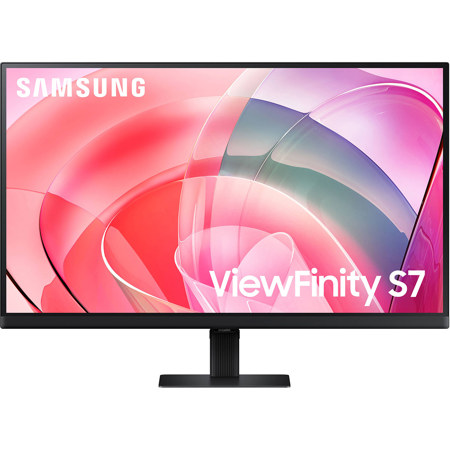
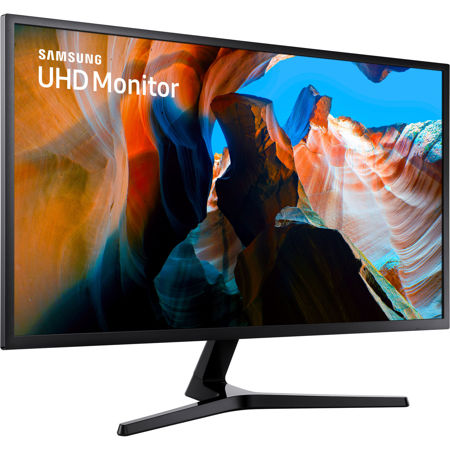
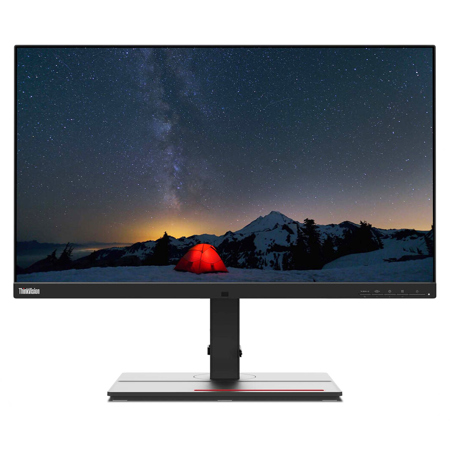
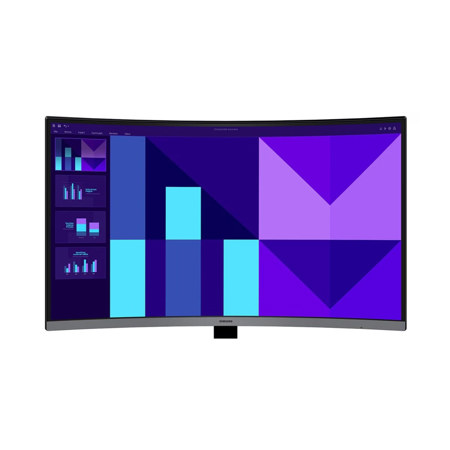
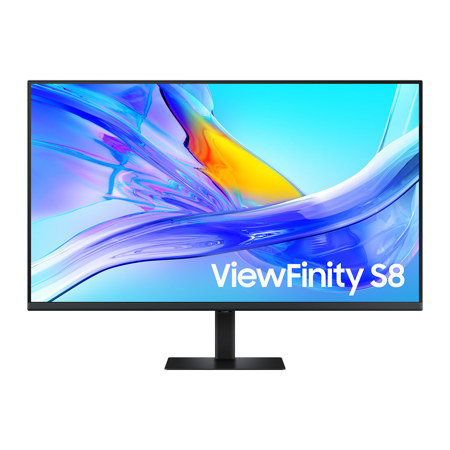
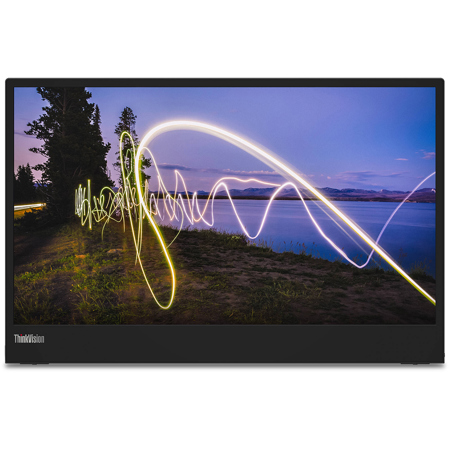
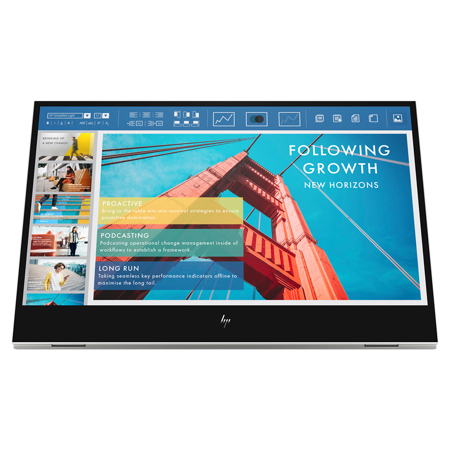
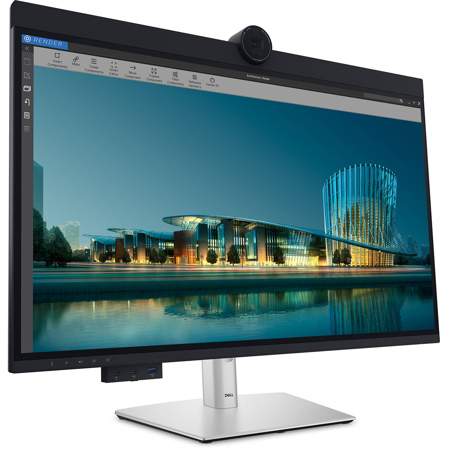
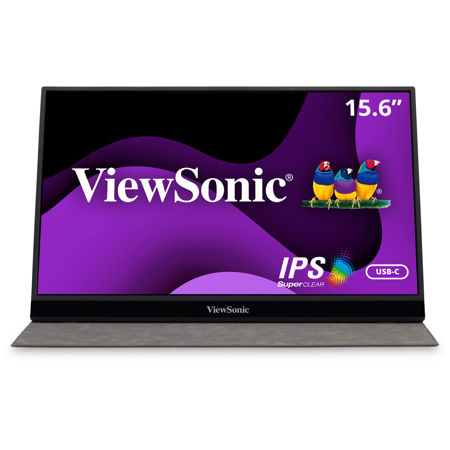
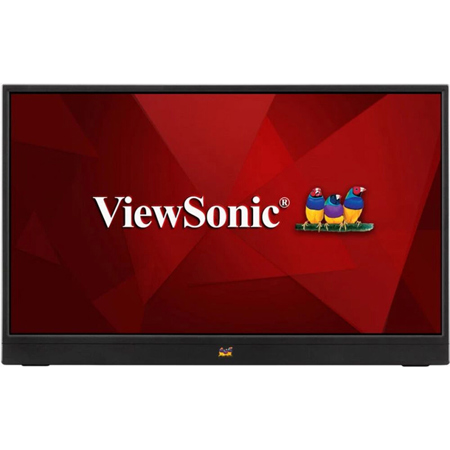
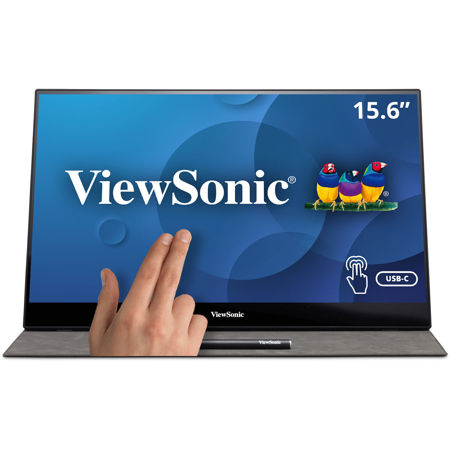
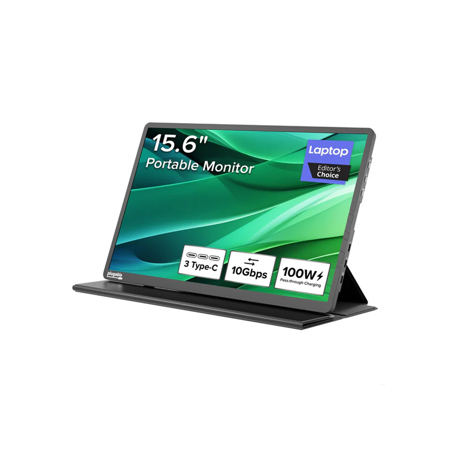
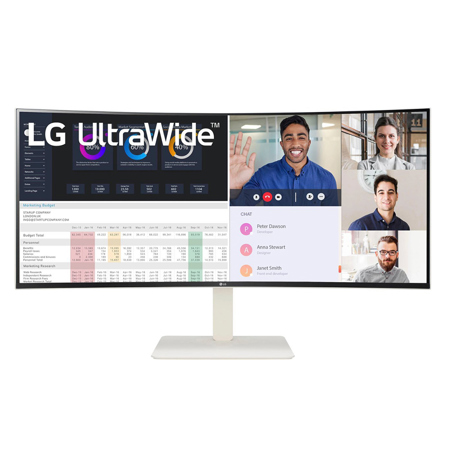
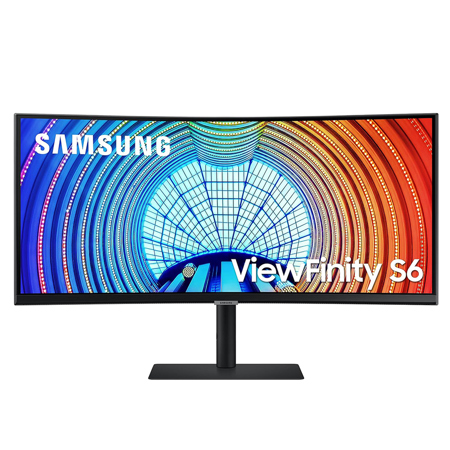
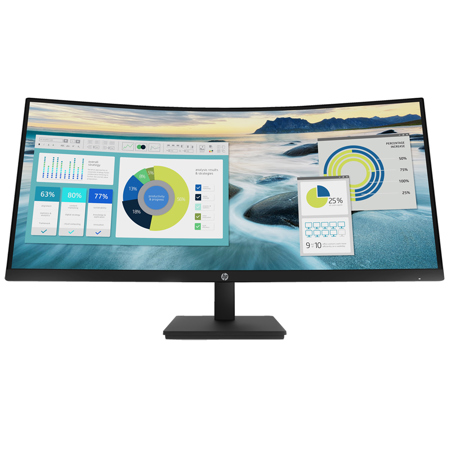
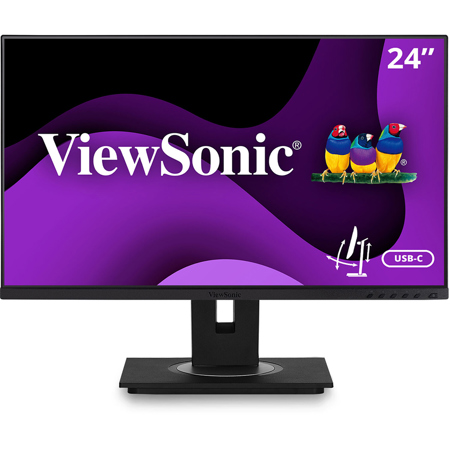
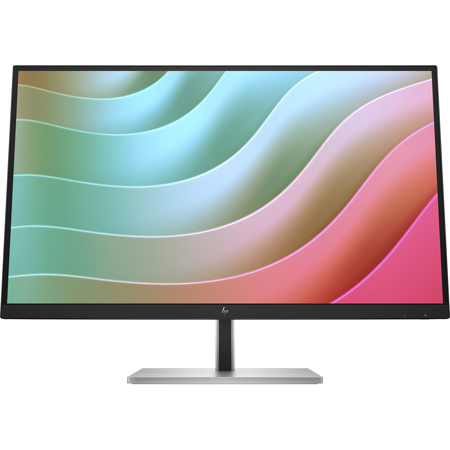
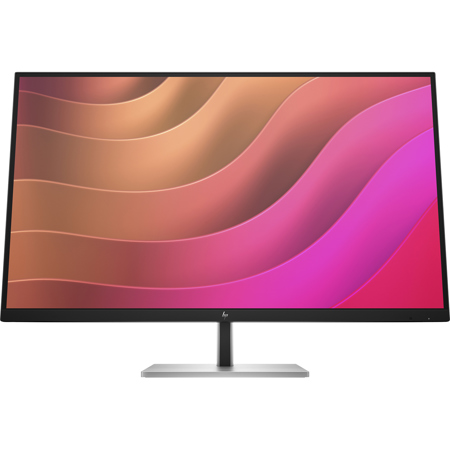
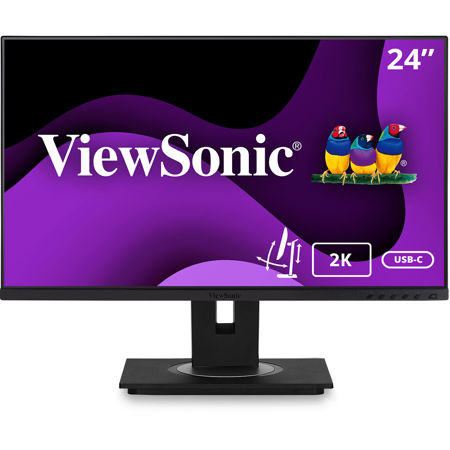
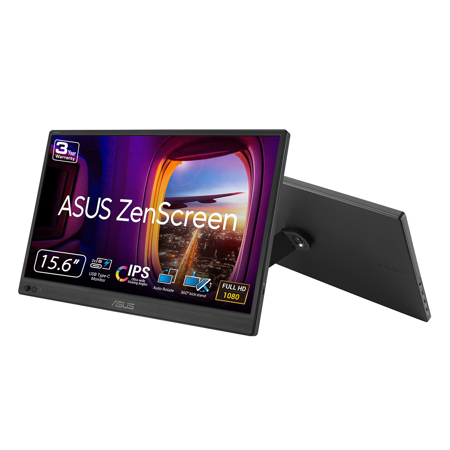
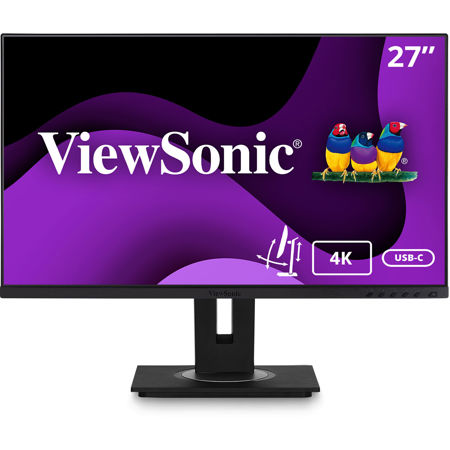
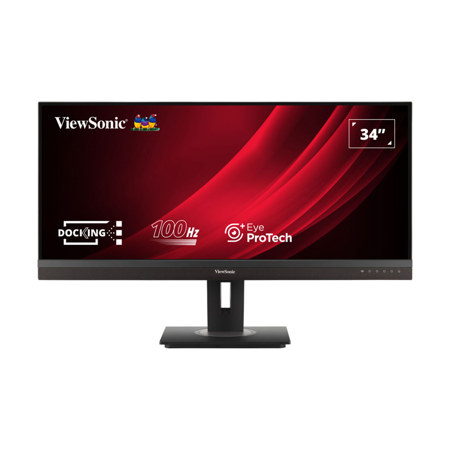
As technology continues to evolve and workspaces become more streamlined, monitors with USB ports have emerged as essential tools for professionals and casual users alike. These displays go beyond basic visual output, offering a convenient hub for connecting peripherals, transferring data, and even powering devices—all through a single cable. Whether you’re outfitting a home office, upgrading your creative studio, or simply looking to declutter your desktop, a usb computer monitor with integrated USB ports brings a level of efficiency and organization that’s hard to match. For those who juggle multiple devices—laptops, tablets, cameras, or external drives—the ability to connect and charge directly through the monitor means fewer cables, less clutter, and a cleaner workspace. As the weather warms and schedules shift with summer activities, the flexibility to quickly plug in and go becomes invaluable, whether you’re working remotely from a sunlit kitchen table or setting up a temporary workstation in a shared living space.
These monitors are particularly well-suited for anyone seeking to maximize productivity and connectivity without the hassle of external hubs or docking stations. Creative professionals—photographers, videographers, graphic designers—often rely on high-speed data transfer between their cameras and computers, and having USB-C or USB-A ports built right into the monitor makes this process seamless. Students heading into a new semester, remote workers balancing home and office life, and gamers looking for a streamlined setup all benefit from the versatility these displays offer. With many models supporting power delivery, a single USB-C connection can simultaneously transmit video, audio, data, and even charge a laptop, reducing the need for multiple adapters and freeing up valuable desk space. This makes monitors with USB ports an excellent gift for graduates, tech-savvy friends, or anyone setting up a new workspace, especially as people refresh their environments during the transition from the busy days of summer into the more settled routines of early fall.
When considering a usb computer monitor, it’s important to think about your specific needs: the number and type of USB ports, compatibility with your devices, and whether features like built-in Ethernet, high refresh rates, or 4K resolution are must-haves for your workflow. Some monitors even offer integrated KVM switches, allowing you to control multiple computers with a single keyboard and mouse—ideal for multitaskers and hybrid workers. As connectivity becomes more central to how we work and play, these all-in-one displays help simplify even the most complex setups. And for those who require both USB and Ethernet connectivity, you might also explore options on our Monitors With Ethernet Port page for even greater versatility. Whether you’re upgrading for the latest tech, gifting a student headed off to college, or simply streamlining your home office, monitors with USB ports deliver the connectivity, convenience, and performance to support your needs through every season.
These monitors are particularly well-suited for anyone seeking to maximize productivity and connectivity without the hassle of external hubs or docking stations. Creative professionals—photographers, videographers, graphic designers—often rely on high-speed data transfer between their cameras and computers, and having USB-C or USB-A ports built right into the monitor makes this process seamless. Students heading into a new semester, remote workers balancing home and office life, and gamers looking for a streamlined setup all benefit from the versatility these displays offer. With many models supporting power delivery, a single USB-C connection can simultaneously transmit video, audio, data, and even charge a laptop, reducing the need for multiple adapters and freeing up valuable desk space. This makes monitors with USB ports an excellent gift for graduates, tech-savvy friends, or anyone setting up a new workspace, especially as people refresh their environments during the transition from the busy days of summer into the more settled routines of early fall.
When considering a usb computer monitor, it’s important to think about your specific needs: the number and type of USB ports, compatibility with your devices, and whether features like built-in Ethernet, high refresh rates, or 4K resolution are must-haves for your workflow. Some monitors even offer integrated KVM switches, allowing you to control multiple computers with a single keyboard and mouse—ideal for multitaskers and hybrid workers. As connectivity becomes more central to how we work and play, these all-in-one displays help simplify even the most complex setups. And for those who require both USB and Ethernet connectivity, you might also explore options on our Monitors With Ethernet Port page for even greater versatility. Whether you’re upgrading for the latest tech, gifting a student headed off to college, or simply streamlining your home office, monitors with USB ports deliver the connectivity, convenience, and performance to support your needs through every season.