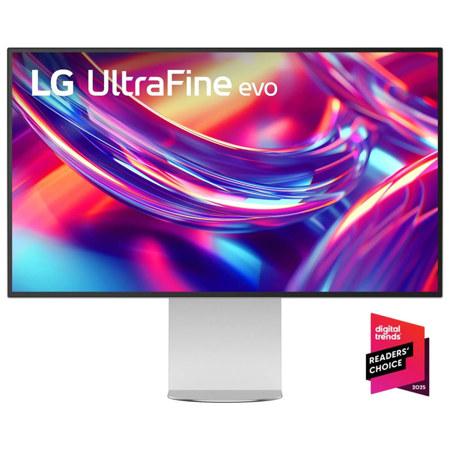
Monitors With Thunderbolt 4 Ports
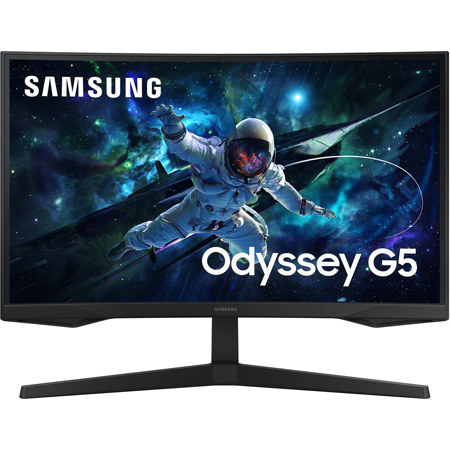
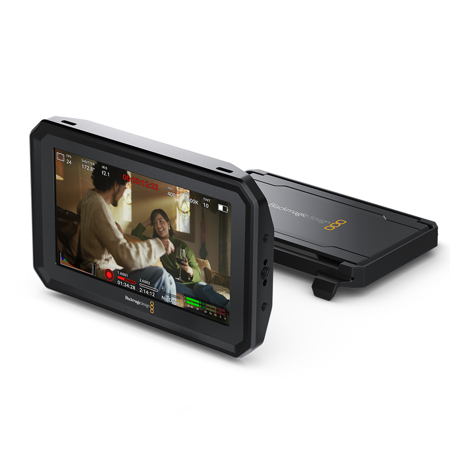
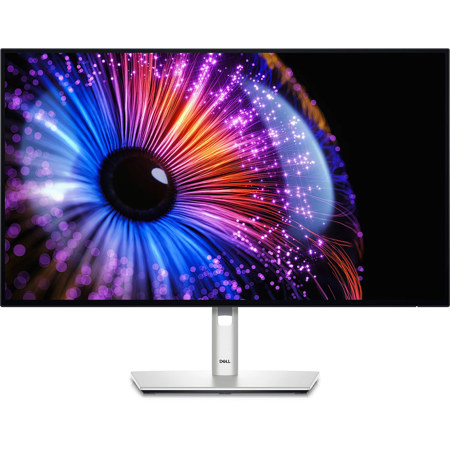
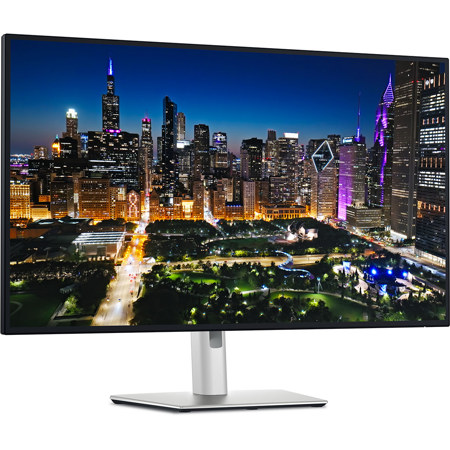
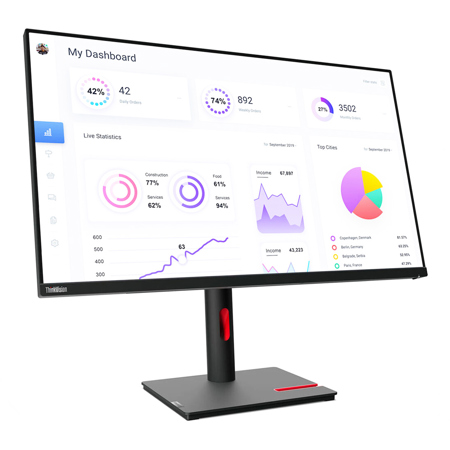
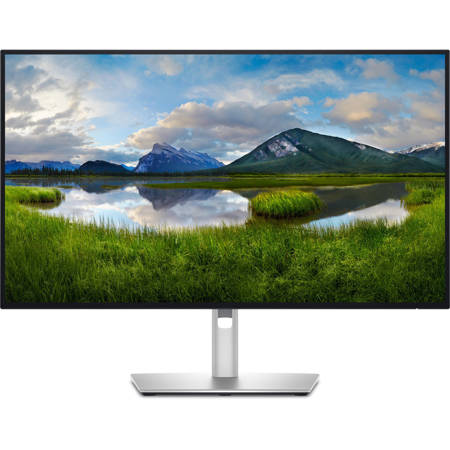
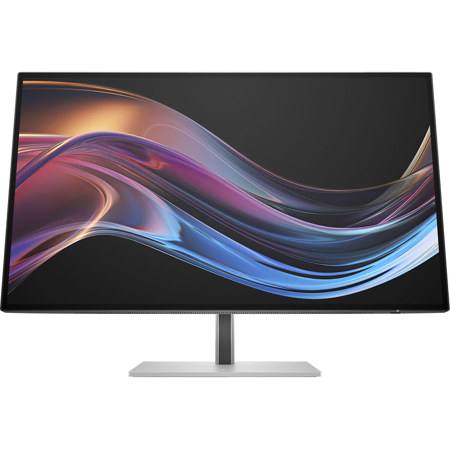
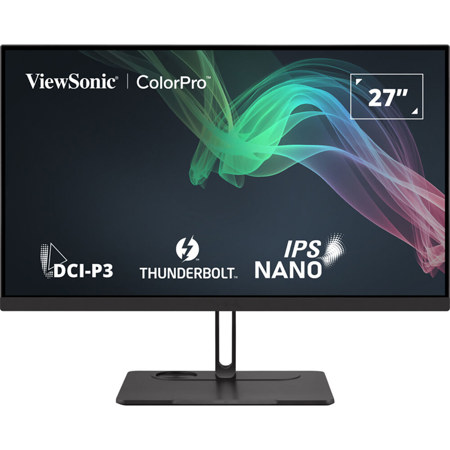
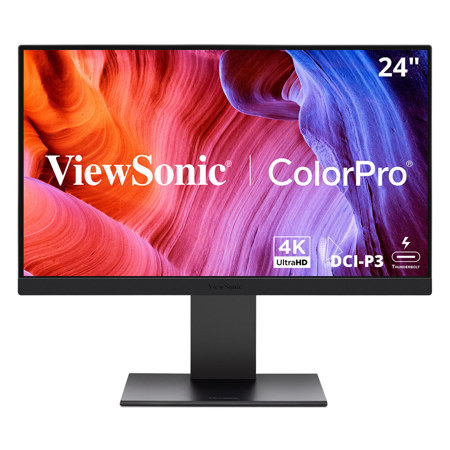
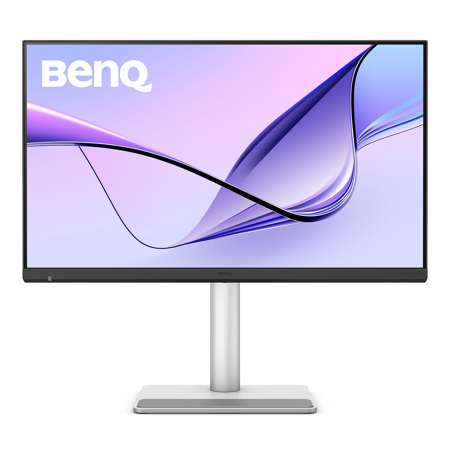
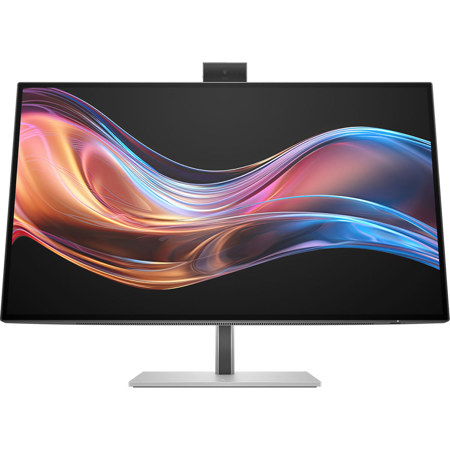
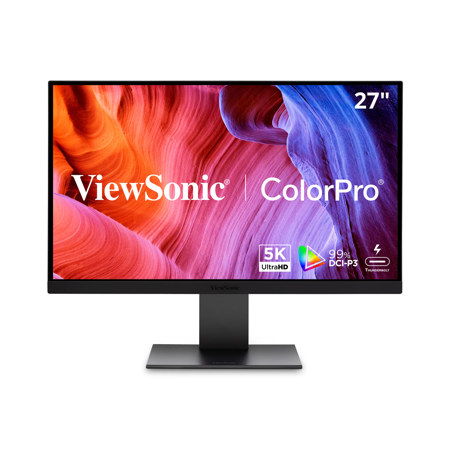
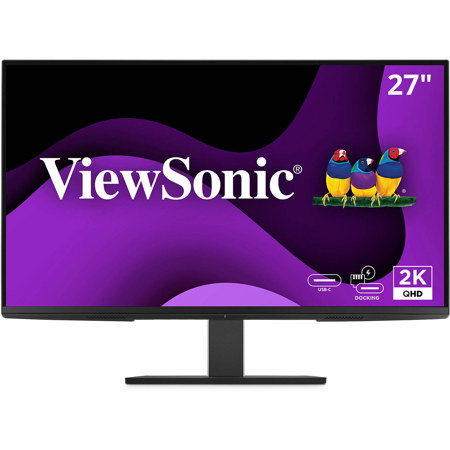
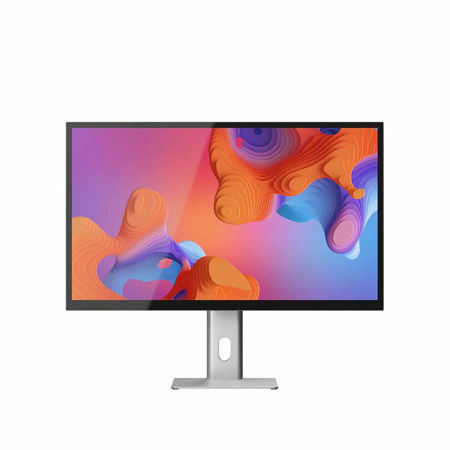
As technology continues to evolve, monitors with Thunderbolt 4 ports have become a cornerstone for professionals and enthusiasts seeking a seamless, high-performance workspace. These advanced displays are designed to deliver more than just stunning visuals—they function as powerful connectivity hubs, simplifying desk setups and maximizing productivity. A Thunderbolt 4 monitor offers ultra-fast 40Gbps data transfer speeds, robust power delivery (often up to 100W), and the ability to daisy-chain multiple monitors or devices with a single cable. This all-in-one versatility is particularly valuable for creative professionals—photographers, video editors, graphic designers, and music producers—who depend on reliable, high-resolution screens and efficient workflows. Whether editing 4K video footage, retouching detailed images, or managing complex audio projects, a monitor with Thunderbolt port connectivity ensures that devices like laptops, external drives, and peripherals are effortlessly integrated and powered, reducing cable clutter and streamlining your creative process.
During the warmer months, as students prepare for summer internships or embark on new creative projects, and as professionals look to refresh their home or office setups, a Thunderbolt monitor can be a thoughtful and practical upgrade—or even a standout gift for a recent graduate or tech-savvy loved one. The ability to connect a laptop and charge it directly through the monitor, while simultaneously accessing high-speed storage or a camera, is a game-changer for those who value efficiency. For remote workers or anyone with a hybrid schedule, the simplicity of a single-cable connection means less time plugging and unplugging devices and more time focused on what matters. Monitors featuring Thunderbolt 4 ports are also a popular choice for those who want to future-proof their workspace, as the port is backward compatible with previous Thunderbolt and USB-C standards. If you’re building a dual- or triple-monitor setup, daisy-chaining capabilities make it easy to expand your screen real estate without a tangle of cables or the need for multiple adapters.
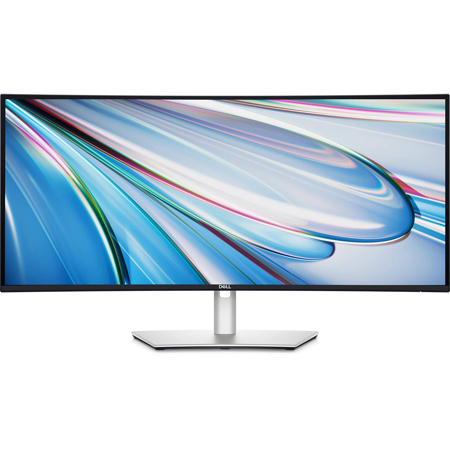
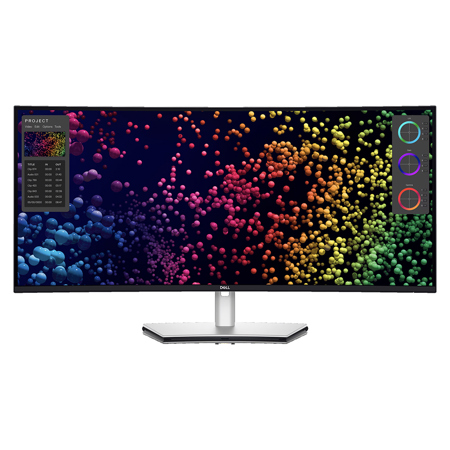
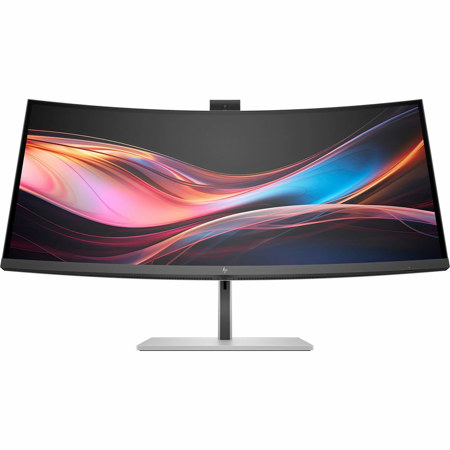
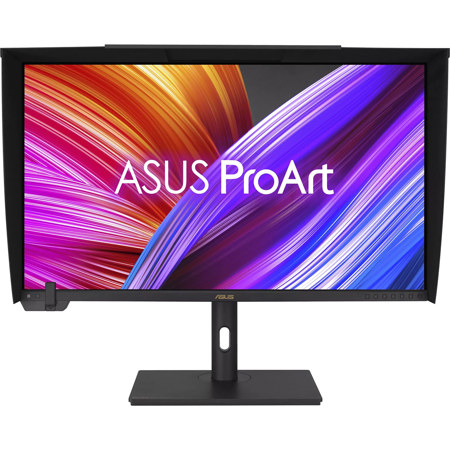
When shopping for a Thunderbolt 4 monitor, consider your specific needs: content creators may prioritize color accuracy and high resolution, such as a 4K 120Hz Thunderbolt monitor for smooth playback and precise editing, while business professionals might value integrated KVM switches or built-in docking features. Ultrawide monitors with Thunderbolt port connectivity provide immersive viewing and multitasking capabilities, ideal for financial analysts, programmers, or anyone juggling multiple applications. As you evaluate your options, think about the devices you’ll connect—pairing your display with a compatible laptop can unlock the full potential of Thunderbolt technology. For those seeking a perfect match, explore our curated selection of Laptops With Thunderbolt 4 to ensure seamless integration. Whether you’re upgrading your studio, enhancing your productivity, or searching for a versatile gift, monitors with Thunderbolt 4 ports offer the speed, power, and flexibility to elevate your workspace throughout the seasons.
During the warmer months, as students prepare for summer internships or embark on new creative projects, and as professionals look to refresh their home or office setups, a Thunderbolt monitor can be a thoughtful and practical upgrade—or even a standout gift for a recent graduate or tech-savvy loved one. The ability to connect a laptop and charge it directly through the monitor, while simultaneously accessing high-speed storage or a camera, is a game-changer for those who value efficiency. For remote workers or anyone with a hybrid schedule, the simplicity of a single-cable connection means less time plugging and unplugging devices and more time focused on what matters. Monitors featuring Thunderbolt 4 ports are also a popular choice for those who want to future-proof their workspace, as the port is backward compatible with previous Thunderbolt and USB-C standards. If you’re building a dual- or triple-monitor setup, daisy-chaining capabilities make it easy to expand your screen real estate without a tangle of cables or the need for multiple adapters.
When shopping for a Thunderbolt 4 monitor, consider your specific needs: content creators may prioritize color accuracy and high resolution, such as a 4K 120Hz Thunderbolt monitor for smooth playback and precise editing, while business professionals might value integrated KVM switches or built-in docking features. Ultrawide monitors with Thunderbolt port connectivity provide immersive viewing and multitasking capabilities, ideal for financial analysts, programmers, or anyone juggling multiple applications. As you evaluate your options, think about the devices you’ll connect—pairing your display with a compatible laptop can unlock the full potential of Thunderbolt technology. For those seeking a perfect match, explore our curated selection of Laptops With Thunderbolt 4 to ensure seamless integration. Whether you’re upgrading your studio, enhancing your productivity, or searching for a versatile gift, monitors with Thunderbolt 4 ports offer the speed, power, and flexibility to elevate your workspace throughout the seasons.