



USB Display Adapters
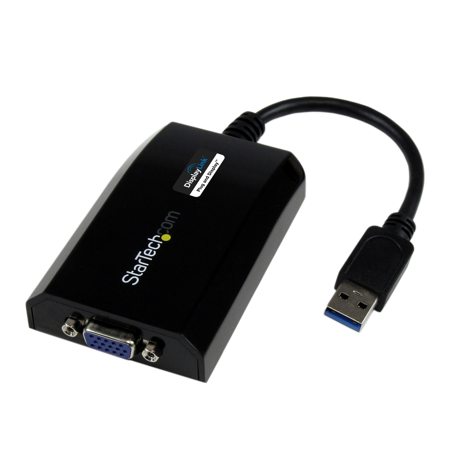
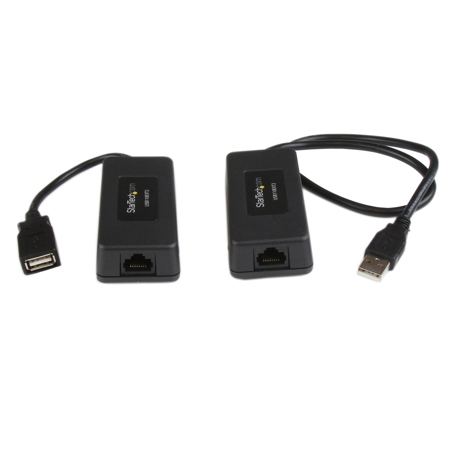
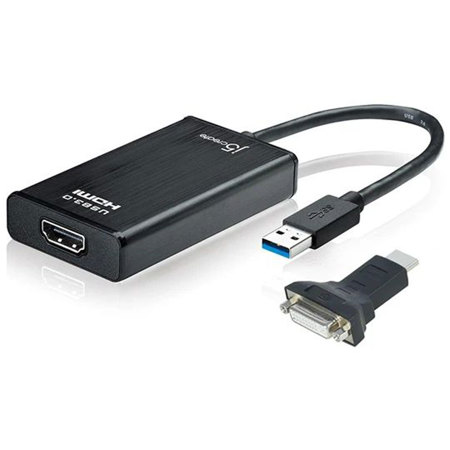
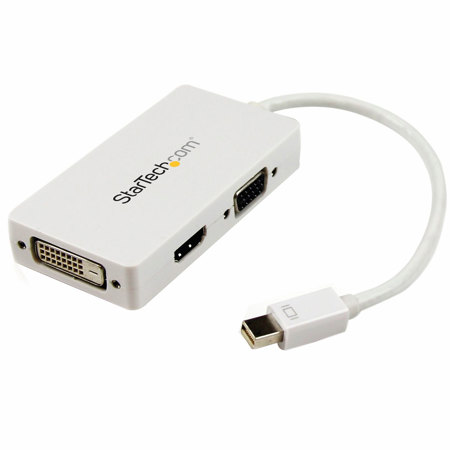
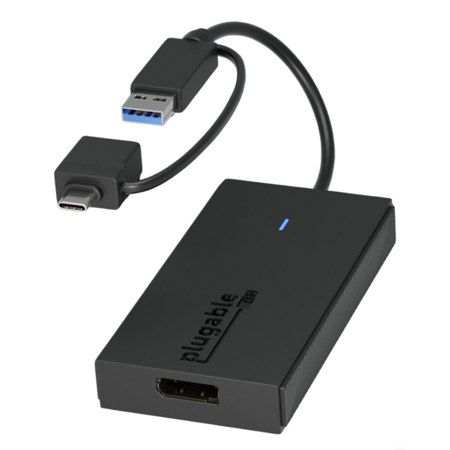
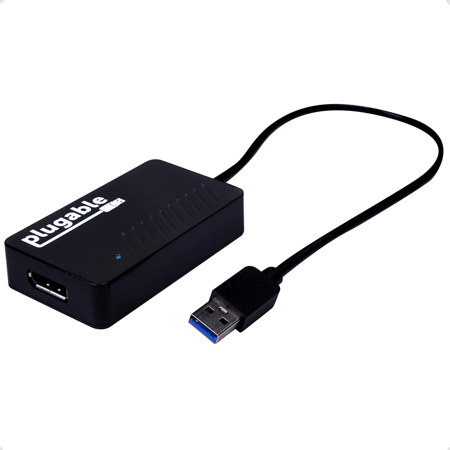
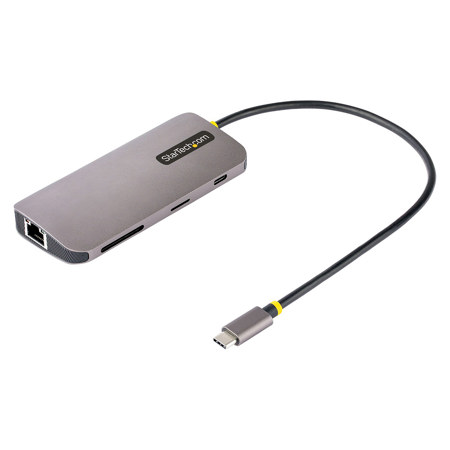
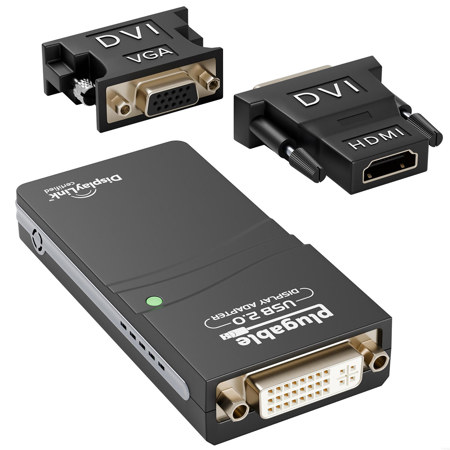
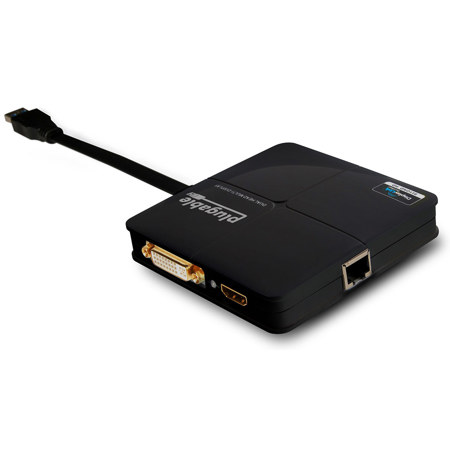
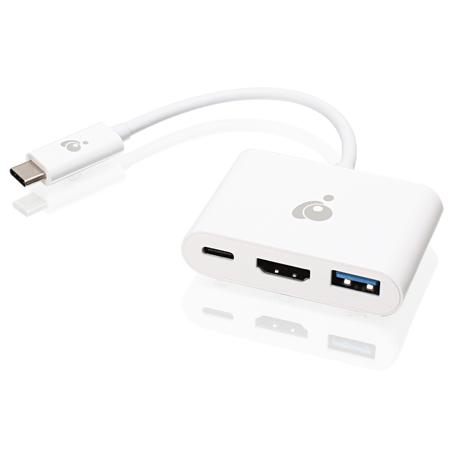
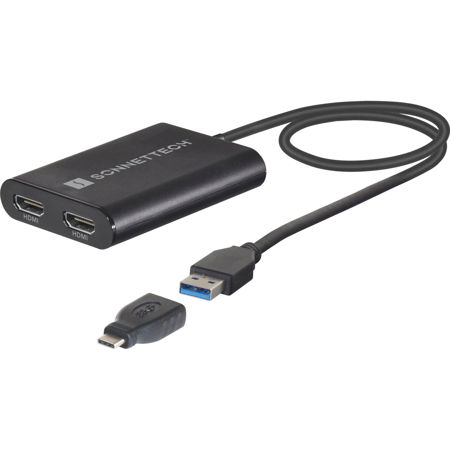
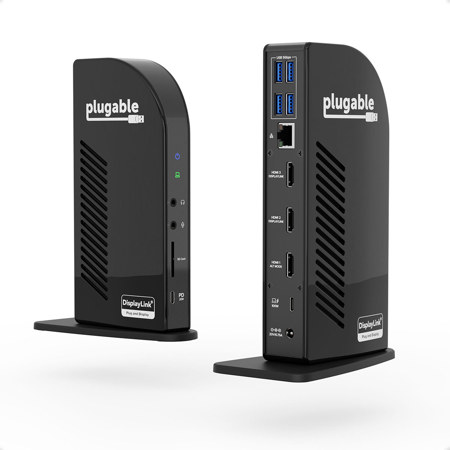
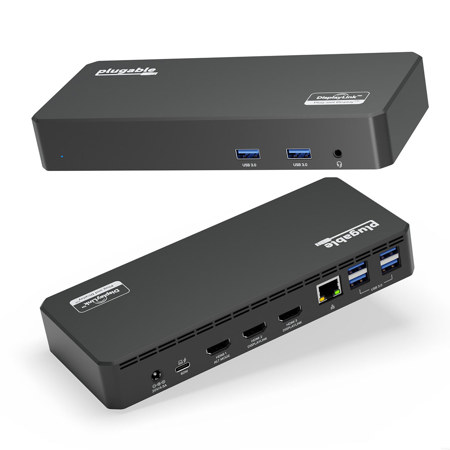
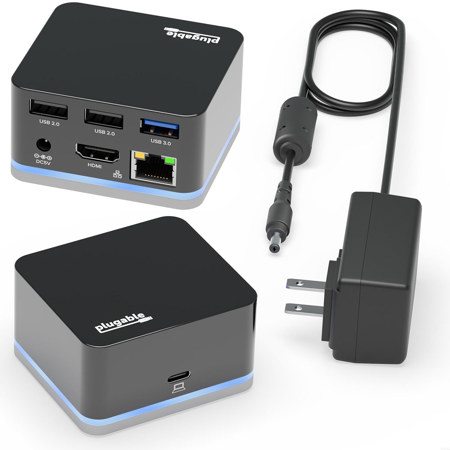
Whether you’re outfitting a home office for remote work, setting up a collaborative workspace, or simply aiming to boost your productivity with multiple screens, USB display adapters offer a versatile, plug-and-play solution for expanding your visual workspace. These compact devices allow you to connect external monitors, TVs, or projectors to your laptop or desktop via an available USB port—no dedicated graphics card required. The result is a seamless, cable-efficient way to add one or more displays, perfect for multitasking, presentations, or sharing content in a group setting. As the days grow longer and schedules fill with travel, conferences, and summer projects, the convenience of a USB display adapter becomes even more apparent. With just a single adapter tucked in your bag, you can transform a hotel room desk, a temporary workspace, or even a backyard patio into a multi-monitor command center. For creative professionals editing photos or videos, business travelers who need to present on the go, educators preparing lesson materials, or students gearing up for the academic season, these adapters provide the flexibility to work anywhere, anytime.
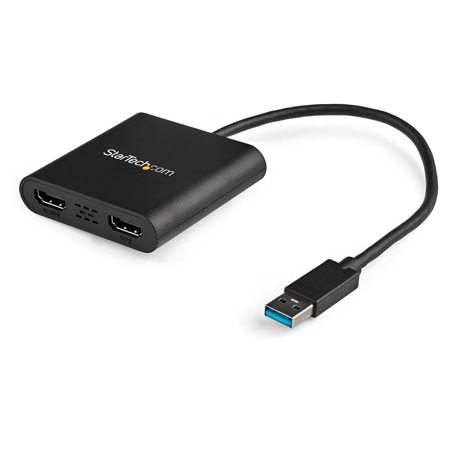
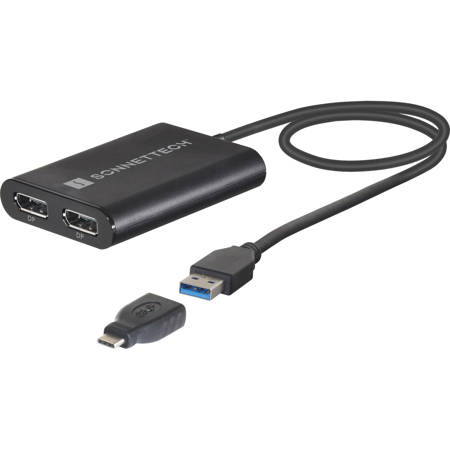
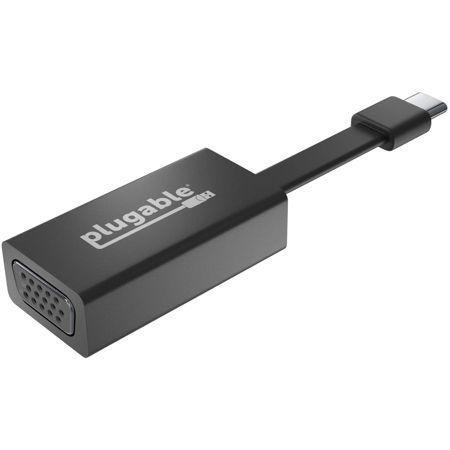
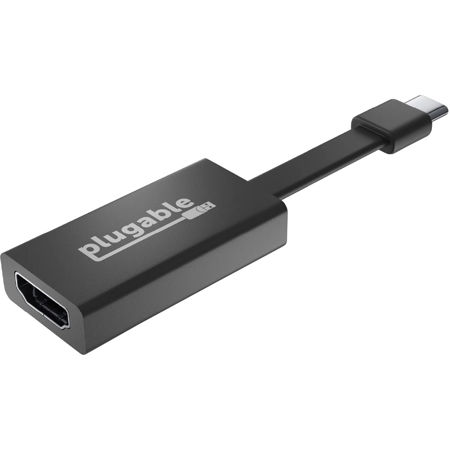
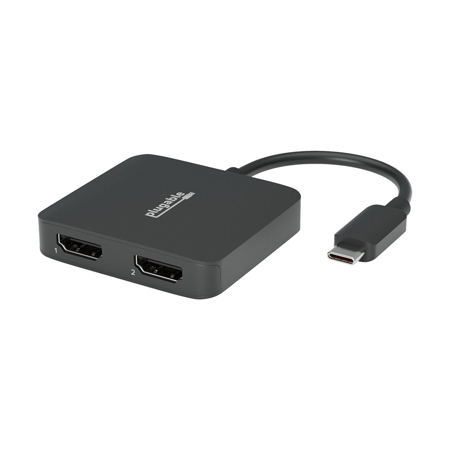
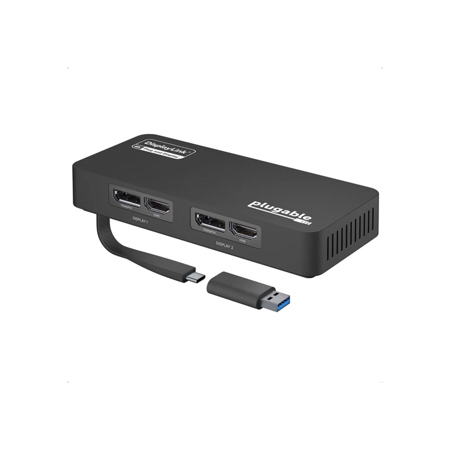
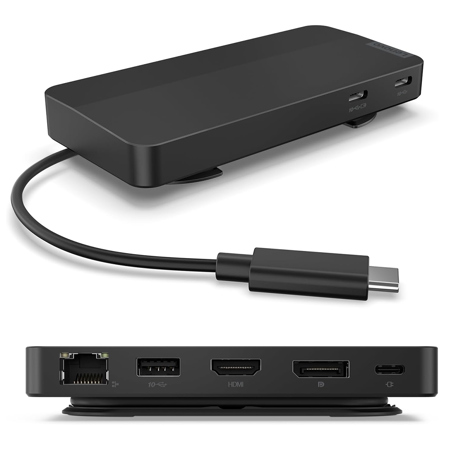
When considering a USB display adapter, it’s important to think about the type of connections your devices offer. Older laptops and desktops may rely on USB-A ports, while newer models often feature USB-C, which supports higher bandwidth and smoother 4K video at 60Hz. Multi-display adapters can turn a single USB-C port into two or more video outputs, making them ideal for users who require an expansive workspace—such as graphic designers managing multiple palettes and timelines, or financial professionals monitoring several data streams simultaneously. Compatibility is another key factor: most adapters support Windows, macOS, and ChromeOS, but installing the appropriate drivers is usually necessary for optimal performance. While these adapters excel at general productivity and multimedia tasks, they’re not designed for intensive 3D gaming or demanding graphics applications, as they rely on your computer’s CPU and efficient compression technology to stream display data. For those who value a tidy desk, these adapters also help reduce cable clutter, as a single connection can power several displays. They make thoughtful gifts for students heading back to school, remote workers upgrading their home offices, or anyone who appreciates a streamlined, efficient setup. As the weather shifts from summer’s warmth to the cooler months of fall, the ability to adapt your workspace—whether indoors or outside—becomes a valuable asset.
Beyond single-use scenarios, USB display adapters are also a practical solution for families sharing devices or offices with hot-desking environments. They’re easy to install, lightweight enough for travel, and often require little more than a quick driver download to get started. For those interested in exploring even more connectivity options, our selection of USB 3.0 Adapters offers additional ways to bridge the gap between your devices and displays. Whether you’re expanding your setup for creative projects, boosting productivity during back-to-school season, or simply seeking a more flexible way to work and play, a USB display adapter delivers reliable, adaptable performance—no matter where your workspace takes you.
When considering a USB display adapter, it’s important to think about the type of connections your devices offer. Older laptops and desktops may rely on USB-A ports, while newer models often feature USB-C, which supports higher bandwidth and smoother 4K video at 60Hz. Multi-display adapters can turn a single USB-C port into two or more video outputs, making them ideal for users who require an expansive workspace—such as graphic designers managing multiple palettes and timelines, or financial professionals monitoring several data streams simultaneously. Compatibility is another key factor: most adapters support Windows, macOS, and ChromeOS, but installing the appropriate drivers is usually necessary for optimal performance. While these adapters excel at general productivity and multimedia tasks, they’re not designed for intensive 3D gaming or demanding graphics applications, as they rely on your computer’s CPU and efficient compression technology to stream display data. For those who value a tidy desk, these adapters also help reduce cable clutter, as a single connection can power several displays. They make thoughtful gifts for students heading back to school, remote workers upgrading their home offices, or anyone who appreciates a streamlined, efficient setup. As the weather shifts from summer’s warmth to the cooler months of fall, the ability to adapt your workspace—whether indoors or outside—becomes a valuable asset.
Beyond single-use scenarios, USB display adapters are also a practical solution for families sharing devices or offices with hot-desking environments. They’re easy to install, lightweight enough for travel, and often require little more than a quick driver download to get started. For those interested in exploring even more connectivity options, our selection of USB 3.0 Adapters offers additional ways to bridge the gap between your devices and displays. Whether you’re expanding your setup for creative projects, boosting productivity during back-to-school season, or simply seeking a more flexible way to work and play, a USB display adapter delivers reliable, adaptable performance—no matter where your workspace takes you.