
USB To VGA Adapter
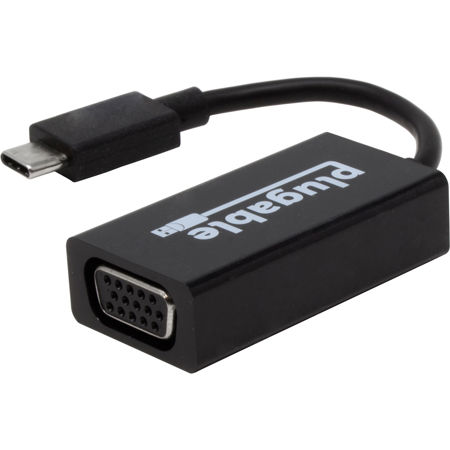
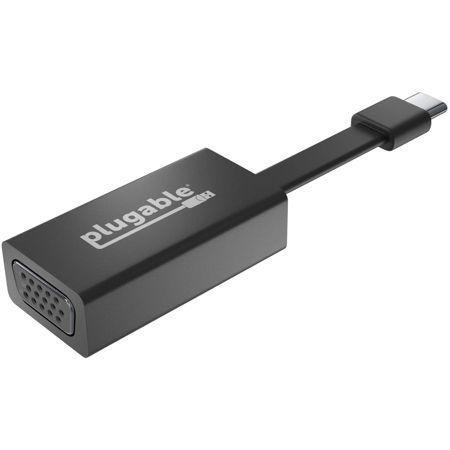
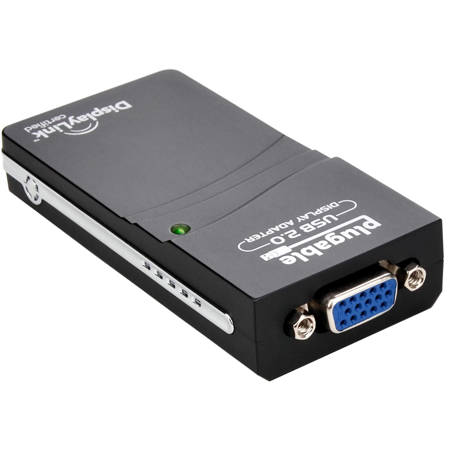
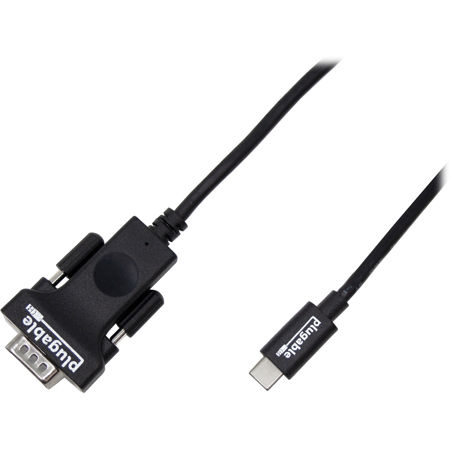
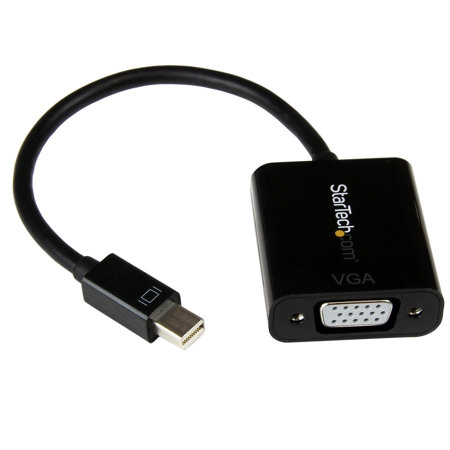
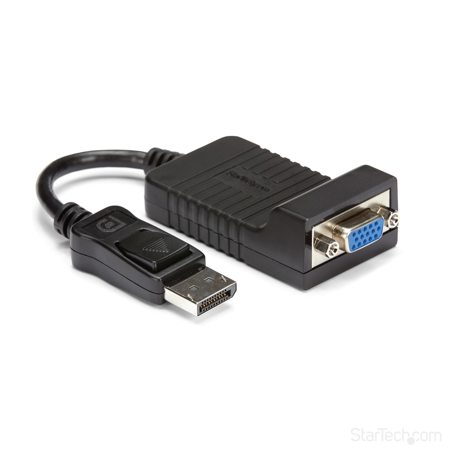
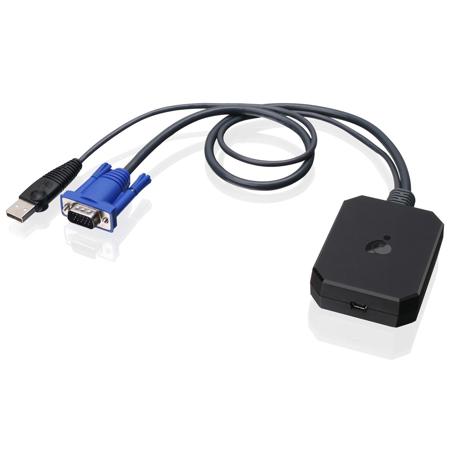
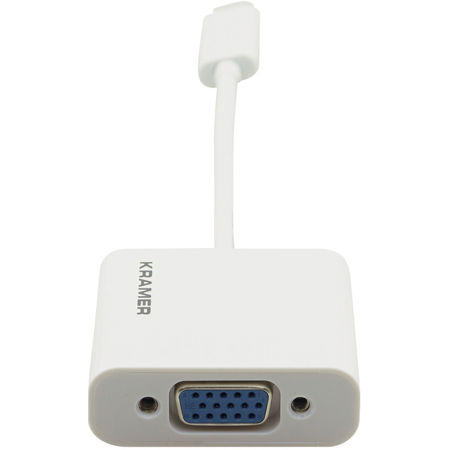
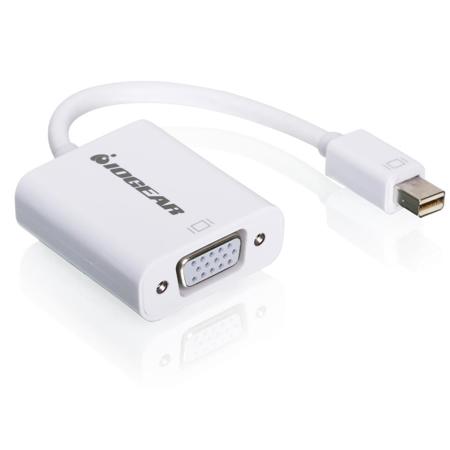
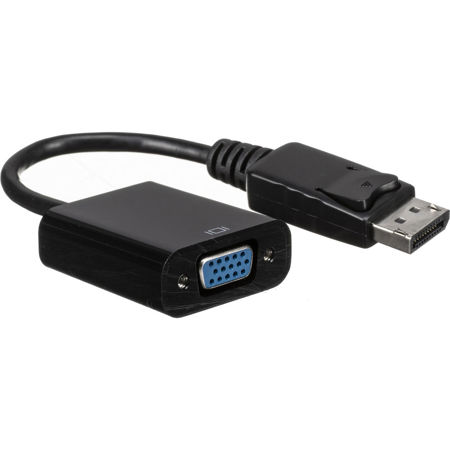
USB to VGA adapters have become essential tools for anyone looking to bridge the gap between modern computers and legacy display technology. Whether you’re a creative professional setting up a dual-monitor workstation or an educator preparing for a classroom presentation, these adapters offer a straightforward and reliable solution for connecting USB-enabled laptops or desktops to VGA monitors, projectors, or older televisions. In the heart of winter, when many find themselves working from home or setting up home theaters for cozy movie nights, having the flexibility to extend or mirror your display can make a significant difference in productivity and enjoyment. The plug-and-play nature of most USB to VGA adapters means you can quickly transform a single workspace into a multi-screen setup, perfect for video editing, graphic design, coding, or simply keeping reference materials visible while you work. For those who frequently travel or present at conferences, carrying a compact adapter ensures you’re always prepared to connect to a variety of display equipment, regardless of what’s available on-site.
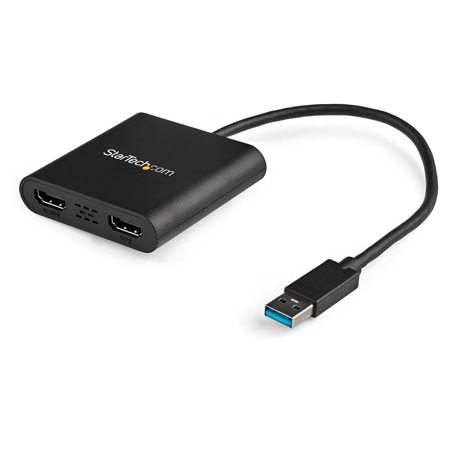
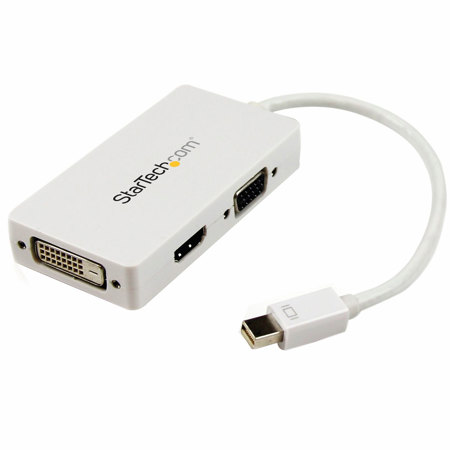
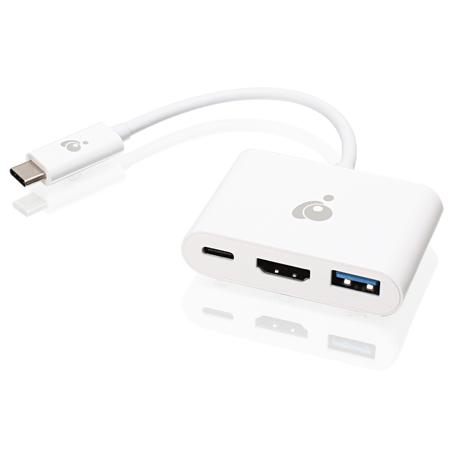
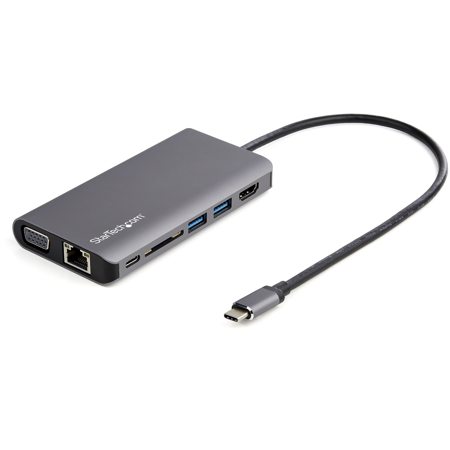
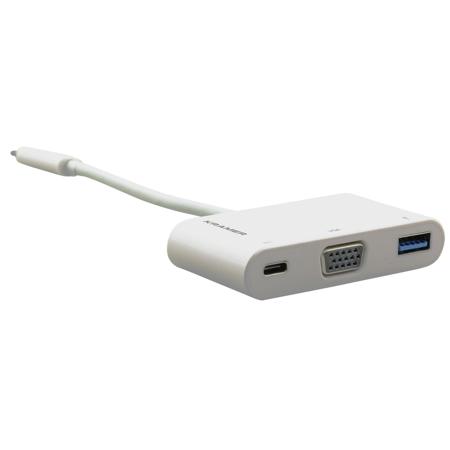
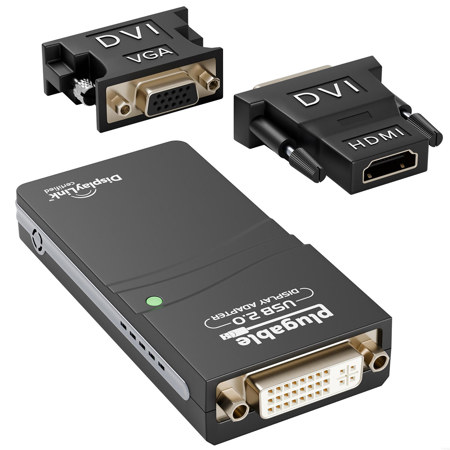
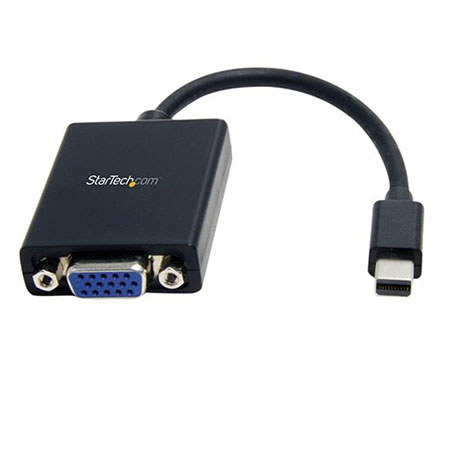
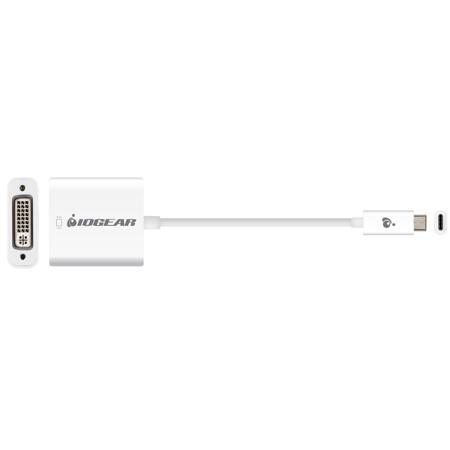
When choosing a USB to VGA adapter, it’s important to consider both the type of USB port on your device and the resolution requirements of your display. USB 3.0 adapters, easily recognizable by their blue ports, provide the bandwidth needed for crisp 1080p video output, making them ideal for tasks that demand clarity and detail. If you’re using a newer laptop or tablet with USB-C or Thunderbolt 3 ports, you’ll want to look for adapters that support DisplayPort Alt Mode, ensuring seamless compatibility and optimal performance. There are also combo adapters available that offer multiple output options—such as HDMI and VGA—from a single USB port, providing added versatility for those who switch between different display types. These features make USB to VGA adapters an excellent gift for students, remote workers, or anyone upgrading their home office. They’re also invaluable for IT professionals and AV technicians who need to accommodate a wide range of devices and display setups in dynamic environments.
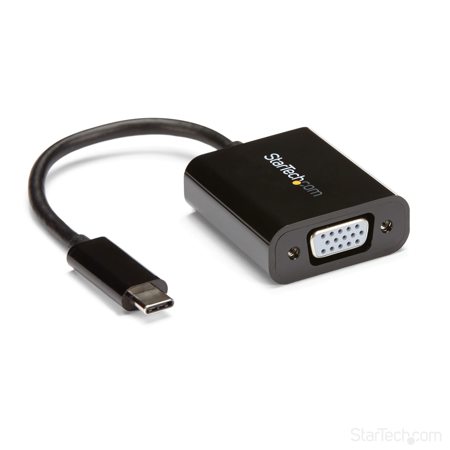
Setting up a USB to VGA adapter is typically a straightforward process: plug the adapter into your computer’s USB port, install any necessary drivers (many modern operating systems will handle this automatically), and configure your display settings to extend or mirror your desktop. This process can breathe new life into older monitors or projectors, allowing them to serve as secondary displays for multitasking, presentations, or collaborative work. As technology continues to evolve, having the right adapters on hand ensures you can connect your devices in any situation. If you’re also interested in expanding your connectivity options to include high-definition digital displays, you might want to explore our USB Type C To HDMI Adapter page for additional solutions. With the right adapter, you can create a flexible and efficient workspace tailored to your needs, whether you’re tackling a new project, sharing your screen in a meeting, or simply enjoying your favorite winter entertainment at home.
When choosing a USB to VGA adapter, it’s important to consider both the type of USB port on your device and the resolution requirements of your display. USB 3.0 adapters, easily recognizable by their blue ports, provide the bandwidth needed for crisp 1080p video output, making them ideal for tasks that demand clarity and detail. If you’re using a newer laptop or tablet with USB-C or Thunderbolt 3 ports, you’ll want to look for adapters that support DisplayPort Alt Mode, ensuring seamless compatibility and optimal performance. There are also combo adapters available that offer multiple output options—such as HDMI and VGA—from a single USB port, providing added versatility for those who switch between different display types. These features make USB to VGA adapters an excellent gift for students, remote workers, or anyone upgrading their home office. They’re also invaluable for IT professionals and AV technicians who need to accommodate a wide range of devices and display setups in dynamic environments.
Setting up a USB to VGA adapter is typically a straightforward process: plug the adapter into your computer’s USB port, install any necessary drivers (many modern operating systems will handle this automatically), and configure your display settings to extend or mirror your desktop. This process can breathe new life into older monitors or projectors, allowing them to serve as secondary displays for multitasking, presentations, or collaborative work. As technology continues to evolve, having the right adapters on hand ensures you can connect your devices in any situation. If you’re also interested in expanding your connectivity options to include high-definition digital displays, you might want to explore our USB Type C To HDMI Adapter page for additional solutions. With the right adapter, you can create a flexible and efficient workspace tailored to your needs, whether you’re tackling a new project, sharing your screen in a meeting, or simply enjoying your favorite winter entertainment at home.