USB 3.0 Adapters
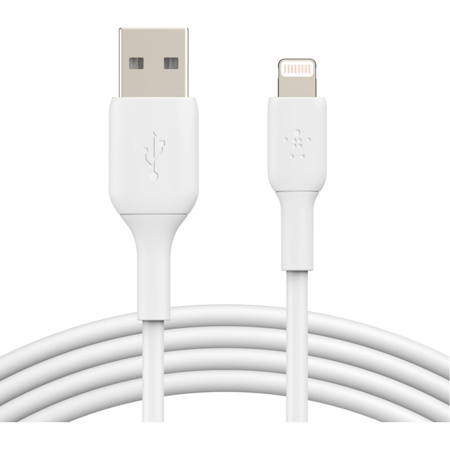
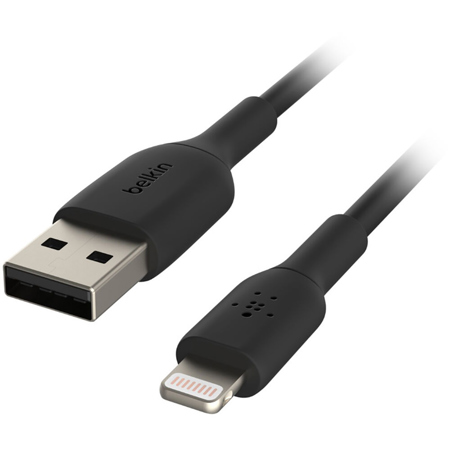
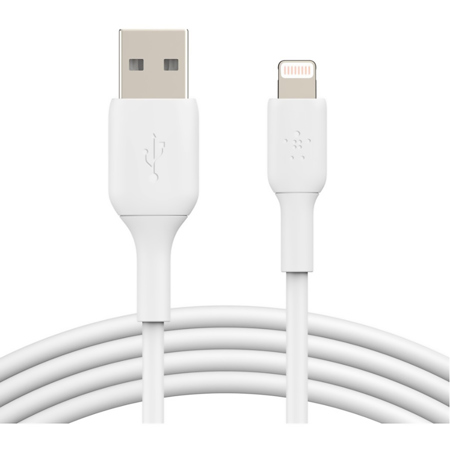
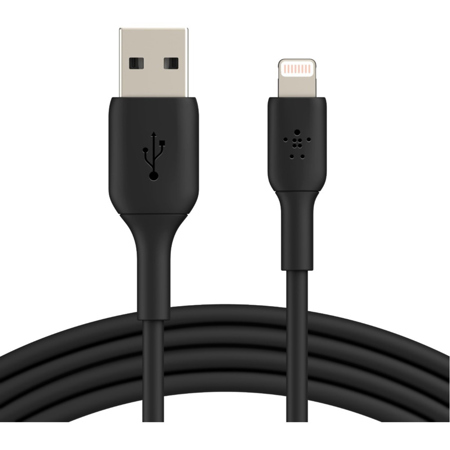
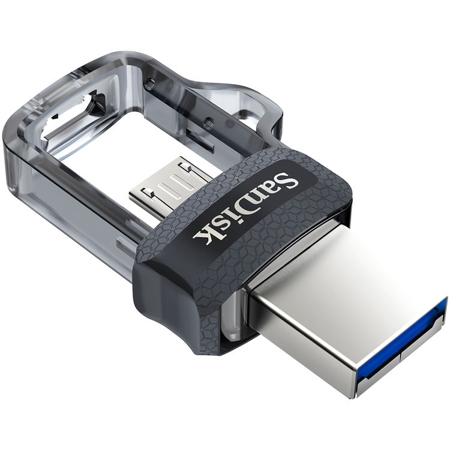
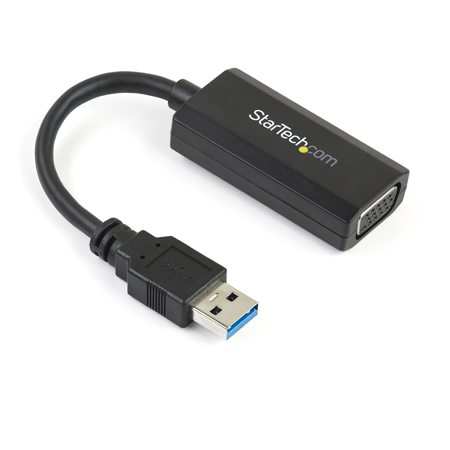
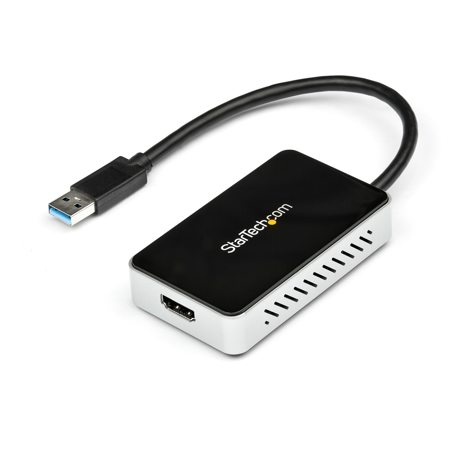
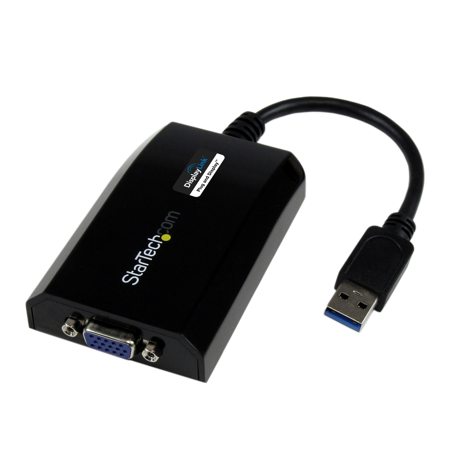
As technology continues to evolve, USB 3.0 adapters have become indispensable tools for connecting devices and expanding the capabilities of computers, laptops, and even tablets. Known for their impressive data transfer speeds—reaching up to 5 Gbps—these adapters bridge the gap between legacy peripherals and the latest hardware. Whether you’re a photographer offloading high-resolution images from external drives, a videographer transferring hours of footage, or a musician syncing audio equipment, the speed and reliability of USB 3.0 adapters make a tangible difference in your workflow. With the warmer months often bringing travel, outdoor events, and remote work opportunities, having the right adapter on hand ensures you can set up a mobile workstation or transfer files efficiently, no matter where you are. Students heading back to school, professionals working from co-working spaces, and creators editing on the go all benefit from the versatility these adapters provide. They’re also a thoughtful, practical gift for anyone upgrading their tech setup—especially as more devices transition to USB-C or other modern ports, leaving older USB-A accessories in need of a compatible bridge.
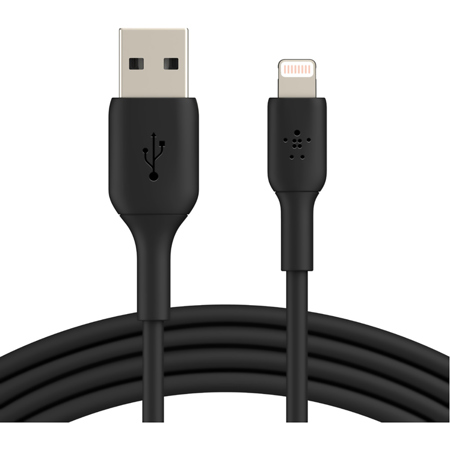
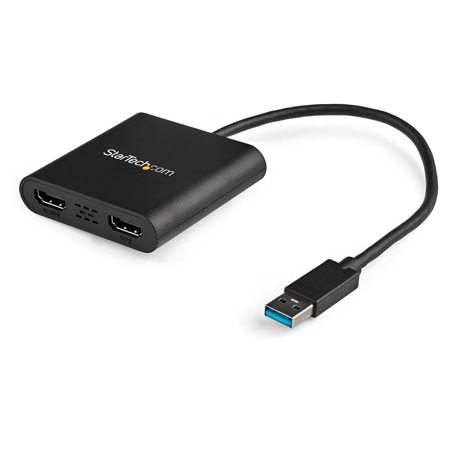
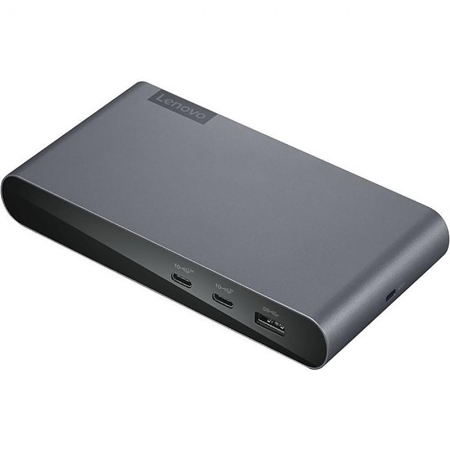
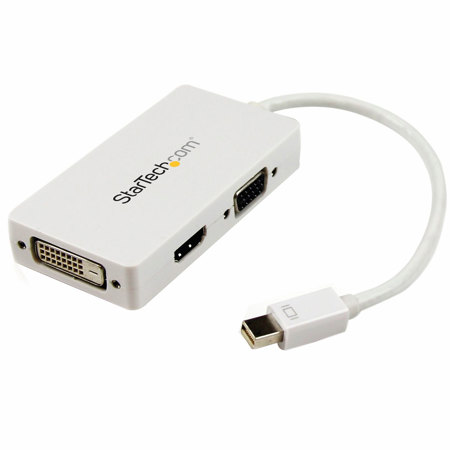
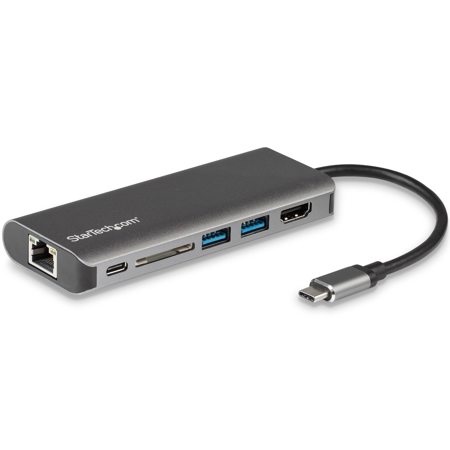
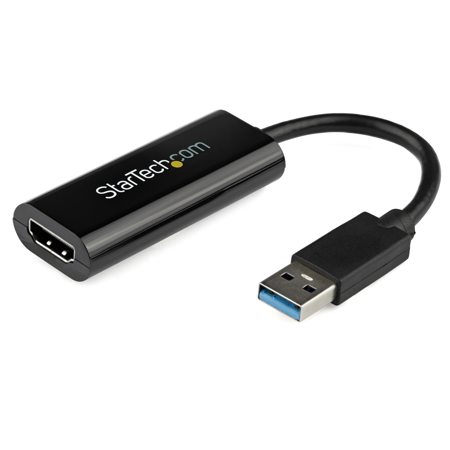
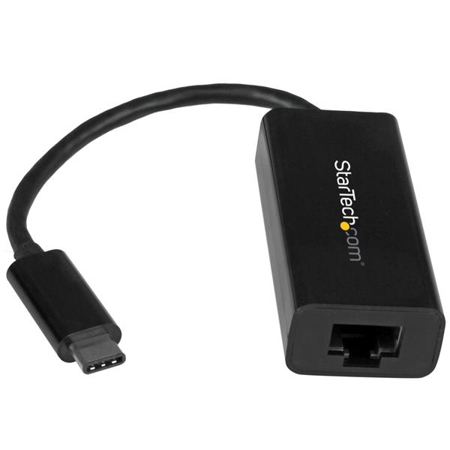
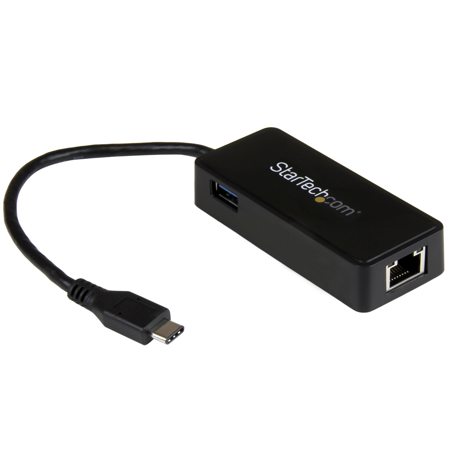
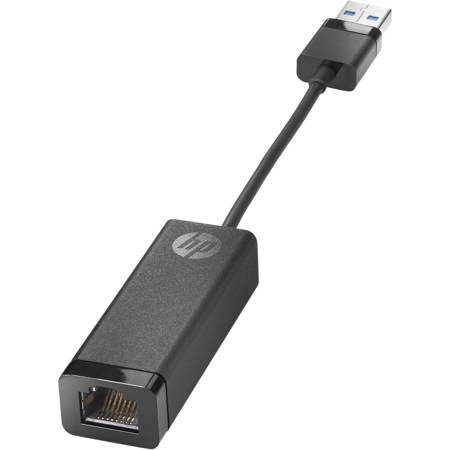
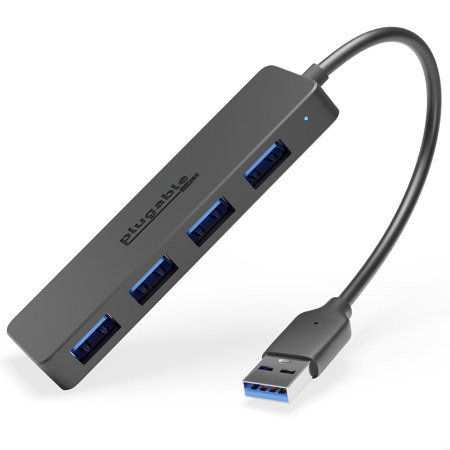
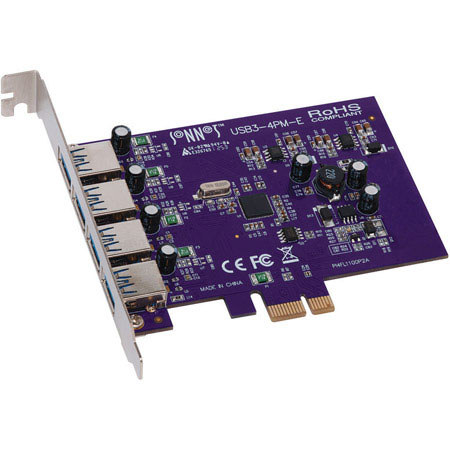
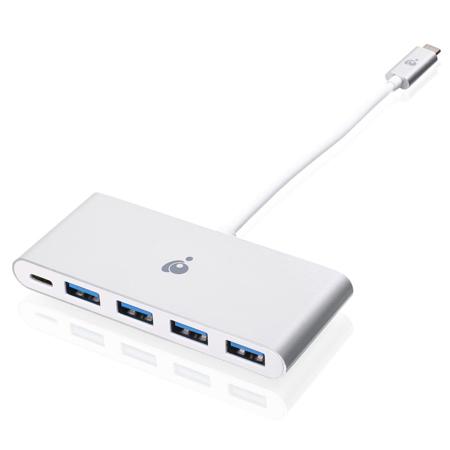
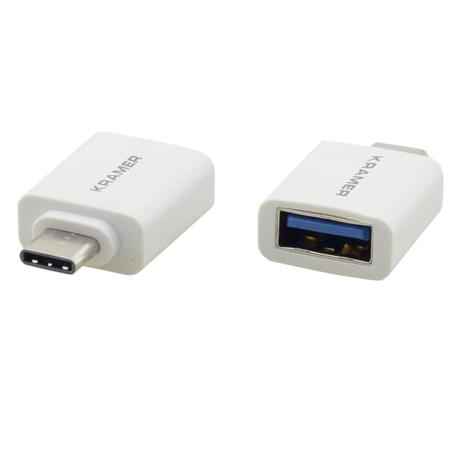
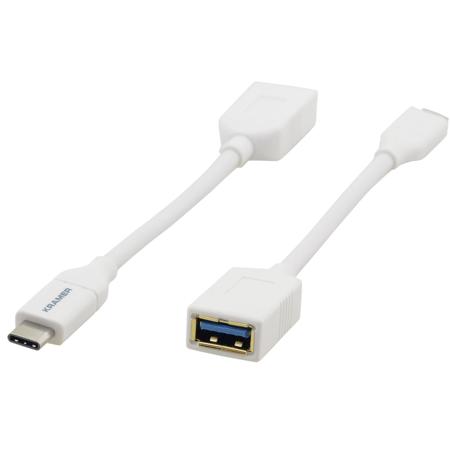
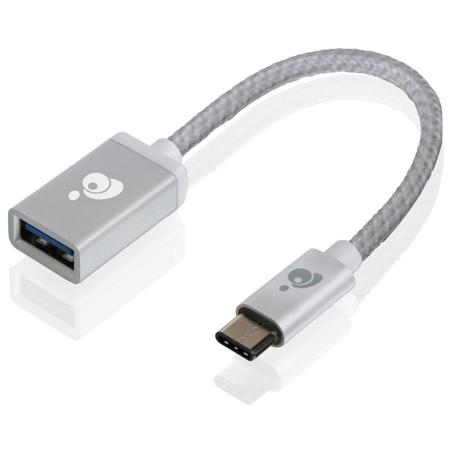
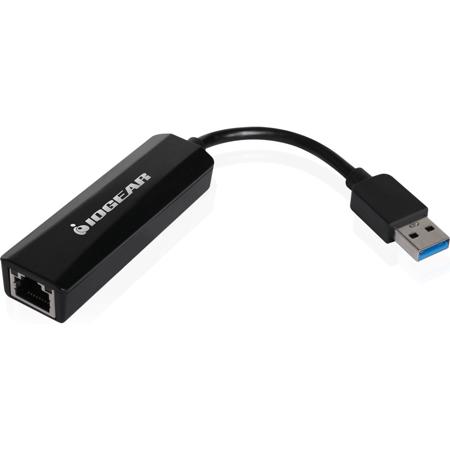
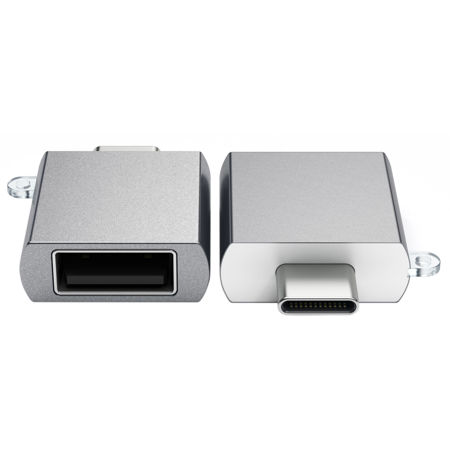
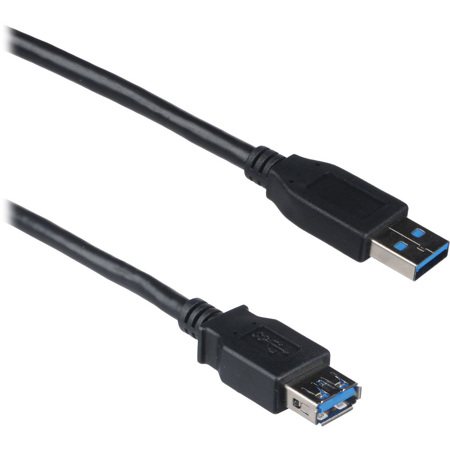
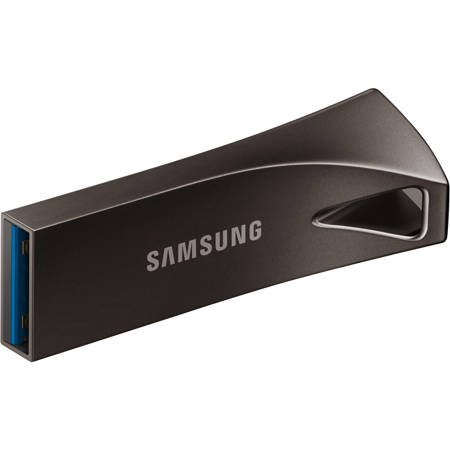
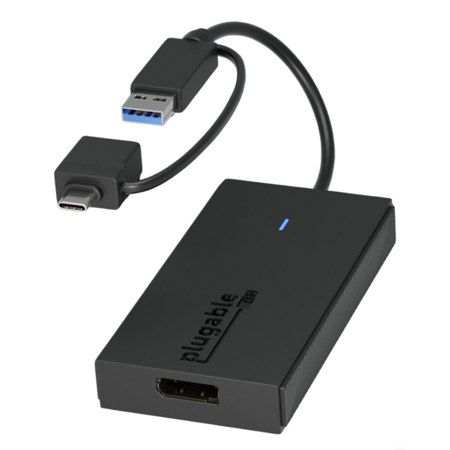
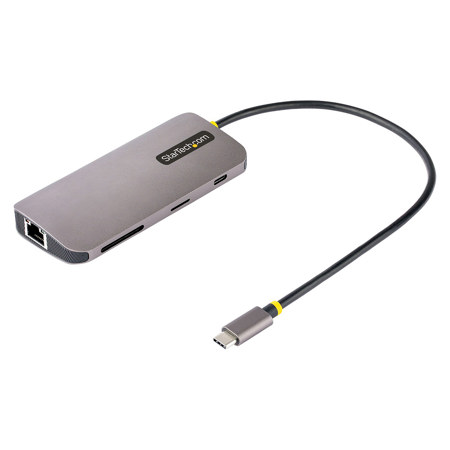
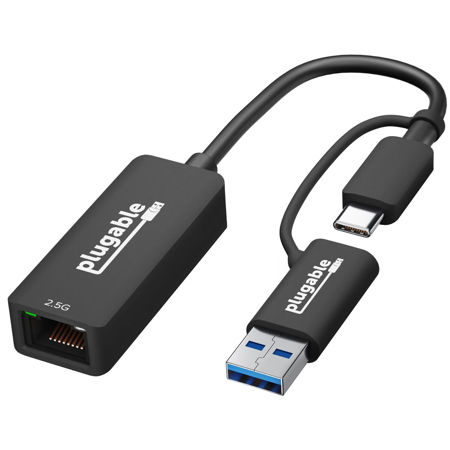
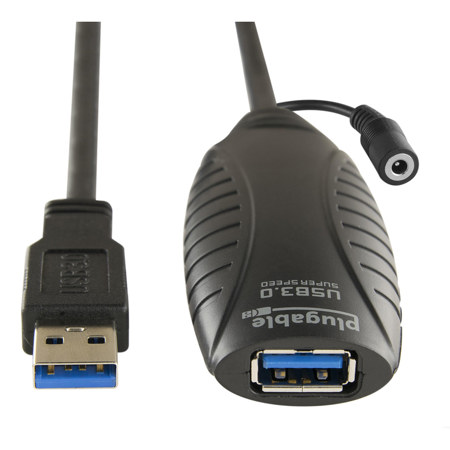
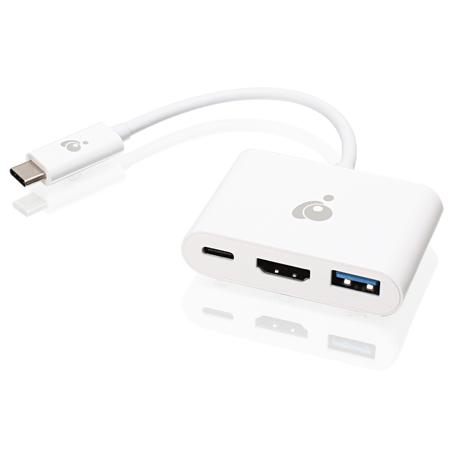
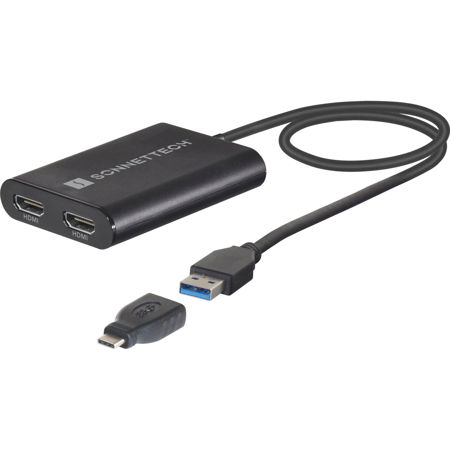
When selecting a USB 3.0 adapter, it’s important to consider your specific connectivity needs. USB-A to USB-C adapters are ideal for those looking to connect older peripherals—like printers, external hard drives, or MIDI controllers—to newer laptops and tablets that may only offer USB-C or Thunderbolt ports. For those seeking a stable internet connection in environments where Wi-Fi is spotty, USB 3.0 to Ethernet adapters deliver reliable, high-speed wired connectivity, making them popular among gamers, streamers, and remote workers alike. Wireless network adapters that utilize USB 3.0 can also significantly upgrade your device’s Wi-Fi capabilities, enabling faster, more stable connections for video calls, downloads, and cloud backups. Color coding, such as the signature blue insert found on many USB 3.0 connectors, helps quickly identify compatible ports and cables. It’s also worth noting that USB 3.0 adapters are backward compatible with USB 2.0 and 1.1 devices, though the connection will default to the slowest speed supported by both devices. For those needing to extend their setup, be mindful not to exceed recommended cable lengths—typically around 16 feet—unless using an active extension to maintain signal integrity. And if you’re interested in expanding your display options, explore our selection of USB Display Adapters to connect additional monitors for a more productive workspace. With so many options available, choosing the right USB 3.0 adapter ensures seamless integration and optimal performance for all your devices, making everyday tasks smoother and more efficient.
When selecting a USB 3.0 adapter, it’s important to consider your specific connectivity needs. USB-A to USB-C adapters are ideal for those looking to connect older peripherals—like printers, external hard drives, or MIDI controllers—to newer laptops and tablets that may only offer USB-C or Thunderbolt ports. For those seeking a stable internet connection in environments where Wi-Fi is spotty, USB 3.0 to Ethernet adapters deliver reliable, high-speed wired connectivity, making them popular among gamers, streamers, and remote workers alike. Wireless network adapters that utilize USB 3.0 can also significantly upgrade your device’s Wi-Fi capabilities, enabling faster, more stable connections for video calls, downloads, and cloud backups. Color coding, such as the signature blue insert found on many USB 3.0 connectors, helps quickly identify compatible ports and cables. It’s also worth noting that USB 3.0 adapters are backward compatible with USB 2.0 and 1.1 devices, though the connection will default to the slowest speed supported by both devices. For those needing to extend their setup, be mindful not to exceed recommended cable lengths—typically around 16 feet—unless using an active extension to maintain signal integrity. And if you’re interested in expanding your display options, explore our selection of USB Display Adapters to connect additional monitors for a more productive workspace. With so many options available, choosing the right USB 3.0 adapter ensures seamless integration and optimal performance for all your devices, making everyday tasks smoother and more efficient.