

Video Adapters
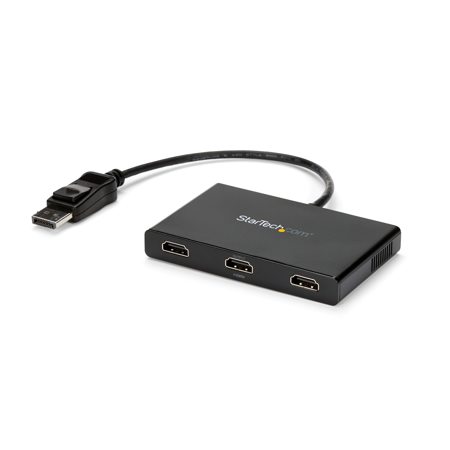
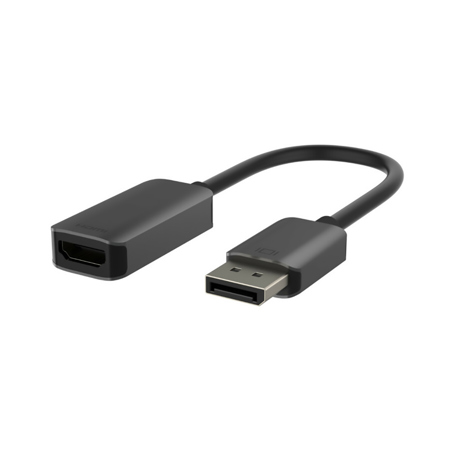
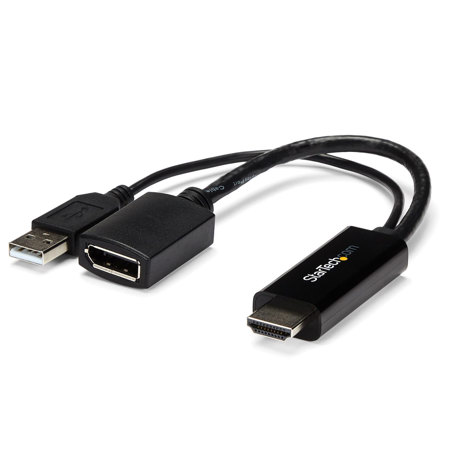
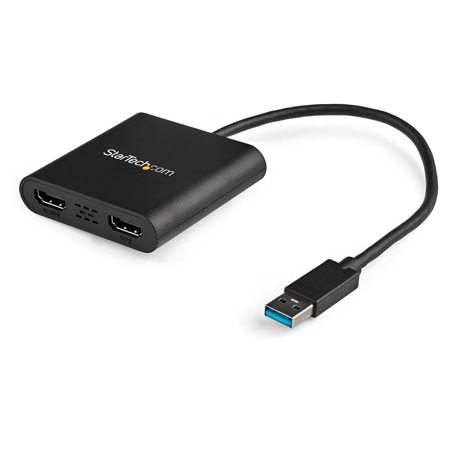
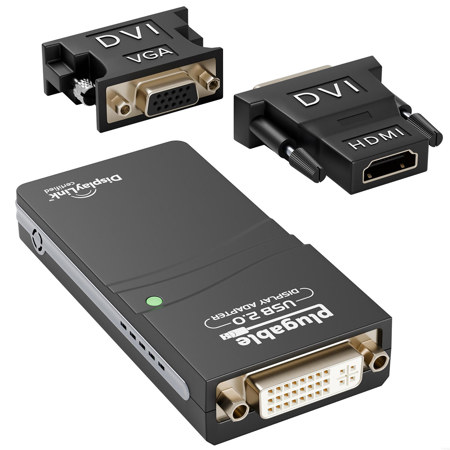
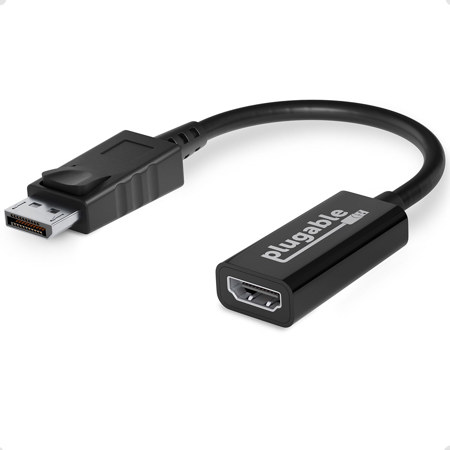
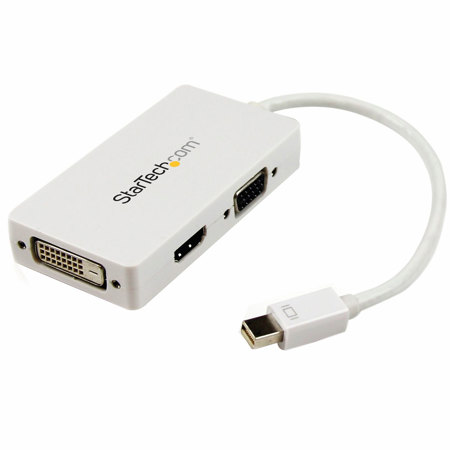
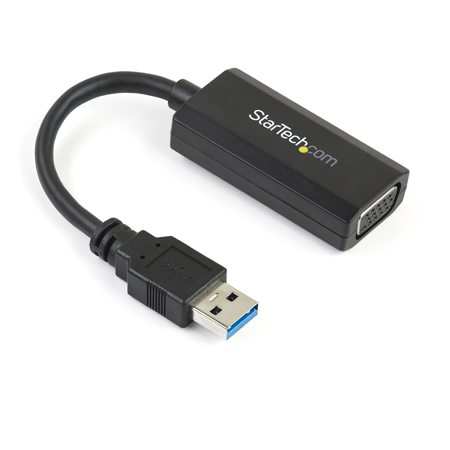
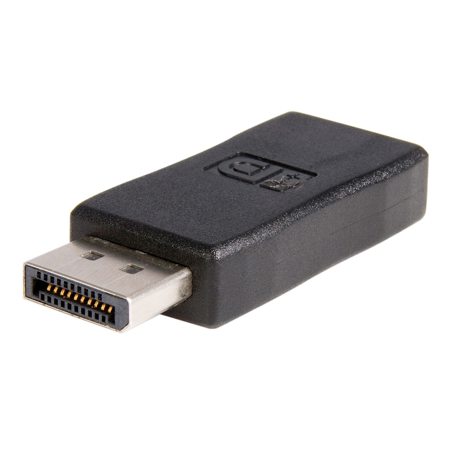
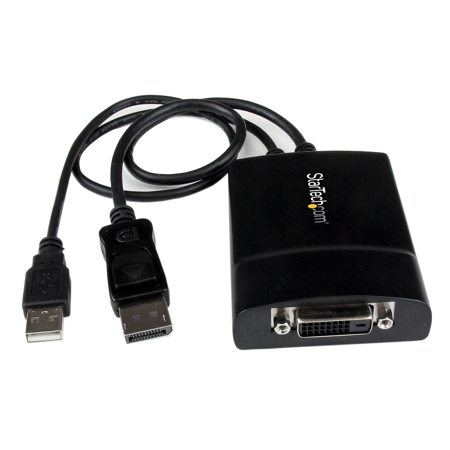
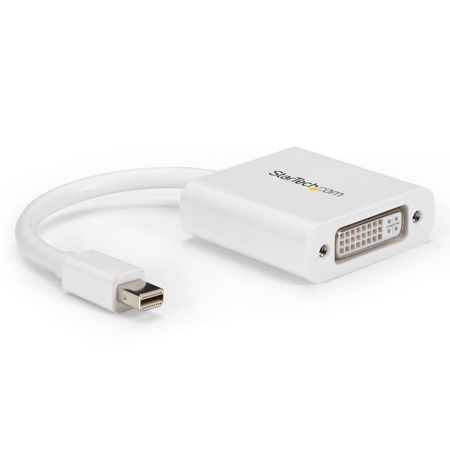
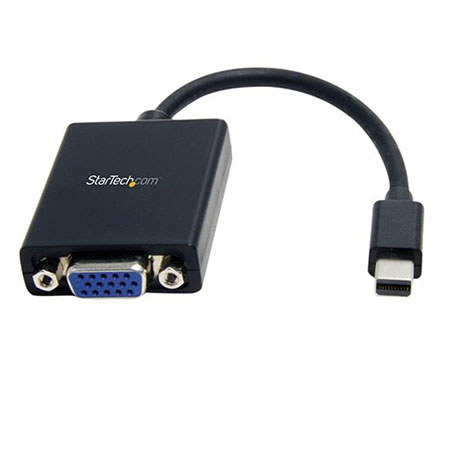
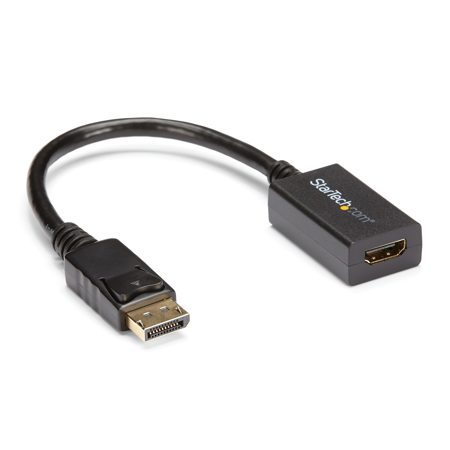
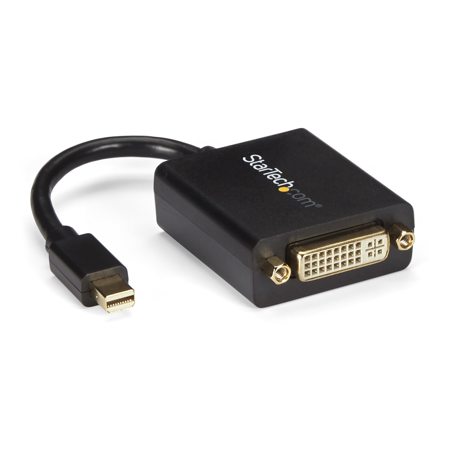
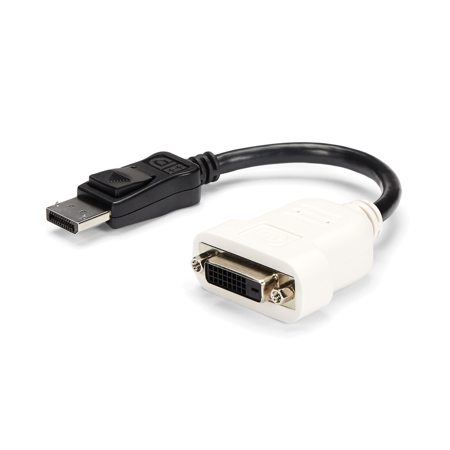
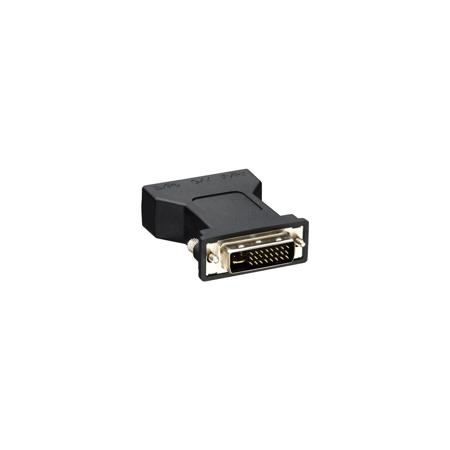
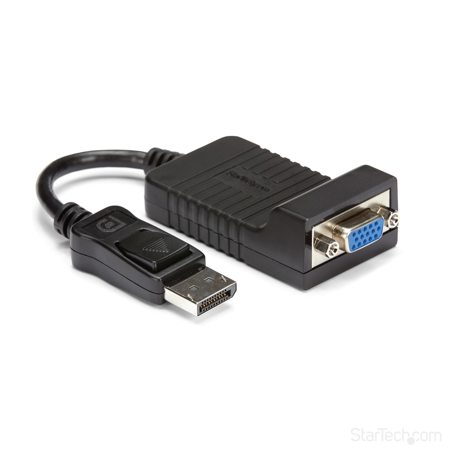
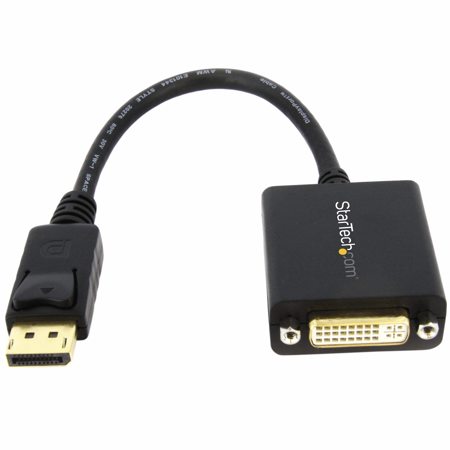
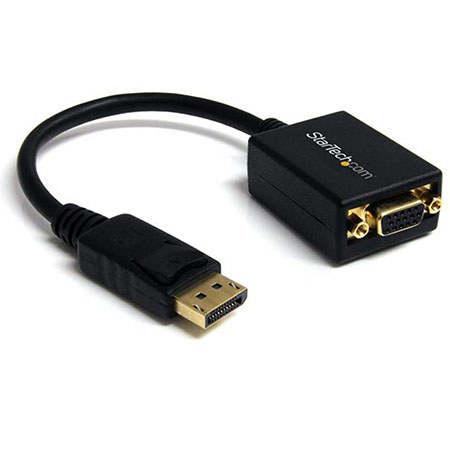
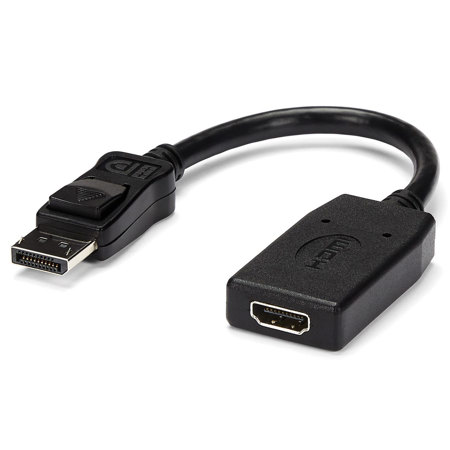
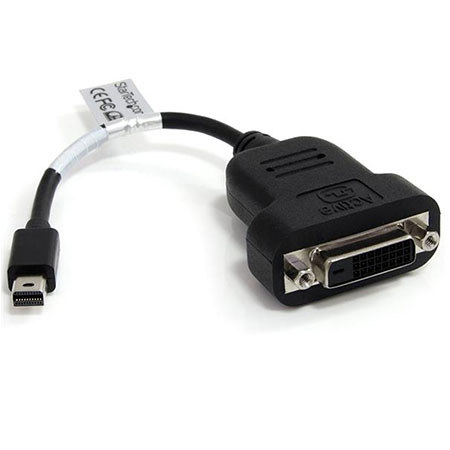
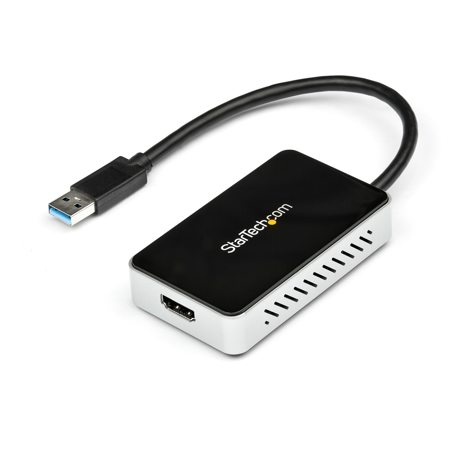
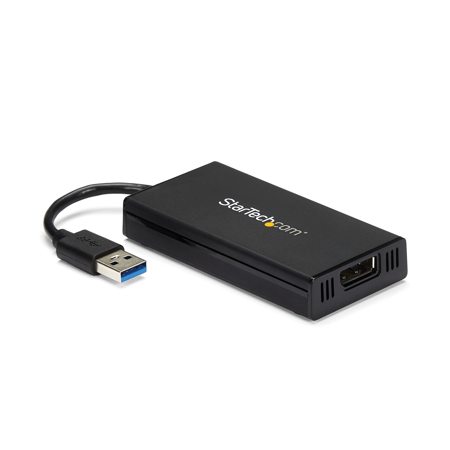
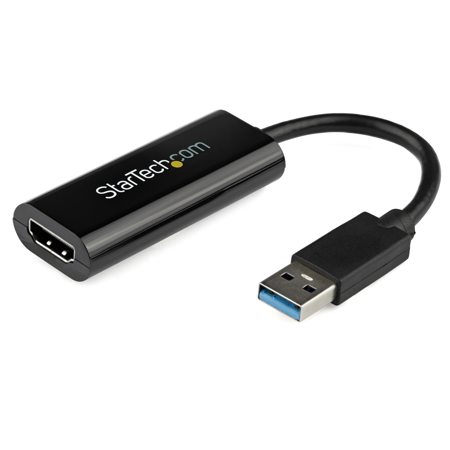
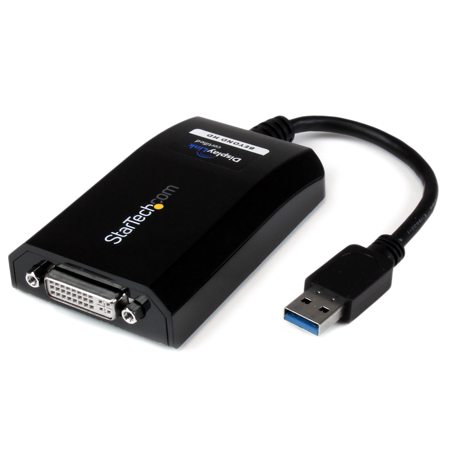
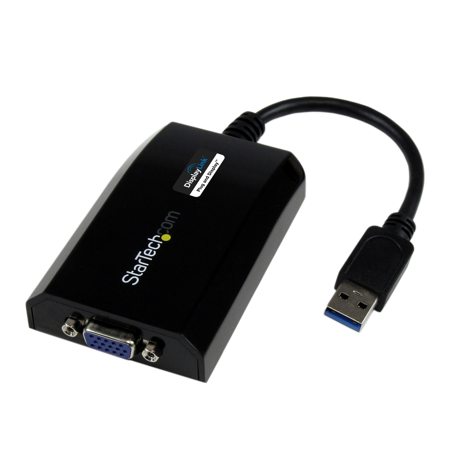
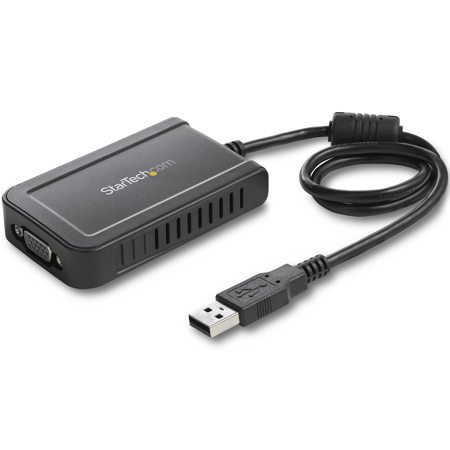
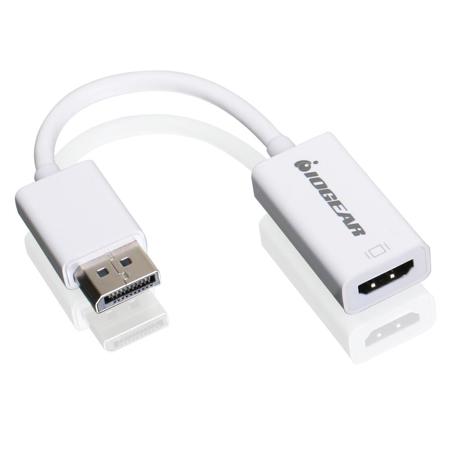
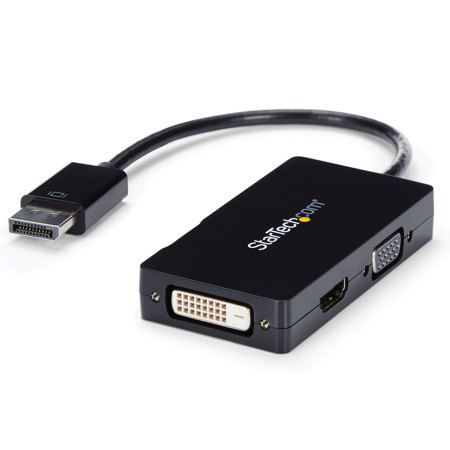
As technology continues to evolve and the demands for high-quality video connectivity increase, video adapters have become essential tools for professionals, creators, educators, and everyday users alike. Whether you’re setting up a home office, designing a multi-monitor workstation, or preparing for a presentation in a conference room, the right video adapter can make all the difference in ensuring seamless connections between devices. Video adapters are hardware devices designed to convert one video signal or port type into another, allowing you to bridge the gap between laptops, desktops, tablets, cameras, and a wide range of displays such as monitors, TVs, and projectors. With the rise of USB-C ports on modern laptops and tablets, adapters like USB-C to HDMI or DisplayPort are especially popular, enabling users to connect to larger screens for immersive viewing, detailed editing, or collaborative work. For those working with older equipment or specialized setups, adapters supporting legacy connections like VGA or DVI remain invaluable, ensuring compatibility across generations of tech.
During the warmer months, when travel, events, and outdoor gatherings become more frequent, video adapters are often tucked into backpacks or camera bags, ready to facilitate impromptu movie nights, business meetings, or creative projects on location. Educators and students benefit from the ability to mirror device screens onto classroom projectors or TVs, making lessons more interactive and accessible. Content creators and streamers, especially as live events and virtual collaborations ramp up, often rely on video capture cards to convert camera HDMI outputs into USB webcam signals for high-quality streaming, webinars, or video calls. These adapters are also a thoughtful gift for graduates, remote workers, or anyone upgrading their tech setup, as they provide flexibility and future-proofing in an ever-changing digital landscape. When selecting a video adapter, it’s crucial to check the output port on your device—such as USB-C, USB-A, HDMI, or Lightning—and match it with the input port on your display, be it HDMI, DisplayPort, VGA, or DVI. This ensures compatibility and optimal performance, whether you’re extending your desktop across multiple monitors for productivity or sharing a slideshow with friends and family in the backyard as the sun sets.
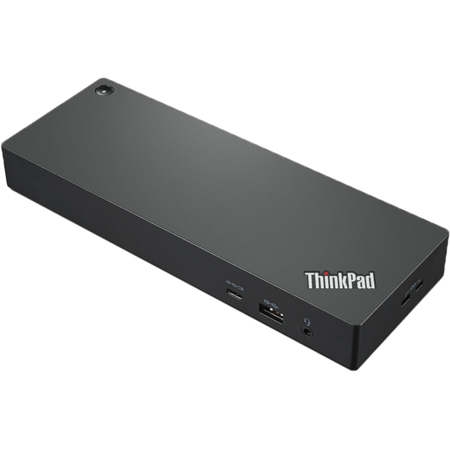
For those seeking to expand their visual workspace even further, solutions exist that allow for multiple displays to be connected simultaneously, maximizing productivity and creative potential. These multi-display setups are particularly useful in professional environments such as video editing suites, trading floors, or design studios, where having several screens can streamline workflows and enhance multitasking. If you’re interested in exploring options for connecting more than one display to your device, consider browsing our selection of Multi Display Adapters for versatile solutions tailored to both Mac and Windows systems. No matter your level of technical expertise, the right video adapter offers a straightforward way to unlock new possibilities—whether you’re sharing memories, collaborating with colleagues, or simply enjoying your favorite content on the big screen. With the right connections in place, you’re prepared for anything the season brings, from spontaneous gatherings to focused work sessions, all with crisp, reliable visuals.
During the warmer months, when travel, events, and outdoor gatherings become more frequent, video adapters are often tucked into backpacks or camera bags, ready to facilitate impromptu movie nights, business meetings, or creative projects on location. Educators and students benefit from the ability to mirror device screens onto classroom projectors or TVs, making lessons more interactive and accessible. Content creators and streamers, especially as live events and virtual collaborations ramp up, often rely on video capture cards to convert camera HDMI outputs into USB webcam signals for high-quality streaming, webinars, or video calls. These adapters are also a thoughtful gift for graduates, remote workers, or anyone upgrading their tech setup, as they provide flexibility and future-proofing in an ever-changing digital landscape. When selecting a video adapter, it’s crucial to check the output port on your device—such as USB-C, USB-A, HDMI, or Lightning—and match it with the input port on your display, be it HDMI, DisplayPort, VGA, or DVI. This ensures compatibility and optimal performance, whether you’re extending your desktop across multiple monitors for productivity or sharing a slideshow with friends and family in the backyard as the sun sets.
For those seeking to expand their visual workspace even further, solutions exist that allow for multiple displays to be connected simultaneously, maximizing productivity and creative potential. These multi-display setups are particularly useful in professional environments such as video editing suites, trading floors, or design studios, where having several screens can streamline workflows and enhance multitasking. If you’re interested in exploring options for connecting more than one display to your device, consider browsing our selection of Multi Display Adapters for versatile solutions tailored to both Mac and Windows systems. No matter your level of technical expertise, the right video adapter offers a straightforward way to unlock new possibilities—whether you’re sharing memories, collaborating with colleagues, or simply enjoying your favorite content on the big screen. With the right connections in place, you’re prepared for anything the season brings, from spontaneous gatherings to focused work sessions, all with crisp, reliable visuals.