
Orders placed during Passover Holiday (Wed 4/1 after 4PM ET – Thurs 4/9) will ship Fri 4/10. View our holiday shipping schedule.
This item is no longer available.
Review Summary
2020-07-22T09:03:40
I am a college student and creative writer working on long projects as well as essays. I also happen to be taking art classes at this time. This pen works great for my Microsoft Surface Go because it allows me to best utilize all the functions of my tablet. I use it for editing, drawing, taking notes, and scrolling when I am in a small space without my typecover. The magnet in the pen attaches the pen to my tablet, and it never falls off. It takes some getting used to to move from writing with paper and pen to writing with a stylus and tablet, but it's definitely worth it for the Surface.
ADDISSYN H.
2019-12-09T13:34:47
Works perfect with Surface Pro 6; connected right away with no issues!
a m.
2019-01-30T13:14:08
Easy to use!
Leilai S.
2019-01-08T13:38:07
Yeah its seems pretty nice
EDILWENA B.
2018-12-02T21:50:29
The pen works as advertised. Feels good in the hand
Phillip L.
2018-10-16T14:35:08
Precicion write
GT E.
2018-09-25T12:27:32
This is everything I was looking for. Speed & easy to use
Lauri T.
Must have tool!
By a m.
Works perfect with Surface Pro 6; connected right away with no issues!
Microsoft Surface Pen for College Student
By ADDISSYN H.
I am a college student and creative writer working on long projects as well as essays. I also happen to be taking art classes at this time. This pen works great for my Microsoft Surface Go because it allows me to best utilize all the functions of my tablet. I use it for editing, drawing, taking notes, and scrolling when I am in a small space without my typecover. The magnet in the pen attaches the pen to my tablet, and it never falls off. It takes some getting used to to move from writing wit...
View full Review
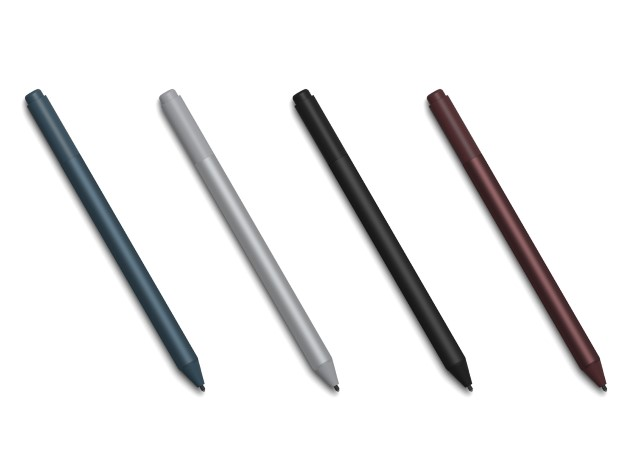
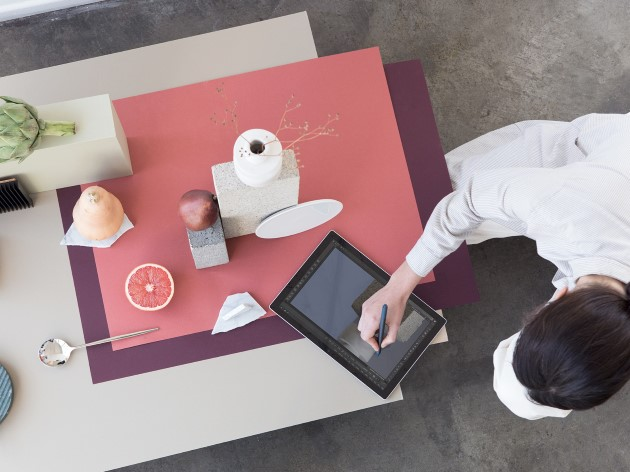
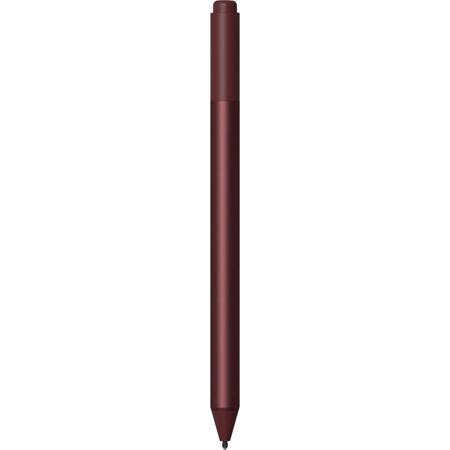
Create without limits. New Surface Pen is better than ever, with precision ink on one end and a rubber eraser on the other - plus tilt for shading, greater sensitivity, and virtually no lag. Choose the color that best expresses your style - Platinum, Black, Burgundy and Cobalt Blue - and coordinates perfectly with other Surface accessories. Sketch and shade with precision with 4,096 pressure points that respond to the lightest touch. Ink flows directly from the tip of your Pen to your screen with virtually no lag.
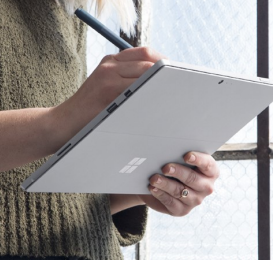
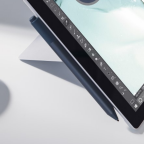
Tilt the tip to artistically shade your drawings - just like you would with a graphite pencil.
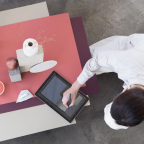
Choose from a familiar #2 pencil to a low-friction tip similar to a fine-point pen.
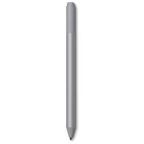
No matter how fast you write or draw, the ink flows with virtually no lag or latency.
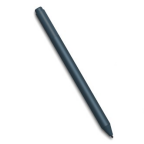
Enjoy Ink-driven experiences on your Surface device in a variety of apps.
Part journal, part canvas, Sketchable allows you to scribble a note, snap and edit a pic, import and augment an image, or paint a masterwork.
Liberate sketching from the limits of traditional pen and paper, combining the ease and fluidity of sketching with expansive 3D capabilities.
Replace pen and paper and avoid printing documents for markup with Drawboard PDF's intuitive and easy-to-use feature set.
Write music & StaffPad will transform your handwritten notation into a beautifully typeset score, which you can edit, play, and share.
Plumbago reimagines the notebook in digital form, with handwriting smoothing and realistic ink and paper. Choose from elegant color palettes, practice calligraphy, add pictures, and more. Choose the color that best expresses your style. Surface Pen comes in four colors3—Platinum, Black, Burgundy, and Cobalt Blue—that coordinate with Surface accessories.