
This item is no longer available.
Get more done, from home or school
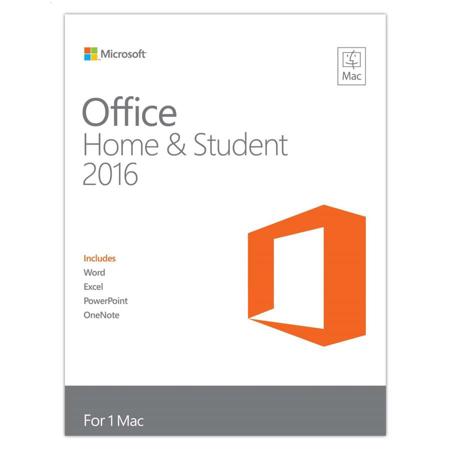
Office 2016 is designed to help you create and organize faster with time-saving features, a new modern look and built-in collaboration tools. Plus, you can save your documents in the cloud on OneDrive and access them from anywhere.
• For 1 PC
• Full, installed versions of Word, Excel, PowerPoint and OneNote
• Store files in the cloud with OneDrive
Word
Create and share professional-looking documents with state-of-the-art editing, reviewing and sharing tools. The new Design tab provides quick access to features and Smart Lookups shows relevant contextual information from the web directly inside Word.
Excel
Analyze and visualize your data in new and intuitive ways with a fresh user interface plus your favorite keyboard shortcuts. Leverage features like Analysis Toolpak, Slicers and Formula Builder to save time, so you can focus on insights.
PowerPoint
Create, collaborate and effectively present your ideas with new slide transitions and an improved Animations task pane. Threaded comments alongside your slides help you incorporate feedback into your presentations.
OneNote
It's your very own digital notebook, so you can keep notes, ideas, web pages, photos, even audio and video all in one place. Whether you're at home, in the office or on the move, you can take it all with you wherever you go while sharing and collaborating with others.
Your stuff anytime, anywhere
Sign in to Office 2016 and use OneDrive to easily access your recent documents on any device with seamless integration.
Multi-touch
A touch-enabled device is required to use any multi-touch functionality. However, all features and functionality are always available by using a keyboard, mouse or other standard or accessible input device. Note that new touch features are optimized for use with Windows 8 or later.