Overview
Compare
Specs
Protection

Reviews about this item

Review Summary

Microsoft project professional 2013 Specifications

  • Required Operating System

    Windows 8, Windows 7, Windows Server 2008 R2, or Windows Server 2012

  • System Requirements 1

    Required Processor
    1 gigahertz (GHz) or faster x86- or x64-bit processor with SSE2 instruction set
    Required Memory
    1 GB RAM (32 bit); 2 GB RAM (64 bit)
    Required Hard Disk Space
    3.0GB available
    Required Display
    Graphics hardware acceleration requires a DirectX10 graphics card and 1024 x 576 resolution
    Required Software
    .NET version 3.5, 4.0, 4.5

  • System Requirements 2

    Required Browser
    Microsoft Internet Explorer 8,9, or 10; Mozilla Firefox 10.x or a later version; Apple Safari 5; or Google Chrome 17.x
    Additional System Requirements
    Multi-touch: A touch-enabled device is required to use any multi-touch functionality. However, all features and functionality are always available by using a keyboard, mouse, or other standard or accessible input device

  • UPC Code

    885370451061

About Microsoft project professional 2013

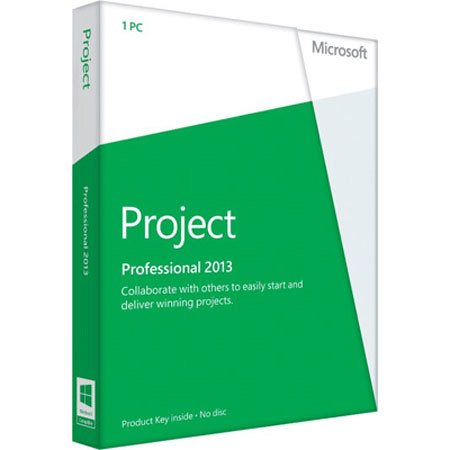
The Microsoft Project Professional 2013 (32-bit/x64 Medialess, English) is a standalone or server-connected project management software that helps you to create and manage a variety of projects. Keep all of your team members on the same page as your project develops with intuitive reports. You can also set and manage tasks mid-project without the need to recreate your entire project plan. Sync your projects with other Microsoft applications and sync to a variety of cloud services as well.

Microsoft project professional 2013 Features

  • Out-of-the-box reporting tools within a familiar Office-like experience help you quickly measure progress and resource allocation
  • Design and print reports to easily share insights that help you better communicate progress
  • Copy project information to Office applications such as PowerPoint or email and save important plans and details to Office 365 or SharePoint
  • Create a project site with a few clicks to quickly share project details with your team, keeping everyone connected and organized
  • Set tasks to "inactive" and quickly analyze "what if" scenarios without recreating your entire project plan
  • Works seamlessly with Office 365 so you can send instant messages and kick off real-time conversations right from your project with Lync Online

Key Features

  • Out-of-the-box reporting tools
  • Design & print reports to easily share insights that help you better communicate progress
  • Save important plans and details to Office 365 or SharePoint
  • Quickly analyze what-if scenarios