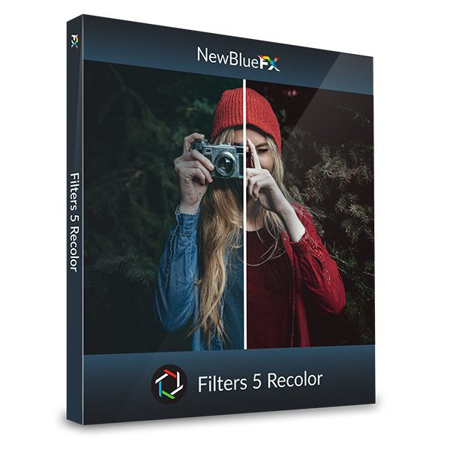
NewBlueFX Filters 5 Recolor Software Plug-In, Electronic Download
SKU: NBFIL5RCL
This item is no longer available.
Share:
Overview
Compare
Specs
Protection
About NewBlueFX Filters 5 Recolor
Replace colors, apply gradient tints and fix saturation. Get your toolbox for hands-down colors, saturation and gradient tints adjustment.
Replace Colors
Replace one color with another while preserving details, for a natural look.
Apply Gradient Tints
Powerful evolution of a key photographic filter brings out blue skies, selectively affects color ranges and much more.
Saturation Equalizer
Separate the color spectrum and independently modify the saturation in each band.
Modify Saturation
Separate your image into saturated regions to correct each area.
Selectively Apply Colors
Focus on one color in an image, then make everything else black and white.
Add Hue To Specific Regions
Focus on one color in an image, then make everything else black and white.
Selectively Apply Tint
Apply sophisticated tint algorithms to an area inside and outside the region you define.
Add Tint Effect
Modify the coloring and light behavior in your videos.