



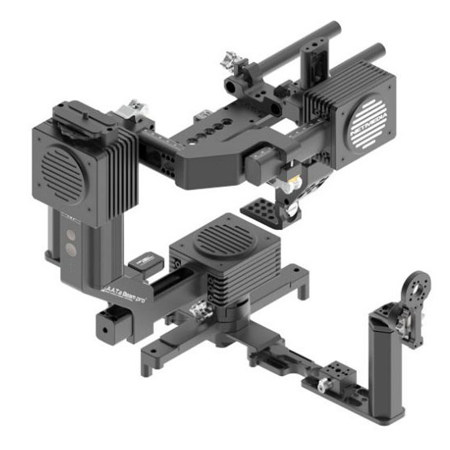
This item is no longer available.
3rd Generation Mayonte363 Sensor
Gyro-sensors are affected by the temperature, that if the temperature is below or above 10 degrees Celcius from when it was calibrated, the gimbal loses balance. Addressing this issue, Netmedia developed and applied the Mayonte363 sensor to maintain the balance even in changing temperatures. Mayonte363 sensor was continuously improved for more precise control that it is now at its 3rd generation.
Exclusive remote controller Motioon Berry (an extra letter 'o' was added to name the product) - wireless pan, last motion recall, cruise speed control
To facilitate the operation of the Gyroxor user, Netmedia recommends completing the training program before purchasing the product. Users with no training is advised to purchase the product through dealers and distributors who have completed the training program and receive training before purchasing.
Button Functions
• Top button (small): mode button
• Lower button (big): power button
• Power button ON/OFF: press power button for 0.8 secondsbr
• Battery consumption check: short press on power button
• Battery consumption LED on: after battery consumption check, short press on power button again
• Battery consumption LED off: short press on power button
Operation Mode
• The default mode is Mode 2.
• Mode 1: lock tilt / follow panning
• Mode 2: follow tilt / follow panning
• Mode 3: lock tilt / lock panning (lock mode)
• Mode 4: follow tilt / follow roll (a.k.a going-after mode or dutch mode)
• Mode 5: follow tilt / follow panning - a free channel for custom setting






