


This item is no longer available.
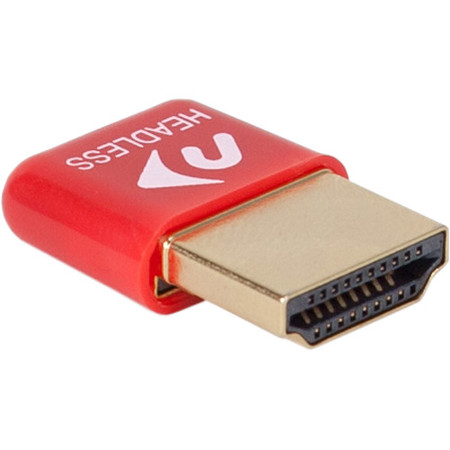
HDMI Headless Video Accelerator
Take back the full power of the GPU in your Headless Mac or PC
• Use the full power of your graphics processor without needing a display
• Remotely access your Mac or PC with native display support
• Change screen resolution remotely
• Ultra-compact, low-profile design
Never settle for a choppy interface
Mac and PC computers can pack phenomenal power into a compact form factor, but when they're operated without a display attached, the GPU isn't activated - meaning it's not pulling its weight. So when you access your Mac or PC remotely, the CPU does all the work in rendering the user interface. As a result, the interface lags; OS animation, cursor movement, menu navigation and typing all suffer, making remote operations a pain.
Plug in. Restore Performance. It's That Easy
Now there's an easy way to make your remote experience perfect again. Plugging the NewerTech HDMI Headless Video Accelerator into the HDMI port of your Mac or PC activates its GPU, even without a display, emulating resolution displays up to 1080p, so your remote interface works exactly how you'd expect. Get back to working smoothly on your headless Mac or PC with a NewerTech HDMI Headless Video Accelerator.
Change Screen Resolution Remotely
In addition to the huge performance improvements an activated graphics processor provides, you can also conveniently change the screen resolution to suit your needs. For a remote Mac running OS X El Capitan or later and for some PCs where graphics acceleration is not needed, the NewerTech HDMI Headless Video Accelerator continues to provide the ability to change the screen resolution with ease.