
This item is no longer available.
Never settle for a choppy interface
Mac computers are amazing machines, packing phenomenal power into a compact design. They're fantastic when used as headless units for high-power, whisper-quiet home or professional servers. But even with the these outstanding capabilities, when your Mac is operated without a display attached, the GPU isn't activated, meaning it's not pulling its weight. So when you access your Mac remotely, the CPU does all the work rendering the user interface. The interface lags; OS animation, cursor movement, menu navigation and typing all suffer, making remote operations a pain.
Plug in. Restore Performance. Easy
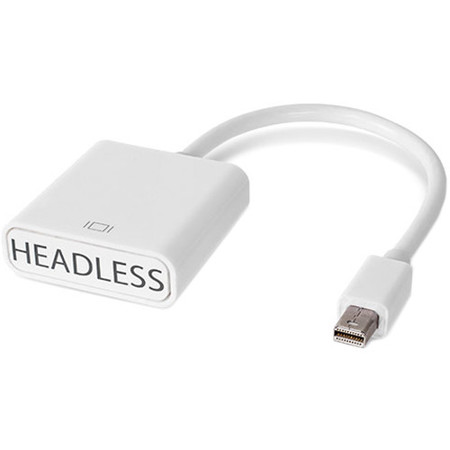
Now there's an easy NewerTech fix to make your remote experience smooth again. The Headless Mac Video Accelerator makes your headless Mac think it has an attached display, activating its GPU and taking full advantage of its power, so your remote interface works perfectly exactly how you'd expect. This adapter works well with most PC computers, too! So, simply plug in a Headless Mac Video Accelerator and get back to working smoothly on your headless Mac or PC.
Display Menu for Mac
This handy third-party app allows you to quickly and easily check for available resolutions, refresh rates or retina capability on any of your internal or externally connected displays and projectors. Adjust your machine to match the remote display resolution or switch between aspect ratios or turn on mirroring with a single click. Display Menu makes it that easy.